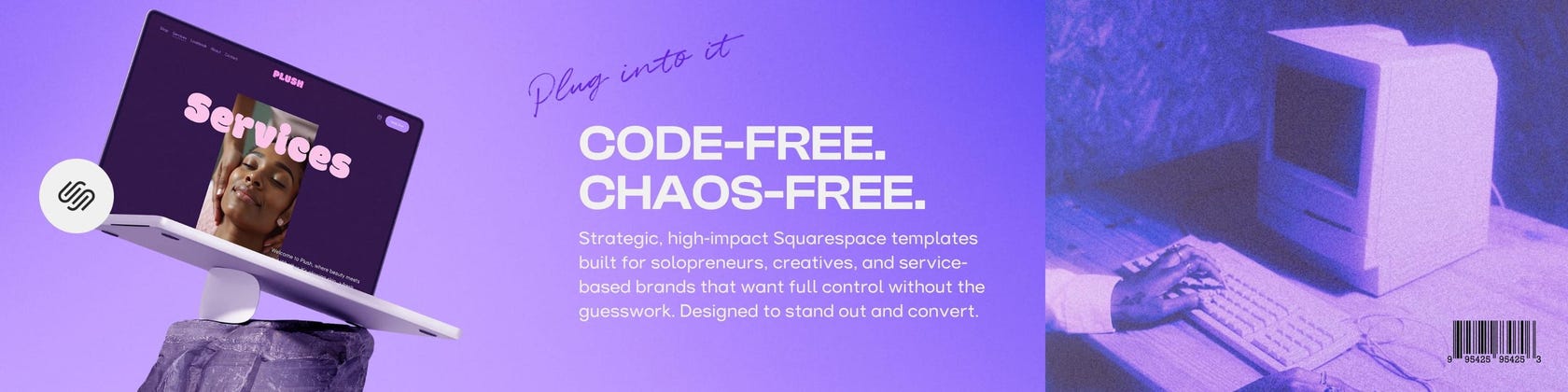

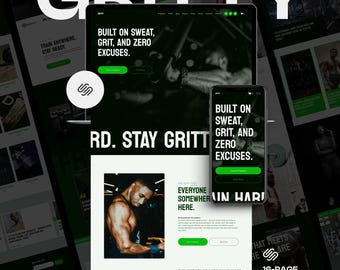
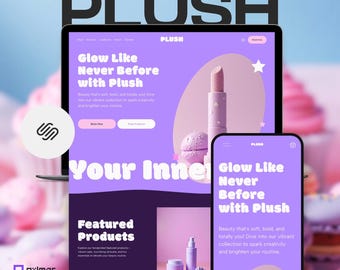
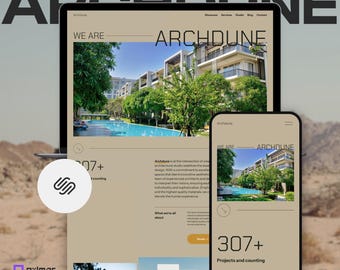
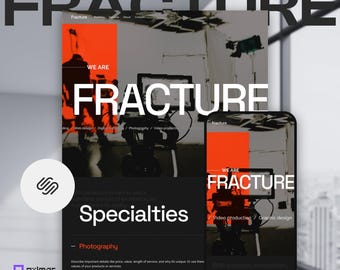

Code-free. Chaos-free. Squarespace Website Templates for Solopreneurs, Creatives, and Bold Brands
Wszystkie produkty
Ogłoszenie
Data ostatniej aktualizacji 8 wrz 2025
Informacje o sklepie PXLMAR
Transakcje
0
Na Etsy od 2025
Regulamin sklepu
Data ostatniej aktualizacji 15 wrz 2025
Produkty cyfrowe do pobrania
Pliki do natychmiastowego pobrania
Pliki będą dostępne do pobrania po potwierdzeniu płatności. Procedura.
Opcje płatności
Bezpieczne opcje
Akceptuje karty podarunkowe Etsy i bony Etsy
Etsy zapewnia bezpieczeństwo Twoich informacji o płatnościach. Sklepy Etsy nigdy nie otrzymują danych Twojej karty kredytowej.
Zwroty i wymiany produktów
Sprawdź szczegóły produktu, aby dowiedzieć się, czy kwalifikuje się on do zwrotu lub wymiany.
Anulowania
Anulowania: niezaakceptowane
Skontaktuj się ze sprzedawcą w razie problemów z zamówieniem.
Więcej informacji
Data ostatniej aktualizacji
17 gru 2025
Często zadawane pytania
What do I need to get started?
To get started you’ll need a Squarespace account to accept and manage your new site. This includes a 14-day free trial to get your site up and running. After this you’ll need a paid plan to keep your site up an running and access more features.
What will I receive?
Upon purchase you will receive a .zip file including your 30+ page Help Guide. Within 48 hours we’ll send you a Contributor Invitation at the email address you provide us. You’ll need to accept this invite to access your brand new template. From here you’ll be granted our 30 Day Email Support for any help you may need.
How much can I customize?
Everything is customizable! You can add your own photos and images, change fonts, colors, layout, and more! While these designs can be used as-is, we invite you to push those boundaries and explore your creative possibilities to the fullest.
Do I need coding skills?
No, you don’t need coding skills to use our templates for your new website build. All of our templates are designed to be user-friendly and allow you to customize them using Squarespace’s drag-and-drop interface and intuitive tools.
However, if you want to further enhance your site or make advanced changes, some knowledge of HTML, CSS, &/or JS would be helpful. But for most users, Squarespace’s built-in options offer plenty of no code flexibility.
In the event you are skilled in coding and want to further enhance your site or make advanced changes, Squarespace offers the ability to inject code into your website.
Can I add this to my existing website?
This template will be added to your dashboard as a new site. So while you can’t directly apply a Squarespace template to an existing website, you can migrate your content over manually. This involves setting up this template as your new site and transferring text, images, and other elements as needed.
Can I use a template for multiple sites or clients?
Your purchase includes one license for one website only. Templates may not be copied, redistributed, or used for multiple projects or clients. Commercial use, resale, licensing or sublicensing, or making this product available to any third party—including use by other designers for multiple clients—is strictly prohibited without written permission from PXLMAR.
Do you offer refunds?
Due to the digital nature of our products and their inability to be returned, we do not offer refunds. Please be sure to carefully read all of the product details or feel free to reach out to us with any questions or concerns before making your purchase.