
Tydliga pengaverktyg som faktiskt fungerar
Clear money tools that actually work
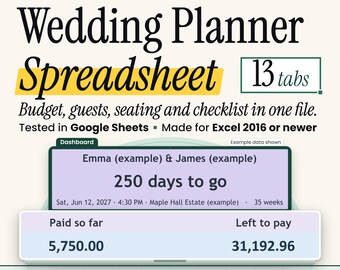
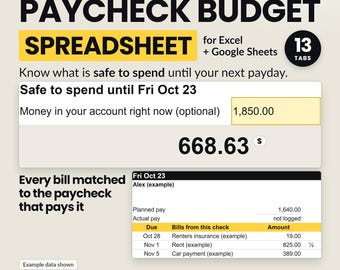
ClearColumnPrints är en liten studio i Spanien som tillverkar utskrivbara planerare och kalkylblad för vardagliga ekonomiska uppgifter: att betala av skulder, skapa en budget och se dina lönedagar tydligt.
Vad vi bryr oss om:
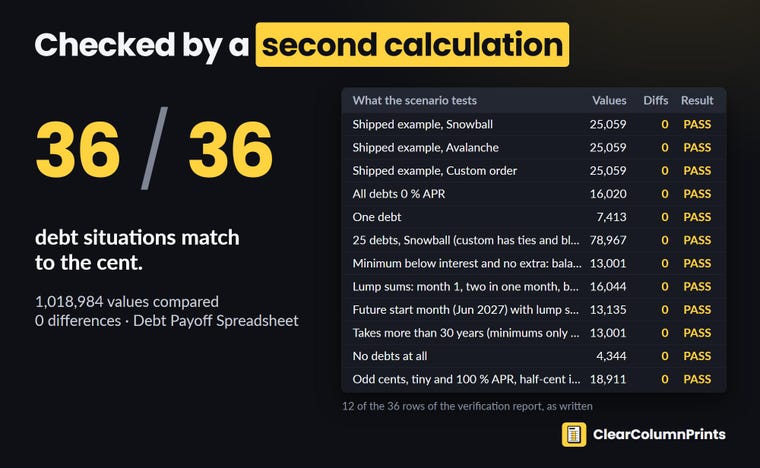
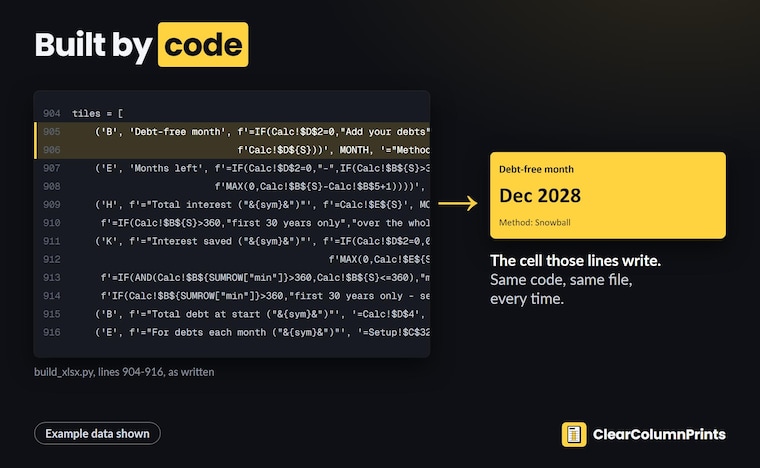
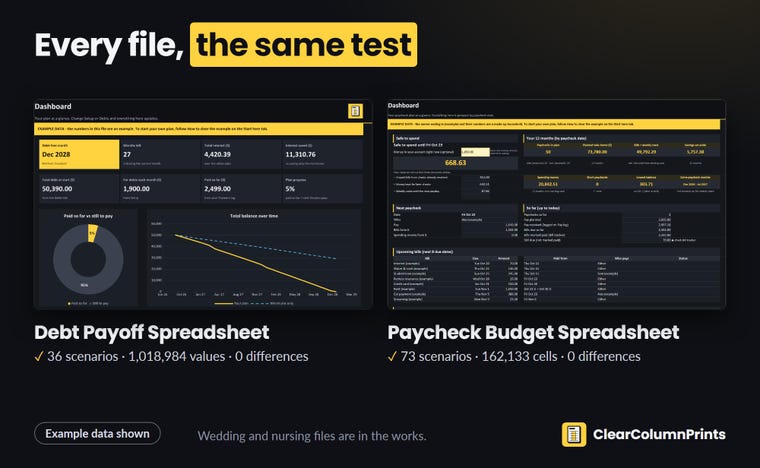
-Verktyg som fungerar. Varje kalkylbladsformel kontrolleras mot en separat beräkning innan vi listar den, inklusive de obekväma fallen (0 % effektiv ränta, extra betalningar, framtida startdatum).
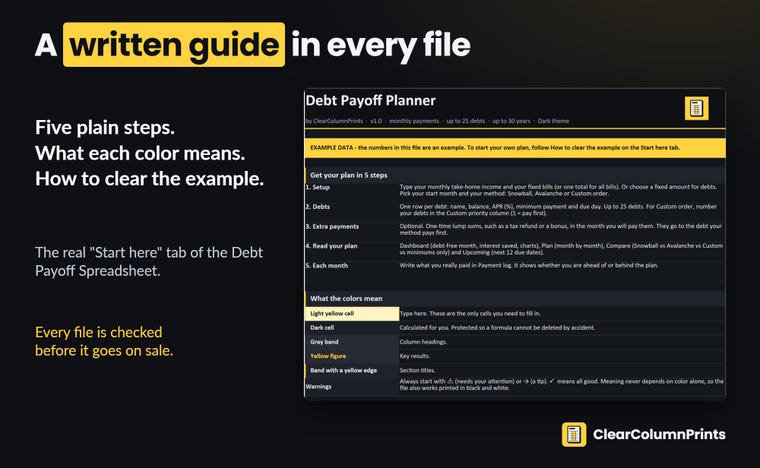
- Enkla instruktioner. Varje fil levereras med en kort skriftlig guide, inga svårförståeliga videor.
- Ärlighet. Vi designar och bygger våra filer med hjälp av AI-verktyg, och en person kontrollerar dem innan de säljs. Inga falska recensioner, inga falska reor, inga påhittade rabatter.
Om något inte fungerar som du förväntat dig, skicka ett meddelande till oss. Vi svarar, åtgärdar det och skickar rätt fil till dig.
ClearColumnPrints is a small studio in Spain that makes spreadsheets for everyday money tasks: paying off debt, building a budget and seeing your paydays clearly.
What we care about:
- Tools that work. Every spreadsheet formula is checked against a separate calculation before we list it, including the awkward cases (0% APR, extra payments, future start dates).
- Plain instructions. Each file comes with a short written guide, no hard-to-follow videos.
- Honesty. A person checks every file before it goes on sale. No fake reviews, no fake sales, no made-up discounts.
If something does not work the way you expected, send us a message. We reply, fix it and send you the corrected file.