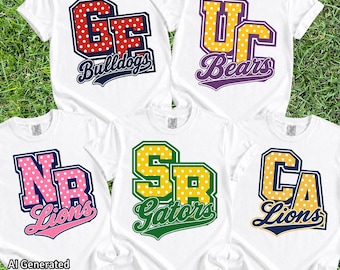
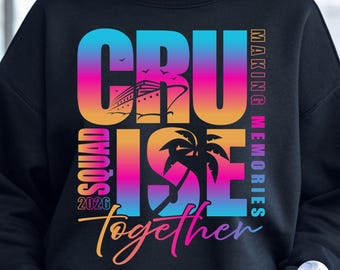
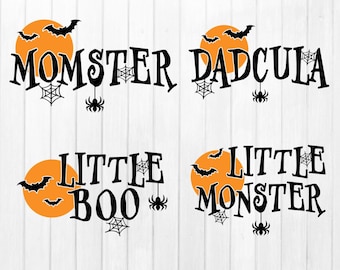
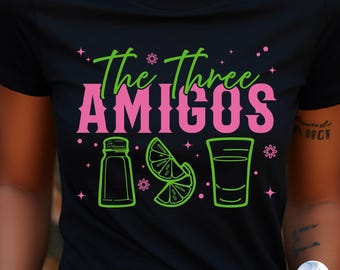
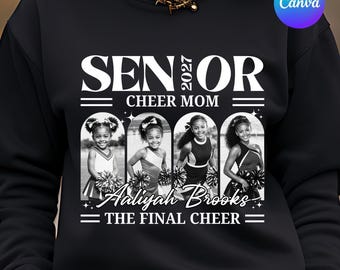
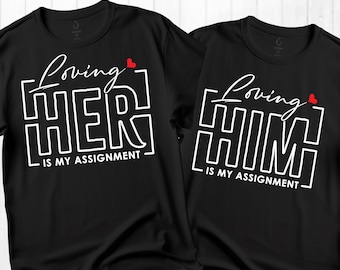
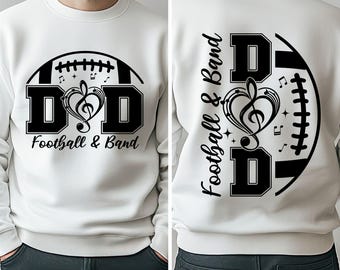
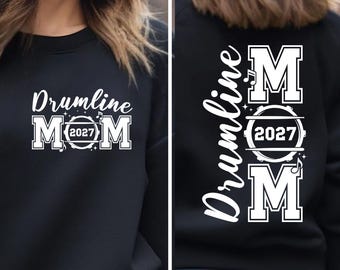


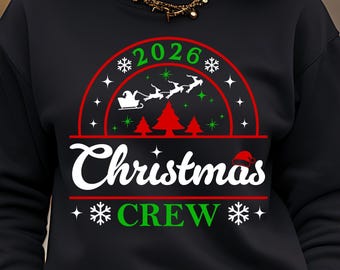
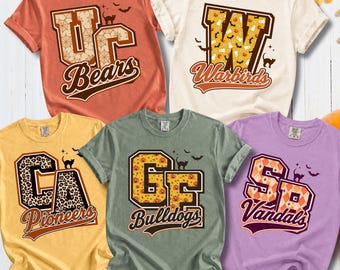
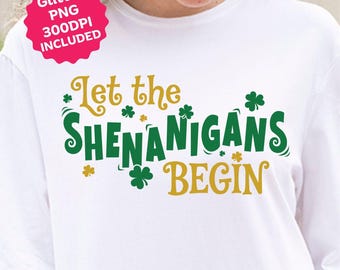
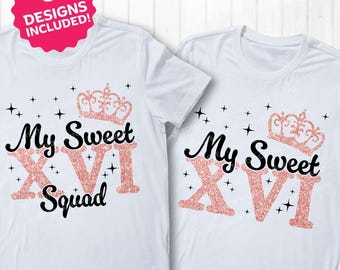

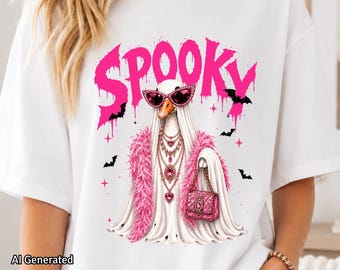
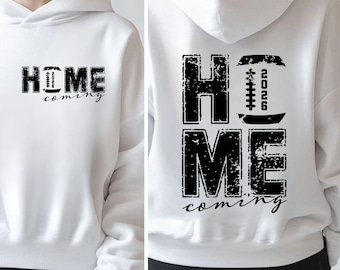
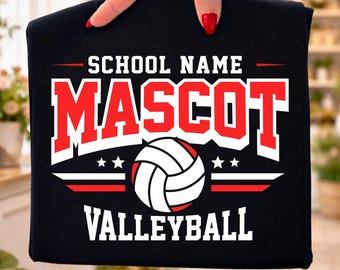

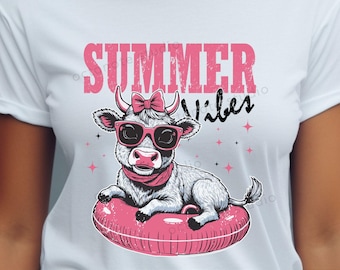





Diseños digitales de alta calidad elaborados con amor para tus proyectos creativos.
Artículos destacados
Todos los artículos
Mensaje de la tienda
Última actualización: 22 feb 2025
Reseñas
4.7
(209)
Media de las reseñas de artículos
Para calcular este número, usamos un promedio de las valoraciones ponderado por fecha más reciente. Con el fin de reflejar la experiencia más actual, cada año de antigüedad reduce a la mitad el valor de la valoración.
Cargando
-

David el 25 ago 2026
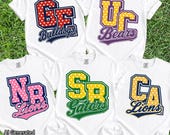
5 de 5 estrellas¡Qué monada! Transformaron los colores de mi equipo local en un diseño precioso. ¡Gracias!

OctoNoteStudio respondió el 25 ago 2026
Thank you so much for your wonderful review! 🥹💗 I’m so happy you loved how the design turned out in your local team colors. Your kind words truly made my day and mean so much to my small shop. Thank you for your support! ✨
Cargando -

Adriann el 16 ago 2026
5 de 5 estrellas¡Me encantan los estampados y la atención al cliente es excelente!
OctoNoteStudio respondió el 16 ago 2026
Thank you so much for your wonderful 5-star review! I’m so happy you love the prints and had a great experience. Your support truly means a lot to me! 😊💛
Cargando -

Christine el 13 abr 2026
5 de 5 estrellasSí, el artículo cumple con mis expectativas.
OctoNoteStudio respondió el 13 abr 2026
Thank you so much for your 5-star review! I’m glad it met your expectations 😊 I truly appreciate your support! 💖
Cargando -
Kelly el 27 ago 2026
5 de 5 estrellasTras encontrar un diseño que me gustó, contacté con el vendedor para sugerirle algunos cambios. Me respondió rápidamente, realizó las modificaciones que le pedí y me envió el diseño final en cuestión de minutos tras su aprobación. ¡Excelente atención al cliente! ¡Muchas gracias!
OctoNoteStudio respondió el 27 ago 2026
Thank you so much for your kind words! It truly means a lot to me. I’m so happy I could make the changes exactly as you wanted and that you’re happy with the final design. It was a pleasure working with you. Thank you again for your support! ❤️
Cargando -
Comprador de Etsy el 26 ago 2026
5 de 5 estrellasBonita imagen utilizada para letreros metálicos.
OctoNoteStudio respondió el 27 ago 2026
Thank you so much for the 5-star review! I’m so glad the design worked well for your metal sign. I truly appreciate your support! ❤️
Cargando -
Janice el 21 ago 2026
5 de 5 estrellasCumplió mis expectativas y la calidad fue buena.
OctoNoteStudio respondió el 21 ago 2026
I’m so glad the eclipse designs met your expectations and that you were happy with the quality. Thank you so much for your kind review and for supporting my small business! 😊
Cargando -

Jan el 20 ago 2026
5 de 5 estrellas¡Qué mono! Voy a convertirlo en una pegatina.
OctoNoteStudio respondió el 20 ago 2026
Thank you so much for your purchase and for leaving such a lovely review! I’m so happy you love the design—it’s going to look adorable as a sticker! 😊
Cargando -
Peggy el 18 ago 2026
5 de 5 estrellasTodo es excelente y muy recomendable.
OctoNoteStudio respondió el 20 ago 2026
Thank you so much! I’m so happy to hear that you’re pleased with everything. I truly appreciate your kind review and recommendation! 😊
Cargando -

Gina el 11 ago 2026
5 de 5 estrellasRecomendaría esta tienda y volvería a comprar aquí.
OctoNoteStudio respondió el 11 ago 2026
Thank you so much for your kind review! I truly appreciate your support and would be happy to welcome you back anytime.😊
Cargando -
Presentación OctoNoteStudio
Ventas
4.028
En Etsy desde 2023
Miembros de la tienda
-

Octonote Studio
Propietario
Políticas de la tienda
Última actualización: 2 feb 2026
Descargas digitales
Artículos digitales de descarga instantánea
Los archivos estarán disponibles para descargar una vez que se confirme el pago. Sigue estas instrucciones.
Artículos digitales hechos por encargo
Crearé tus artículos cuando reciba el pedido y recibirás un correo electrónico cuando los archivos estén listos para descargar. El tiempo que necesito para hacer estos artículos puede variar. Ponte en contacto conmigo si tienes preguntas.
Opciones de pago
Opciones seguras
Acepta saldo y tarjetas regalo de Etsy
Etsy mantiene protegida tu información de pago. Las tiendas de Etsy nunca reciben los datos de tu tarjeta de crédito.
Cambios y devoluciones
Consulta los detalles del artículo para ver la política de cambios y devoluciones.
Cancelaciones
Cancelaciones: no se aceptan
Ponte en contacto con el vendedor si tienes algún problema con tu pedido.
Más información
Última actualización:
2 jun 2026
Preguntas frecuentes
¿Cómo descomprimo los archivos ZIP?
En una PC con Windows:• Haga clic derecho en el archivo ZIP.• Seleccione "Extraer todo".• Elija la carpeta donde desea guardar los archivos.• Haga clic en "Aceptar".• Sus archivos ahora están listos para usar.En una Mac:• Simplemente haga doble clic en el archivo ZIP para extraer su contenido.En un iPhone o iPad:• Abra la aplicación "Archivos" y localice su archivo ZIP.• Toque el archivo ZIP.El contenido se extraerá a una nueva carpeta. Para renombrar la carpeta, mantenga pulsado el botón y seleccione "Cambiar nombre".• Toque para abrir la carpeta.En un dispositivo Android:• Abra la aplicación “Archivos de Google”.• Pulse “Explorar” en la parte inferior.• Navega hasta el archivo ZIP que quieras abrir. Tócalo.• Cuando aparezca la ventana emergente, toque "Extraer".• Verá una vista previa de los archivos extraídos.• Pulse "Listo".
¿Qué puedo hacer con estos diseños digitales?
¿Qué puedo hacer con estos diseños digitales?Puedes utilizar estos archivos para uso personal y comercial para crear productos físicos como camisetas, tazas, bolsas de tela, sudaderas y artículos de impresión bajo demanda.✅ Permitido:• Proyectos personales• Uso comercial en productos físicos• Máquinas de corte, sublimación, DTF, DTG y métodos similares• Uso de POD, siempre y cuando los archivos originales no se compartan ni sean accesibles.❌ No permitido:• Vender, compartir, transferir o distribuir los archivos digitales• Revender como SVG, PNG, EPS, DXF, imágenes prediseñadas, paquetes o descargas digitales.• Crear imprimibles digitales para reventa• Reclama el diseño como propio, incluso si lo modificas.
¿Las fuentes originales están incluidas en la compra?
No, las fuentes utilizadas en el diseño no están incluidas en la descarga.Muchas de las fuentes que uso están personalizadas o modificadas específicamente para el diseño, por lo que no puedo proporcionar el nombre exacto de la fuente.
¿Haces diseños personalizados?
Las fuentes originales utilizadas en el diseño no están incluidas en la descarga, a menos que se especifique lo contrario en la portada del listado como "Fuente incluida".Muchas de las fuentes que uso se han personalizado para darle al diseño un estilo único, por lo que no puedo proporcionar los nombres exactos de las fuentes.
¿Cómo descargo los archivos de un archivo PDF?
Para algunos productos, los archivos son demasiado grandes para subirlos directamente a la plataforma. No se preocupe: simplemente descargue el archivo PDF y haga clic en el enlace "Haga clic aquí" dentro del PDF para acceder a su descarga.
No encuentro el archivo SVG en la carpeta descomprimida. ¿Dónde está?
Todos nuestros diseños incluyen archivos SVG a menos que se indique lo contrario.Si no puede encontrar el archivo SVG, es posible que su computadora lo haya renombrado a un archivo HTML y lo esté mostrando con un ícono de navegador web (como Chrome, Firefox o Edge).El archivo sigue siendo un SVG y funcionará correctamente.Para usarlo en Cricut Design Space, cargue el archivo HTML dentro de la aplicación Cricut Design Space, seleccione el archivo cargado y agréguelo a su lienzo.
¿Cuándo estás disponible para ayudar?
Si alguna vez necesitas ayuda, no dudes en enviarme un mensaje. Haré todo lo posible por responderte lo antes posible. Como madre con compromisos familiares, puede que haya un pequeño retraso, pero ten la seguridad de que recibirás una respuesta en 24 horas.Mi horario de trabajo habitual es de 8:00 a. m. a 8:00 p. m. (hora de Tailandia, UTC/GMT +7:00).