

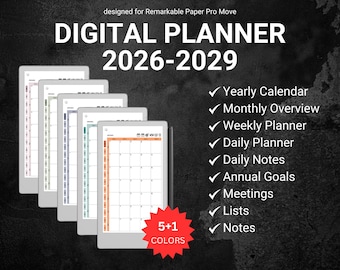
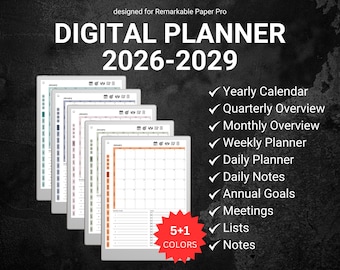
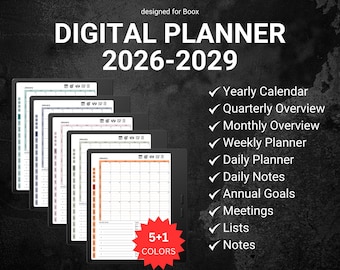
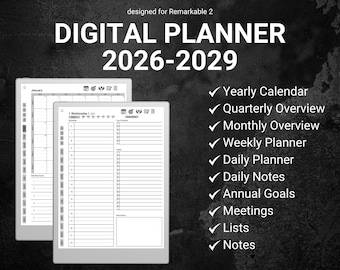
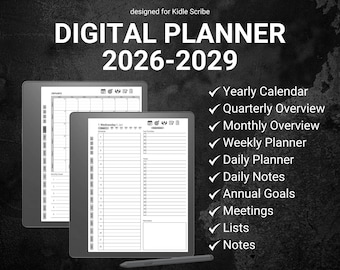
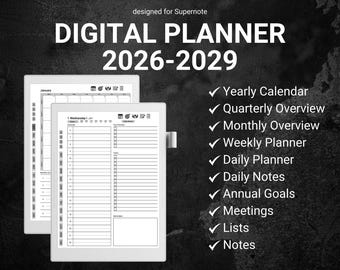
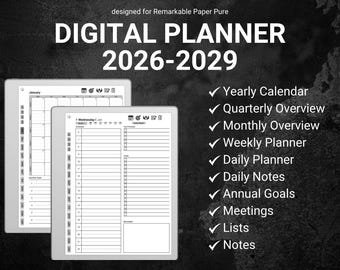
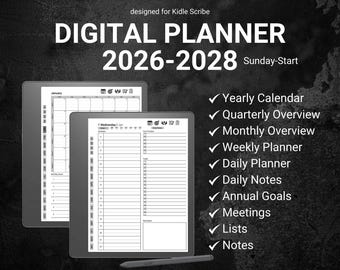
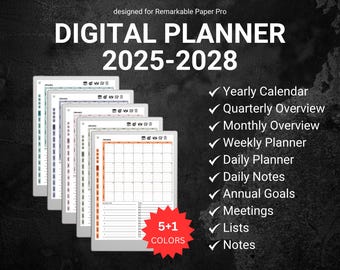
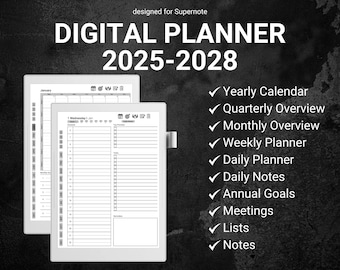


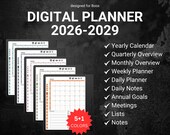


Digital Planners Designed to Simplify Your Life
おすすめ商品
すべての商品
レビュー
4.8
(39)
商品のレビュー平均
すべての評価について、最新レビュー重視の平均評価基準を採用して、この数字を計算しています。最新の体験を反映するため、評価の価値は毎年半減する仕組みとなっています。
読み込み中
-

William さんのレビュー(2026年 05月 29日)
星 5 個のうち 5 個Outstanding. Excellent. Easy to use was sent a trial page to make sure it worked on my Kindle Scribe. Downloaded the individual diaries and planners. Emailed the different diaries and planners to my kindle. Confirmed with Amazon and they all downloaded successfully. Thank you very much. Just what I was loooking for great value item. Willliam Rafferty
読み込み中
-
Matthew さんのレビュー(2026年 05月 26日)
星 5 個のうち 5 個This is absolutely the best and most versatile planner I have used. You did a great job keeping everything that is needed and removing fluff that so many other planners have.
読み込み中
Matt さんの返信(2026年 05月 26日)
Thank you for the feedback! It is very nice to hear that you liked it!
読み込み中 -
Etsy のお客さま さんのレビュー(2026年 02月 16日)
星 5 個のうち 5 個Received Quick and Great Quality!
読み込み中
OrganizeDailyStudio について
セールス
567
Etsy ショップ創設年: 2025
ショップメンバー
-

Matt
オーナー, デザイナー
Hi, I'm Matt, creator of OrganizeDailyStudio! I design digital planners optimized for reMarkable & other E-Ink tablets, helping you stay organized, focused, and productive. Thanks for supporting my shop—I’m excited to join your planning journey!
ショップポリシー
最終更新日:
利用可能な支払い方法
Etsy ギフトカードと Etsy ポイントがご利用可能です
返品&交換
返品&交換の可否は商品詳細をご確認ください。
その他の情報
最終更新日:
2025年 12月 17日
よくある質問
Are instructions to install the templates provided with my purchase?
Yes, every purchase includes an instructional file with step-by-step guidance on installing and using your templates. If you need additional assistance, feel free to reach out—I’m happy to help! Please allow some time for a response due to time zone differences.
How to download your order from Etsy?
🚨 You can't download a digital purchase through the Etsy Mobile App at this time.
The easiest way to download your files is directly from Etsy, by using your computer or your mobile browser (just be sure to not get redirected to the Etsy Mobile App).
You can do this by following these steps:
1. Sign in to your Etsy account and go to your Purchases - www.etsy.com/your/purchases
2. Next to the order, select Download Files. This goes to the Downloads page for all the files attached to your order.
How to send your files to the reMarkable?
There are many ways to import your files to the reMarkable.
Here is a tutorial which lists all the different ways, from which you can choose your preferred one:
https://support.remarkable.com/s/article/importing-and-exporting-files
How do the hyperlinks work?
Hyperlinks work by tapping them with your finger, not the pen.
I’m having trouble downloading my files.
If you have trouble downloading the planner, please do reach out. I'm always happy to help! :)
Do you take custom orders?
Custom orders are now available, depending on the complexity of your request. Feel free to reach out for more details!