All items
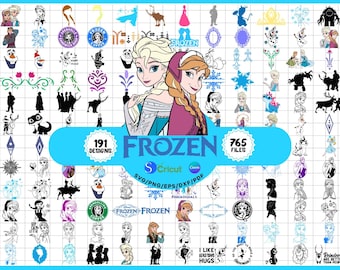
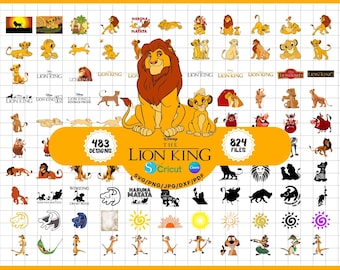
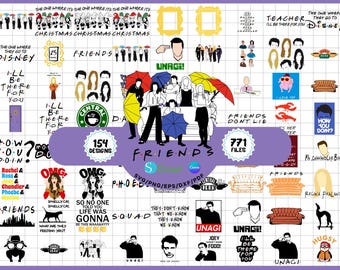
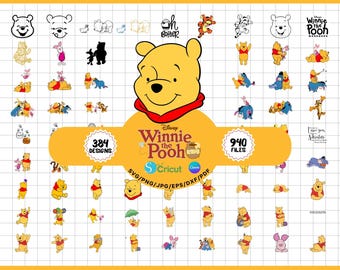
Announcement
Last updated on 12 Apr, 2026

About PixelBundleStudio
Sales
12
On Etsy since 2026
Shop policies
Last updated on
Accepted payment methods
Accepts Etsy Gift Cards and Etsy Credits
Returns & exchanges
See item details for return and exchange eligibility.
More information
Last updated on
12 Apr, 2026
Frequently asked questions
How can I access my files after purchase?
Once your payment is confirmed:
Sign in to your Etsy account
Go to “Purchases & Reviews”
Locate your order
Click on “Download Files”
Your files will then be saved to your device.
⚠️ Please note: downloads are not supported in the Etsy mobile app. Please use a web browser.
What are SVG files used for?
SVG files are scalable vector designs that keep their quality at any size.
They are ideal for cutting machines and design software.
You can use them with programs like:
Cricut Design Space
Silhouette Studio (Designer Edition)
Adobe Illustrator
Inkscape
CorelDRAW
What does SVG mean?
SVG stands for Scalable Vector Graphic.
These files are created using paths instead of pixels, allowing them to stay sharp and clean no matter how much you resize them.
What is a DXF file?
DXF files are vector formats mainly used for cutting purposes.
They work with:
Cricut Design Space
Silhouette Studio (including free version)
These files usually contain simple outlines and may not include colors or layers.
What is a PNG file?
PNG files are high-resolution images with a transparent background.
They are perfect for printing, sublimation, and general graphic use.
Which file format should I use?
SVG → Best for cutting machines and editing
DXF → Alternative for cutting (especially Silhouette basic)
PNG → Best for printing and digital use
I’m having trouble opening my files — what can I do?
Here are a few things to check:
Make sure you’re using the correct file format
Verify your software supports the file type
Check that the file extension is correct (.svg, .png, .dxf)
Update your software if needed
If the issue continues, feel free to contact me with details or a screenshot — I’ll be happy to help.
Do you offer custom designs?
Custom requests are not always available, but you’re welcome to message me — I’ll let you know if I can help depending on my availability.
Will I receive a physical product?
No, all items in this shop are digital downloads.
Nothing will be shipped.