

おすすめ商品
すべての商品













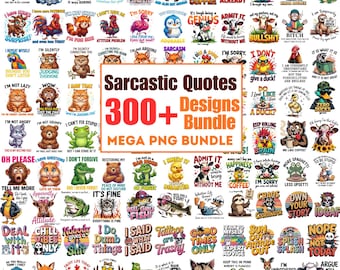
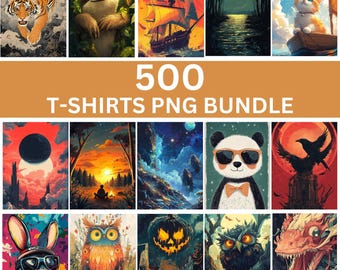
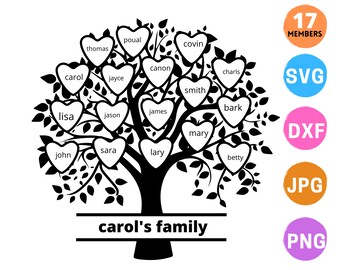

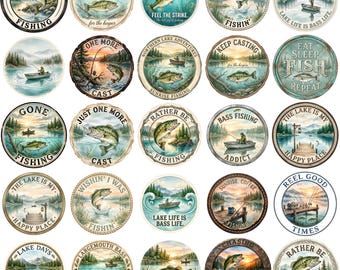


レビュー
4.7
(9266)
商品のレビュー平均
すべての評価について、最新レビュー重視の平均評価基準を採用して、この数字を計算しています。最新の体験を反映するため、評価の価値は毎年半減する仕組みとなっています。
読み込み中
-

-

-

Orange さんのレビュー(2026年 07月 27日)
星 5 個のうち 5 個Love the stickers! Worked out great with my project!
読み込み中 -

-
-

Heather さんのレビュー(2026年 07月 22日)
星 5 個のうち 5 個Wish they were all links to Google Drive (some are zipped folders) but other than that, great images that make you giggle
読み込み中 -

Carol さんのレビュー(2026年 07月 20日)
星 5 個のうち 5 個These are perfect for our new neighborhood library decorations! Thank you!
読み込み中 -
KETAN さんのレビュー(2026年 06月 28日)
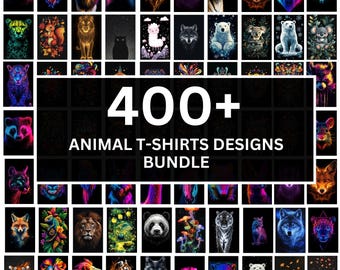
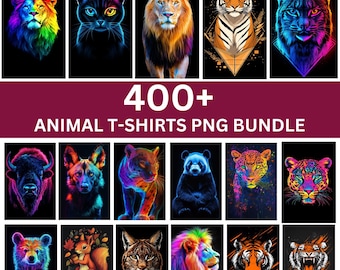
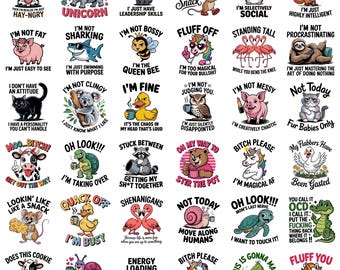
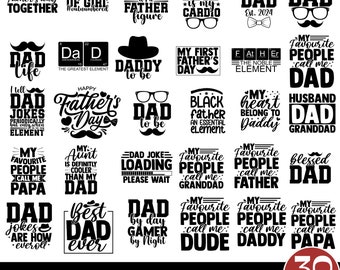
星 5 個のうち 5 個Excellent products very happy with my purchase, Many assorted designs ideal for range of Tshirts
読み込み中 -
-





CreativeProSVG について
セールス
116,092
Etsy ショップ創設年: 2021
ショップポリシー
最終更新日: 2022年 04月 9日
ダウンロード商品
即時ダウンロード可能商品
お支払い確認後、ファイルがダウンロードできるようになります。 ダウンロード方法はこちらから。
カスタムダウンロード商品
ご購入後、商品を製作します。ファイルのダウンロード準備が出来次第、メールが届きます。これらの商品の完了に必要な時間は変わることがあります。ご質問はお問い合わせください。
支払い方法
セキュアオプション
Etsy ギフトカードと Etsy ポイントがご利用可能です
Etsy はあなたのお支払い情報を安全に管理します。Etsy ショップがあなたのクレジットカード情報を受け取ることはありません。
返品&交換
返品&交換の可否は商品詳細をご確認ください。
キャンセル
キャンセル:不可
ご注文に関し、何か問題がございましたらセラーにお問い合わせください。
その他の情報
最終更新日:
2025年 12月 17日
よくある質問
How to Download a Digital Item?
>Log in to your Etsy account
>Click on “You” (top right)
>Choose “Purchases and reviews”
>Find the order. Click on “Download Files” (to the right of the order)
>The file will go to your “Downloads” folders
How do I use SVG files with Cricut?
Importing SVG Files in Cricut Design Space
>> Log in to Design Space.
>> Click the Create New Project button.
>> Click the Upload Image button.
>> Click the Vector Upload button.
>> Click the Browse button and locate the SVG file that you want to import.
Custom and personalized orders
Without getting too technical, an SVG file is a file that is mathematically designed, and thus works perfectly with the Cricut and other cutting machines.
A SIMPLE GUIDE TO UPLOADING AND USING SVG FILES IN CRICUT DESIGN SPACE
https://www.colorthemoon.com/post/using-svg-files-in-cricut-design-space
Please read the blog to get the answers
EPS file – what is it, and which programs can open it?
Depending on your file needs, EPS might be a format for you to look for rather than a JPEG file. EPS files, if opened in a vector-based program such as Adobe Illustrator, Corel Draw, will have the ability to be resized without loss of quality, and will also be able to be easily edited and manipulated. If you open an EPS file in a program such as Photoshop, the file will be “rasterized” (flattened) and uneditable, similar to any JPEG file.
Can you use a DXF file in Cricut design space?
Dxf files cannot contain non-vector files for Cricut Design Space image upload. Explanation – . svg and . dxf files are vector formats and Cricut Design Space uses these to create cut files that separate your designs into layers based on color.
What cutting machine and design software uses which file formats?
>>SVG files may be used with Silhouette Designer Edition, Cricut Design Space, Sure Cuts a Lot, and Make the Cut.
>>DXF files may be used with Silhouette Basic Edition, Silhouette Designer Edition, Cricut Design Space
SVG file is not opening on Cricut?
1) Make sure your machine uses the Cricut Design Space software. Only Cricut Design Space compatible machines can use SVG files. (These are the "Explore" and "Maker" models of Cricut machines).
2) Make sure it is the SVG file that you are trying to upload. There are multiple file types included in the design folder, but only the SVG type file will work properly with the Cricut Design Space software. Please note, that if your computer has a web browser or other program set as the default program to open SVG files, the file type may be incorrectly listed within the folder. The best way to see the file types is to look at the file extension.
Continue read the next FAQ...
SVG file is not opening on Cricut?
3) After confirming the above, if you are running Design Space from a browser,** check which browser you are using to launch the program. Design Space may have issues uploading some designs when using Chrome. But they should upload using Design Space on Firefox without issue.
If you are still experiencing difficulty after completing all three steps above, please send us a screenshot of the issue and a screenshot of the files you are seeing in the product folder you downloaded so that we can best provide further assistance.
**Note: We highly recommend that you upgrade to using the new Design Space software instead of running Design Space via a web browser. Cricut no longer supports the web-based version of Design Space.