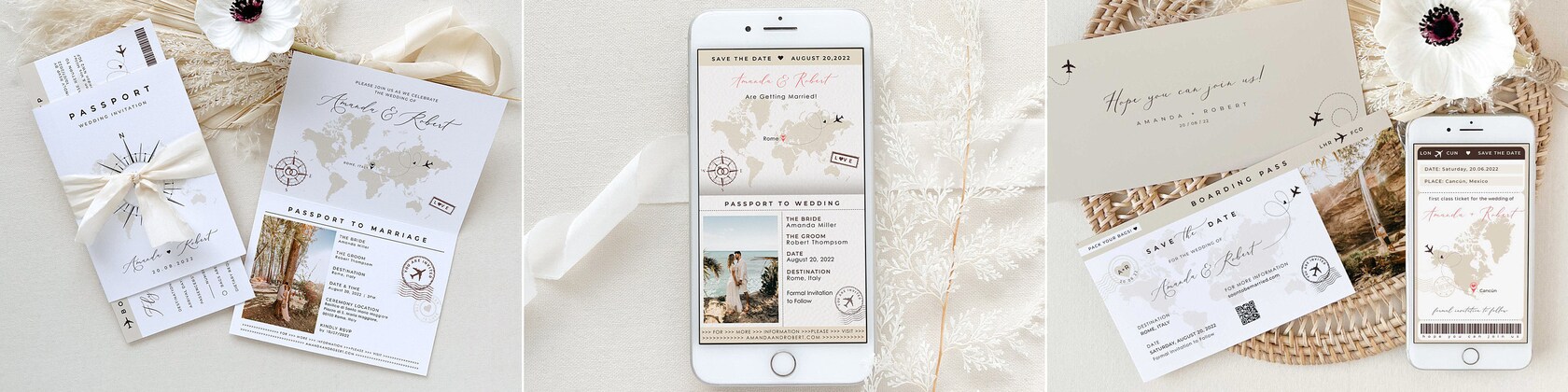

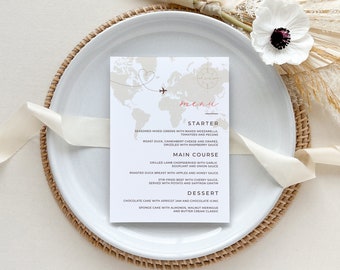
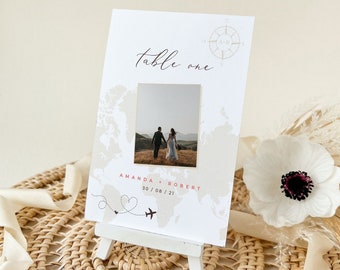
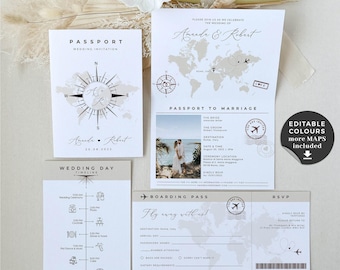
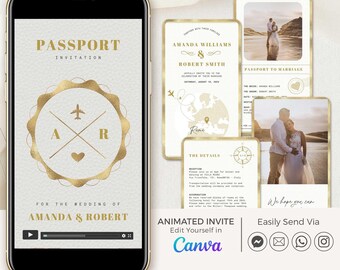
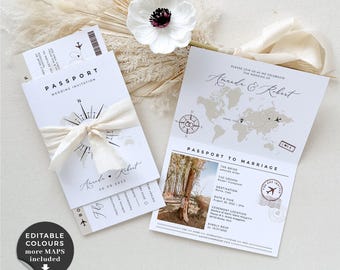
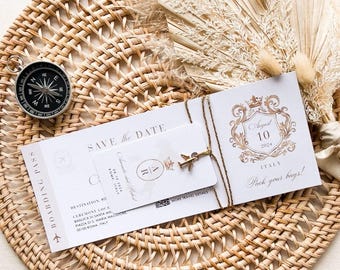
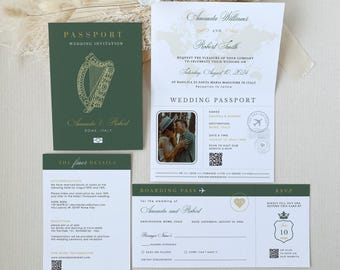
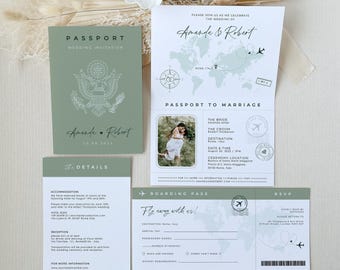
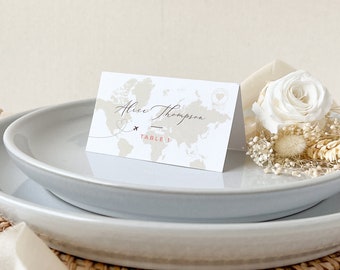
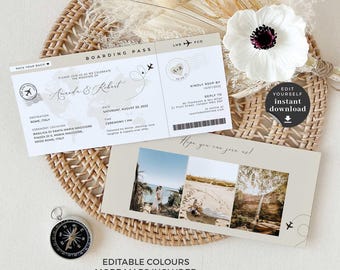
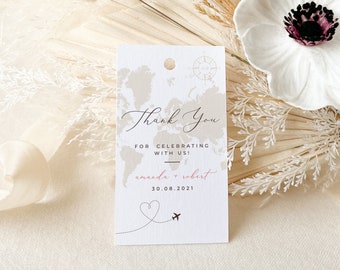
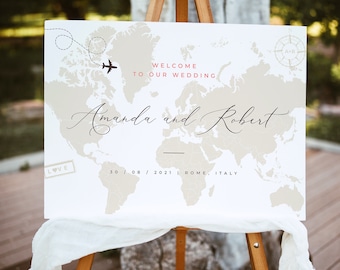
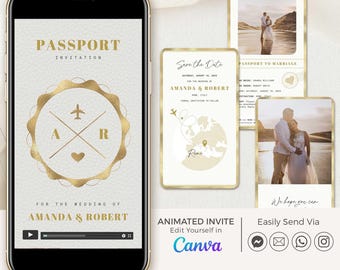

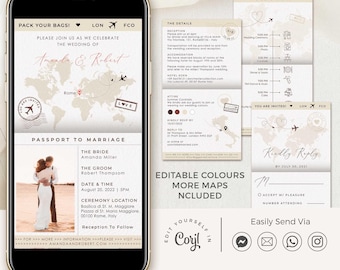
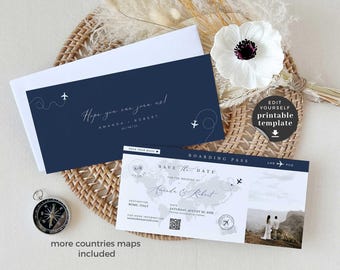
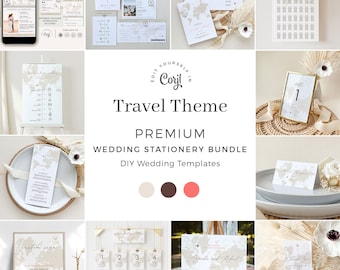
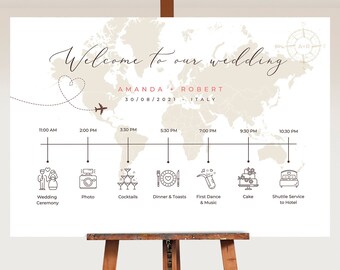
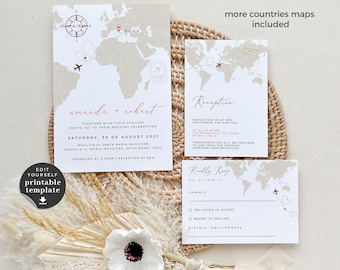
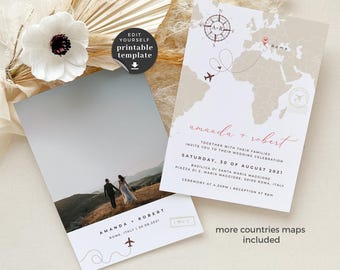
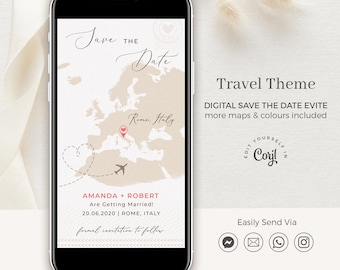
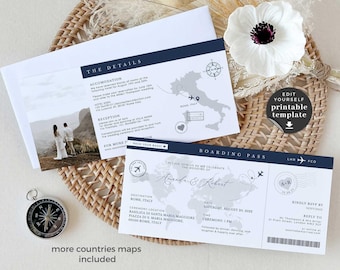
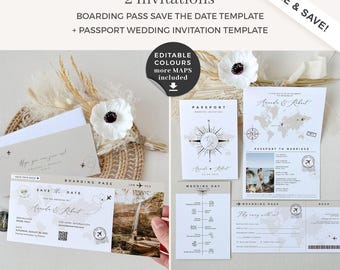
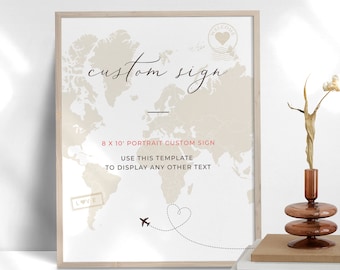
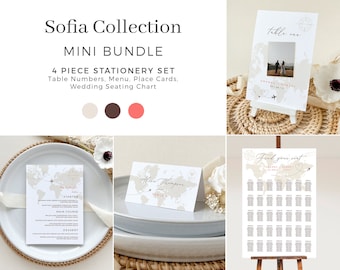
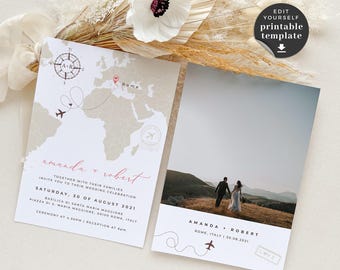
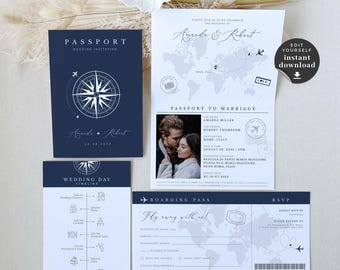
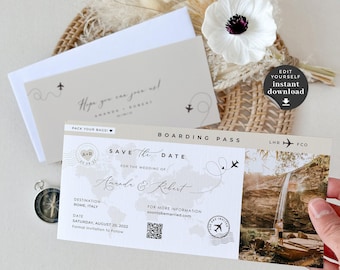
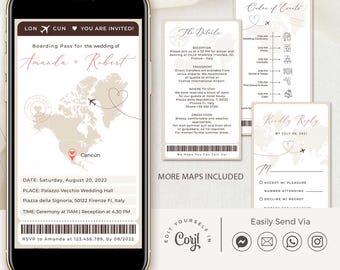
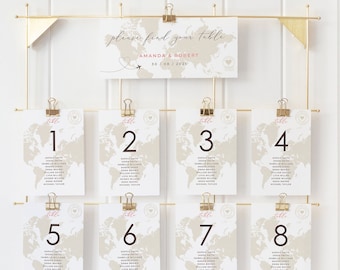
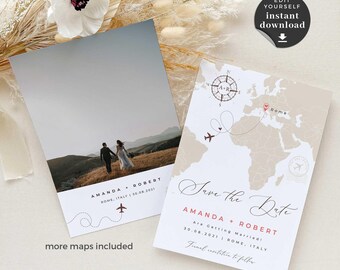
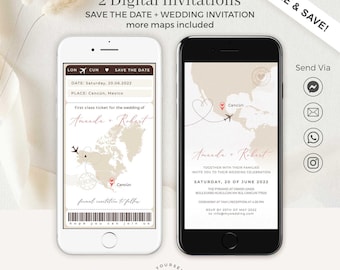
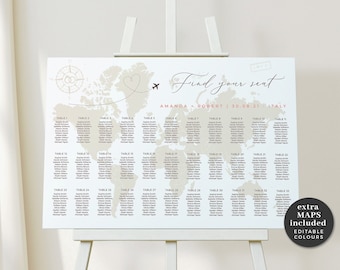


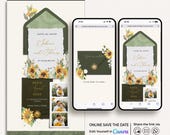


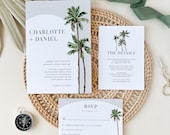
Get the word out with our beautiful electronic invitations, helping to make your event effortless and unforgettable.
検索結果:42 個の商品
お知らせ
最終更新日: 2025年 05月 10日
レビュー
4.9
(891)
商品のレビュー平均
すべての評価について、最新レビュー重視の平均評価基準を採用して、この数字を計算しています。最新の体験を反映するため、評価の価値は毎年半減する仕組みとなっています。
読み込み中
-

-

-
Karen さんのレビュー(2026年 09月 23日)
星 5 個のうち 5 個This template was perfect for our beach wedding invites. It was easy to download and edit on the site. I was able to completely customize for our event specifics. Just save and then send to the printers and you are set.
読み込み中 -
Anisley さんのレビュー(2026年 06月 4日)
星 5 個のうち 5 個Great customer service. The template was easy to use and edit!
読み込み中 -
Tania さんのレビュー(2026年 05月 4日)
星 5 個のうち 5 個came with clear cut instructions - got so many great compliments
読み込み中 -
Yamilet さんのレビュー(2026年 03月 30日)
星 5 個のうち 5 個This design is just stunning!!! I took me forever to find and so happy I found the one!
読み込み中 -
-

Que さんのレビュー(2026年 03月 13日)
星 5 個のうち 5 個Easy to edit. I didn't need the passport but liked the graphics and design for a menu and other items. Paper size is restricted but was able to save as png files and move into canva for the sizes needed
読み込み中 -

Bri さんのレビュー(2026年 02月 23日)
星 5 個のうち 5 個Easy to use, used for wedding thank you cards. Liked that we could customize it
読み込み中 -
Brian さんのレビュー(2026年 02月 2日)
星 5 個のうち 5 個Purchased several templates from our Save the Dates to Wedding Invitations/Envelopes, Menu, Table Numbers, and Place Cards! Came out stunning for our destination wedding! Thank you for everything!
読み込み中
CreativeThingStudio について
セールス
7,708
Etsy ショップ創設年: 2019
ショップポリシー
最終更新日: 2022年 10月 27日
ダウンロード商品
即時ダウンロード可能商品
お支払い確認後、ファイルがダウンロードできるようになります。 ダウンロード方法はこちらから。
支払い方法
セキュアオプション
Etsy ギフトカードと Etsy ポイントがご利用可能です
Etsy はあなたのお支払い情報を安全に管理します。Etsy ショップがあなたのクレジットカード情報を受け取ることはありません。
返品&交換
返品&交換の可否は商品詳細をご確認ください。
キャンセル
キャンセル:不可
ご注文に関し、何か問題がございましたらセラーにお問い合わせください。
その他の情報
最終更新日:
2025年 12月 17日
よくある質問
Shop Opening Hours
Our office hours are Monday to Friday, 10 AM to 5 PM London time (BST, which is GMT+1). If you’re contacting us from a different time zone or outside these hours, don’t worry—I’ll get back to you the next working day :)
What is Corjl?
Corjl is an online editor where you can edit your templates easily. Corjl also gives you a chance to try your wordings on a DEMO of the product itself. You can find the FREE Demo Link in the product description.
You'll get an email from Corjl within 15 minutes of your purchase. It will contain a link to access and edit your purchased template.
Can i edit in Corjl from my phone or tablet?
We don’t recommend editing your template in Corjl from a mobile or tablet. When using these devices, you are limited to editing text, uploading a photo, and downloading the file. However, you won’t be able to move any elements, or change the text’s color or style.
For full access to all editing features, we recommend using a desktop or laptop computer.
Also, please note that Google Chrome is the preferred browser for using Corjl, as some features may not appear or function properly in other browsers.
What can i change in Corjl?
With Corjl, you can edit all the texts, font type and colour, size and position, add and remove text boxes. Add your own images. Once you’re happy, you can save your creation as a high-resolution JPG, PNG and PDF.
What can't i change in Corjl?
You cannot change the size and orientation of the template and the colours of the graphics. Try the FREE DEMO to see exactly what you can customize!
Where can i print?
For the best quality, we recommend printing with a professional service.
• US CUSTOMERS:
Our shop has partnered with PRINTS OF LOVE to offer fast, high-quality yet affordable printing. Visit this link to send your file to PRINTS OF LOVE: bit.ly/studiocreativethingsprint
Or you can send your PDF to a print center like Vistaprint, COSTCO, Office Max, Office Depot, Walgreens, Staples, FedEx Office and many more. Please check with them what format they prefer.
• UK CUSTOMERS:
If you are looking for a special place to print your wedding stationery in the UK we recommend PRINTED.COM.
• INTERNATIONAL CUSTOMERS:
Print your templates with Vistaprint, they can print and deliver to 45 countries, or with a local print center.
I purchased a Corjl template but didn’t receive the link to access my order. What should I do?
First, please check your spam or junk folder, as the email might have landed there.
If you used Apple Pay or Google Pay, your email may not have been shared with us due to privacy settings, which is why Corjl couldn’t send an automatic email with the link to your order.
In this case, simply reach out to us with your email address, and we will manually send you the template.
I purchased an animated invite editable in Canva but didn’t receive an email to access my template. What should I do?
1. Download the PDF file from your Etsy account Desktop Computer. (Please note that you cannot download digital purchases through the Etsy app at this time).
You can find your digital items in the Purchases section of your Etsy account.
2. Open the PDF file and follow the link provided to copy the template to your Canva account. If you don’t already have a free Canva account, you’ll need to create one. Once you have access to the template, you can edit it and download the final version in MP4 format.