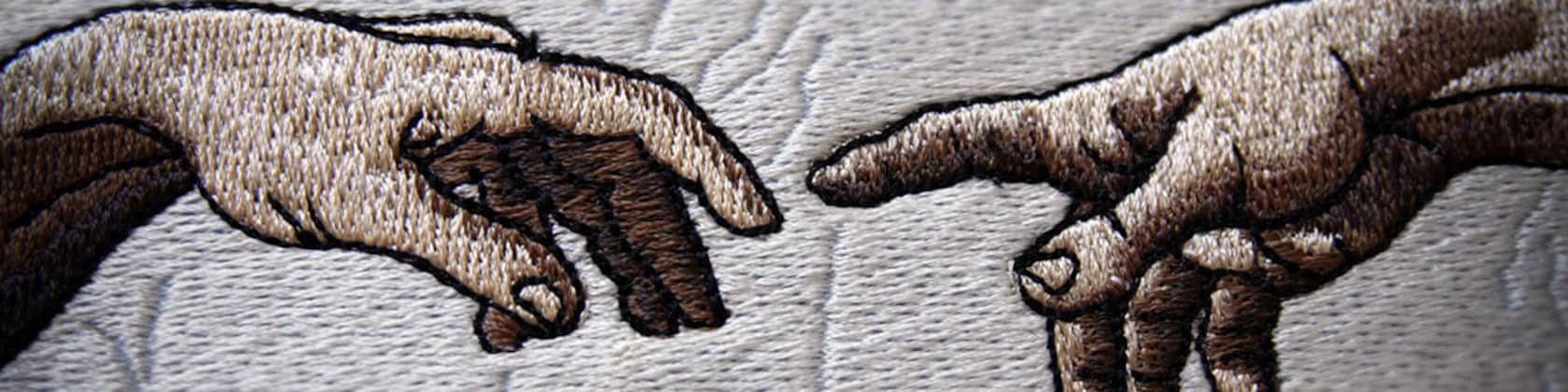

おすすめ商品
すべての商品
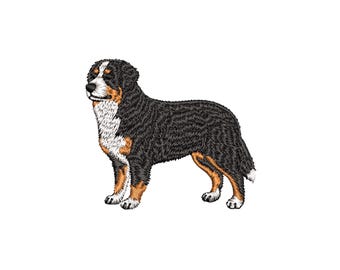
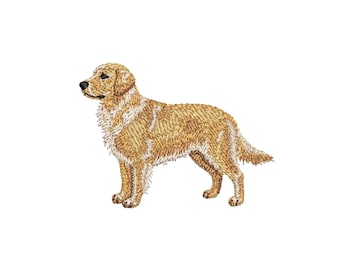
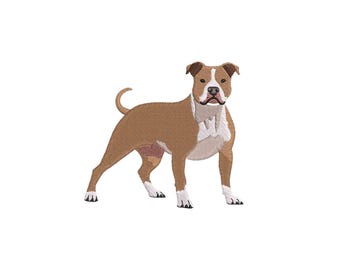
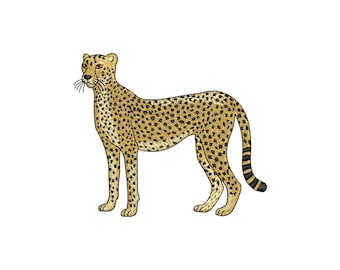
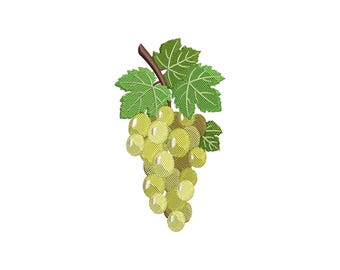
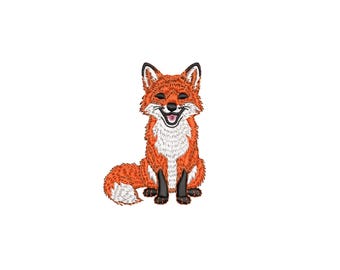

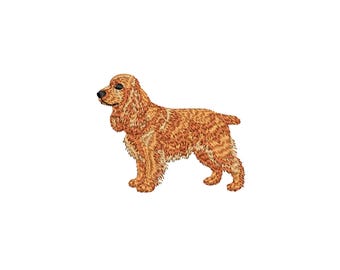

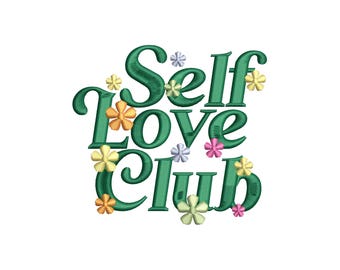
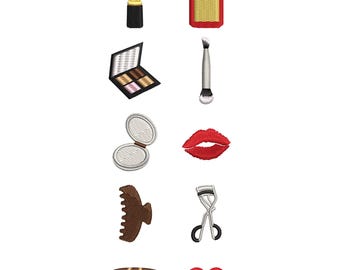
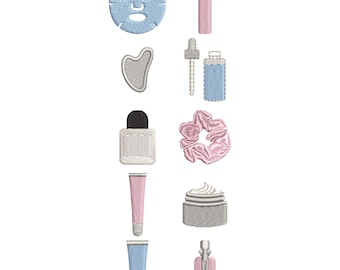
メイクアップ・ビューティー・ミニ刺繍デザイン、コスメティック刺繍ファイル、ガーリー刺繍パターン、ミシン刺繍デザイン
セール価格 ¥1,700
元の価格 ¥2,267 (25% オフ)
ダウンロード商品
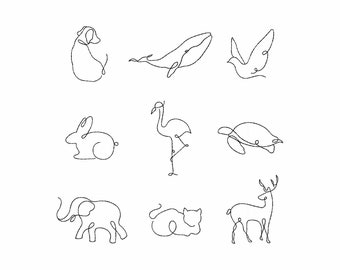
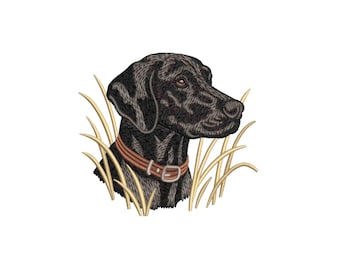
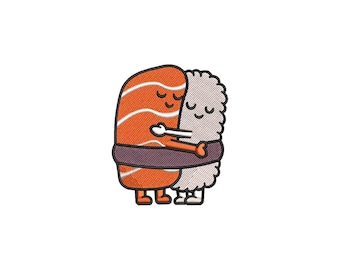
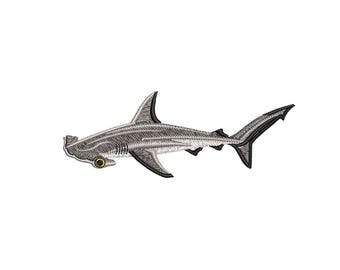
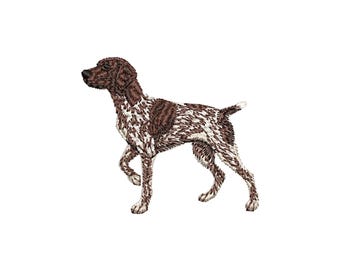
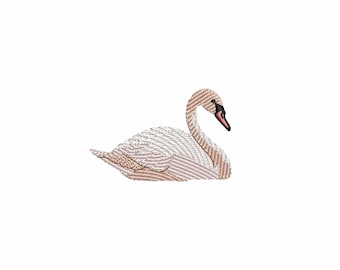
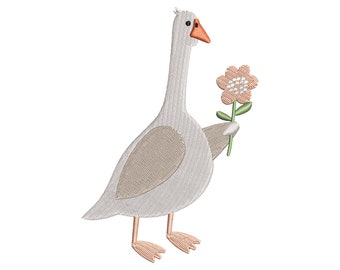
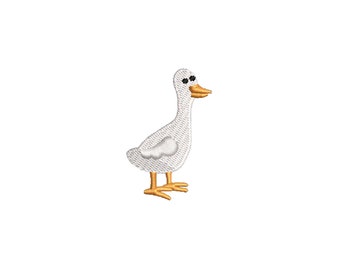
かわいいガチョウの刺繍デザイン、おかしなガチョウと花の刺繍ファイル、農場の動物、赤ちゃんの刺繍パターン、ミシン刺繍デザイン
セール価格 ¥708
元の価格 ¥944 (25% オフ)
ダウンロード商品
お知らせ
最終更新日: 2025年 01月 9日

レビュー
4.9
(2776)
商品のレビュー平均
すべての評価について、最新レビュー重視の平均評価基準を採用して、この数字を計算しています。最新の体験を反映するため、評価の価値は毎年半減する仕組みとなっています。
読み込み中
-

-

-
-

-

Gigi さんのレビュー(2026年 07月 29日)
星 5 個のうち 5 個This embroidery design looks great, and I had no issues with it!
読み込み中 -
Daniëlle さんのレビュー(2026年 06月 17日)
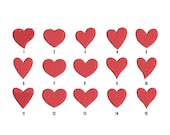
星 5 個のうち 5 個Zo leuk! Zoveel leuke hartjes vormen! Goed geprogrammeerd
読み込み中 -
-

Debora さんのレビュー(2026年 03月 8日)
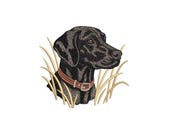
星 5 個のうち 5 個This design sews out perfectly looks just like my DIL dog and she is ecstatic!!
読み込み中 -
-


ショップポリシー
最終更新日:
利用可能な支払い方法
Etsy ギフトカードと Etsy ポイントがご利用可能です
返品&交換
返品&交換の可否は商品詳細をご確認ください。
その他の情報
最終更新日:
2025年 12月 17日
よくある質問
Where Can I Download the File?
🔹After purchasing, ETSY WILL AUTOMATICALLY SEND YOU AN EMAIL WITH A LINK TO DOWNLOAD YOUR FILE. This email is sent instantly. If you don’t see it, check your spam folder.
🔹HOW TO DOWNLOAD THE FILE FROM YOUR ACCOUNT USING A BROWSER (Etsy app does not support downloads):
1. Log in to Your Etsy Account: Open the Etsy website in a browser.
2. Go to “Purchases and Reviews”: Click on your profile icon (avatar) in the top right corner and select “Purchases and Reviews” from the dropdown menu. Locate your order and click the “Download Files” link to access the Downloads page.
3. Download Your Files: On the Downloads page, click the “Download” button to save file.
What is a ZIP file?
🔹A ZIP file is a special type of file that compresses other files into a single, smaller package. It’s like putting multiple items into a box to keep them together and make them easier to handle or send. When you download a ZIP file, you need to “unpack” it (UNZIP) to access the individual files inside.
🔹Etsy requires sellers to use ZIP files because it allows multiple files to be bundled together in one download. This makes it simpler for both the buyer and seller. It also helps reduce the file size, which makes downloading faster and more convenient.
How to Unzip a ZIP File?
🔹How to Unzip a ZIP File on Windows
1. Locate the ZIP file: Find the ZIP file you want to unzip in your File Explorer.
2. Right-click the file: Click the right mouse button on the ZIP file.
3. Select “Extract All”: From the menu, choose “Extract All.”
4. Choose a location: A window will appear asking where to extract the files. You can select the default location or choose a different one.
5. Click “Extract”: Press the “Extract” button. The files will be unpacked and available in the selected location.
🔹How to Unzip a ZIP File on Mac
1. Locate the ZIP file: Use Finder to locate the ZIP file.
2. Double-click the file: Just double-click the ZIP file.
3. Access the files: A new folder will appear next to the ZIP file.
Which format do I need for my embroidery machine?
Here is a list of embroidery formats with the corresponding brands of embroidery machines:
🔹 PES - Brother, Baby Lock, Bernina
🔹DST - Tajima, SWF, Barudan, Melco
🔹 JEF - Janome, Elna
🔹 HUS - Husqvarna Viking, Pfaff
🔹 SEW - Bernina, Viking, Pfaff
🔹 EXP - Melco, Bernina
🔹 XXX - Janome, Elna
🔹 VP3 - Husqvarna Viking, Pfaff
🔹 VIP - Husqvarna Viking, Pfaff
Note: These embroidery formats will be inside a ZIP file, which you will download and unzip after purchasing the product.
*Let us know before purchasing if you need a different format that is not on the list.
How do I choose thread colors for an embroidery design?
In each design you purchase, inside the zip file, there are PDF instructions with the color names and each embroidery stage.
Since all buyers use different thread brands, WE NEVER SPECIFY A PARTICULAR COLOR CODE OR THREAD BRAND. Therefore, we name the color with a general term, such as "Brown" or "Gray," and you should choose the thread color based on the brand you use.
🔹Which thread brand do you recommend?
Madeira Poly 40 or Gunold Poly 40.
*Tip: be sure to note down the thread colors you used for embroidery. It will be your unique color selection for each design. Consider it as part of the creative process and choose colors that you like.
PES Format: Do I Need an Old or New Version?
WE SELL PES V10.
PES is the file format for machine embroidery that has evolved over time. Each version (PES v5, PES v6, PES v7, PES v8, PES v9, PES v10) has different features, such as color changes and thread trimming, and older versions may lack these features.
Different embroidery machine models accept different versions of PES. To avoid problems, YOU NEED TO KNOW which version of PES is supported by your embroidery machine!
Software Updates
Some machines may receive updates that increase compatibility with new formats.
Brands Accepting PES Format
🔹Brother
🔹Bernina (select models)
🔹Baby Lock (select models)
🔹Elna (select models)
🔹Janome (some models)
🔹Pfaff (select models)
🔹Viking (select models)
Main Types of Stabilizers
Tear Away
🔹Easily torn off after embroidery; used for stable, non-stretch fabrics and simple designs.
🔹Weight: 40-100 g/m²
🔹Suitable for: canvas shoppers, denim jackets, thick caps/hats.
🔹Tip: Use 2-3 layers in a cross pattern if the stabilizer is too light.
Cut Away
🔹Best for stretchy fabrics; trim with scissors. Prevents fabric distortion during/after embroidery.
🔹Weight: 40-120 g/m²
🔹Suitable for: T-shirts, hoodies, sweatshirts, knitwear, polos.
🔹Tip: Use 2 layers with adhesive spray if needed.
Wash Away
🔹Dissolves in water. Used as a primary bottom stabilizer or as a covering for textured fabrics to 🔹prevent stitches from sinking.
🔹Weight: 20-40 g/m²
🔹Suitable for: terry, waffle, fur, lace, organza, piqué fabrics.
What embroidery threads should I use?
ALL THE DESIGNS IN OUR STORE are developed specifically for THREADS with size 40.
BRANDS AND THREADS WE RECOMMEND:
🔹Madeira Polyneon 40 (huge color palette)
🔹Gunold Poly 40
🔹Isacord 40
These brands are trusted worldwide for their strength, colorfastness, and performance. However, YOU CAN CHOOSE THE BRAND THAT SUITS YOU BEST, DEPENDING ON WHAT'S AVAILABLE IN YOUR COUNTRY, as different regions may carry different thread brands.