

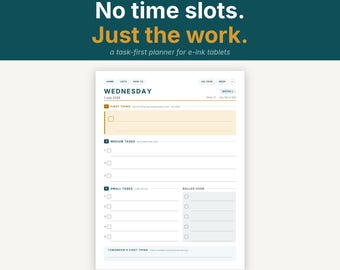

Mi sono stancato degli organizzatori che sapevano solo programmare le riunioni.
I got tired of planners that only knew how to schedule meetings.
Ho comprato un Kindle Scribe pensando che avrebbe sostituito il quaderno sulla mia scrivania. Poi sono andato a cercare un'agenda da caricarci sopra.
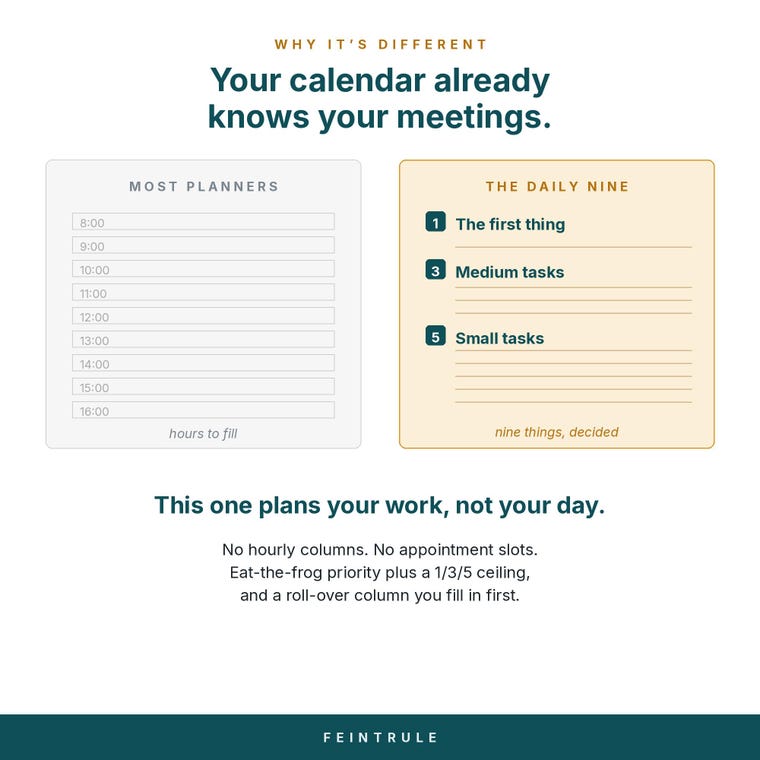
Tutto quello che trovavo era la stessa cosa: un calendario. Colonne orarie dalle 8:00 alle 18:00, caselle per gli appuntamenti e, se eri fortunato, da qualche parte sul lato, quattro righe per una lista di cose da fare. Il che era al contrario. Il mio calendario sapeva già dei miei appuntamenti: me li aveva ricordati per tutta la mattina. Quello che non riusciva a dirmi era quale delle quaranta cose sulla mia lista fosse effettivamente importante quel giorno.
Così ho creato l'agenda che desideravo.
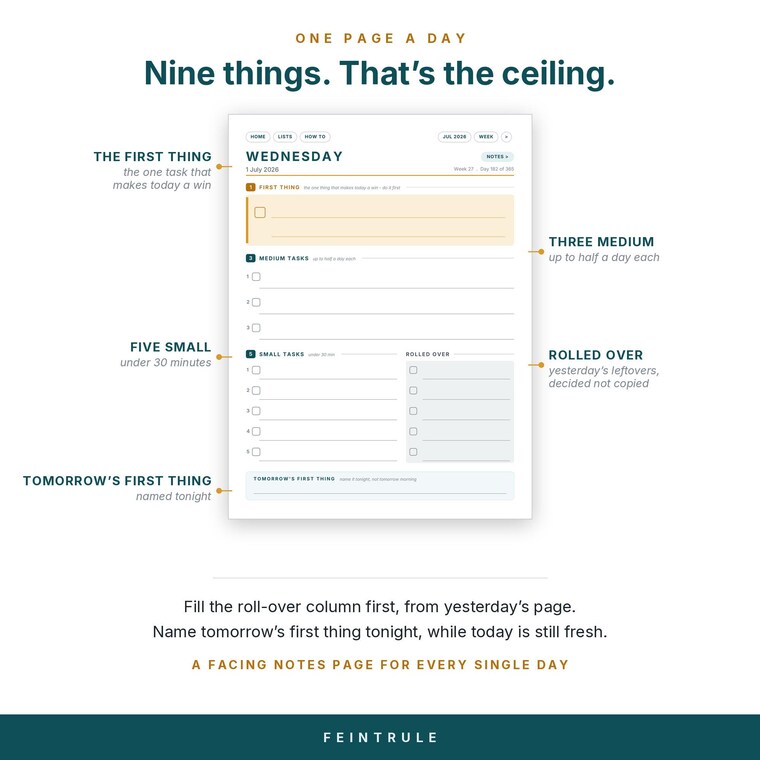
Si basa su due idee più antiche di me. Fai prima la cosa più difficile e più evitabile, prima che la giornata si riempia delle priorità altrui. E poni un limite a ciò che ti assumi: un compito grande, tre medi, cinque piccoli. Nove cose. Questo è il limite, e il limite è il punto: una lista che non riesci a completare non è un piano, è un desiderio.
La parte su cui faccio più fatica è la colonna "rimandato". È la prima cosa che si compila ogni mattina, copiando i dati del giorno prima. Ogni elemento che si ha in programma richiede una decisione: farlo oggi, spostarlo nell'elenco principale oppure ammettere di non volerlo fare mai e cancellarlo. Qualsiasi cosa che si rimandi per tre giorni di fila è o più impegnativa di quanto si voglia far credere o qualcosa che in realtà non si ha intenzione di fare. Vale la pena scoprirlo in entrambi i casi.
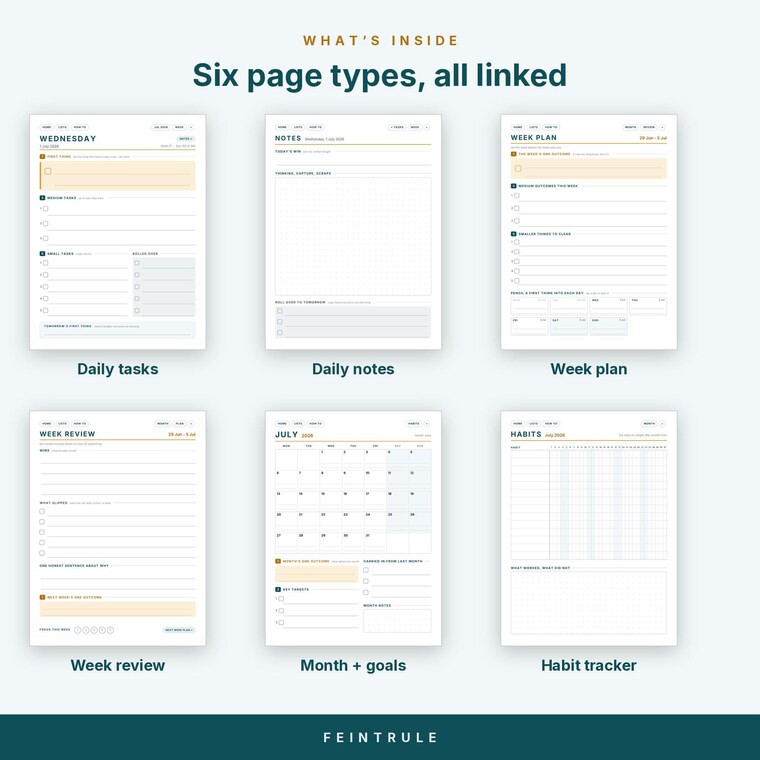
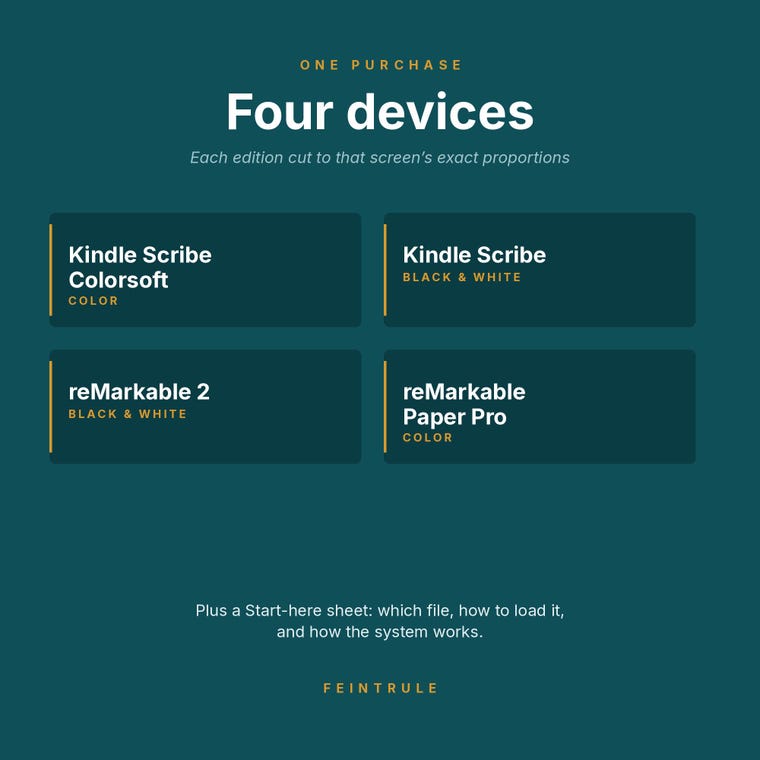
Tutto è ipertestuale, perché un PDF di 1.300 pagine da scorrere è inutile. Basta toccare una data e si viene reindirizzati direttamente al giorno desiderato. Ogni agenda è disponibile in quattro edizioni: Kindle Scribe, Scribe Colorsoft, reMarkable 2 e Paper Pro, ciascuna progettata specificamente per le proporzioni dello schermo anziché essere ridimensionata per adattarsi, in modo da riempire correttamente il display e consentire alla penna di posizionarsi esattamente dove ci si aspetta.
Se qualcosa non funziona sul tuo dispositivo, mandami un messaggio. Preferisco di gran lunga risolvere il problema piuttosto che lasciarti con un file che non si apre.
I bought a Kindle Scribe expecting it to replace the notebook on my desk. Then I went looking for a planner to put on it.
Everything I found was the same thing: a calendar. Hourly columns from 8am to 6pm, little boxes for appointments, and somewhere down the side, if you were lucky, four lines for a to-do list. Which was backwards. My calendar already knew about my meetings — it had been reminding me about them all morning. What it couldn't tell me was which of the forty things on my list actually mattered today.
So I built the planner I wanted instead.
It rests on two ideas older than I am. Do the hardest, most avoidable thing first, before the day fills up with other people's priorities. And cap how much you take on: one big task, three medium, five small. Nine things. That's the ceiling, and the ceiling is the point — a list you can't finish isn't a plan, it's a wish.
The part I'm most stubborn about is the roll-over column. It's the first thing you fill in each morning, copied from yesterday. Every item you carry gets a decision: do it today, move it to the master list, or admit you're never doing it and cross it out. Anything that rolls over three days running is either bigger than you're pretending or something you don't actually intend to do. Both are worth finding out.
Everything is hyperlinked, because a 1,300-page PDF you have to scroll through is useless. Tap a date, land on that day. And every planner ships in four editions — Kindle Scribe, Scribe Colorsoft, reMarkable 2 and Paper Pro — each built to that specific screen's proportions rather than scaled to fit, so it fills the display properly and the pen lands where you expect.
If something doesn't work on your device, message me. I'd much rather fix it than leave you sitting there with a file that won't open.