
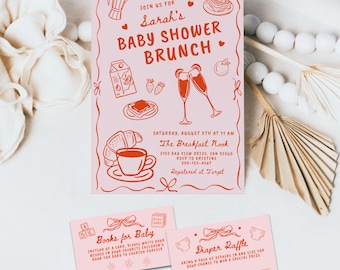
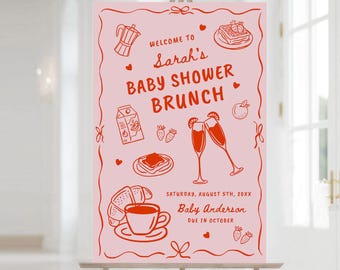
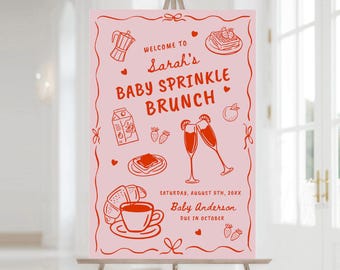
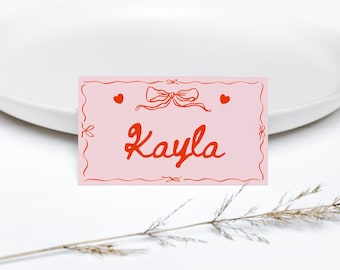
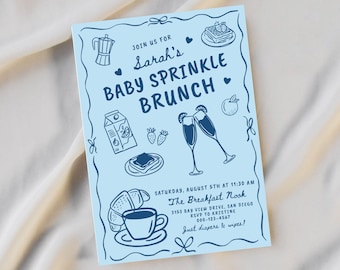



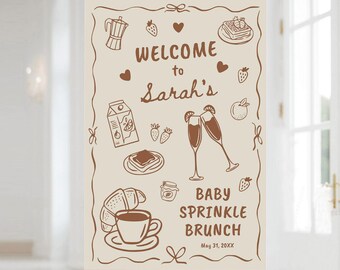
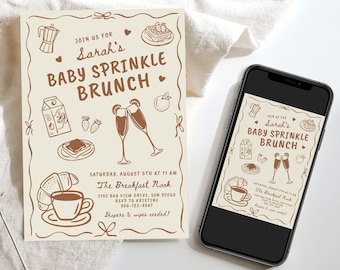
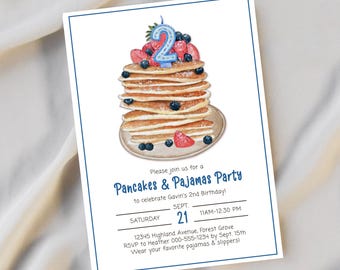
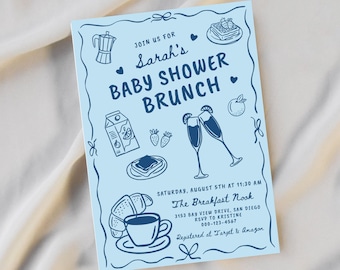

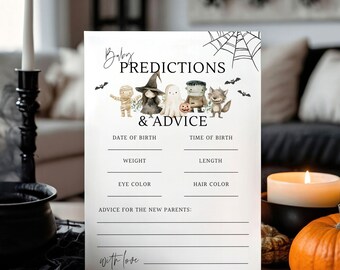
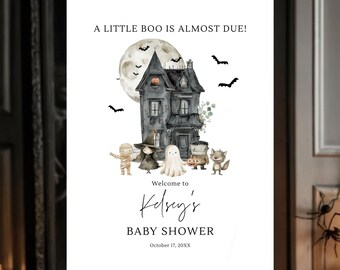
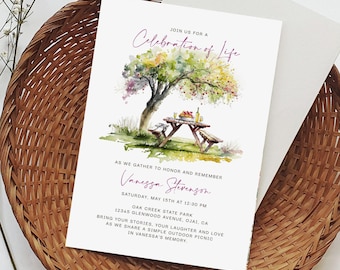
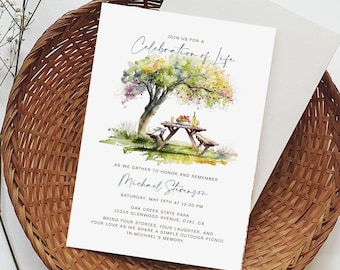
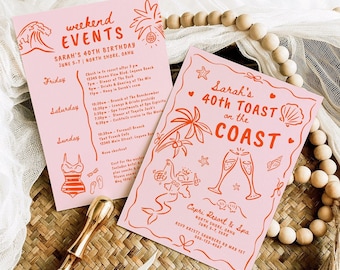
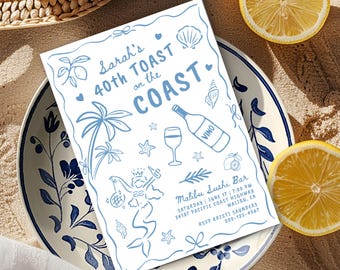

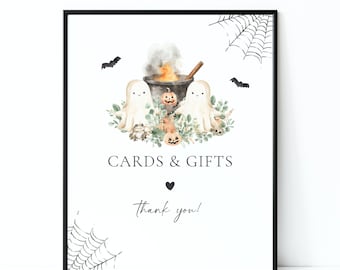
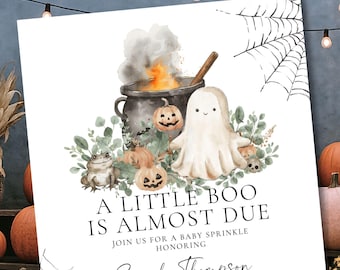
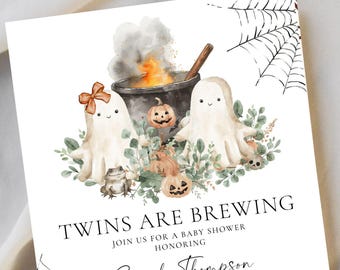
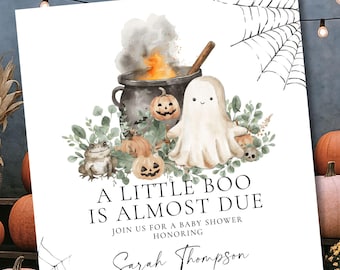
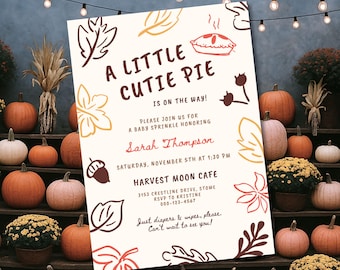
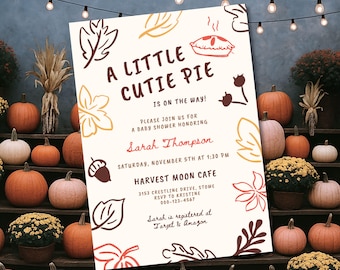
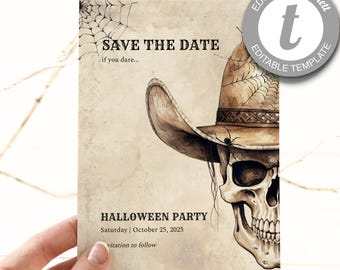
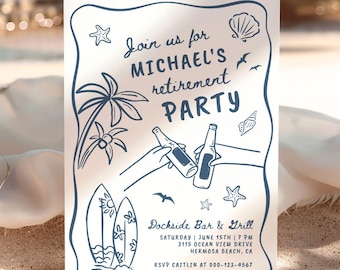
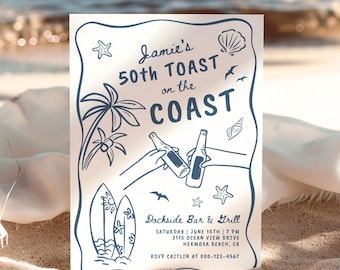

Cute, trendy invitations and party decor.
おすすめ商品
すべての商品
お知らせ
最終更新日: 2025年 02月 6日
レビュー
4.9
(956)
商品のレビュー平均
すべての評価について、最新レビュー重視の平均評価基準を採用して、この数字を計算しています。最新の体験を反映するため、評価の価値は毎年半減する仕組みとなっています。
読み込み中
-

Emily さんのレビュー(2026年 04月 14日)
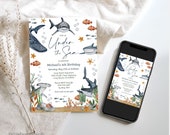
星 5 個のうち 5 個cutest invite for an ocean birthday! it was easy to edit, and was just adorable!
読み込み中 -

-

-
-
-

-
-
-

-

FigTreePaperie について
セールス
10,330
Etsy ショップ創設年: 2020
-
-
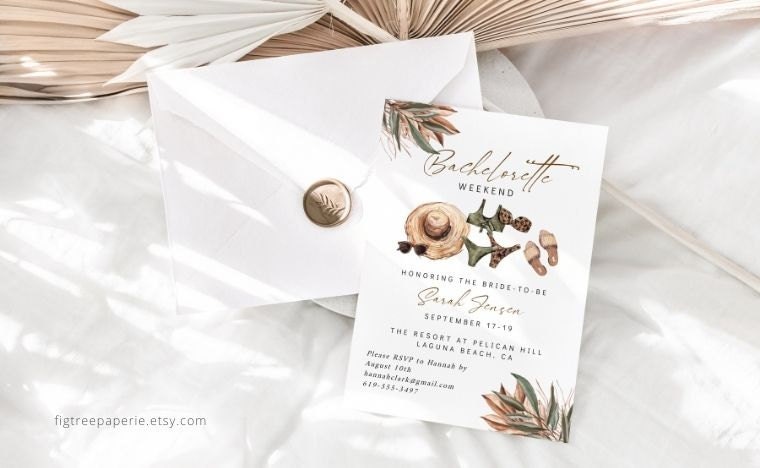 Boho Bachelorette Party invitation - beach tropical theme.
 -
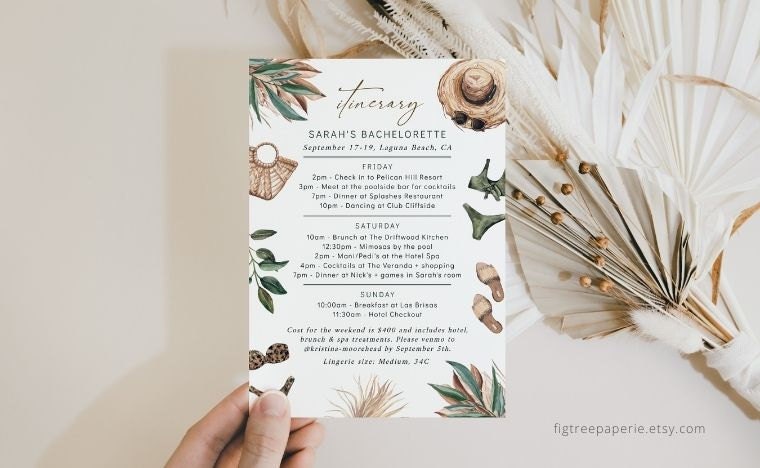 Boho Bachelorette Weekend - matching itinerary, beach tropical theme.
 -
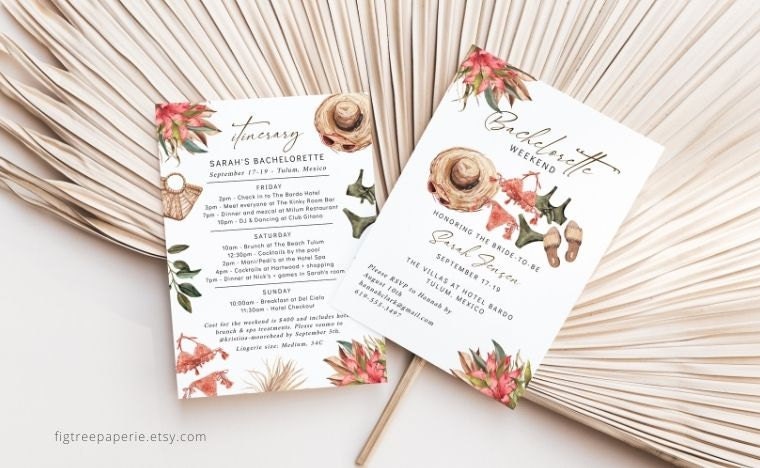 Mexico Bachelorette Weekend Invite + itinerary
 -
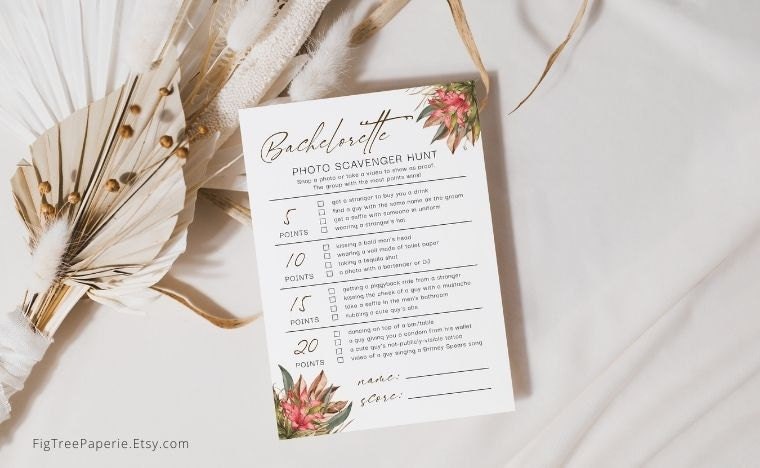 Mexico Bachelorette Weekend - Scavenger Hunt Party Game
 -
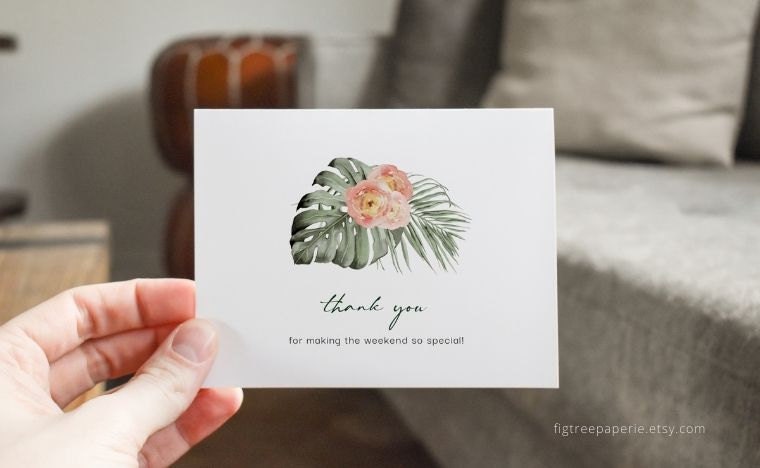 Tropical Bachelorette Weekend Thank you card. Fully editable. Personalize to fit your occasion.
ショップの詳細動画概要
ショップメンバー
-

Kathy
オーナー
Owner & Designer, lover of all things typography, boho and modern, minimal design. I take pride in responding to messages quickly & providing the best customer service possible. If you have any questions, just ask!
-

Sunny
VP Of Happiness
Caique Parrot, Chief Culture Officer. Responsible for keeping things happy & light around here.
ショップポリシー
最終更新日: 2021年 10月 27日
ダウンロード商品
即時ダウンロード可能商品
お支払い確認後、ファイルがダウンロードできるようになります。 ダウンロード方法はこちらから。
支払い方法
セキュアオプション
Etsy ギフトカードと Etsy ポイントがご利用可能です
Etsy はあなたのお支払い情報を安全に管理します。Etsy ショップがあなたのクレジットカード情報を受け取ることはありません。
返品&交換
返品&交換の可否は商品詳細をご確認ください。
キャンセル
キャンセル:不可
ご注文に関し、何か問題がございましたらセラーにお問い合わせください。
プライバシーポリシー
その他の情報
最終更新日:
2025年 12月 17日
よくある質問
CAN I TRY THE TEMPLATE BEFORE PURCHASING?
YES! Each listing contains a link so you can try the template in "demo mode" before purchasing. All of the editing features in the demo will be the same as with the purchased version. However, you will not be able to save or download the template while using the demo. Test it out with your own sample text to see how it looks & how easy it is!
HOW DO I GET ACCESS TO MY PURCHASED ITEM?
PRINTABLE FILES:
These can be downloaded on Etsy as soon as payment is confirmed.
Go to your Etsy profile > Select dropdown > Purchases & reviews section > Find your order > Click "Download Files" button on the right.
EDITABLE TEMPLATES:
These are accessed using Templett - a free online template editor. Use any desktop or laptop computer to edit your templates - cannot use a phone or iPad/tablet.
1. You will receive an email from Templett with a link to access your template within minutes of your purchase (this will go to the email address connected to your Etsy account)
2. Edit your templates. Save your work.
3. Download your files in a variety of formats (PDF, JPG & PNG) according to your needs.
4. Print, email or text!
WHAT CAN I DO? WHAT CAN'T I DO? WHAT CAN I EDIT OR MODIFY?
What you CAN change:
- You can edit text, text color & font. Unless noted otherwise on the listing, all text is editable.
- You can add or change the background color.
- You can upload your own image.
What you CANNOT do:
- You cannot change the colors/position/size of any graphics/artwork.
- You cannot change the size or orientation of the template.
- You cannot re-sell or share invitations, signs, tags, etc. or printables from this shop. THEY ARE FOR YOUR PERSONAL USE ONLY.
All templates, printables & designs are copyrighted by Fig Tree Paperie and cannot be re-sold. You may not redistribute, share for free, re-sell or use them commercially in any way.
WHERE CAN I PRINT MY PURCHASED TEMPLATE?
NOTE : Prior to printing, be sure to verify if your printer needs the "show bleed" option. If so, select the "Show Bleed" option when downloading your file.
DOWNLOAD OPTIONS:
- Most printers want PDF + "Show Bleed" option
∙ Multiples on a page: select PDF with the "Save Paper" + "Show Trim Marks" options (great for copy centers!)
∙ JPG: Photo lab, copy center - also for social media, emails & texting!
PRINTING:
∙ Print at home (verify your printer can handle heavier card stock - at least 100-110 lb.)
∙ Office Supply/Copy center (Staples, FedEx, Office Depot, etc.)
∙ Photo lab such as Costco or Walgreens when using a JPG image file.
∙ Online printing service: Try Prints of Love. High quality + live chat help if you need it!
WHAT CARD STOCK DO YOU RECOMMEND?
Paper selection & ink/printer quality will all make a huge difference in the quality of your final print, which is why I always recommend to have your files professionally printed. There are so many affordable options!
Heavier card stock is preferable, at least 100-110lbs. or more.
You can find beautiful paper options at local Paper Source stores or at papersource.com
For an affordable option, Staples brand 110lb. card stock also works well.
Be advised, most home printers can only print on approx. 80lb. card stock, so verify your printer capability before starting.
HOW DO I PRINT MULTIPLES ON APAGE?
1. Click on the download button in the top right of your editing window in Templett.
2. Select PDF > then turn on both "Show Trim Marks" and "Save Paper" options - this will automatically arrange as many templates as can fit on a 8.5"x11 or A4 page.
3. Select "Create PDF".
4. Once you get the message that your PDF is ready, click on "Download Now".
HELP! I DON'T HAVE ACCESS TO MY EMAIL ANYMORE. WHAT CAN I DO?
If you no longer have access to an email address, you can still access your template.
1. Go to templett.com/design.
2. Enter the email address from your order, and press continue.
3. Next, click on the small text: "you don't have access to this email?" link. You will then be asked to enter your Etsy order ID.
To find your Etsy Order ID #:
Go to your Etsy profile > Click on the dropdown & select Purchases & reviews > Find your order > Click on "View Receipt" button on the right > Your order # will be at the top.
4. As long as your email address & Etsy order # match correctly, you will be granted access to your template. Once you are logged in, you will then be able to update your email address under your user settings in Templett.
DO YOU OFFER CUSTOM ORDERS?
Yes, but it depends on the request. Please message me on Etsy and we can discuss what you're interested in! :)
DO YOU OFFER PRINTING SERVICES?
Sorry, printing services are not offered but there are so many great options out there for professional printing and it's super easy!
LOCALLY:
Many customers love FedEx, Staples, OfficeMax and Office Depot, etc. They are affordable, fast & super convenient! Simply bring in your files on a USB drive or upload online. Don't forget to rename your files first! Some places will even print while you wait & trim the files for you.
ONLINE:
Prints of Love offers high quality printing on beautiful card stock. I have personally tested them & their paper stock, printing and live chat help are all excellent. Highly recommend!
You can also try other online printers that allow you to upload your own card design.
CAN I SEND MY INVITATION DIGITALLY VIA TEXT OR EMAIL?
YES! Save time, $$ and paper and skip the printing completely. Download as a JPEG and send via text or email!