
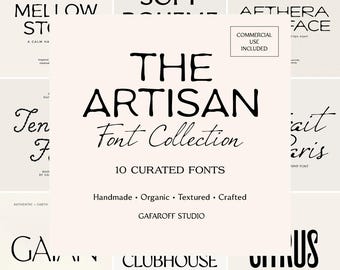
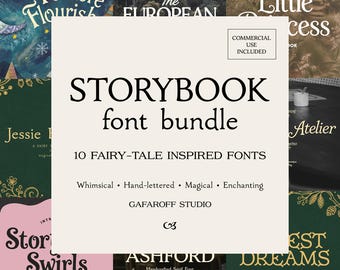
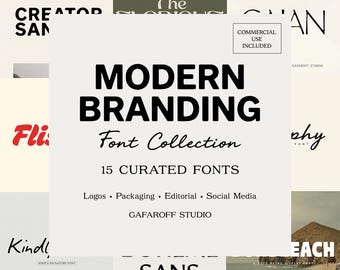
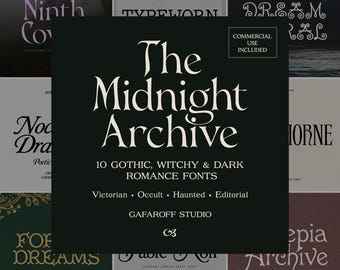
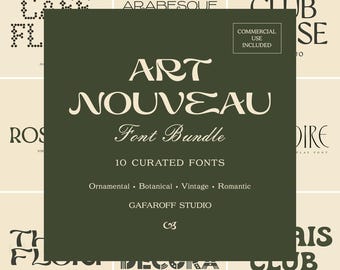
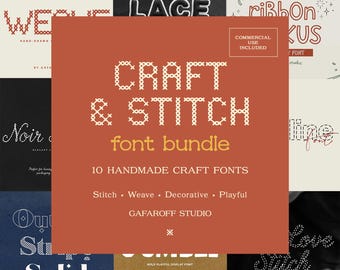
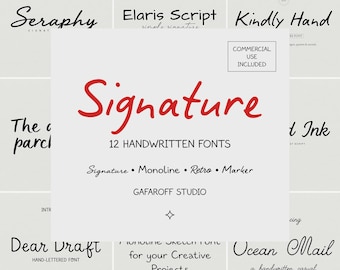
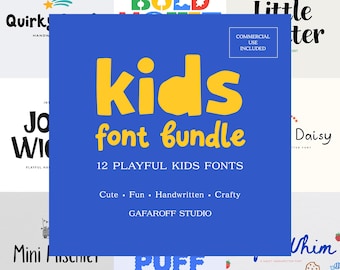

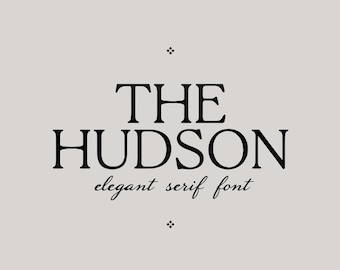
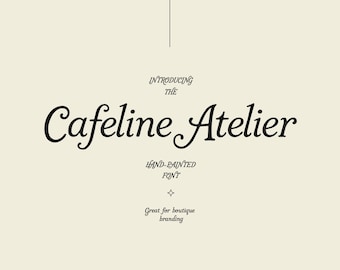
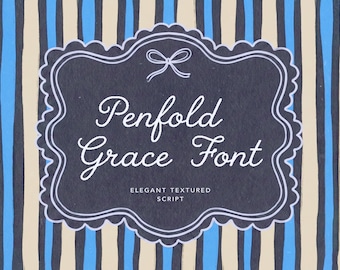

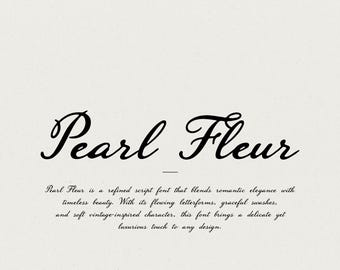






Fuentes creadas para el diseño del mundo real
Todos los artículos
Mensaje de la tienda
Última actualización: 6 ene 2026
Reseñas
5.0
(100)
Media de las reseñas de artículos
Para calcular este número, usamos un promedio de las valoraciones ponderado por fecha más reciente. Con el fin de reflejar la experiencia más actual, cada año de antigüedad reduce a la mitad el valor de la valoración.
Cargando
Presentación GafaroffStudio
Ventas
1.188
En Etsy desde 2022
Miembros de la tienda
-

NICK LOVE
Propietario
Diseñador tipográfico. Fuentes para branding, empaques, carteles y redes sociales. Descargas instantáneas en formatos OTF/TTF y soporte técnico amigable.
Políticas de la tienda
Última actualización: 3 ago 2023
Descargas digitales
Artículos digitales de descarga instantánea
Los archivos estarán disponibles para descargar una vez que se confirme el pago. Sigue estas instrucciones.
Opciones de pago
Opciones seguras
Acepta saldo y tarjetas regalo de Etsy
Etsy mantiene protegida tu información de pago. Las tiendas de Etsy nunca reciben los datos de tu tarjeta de crédito.
Cambios y devoluciones
Consulta los detalles del artículo para ver la política de cambios y devoluciones.
Cancelaciones
Cancelaciones: se aceptan
Solicita una cancelación: antes de que se envíe el artículo
Política de privacidad
Más información
Última actualización:
2 jul 2026
Preguntas frecuentes
¿Qué estoy comprando exactamente?
Estás comprando una fuente digital (descarga instantánea). No se enviará ningún artículo físico.
¿Qué archivos recibiré?
Recibirás un archivo ZIP que contiene los archivos de fuentes enumerados en la descripción (comúnmente .OTF / .TTF).Si tu anuncio incluye extras (paleta de colores, guía en PDF, etc.), se incluirán en el mismo ZIP.
¿Cómo descargo mis archivos?
Después de la compra, ve a Etsy → Tu cuenta → Compras y reseñas → Descargar archivos.(Las descargas se realizan más fácilmente desde un navegador de escritorio).
¿Cómo instalo la fuente en Windows?
1. Descomprime la carpeta2. Haga clic derecho en el archivo .OTF/.TTF → Instalar o Instalar para todos los usuarios3. Reinicie su aplicación de diseño (Photoshop, Illustrator, Cricut Design Space, etc.)
¿Cómo instalo la fuente en Mac?
1. Descomprime la carpeta2. Haga doble clic en el archivo de fuente → Instalar fuente (Libro de fuentes)3. Reinicia tu aplicación de diseño
¿Cómo lo instalo en iPad/iPhone (Procreate, Cricut, etc.)?
Instálelo usando una aplicación de administración de fuentes (por ejemplo, iFont, AnyFont) o importe la fuente en aplicaciones compatibles.Si me dices tu versión de iOS + el nombre de la aplicación, te enviaré el método más rápido.
¿Funciona en Canva?
Sí, pero Canva requiere un plan que admita la carga de fuentes personalizadas (normalmente Canva Pro/Equipos/Educación/Organizaciones sin fines de lucro).Nota: Es posible que Canva no sea totalmente compatible con todas las funciones OpenType (alternativas/ligaduras) del mismo modo que lo hacen las aplicaciones profesionales.
¿Cómo puedo acceder a alternativas/ligaduras/swashes?
Utilice un programa que admita funciones OpenType, como:- Adobe Illustrator / Photoshop / InDesign- Diseñador de afinidad- CorelDRAWAlgunas aplicaciones los muestran a través del panel Glifos (busque “Glifos” en su software).Si me envías por mensaje el nombre de tu software, te diré exactamente dónde está el panel Glifos.
Licencia de fuente
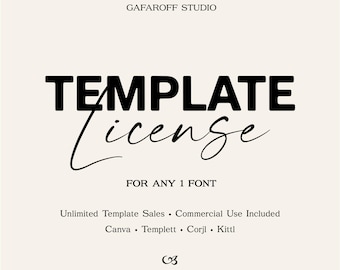
Todas las fuentes incluyen una licencia comercial estándar para 1 usuario.La licencia estándar cubre el uso comercial a pequeña escala y hasta 10.000 productos físicos finales: logotipos, embalajes, tazas, camisetas, pegatinas, invitaciones, artículos impresos, gráficos para redes sociales, etc.Para cantidades comprendidas entre 10.000 y 250.000 productos, se requiere una Licencia Comercial Ampliada.Para más de 250.000 productos, venta minorista mundial, grandes almacenes, grandes marcas, múltiples líneas de productos o uso corporativo ilimitado, se requiere una Licencia Corporativa.Los archivos de fuentes no pueden ser compartidos, revendidos, cargados, incrustados, redistribuidos ni entregados a fabricantes, clientes o consumidores.Las plantillas editables, Canva, Corjl, Templett, las aplicaciones, las plataformas de impresión bajo demanda o cualquier uso en el que otros puedan escribir/editar con la fuente pueden requerir una licencia aparte.