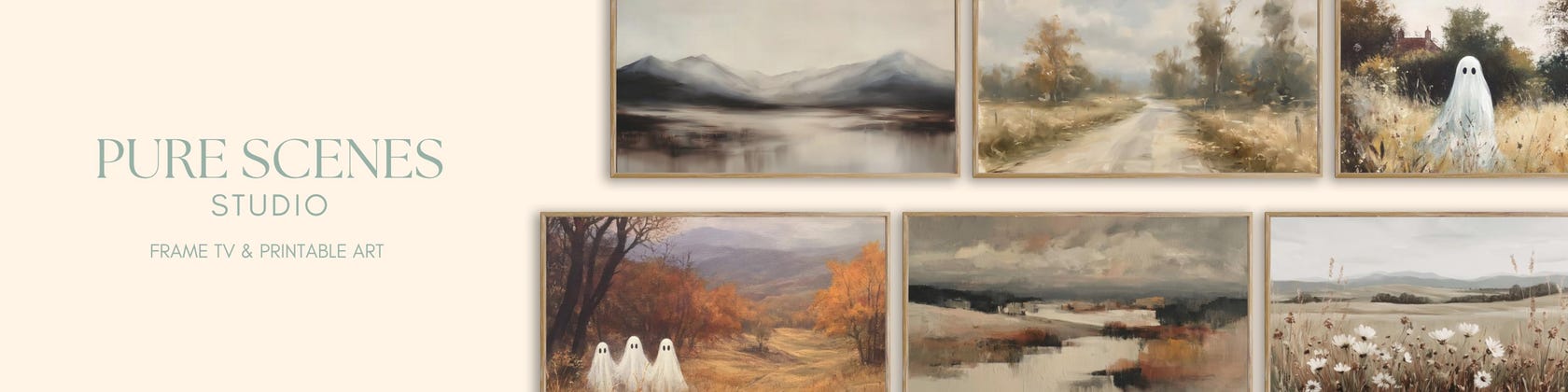



















































Enhance Your Home with Beautiful Digital Art
All items
Announcement
Last updated on 28 Apr, 2026
Reviews
5.0
(217)
Average item review
We calculate this number using a recency-weighted average of all ratings, with a rating's value decreasing by half each year to best reflect the current experience.
About PureScenesStudio
Sales
4,118
On Etsy since 2023
Shop policies
Last updated on
Accepted payment methods
Accepts Etsy Gift Cards and Etsy Credits
Returns & exchanges
See item details for return and exchange eligibility.
More information
Last updated on
04 Jan, 2026
Frequently asked questions
How to Download Your Etsy Files
Your purchased files are automatically available in the Purchases and reviews section of your Etsy account. You can also use the download link sent from transaction@etsy.com.
Steps to Download:
1. Sign in to Etsy.com from a web browser (not the app).
2. Go to your Purchases section.
3. Next to your order, click Download Files (or tap the small gray arrow on mobile) to access all attached files.
⚠️ Important: The Etsy app does not allow downloads. On a phone or tablet, use a web browser (Safari, Chrome, etc.) and follow the steps above.
How to Display Your Artwork on a Samsung Frame TV
Download Photo – Download your purchased Etsy artwork from your Purchases and Reviews section or the email Etsy sends, then save it to a new album on your phone.
Open SmartThings App – Open the SmartThings app and select your Frame TV. Ensure your phone and TV are on the same Wi‑Fi to access Art Mode.
Add Your Photos – Go to Art Mode → My Collection → Add Artwork → Upload from Phone. Select your image, adjust cropping or mat style, then save to display.