

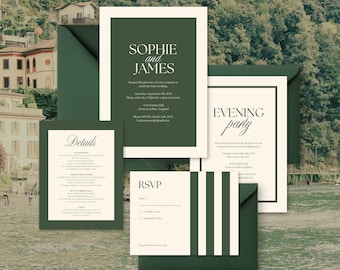
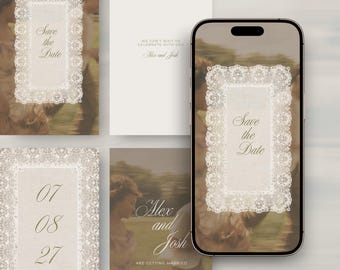
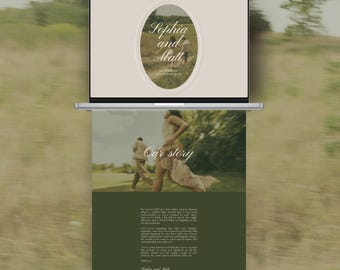
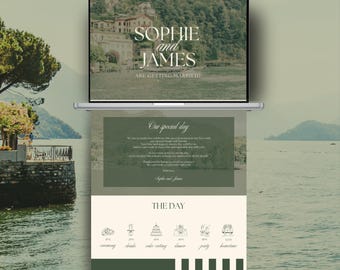
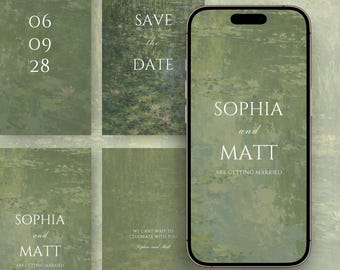
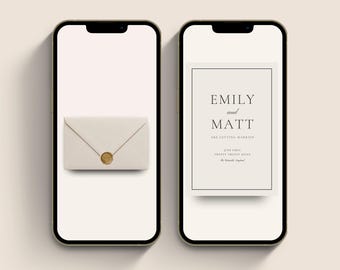
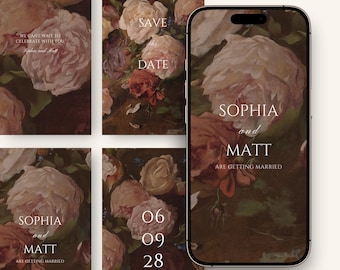
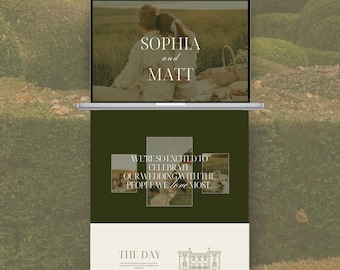
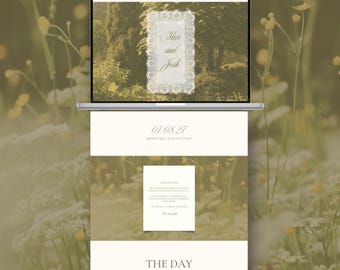
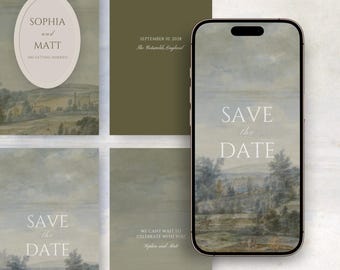
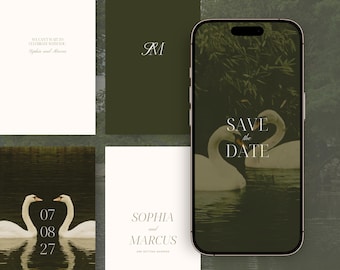
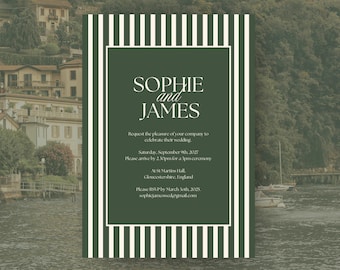
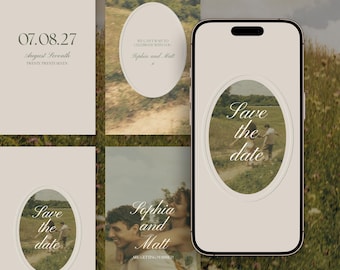
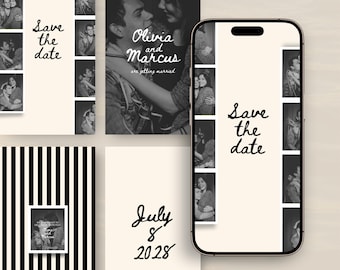
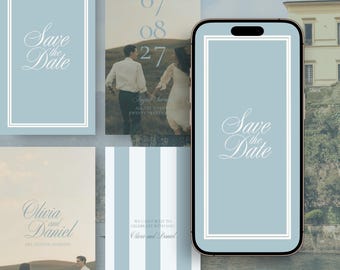
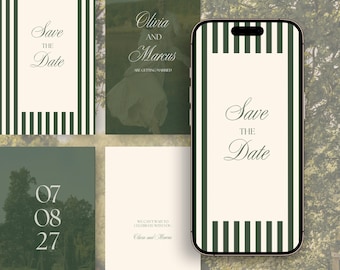
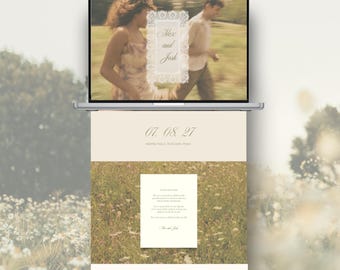
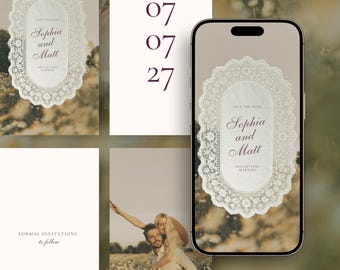
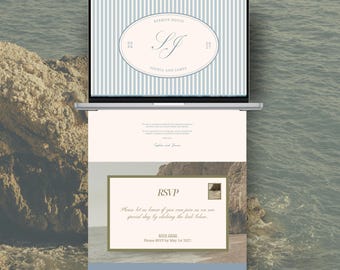
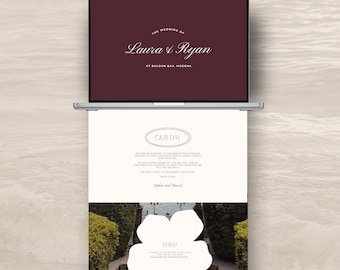
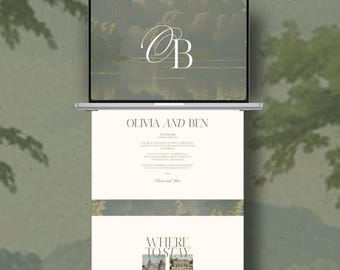
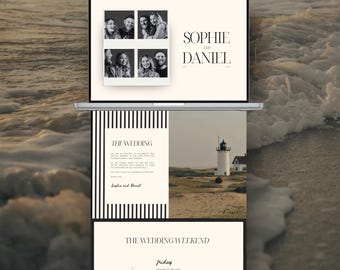
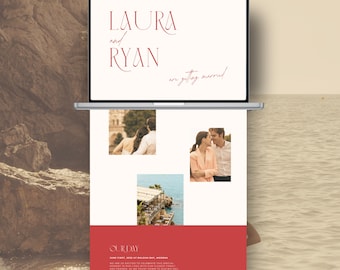
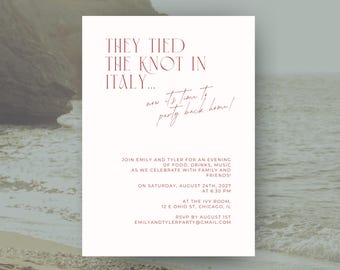
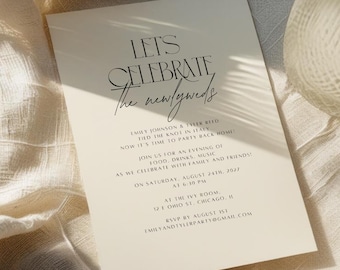
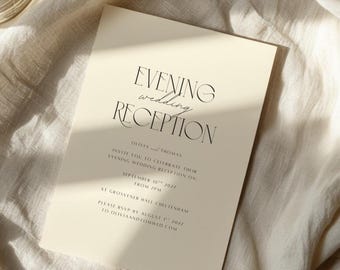
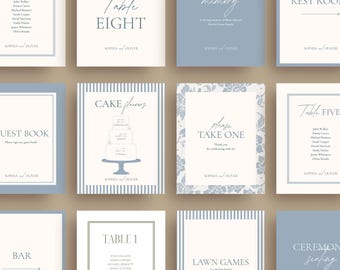
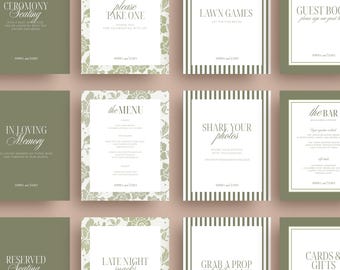
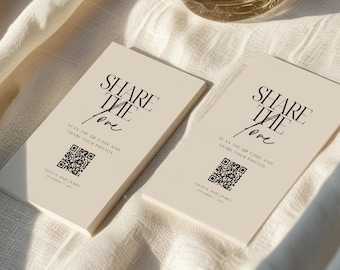
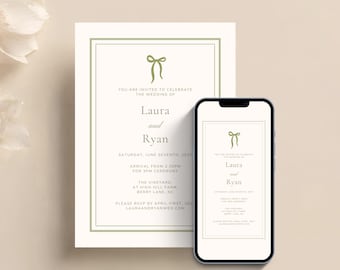
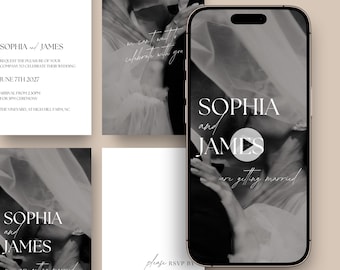
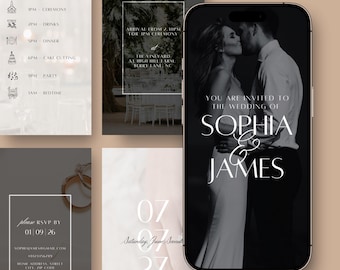
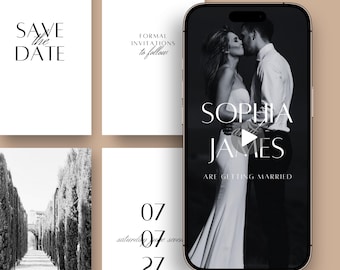
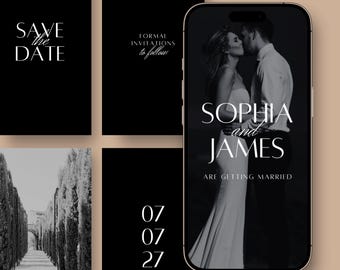
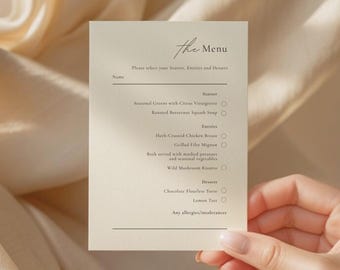
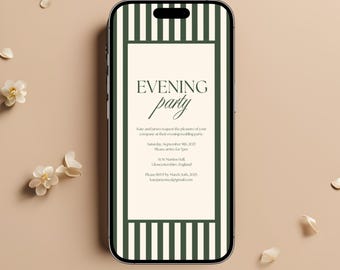


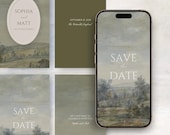
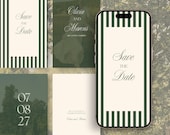
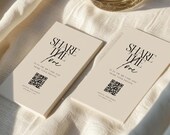
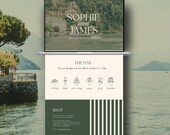

Minimal Romantic Wedding Templates
Polecane produkty
Wszystkie produkty
Ogłoszenie
Data ostatniej aktualizacji 2 sty 2025
Opinie
5.0
(725)
Średnia opinia o produkcie
Przy obliczaniu tej wartości wykorzystujemy średnią ocenę z wszystkich ocen, biorąc pod uwagę to, kiedy zamieszczono opinię – co roku wartość oceny zmniejsza się o połowę, tak aby jak najlepiej oddać aktualne doświadczenia zakupowe.
Ładowanie
-

Megan w dniu 15 sie 2026
5 na 5 gwiazdekLovely print, really easy to personalise on Canva. Was available to download immediately.
Ładowanie -
Doriane w dniu 13 sie 2026
5 na 5 gwiazdekI love it, I didn't use just because I needed a contact collector included.
Ładowanie -

Chloe w dniu 20 lip 2026
5 na 5 gwiazdekDigital download, Easy to edit and change to our wedding details
Ładowanie -
-

-
Fenella w dniu 23 cze 2026
5 na 5 gwiazdekloved it. so classy and loved being able to personalise
Ładowanie -
-
-
-

Tracie w dniu 31 lip 2026
5 na 5 gwiazdekBeautiful template, easy to modify and add as needed.
Ładowanie
Informacje o sklepie RHIONN
Transakcje
4 553
Na Etsy od 2020
Regulamin sklepu
Data ostatniej aktualizacji 24 mar 2026
Produkty cyfrowe do pobrania
Pliki do natychmiastowego pobrania
Pliki będą dostępne do pobrania po potwierdzeniu płatności. Procedura.
Opcje płatności
Bezpieczne opcje
Akceptuje karty podarunkowe Etsy i bony Etsy
Etsy zapewnia bezpieczeństwo Twoich informacji o płatnościach. Sklepy Etsy nigdy nie otrzymują danych Twojej karty kredytowej.
Zwroty i wymiany produktów
Sprawdź szczegóły produktu, aby dowiedzieć się, czy kwalifikuje się on do zwrotu lub wymiany.
Anulowania
Anulowania: niezaakceptowane
Skontaktuj się ze sprzedawcą w razie problemów z zamówieniem.
Polityka prywatności
Więcej informacji
Data ostatniej aktualizacji
16 lut 2026
Często zadawane pytania
What are your business hours?
Mon - Fri: 10am-6pm GMT
Closed on weekends & holidays
If you have any questions or run into any problems with your order, please get in touch with me and I will come back to you as soon as possible.
I've purchased a digital template, how do I download it?
After purchasing, a PDF will be available to download via your Etsy purchase page. You will also receive an email from Etsy with a link to the PDF.
The PDF will contain the link to your template.
- Click on the link and it will take you to Canva
- Login into (or set up for free) your Canva account
- Edit your template in Canva
If you purchased as a 'guest' (without an Etsy account), you'll find a link to download your files in the receipt email that was sent to you after purchase. The email will have been sent to the address provided when purchasing.
Can I add a clickable RSVP link to a video invite?
No. This design is supplied as a downloadable MP4 video file, which does not support clickable links or embedded RSVP buttons.
You can, however, include your RSVP link in the message, caption, or email when sending the video to your guests.
Can I add music, change the colours, or add extra pages to the video invite?
Yes. You can fully customise the template within Canva.
You can add music by uploading your own audio file or selecting a track from Canva’s music library.
All colours, text, fonts, and images can be edited to suit your event. You can also duplicate pages, remove pages, or add new ones if you would like to include additional information.
The template is designed to be flexible, so you can personalise it to fit your style.