




¡Notas en todas partes!
Notes Everywhere!
Escribo, anoto, garabateo. Tomar papel y lápiz me ayuda a organizar mis pensamientos y a recordar cosas. Es una parte esencial de mi forma de trabajar y pensar.
Desafortunadamente, tomar notas me dejó ahogada en, bueno, notas. Post-its y papel borrador, libretas pequeñas y grandes, de espiral, de disco, de tapa dura. He probado muchos métodos para controlar el desorden de papeles y organizarme. Me pasé a lo digital con Evernote y probé Noteshelf en una Galaxy Tab. Pero el papel se seguía acumulando.
Luego leí una reseña del Kindle Scribe y pensé: "¡Esto es!".
Cuando llegó por correo, limpié todas las notas y cuadernos de mi escritorio. ¡Se sentía tan claro y acogedor! Guardé mi bolígrafo verde favorito. No voy a mentir, derramé una lágrima por eso.
Encendí el Scribe y empecé a hacer cuadernos y a escribir tonterías. La sensación del lápiz táctil deslizándose sobre la superficie mate de tinta electrónica cumplía con todos mis requisitos para tomar notas como nunca antes lo había hecho mi Galaxy Tab y mi lápiz. ¡Por fin! La solución a mis problemas para tomar notas.
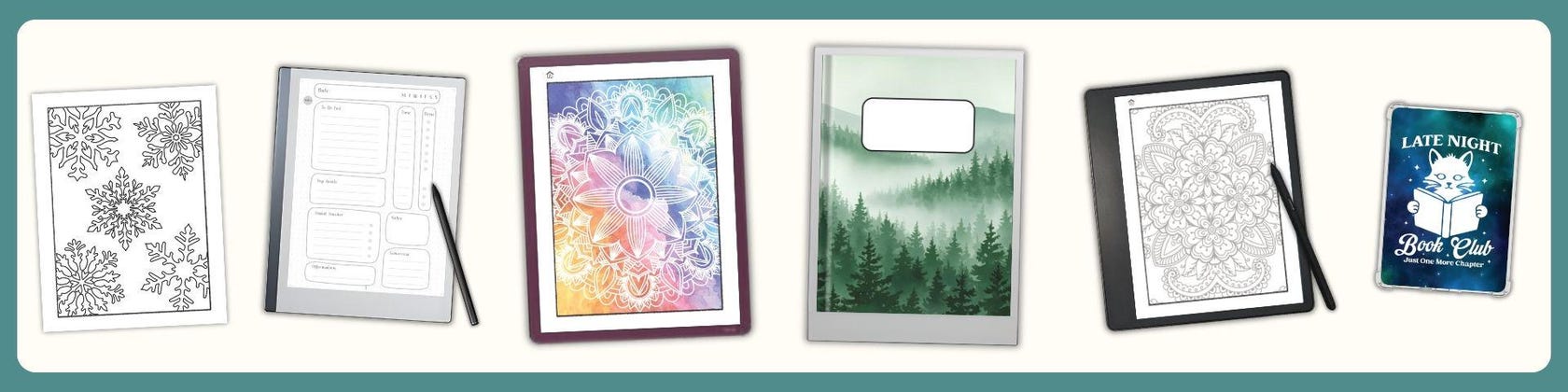
Lamentablemente, las páginas de notas, tan básicas, me dejaron mucho que desear. Es posible que futuras actualizaciones me brinden las funciones que busco. Hasta entonces, puedo, y de hecho, crear cuadernos, diarios, agendas y libros de actividades artísticas con hipervínculos para poder moverme fácilmente entre páginas. Esto le ha dado una fluidez a mis notas que me ha mantenido satisfecha, organizada y con mi escritorio libre de papeles.
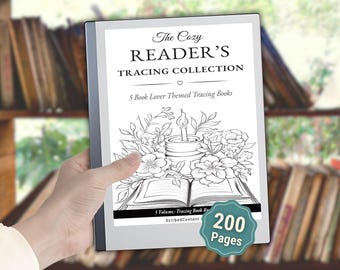
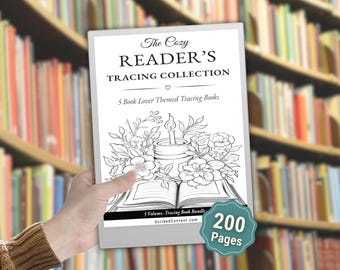
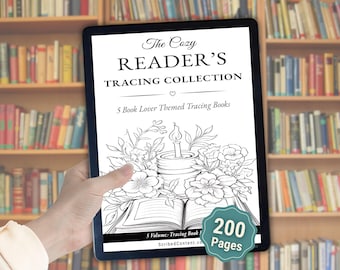
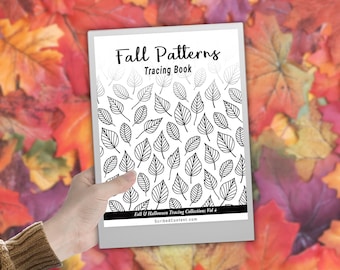
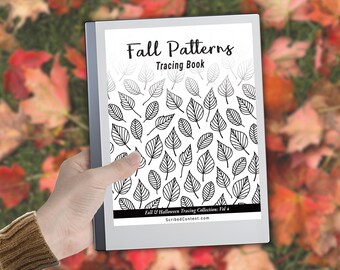
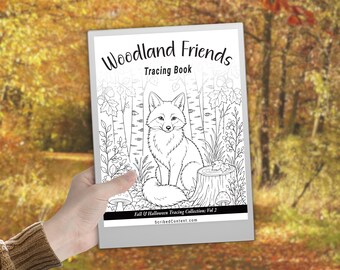
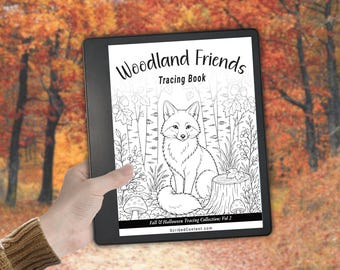
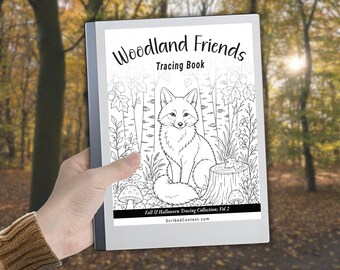
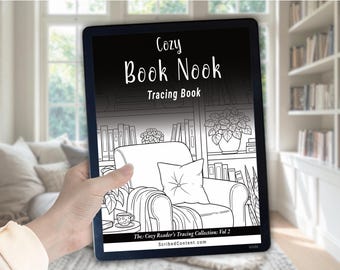
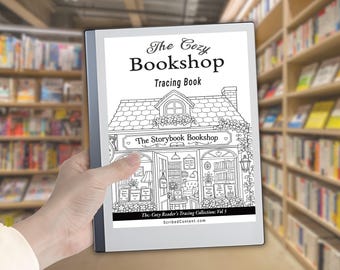
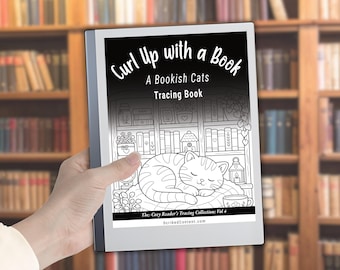
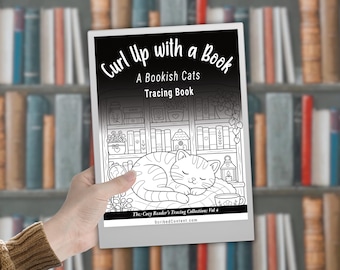
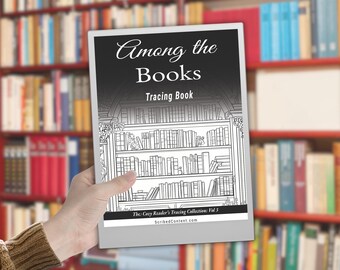
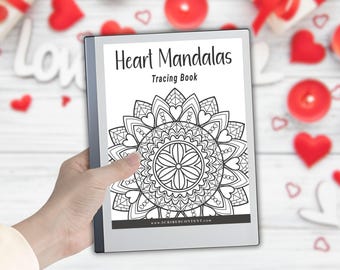
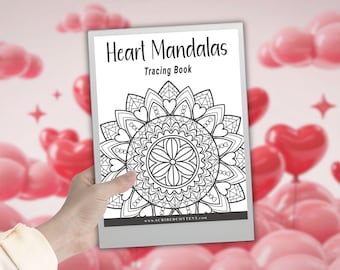
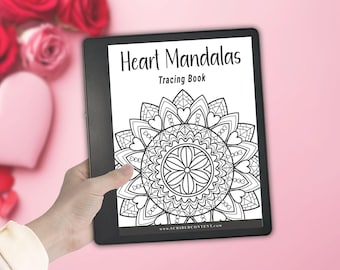
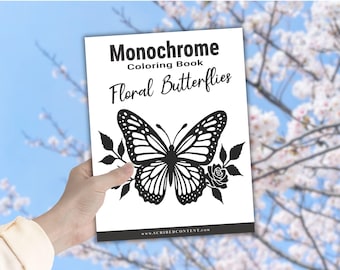
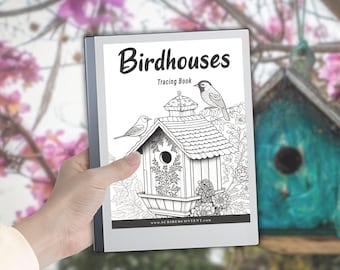
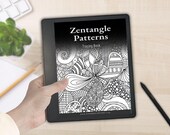
Me di cuenta de que no era el único que necesitaba algo más de lo que Kindle Scribe ofrecía de forma nativa, así que nació Scribed Content. Y ahora puedes usar los mismos cuadernos, agendas, diarios y cuadernos de calco que yo uso para ampliar la experiencia de Kindle Scribe.
I write, I jot, I doodle. Taking pen to paper helps me organize my thoughts and helps me remember things. It's an essential part of how I work and think.
Unfortunately, my note taking left me drowning in, well, notes. Post Its and scrap paper, little notebooks and big notebooks, spiral bound, disc bound, hard bound. I've tried lots of methods to tame the paper clutter and get organized. I've gone digital with Evernote and and tried Noteshelf on a Galaxy Tab. But the paper kept piling up.
Then I read a review for the Kindle Scribe and thought, "This is it!"
When it came in the mail I cleaned all the notes and notebooks off my desk. It felt so clear and inviting! I put away my favorite green ink pen. Not gonna lie, I shed a tear or two over that one.
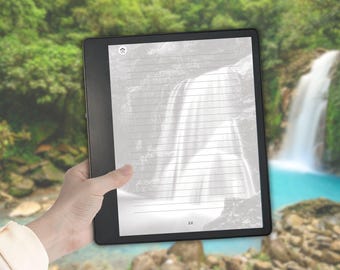
Fired up the Scribe and started making notebooks and writing some nonsense. The feel of the stylus pen gliding over the matte e-ink surface ticked all my note taking boxes in a way that my Galaxy Tab and pen never did. Finally! The answer to my note taking woes.
Sadly, the very basic note pages left much for me to desire. Future updates may give me the features that I want. Till then, I can, and have, created hyperlinked notebooks, journals, planners and art activity books so I can easily move between pages. It's given a fluidity to my note taking that has kept me satisfied, organized, and my desk free of paper clutter.
I figured I wasn't the only one who need that little bit more than the Kindle Scribe was providing natively, so Scribed Content was born. And now you can use the same notebooks, planners, journals, and tracing books that I use to amplify the Kindle Scribe experience.
