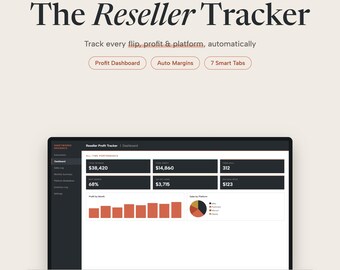
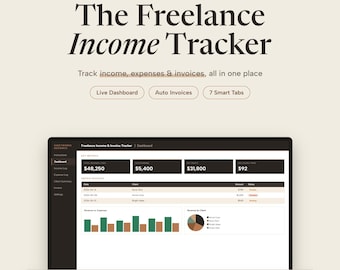
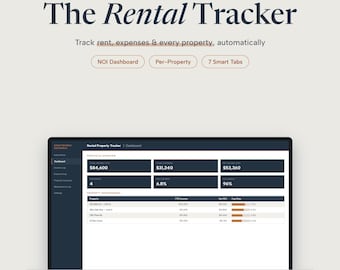
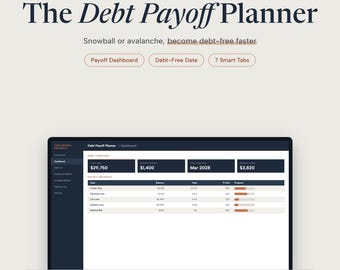
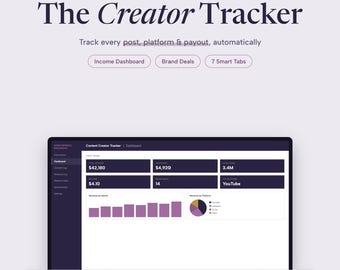
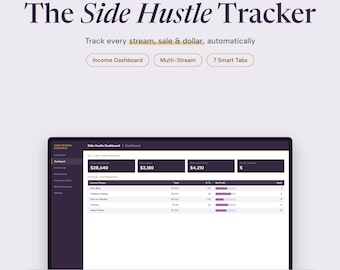
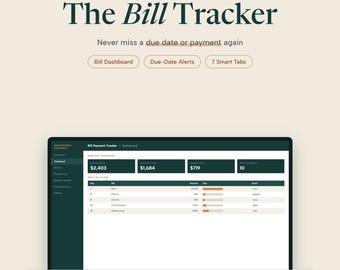
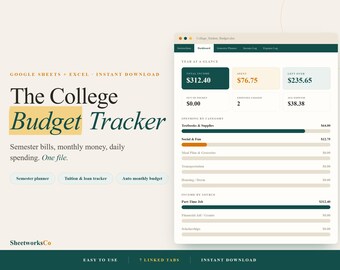

Hola, soy Zac. Fundé SheetworksCo porque me cansé de las hojas de cálculo que se veían geniales en las capturas de pantalla, pero que se desmoronaban en el momento en que intentaba usarlas.
Durante un tiempo, llevé un registro de mis finanzas como la mayoría de la gente: una aplicación de notas por aquí, una hoja de cálculo de Google improvisada por allá, y la sensación general de que probablemente gastaba más de lo que pensaba. Cuando por fin me puse a crear algo que realmente usaría a diario, me di cuenta de que dedicaba más tiempo a corregir fórmulas defectuosas y a descifrar el diseño de otra persona que a comprender mis propias finanzas.
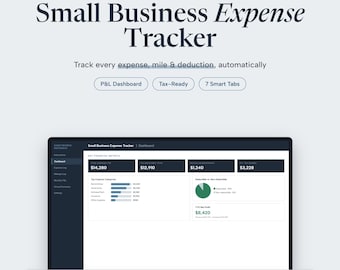
Así que lo reconstruí todo desde cero. Empecé con un sencillo gestor de presupuesto, luego un panel de control para mis actividades paralelas, donde podía llevar un registro de mis diferentes proyectos, y después un registro de gastos para mi trabajo freelance. Con cada uno, me preguntaba: ¿Lo abriré mañana? ¿Seguirá teniendo sentido dentro de tres meses, cuando ya haya olvidado cómo lo configuré?
Esa pregunta determinó por completo el proceso de creación de estas plantillas.
¿Qué los hace diferentes?
Cada plantilla de esta tienda se diseñó para ser realmente útil antes que para verse bien (aunque creo que también quedaron bastante bien). Se basan en cómo la gente usa las hojas de cálculo en la vida real: la abres, introduces los números y las respuestas aparecen al instante. Sin manual de instrucciones. Sin macros. Sin avisos de "active la edición" cada vez.
Algunas cosas que me importan y que no veo lo suficiente en otras plantillas:
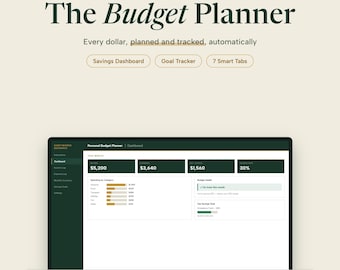
Fórmulas reales. No solo SUMA() y algunos colores. Estas fórmulas extraen datos de diferentes pestañas, se calculan automáticamente y te ofrecen un panel de control en tiempo real sin ningún esfuerzo adicional por tu parte.
Funcionan tanto en Excel como en Google Sheets. Lo probé todo en ambas plataformas, así que no tendrás problemas si cambias de herramienta.
Están diseñados para durar. En la pestaña de Configuración de cada plantilla, ingresas tu nombre, categorías y preferencias; esta información se actualiza automáticamente en el resto del archivo. Un solo cambio se aplica en todas partes.
Sin rodeos. Cada pestaña tiene su razón de ser. Si está ahí, es porque alguien (normalmente yo) la necesitaba.
Para quién son:
Si eres autónomo y necesitas hacer un seguimiento de tus clientes y facturarles. Si compaginas un trabajo secundario con un trabajo a tiempo completo y quieres saber cuál merece la pena. Si llevas tiempo queriendo tomarte en serio tu presupuesto, pero todas las aplicaciones que has probado parecen diseñadas para alguien con un título en finanzas. Si eres propietario de varias propiedades y tu sistema de notas está empezando a fallar.
Estas herramientas fueron diseñadas para personas comunes que buscan comprender mejor sus finanzas, no para contadores ni directores financieros. Simplemente para quienes desean abrir un archivo, ingresar algunos números y entender realmente lo que sucede.
Una nota mía:
Estoy muy orgulloso de esto. Yo mismo uso versiones de la mayoría. Si algo no funciona bien o si deseas que funcione de forma ligeramente diferente, envíame un mensaje. Leo todos los mensajes y soluciono los problemas rápidamente.
Gracias por su visita.
Zac / SheetworksDesignCo
Hi, I'm Zac. I started SheetworksCo because I got tired of spreadsheets that looked great in screenshots but fell apart the moment I tried to actually use them.
For a while, I tracked my finances the way most people do: a notes app here, a rough Google Sheet there, and a general sense that I was probably spending more than I thought. When I finally sat down to build something I'd actually use every day, I realized I was spending more time fixing broken formulas and decoding someone else's layout than I was understanding my own money.
So I rebuilt everything from scratch. I started with a simple budget tracker, then a side hustle dashboard to track the different things I had going on, then an expense log for my freelance work. Each one, I kept asking: would I open this tomorrow? Would it make sense in three months when I've forgotten how I set it up?
That question shaped everything about how these templates are built.
What makes these different:
Every template in this shop was designed to be genuinely useful before it was designed to look good (though I think they turned out looking pretty good too). They're built around how people actually use spreadsheets: you open it, you fill in your numbers, and the answers are just there. No instruction manual. No macros. No "please enable editing" warnings every time.
A few things I care about that I don't see enough in other templates:
Real formulas. Not just SUM() and a few colors. These pull data across tabs, auto-calculate, and give you a live dashboard without any extra work on your end.
They work in both Excel and Google Sheets. I tested everything in both so you're not stuck if you switch tools.
They're built to last. The Settings tab in every template is where you put your name, your categories, your preferences, and that information flows through the rest of the file automatically. Change it once, it updates everywhere.
No fluff. Every tab earns its place. If it's there, it's because someone (usually me) actually needed it.
Who these are for:
If you're freelancing and need to track clients and invoice them. If you're juggling a side hustle alongside a day job and want to know which hustle is actually worth your time. If you've been meaning to get serious about your budget but every app you've tried felt like it was made for someone with a finance degree. If you're a landlord with a few properties and a notes-app system that's starting to crack.
These were built for regular people trying to get a cleaner picture of their money, not accountants, not CFOs. Just people who want to open a file, enter some numbers, and actually understand what's going on.
A note from me:
I'm genuinely proud of these. I use versions of most of them myself. If something isn't working right or you wish it did something slightly different, message me. I read everything and I fix things quickly.
Thanks for stopping by.
Zac / SheetworksDesignCo