
すべての商品
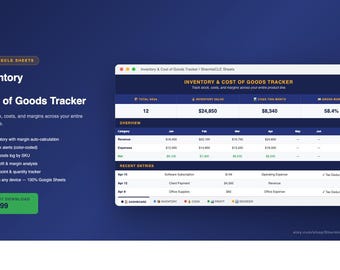
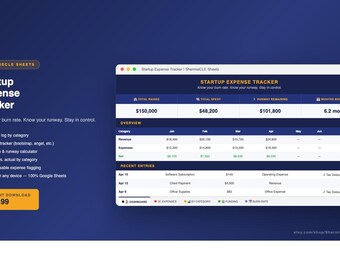
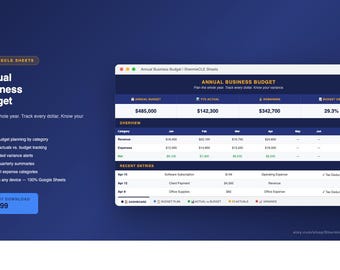
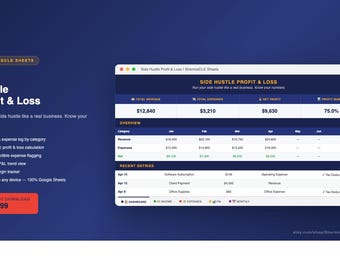

お知らせ
最終更新日: 2026年 04月 5日

ShermieCLESheets について
セールス
0
Etsy ショップ創設年: 2026
ショップポリシー
最終更新日:
利用可能な支払い方法
Etsy ギフトカードと Etsy ポイントがご利用可能です
返品&交換
返品&交換の可否は商品詳細をご確認ください。
その他の情報
最終更新日:
2026年 04月 5日
よくある質問
Q: How do I access my spreadsheet after purchase?
A: You'll receive a link to a Google Sheet template. Click the link, then go to File → Make a Copy to save it to your own Google Drive. You'll need a free Google account.
Q: Do I need Microsoft Excel or special software?
A: No. These templates are built for Google Sheets, which is completely free. You just need a Google account (Gmail works).
Q: Can I edit the template?
A: Yes — once you make a copy it's 100% yours. Customize colors, add rows, change categories, whatever you need.
Q: Can I edit the template?
A: Yes — once you make a copy it's 100% yours. Customize colors, add rows, change categories, whatever you need.
Q: Do you offer refunds on digital products?
A: Because digital products are delivered instantly, we don't offer refunds. If you have an issue or something isn't working, message us and we'll make it right.
Q: Will this work on my phone or iPad?
A: Yes, Google Sheets works on iOS and Android. Some advanced features are easier on desktop but the tracker is fully functional on mobile.
Q: Can I share this with my business partner?
A: Yes, you can share your copy with anyone on your team. Please don't resell or redistribute the template itself.