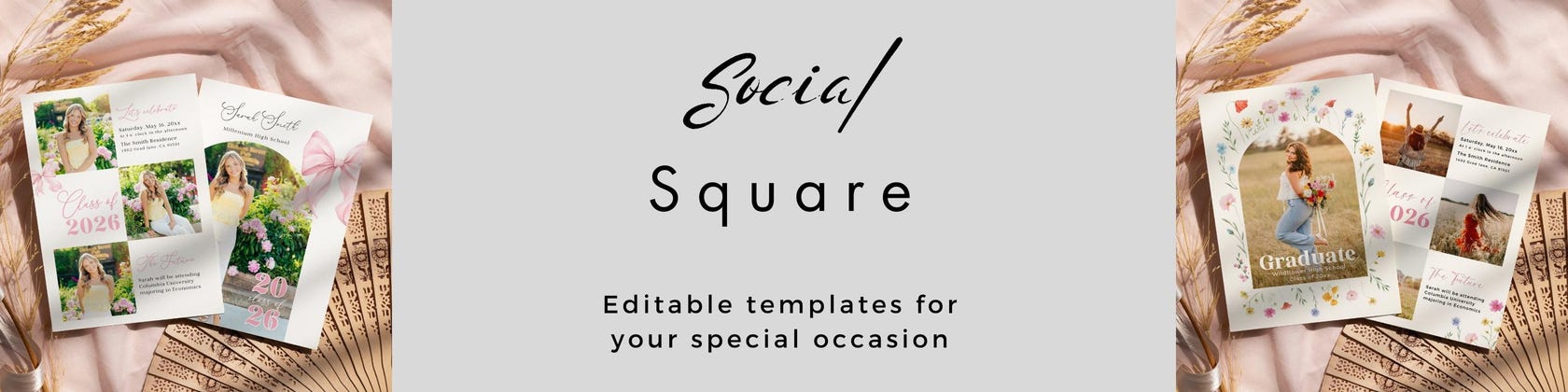

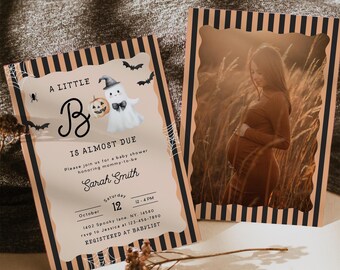
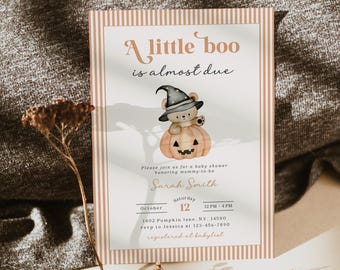
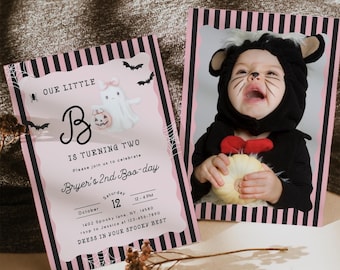
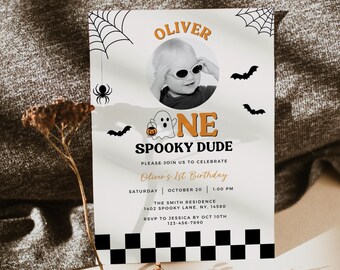
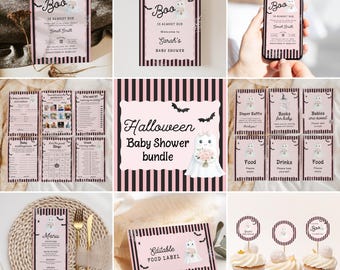
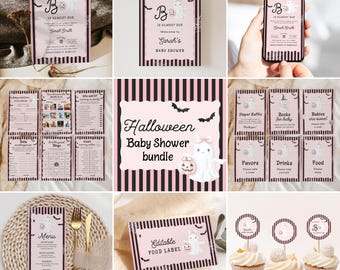
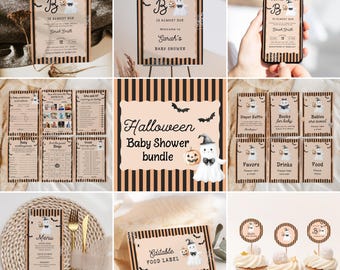
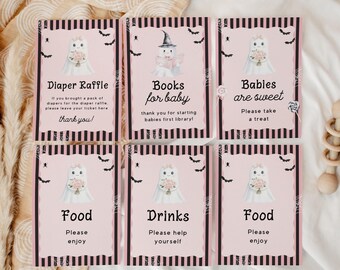
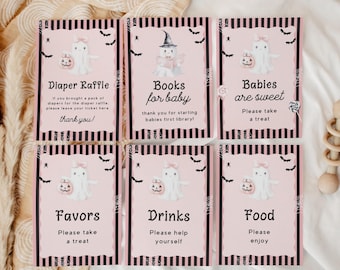
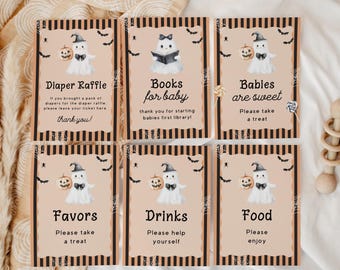
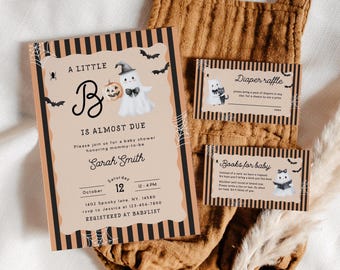
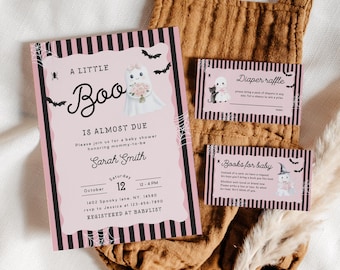
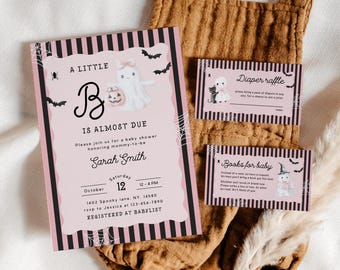
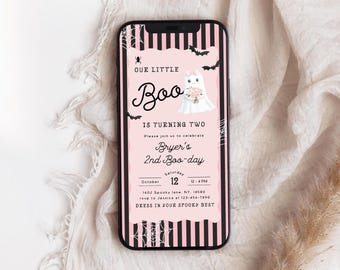
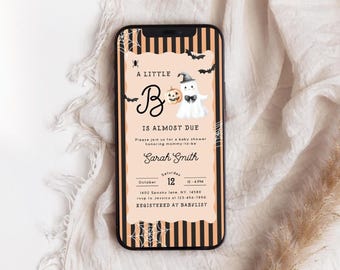
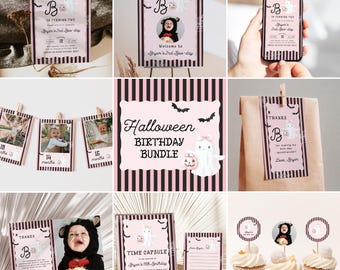
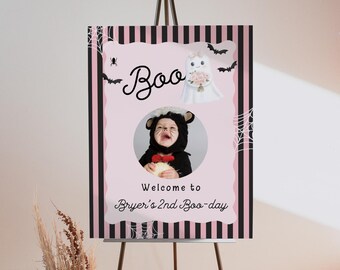
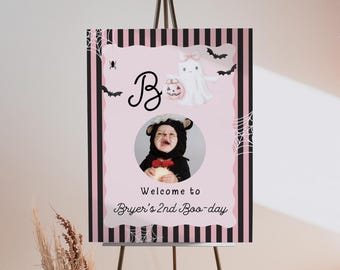
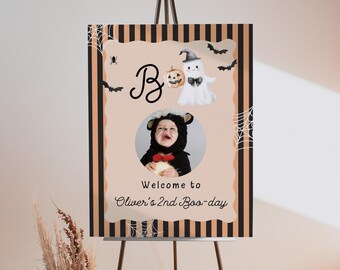
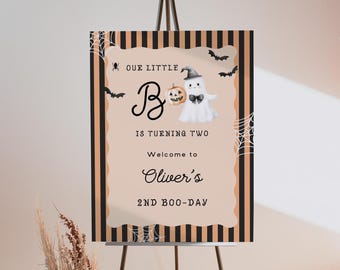
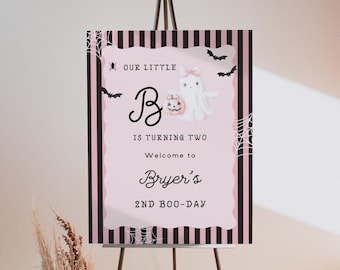
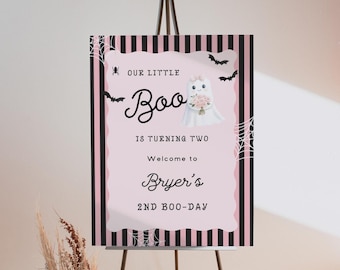
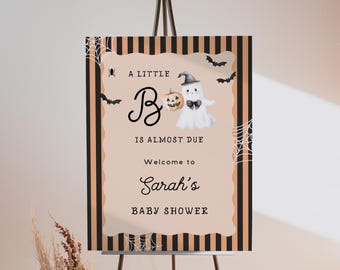
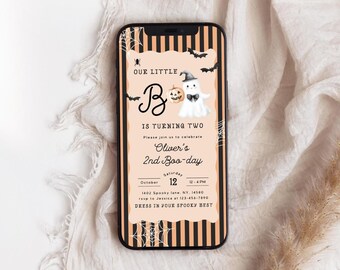
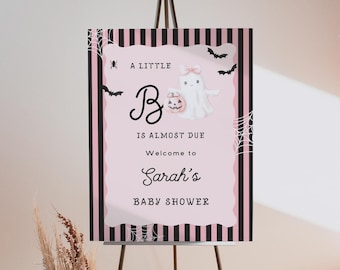
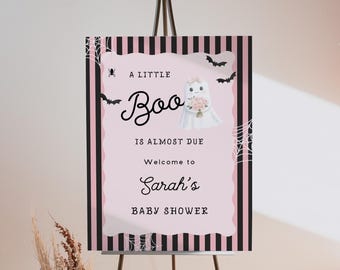
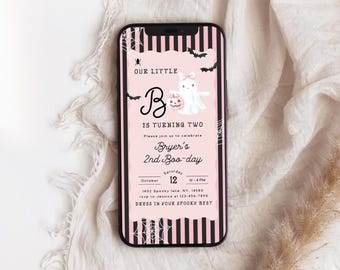
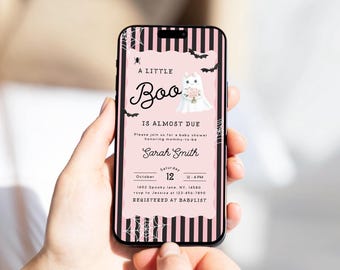
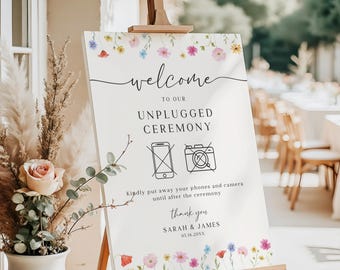
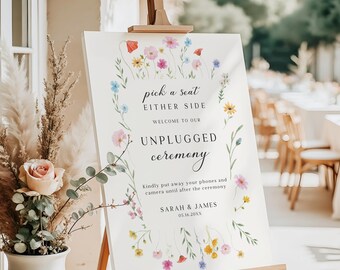
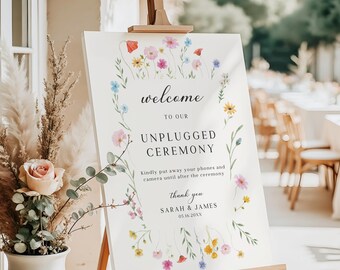
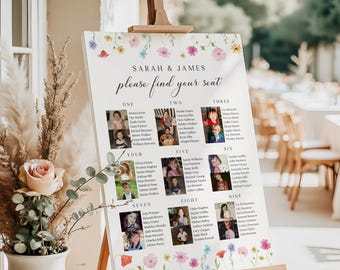
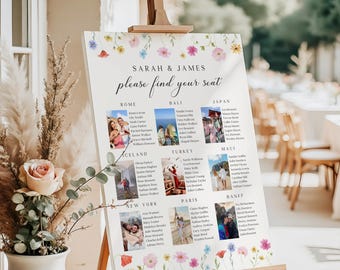
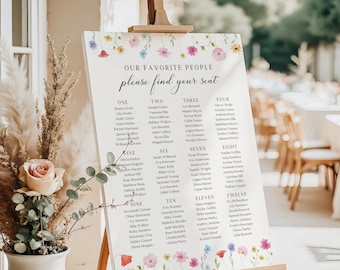
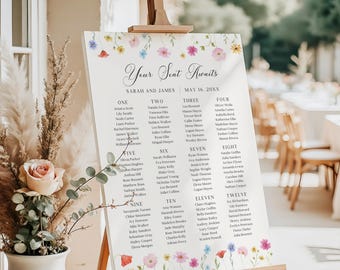
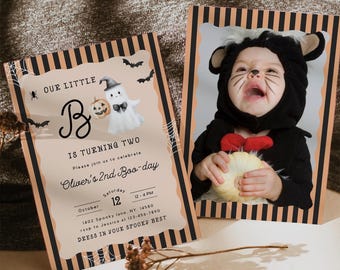
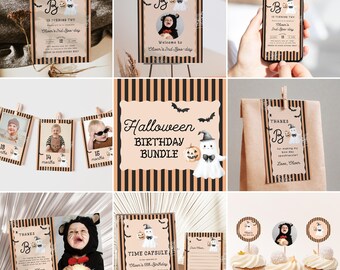
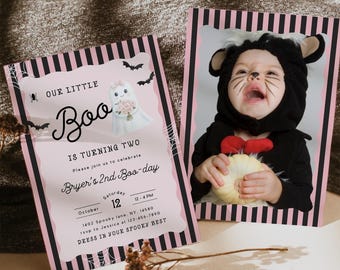






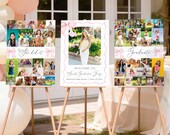

Social square - digital templates for your special occasion!
おすすめ商品
すべての商品
お知らせ
最終更新日: 2023年 08月 26日
レビュー
5.0
(850)
商品のレビュー平均
すべての評価について、最新レビュー重視の平均評価基準を採用して、この数字を計算しています。最新の体験を反映するため、評価の価値は毎年半減する仕組みとなっています。
読み込み中
-

Anna-marie さんのレビュー(2026年 08月 7日)
星 5 個のうち 5 個Very quick and absolutely perfect for my wedding save the dates, so beautiful and everyone thought I had actually painted them! Beautiful quality 😁
読み込み中 -
Lydia さんのレビュー(2026年 07月 9日)
星 5 個のうち 5 個Lovely design. The whole process is quick and easy to edit and save as a pdf or image to then send to individuals. Would 100% recommend.
読み込み中 -
Salzano さんのレビュー(2026年 06月 9日)
星 5 個のうち 5 個Très beau support pour envoyer aux invités en attendant les invitations définitives. Très facile d'utilisation et Isha est à l'écoute pour toutes demandes. Je recommande !
読み込み中 -
-

Brittany さんのレビュー(2026年 08月 8日)
星 5 個のうち 5 個This was exactly what I was looking for. Thank you so much!
読み込み中 -
-
-
-

Nic さんのレビュー(2026年 08月 2日)
星 5 個のうち 5 個It was a beautiful addition to my daughter’s Love Shack Fancy grad party.
読み込み中 -
SocialSquareShop について
セールス
8,619
Etsy ショップ創設年: 2023
ショップポリシー
最終更新日: 2025年 03月 21日
ダウンロード商品
即時ダウンロード可能商品
お支払い確認後、ファイルがダウンロードできるようになります。 ダウンロード方法はこちらから。
カスタムダウンロード商品
ご購入後、商品を製作します。ファイルのダウンロード準備が出来次第、メールが届きます。これらの商品の完了に必要な時間は変わることがあります。ご質問はお問い合わせください。
支払い方法
セキュアオプション
Etsy ギフトカードと Etsy ポイントがご利用可能です
Etsy はあなたのお支払い情報を安全に管理します。Etsy ショップがあなたのクレジットカード情報を受け取ることはありません。
返品&交換
返品&交換の可否は商品詳細をご確認ください。
キャンセル
キャンセル:不可
ご注文に関し、何か問題がございましたらセラーにお問い合わせください。
その他の情報
最終更新日:
2025年 12月 17日
よくある質問
How do I access my template?
You can access the file in two ways :
1. EMAIL
Order confimation email will be sent to you via Etsy to the email associated with your Etsy account. From that email, please click on "view your files on Etsy" to access your file.
If you have ever unsubscribed from Etsy emails in the past, you may not receive the email. Please check your junk/spam folders as well.
2. YOUR ETSY ACCOUNT
Please login to your Etsy account > your profile > purchases and reviews > download file.
PLEASE NOTE: As of this moment, digital downloads can only be accessed through Etsy's website and not the app. Sign in from your web browser on your phone, computer or tablet.
Can you resize my template?
Yes, please message me via Etsy Conversations before placing order and specify the size of the desired item and I will be happy to make it.
How do I edit my template?
A video tutorial for editing can be viewed here:
https://tinyurl.com/y4zkdhss
How do I add photos to my template?
A video turorial for adding photos can be viewed here:
https://tinyurl.com/mr2wc2km
What can I edit?
Please refer to the listing photos and description of that specific design since it varies for all templates.
In general you can edit:
All Text(wording and placement)
Font styles, colors and sizes
Upload photo
Add elements from CANVA's amazing library.
You can't edit:
Template size
Can you edit the template for me?
Yes, I will happily edit it for you at no additional cost.
Do I need to download any special software or fonts?
No, you don't need to download special software or fonts for any of our designs.
Canva is a free user friendly online tool that offers a wide variety of free fonts and graphics.
Is there a deadline for accessing these templates?
No, you can use them for as long as you would like to.