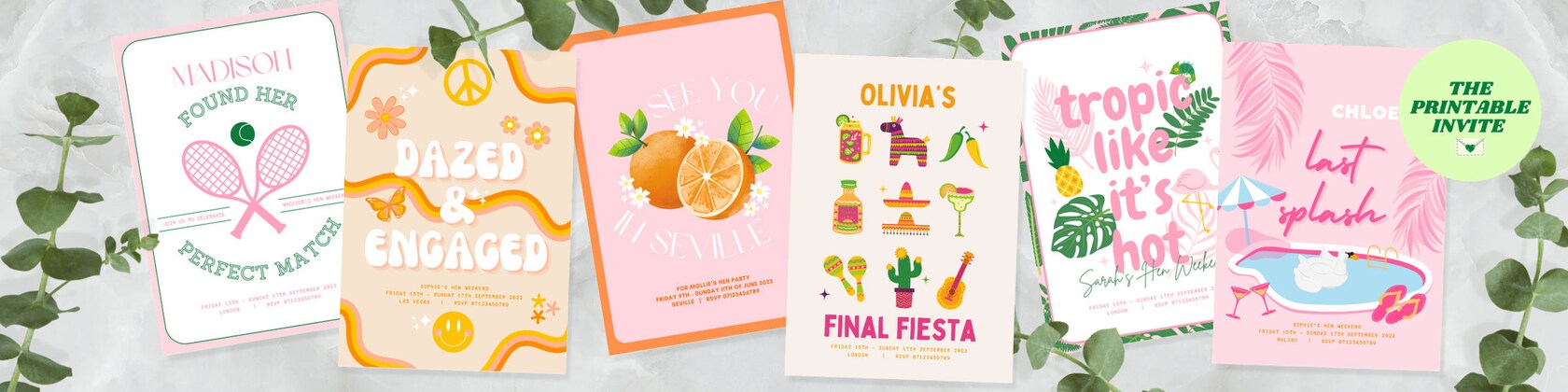
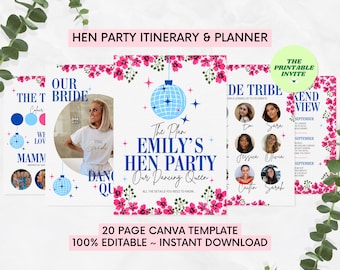
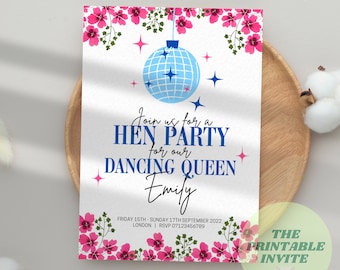
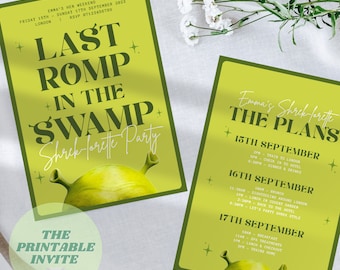
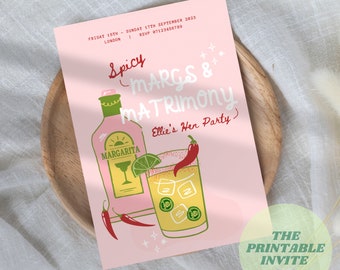
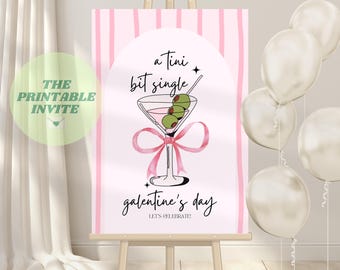
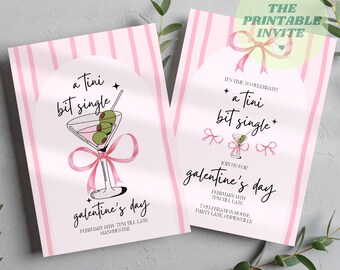
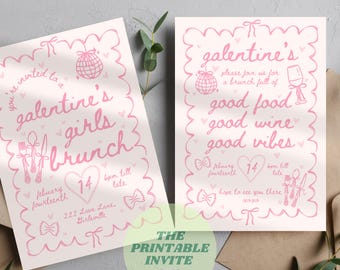
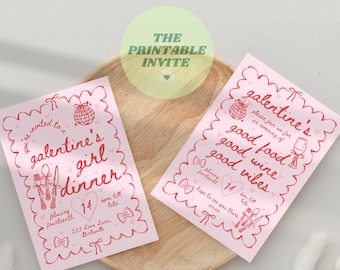
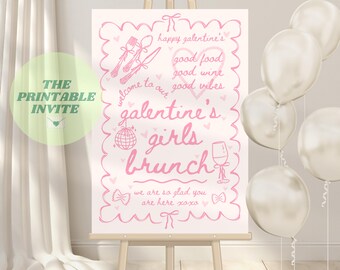
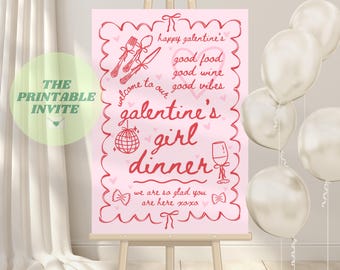
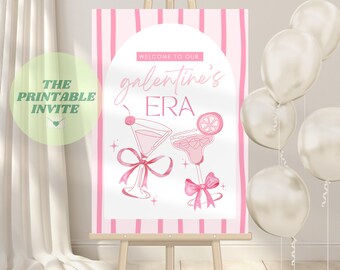
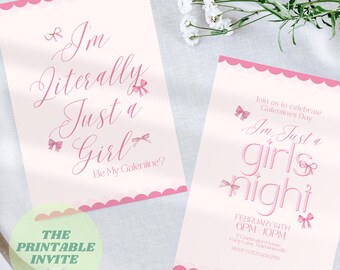
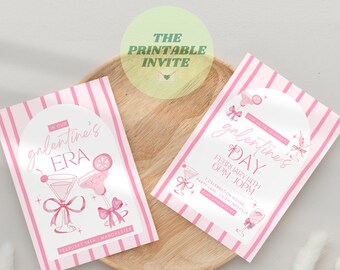
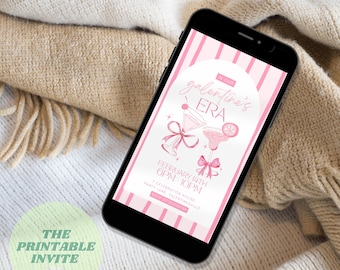
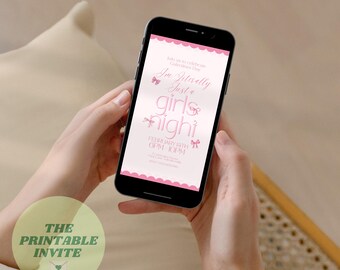
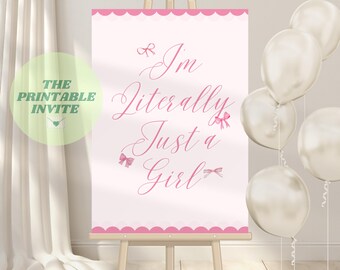
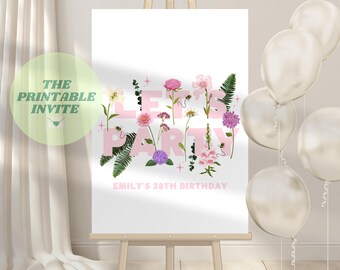
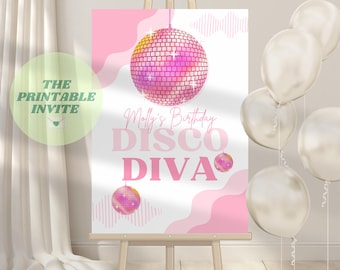
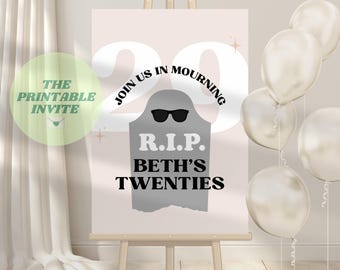
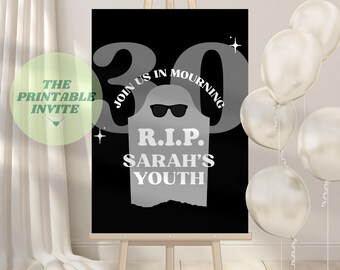
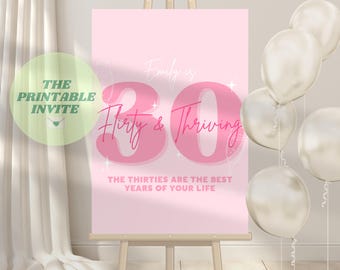
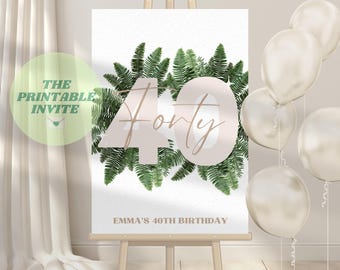
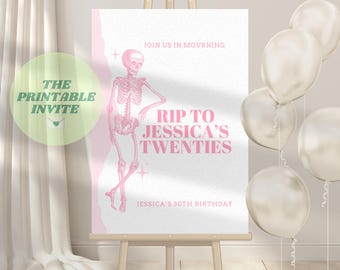
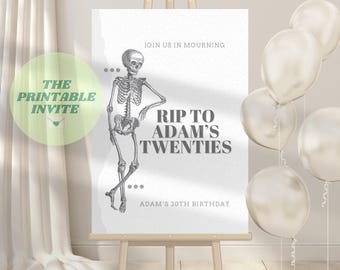
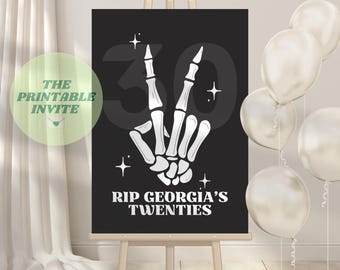
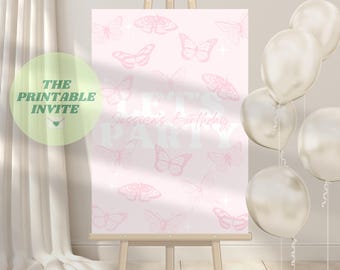
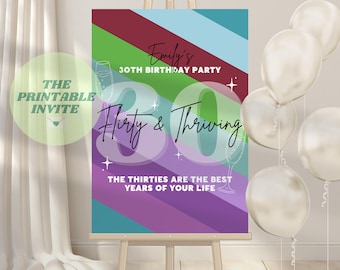
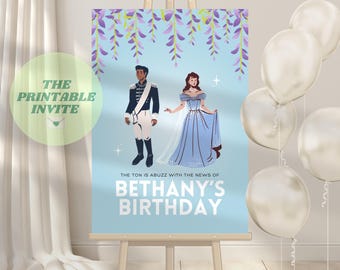
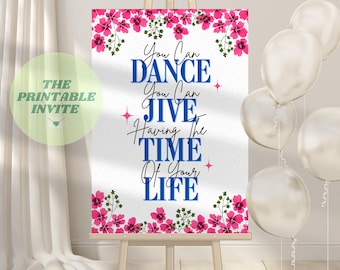
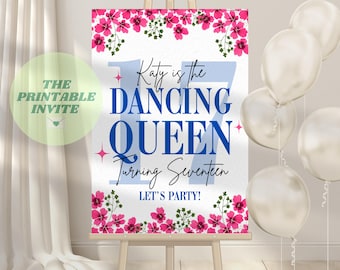
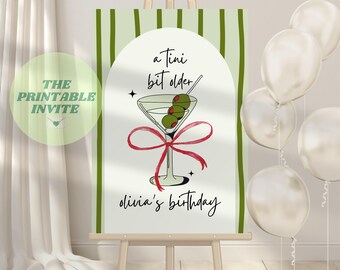
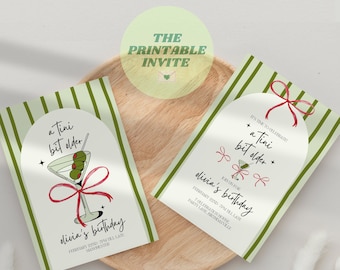
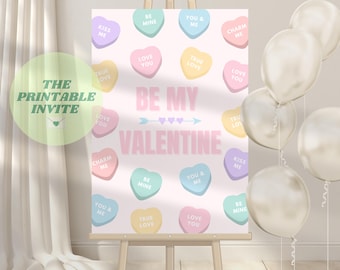
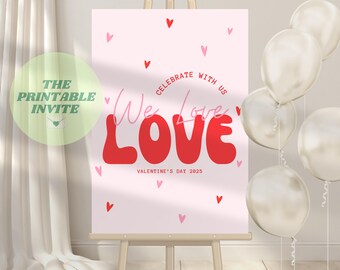
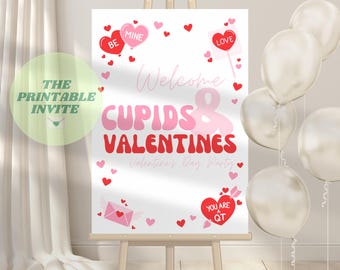
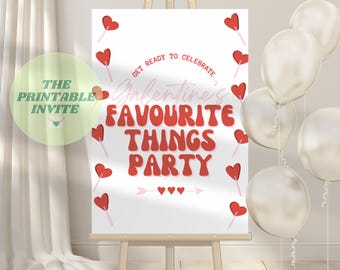
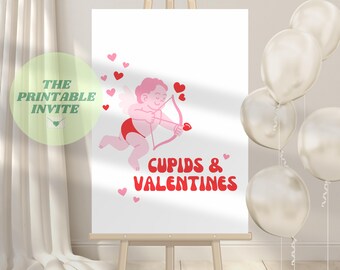
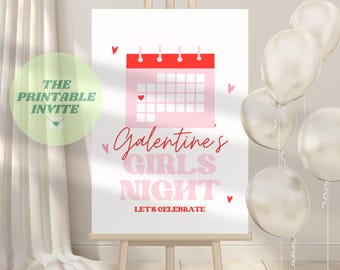

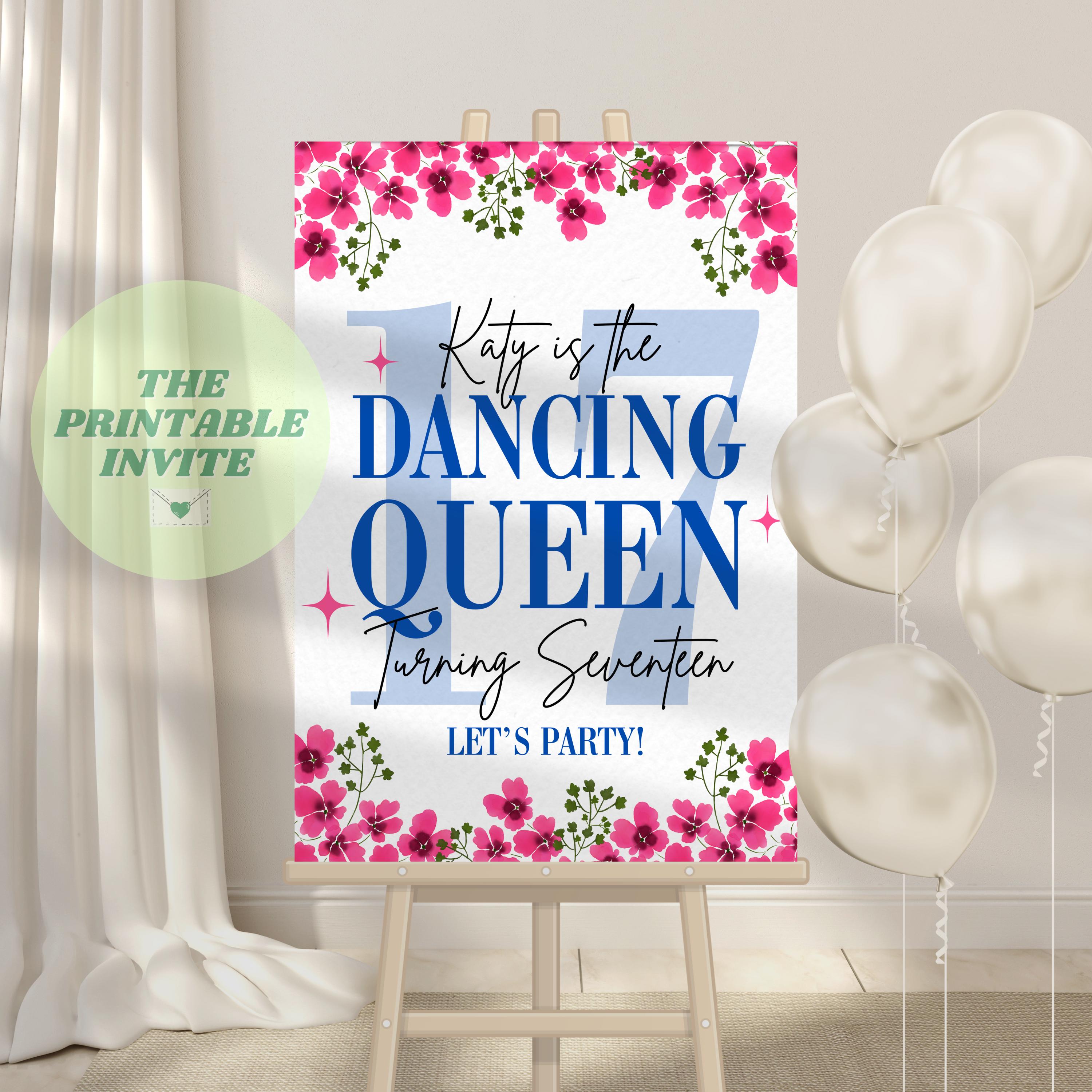

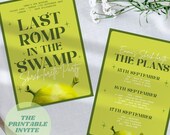
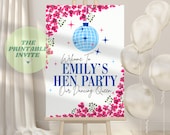


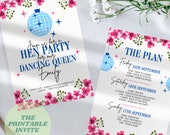
We houden van uitnodigingen en hopen uw nieuwe go-to te zijn voor canva-sjablonen voor evenementen van hoge kwaliteit die gemakkelijk te bewerken en af te drukken zijn
Aankondiging
Laatst bijgewerkt op 07 dec. 2023
Recensies
5.0
(576)
Gemiddelde itemrecensie
We berekenen deze score op basis van het gewogen gemiddelde van alle recensies. Hierbij is de recentheid van belang: een recensie weegt elk jaar met de helft minder door, zodat de beoordeling de huidige ervaring zo goed mogelijk weerspiegelt.
Laden
-

Patricia op 17 aug. 2026
5 uit 5 sterrenDeze zijn niet echt van toepassing, het betrof een digitale download. Makkelijk te bewerken.
-

-
Rebecca op 26 mei 2026
5 uit 5 sterrenPrecies wat ik zocht! Geweldige kwaliteit, zo makkelijk te bewerken, zelfs voor mij! Dankjewel!
-
Sophie op 03 sep. 2026
5 uit 5 sterrenMakkelijk te bewerken en aan te passen, en een perfect spel voor een vrijgezellenfeest!
-
-

Poppy op 24 jun. 2026
5 uit 5 sterrenGeweldig! Makkelijk te bewerken in Canva. Ik zou deze winkel zeker aanbevelen.
-
Etsy-koper op 03 jun. 2026
5 uit 5 sterrenPrecies wat we zochten - makkelijk te bewerken en prachtig afgedrukt als grote poster. Perfect voor een "13 Going on 30"-feest!
-

-
-
Over ThePrintableInvite
Sales
5.294
Op Etsy sinds 2022
Shopleden
-

The Printable Invite
Owner
Shopbeleid
Laatst bijgewerkt op 04 sep. 2022
Digitale downloads
Directe downloads
Je bestanden worden beschikbaar voor download zodra je betaling bevestigd is. Hier vertellen we je hoe dat moet.
Betaalmogelijkheden
Veilige opties
Accepteert Etsy-cadeaubonnen en Etsy-tegoed
Etsy houdt je betaalgegevens veilig. Verkopers zien je creditcardgegevens niet.
Retouren en ruilingen
In de itemdetails staat of retouren en ruilingen mogelijk zijn.
Annuleringen
Annuleringen: niet geaccepteerd
Neem alsjeblieft contact met de verkoper op als er problemen met jouw bestelling zijn.
Privacybeleid
Meer informatie
Laatst bijgewerkt op
17 dec. 2025
Veelgestelde vragen
Wat krijg ik als ik bestel?
U ontvangt een PDF-handleiding met link naar de Canva-sjabloon. Lees gewoon de instructies en klik op de link om de sjabloon te openen en te bewerken.
Hoe/wanneer ontvang ik de Canva template link?
Er wordt een e-mail verzonden naar het adres dat je hebt gekoppeld aan je Etsy account met een link naar de PDF-handleiding en canva-sjabloon onmiddellijk na het bestellen. U kunt vervolgens de instructies lezen en op de link naar de Canva-sjabloon klikken om meteen te beginnen met bewerken.
Hoe bewerk ik een Canva-sjabloon?
Als canva nieuw voor je is, zijn er veel YouTube-tutorials voor beginners die je laten zien hoe je het ontwerp kunt bewerken. Als basisoverzicht klikt u met behulp van de mobiele app of op een computer op het gedeelte dat u wilt bewerken en vervolgens kunt u uw eigen tekst typen. Als u lettertypen of kleuren wilt wijzigen, klikt u op de sectie die u wilt wijzigen en gebruikt u het gereedschap Lettertype of Kleur om uw nieuwe opties te kiezen.Zodra uw ontwerp klaar is, slaat u het op als de optie "PDF Print" op Canva. U hebt dan een bestand van hoge kwaliteit klaar om af te drukken, onthoud bij het afdrukken om het juiste papierformaat te selecteren dat u wilt dat uw uitnodiging bijvoorbeeld A5 of A6 is. Voor een digitale uitnodiging slaat u het bestand op als een PNG-afbeelding die klaar is om te verzenden.
Hoe moet ik mijn uitnodiging afdrukken?
• Voor thuis afdrukken: We raden aan om kaart- of kunstpapier van goede kwaliteit te gebruiken. Gebruik idealiter satijn of mat papier met zwaar papier voor het beste resultaat.• Afdrukken in uw lokale drukkerij of online drukkerij: Lever het PDF-afdrukbestand samen met het gewenste formaat aan een drukkerij. We raden u aan een zwaar papiergewicht te gebruiken voor een afdruk van hogere kwaliteit.
Ontvang ik een fysiek product?
Er wordt geen fysiek product verzonden omdat dit een DIGITAAL DOWNLOAD-product is. De uitnodiging wordt niet voor u gepersonaliseerd, omdat dit een Canva-sjabloonbestand is dat u zelf thuis kunt bewerken. Kleuren kunnen enigszins variëren, afhankelijk van de monitor. Deze aankoop is ALLEEN voor PERSOONLIJK GEBRUIK.
Accepteert u annuleringen / terugbetalingen?
Omdat de sjabloon digitaal is (en onmiddellijk na bestelling naar u wordt gemaild), accepteren we geen annuleringen of terugbetalingen.