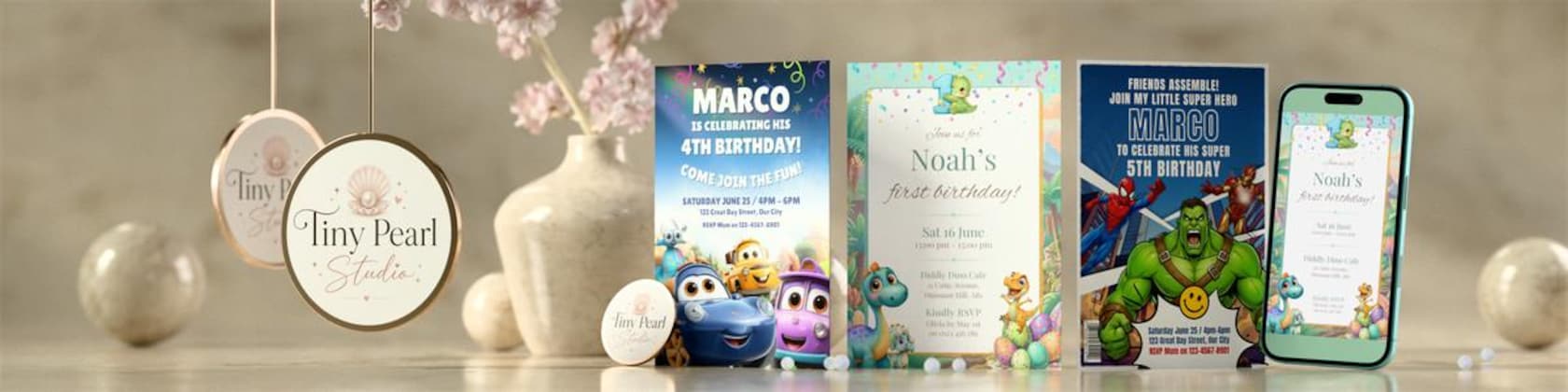

Featured items

All items

Reviews
5.0
(1)
Average item review
We calculate this number using a recency-weighted average of all ratings, with a rating's value decreasing by half each year to best reflect the current experience.
Loading
-

Philip on May 11, 2026
5 out of 5 starseasy to use canva template

Tiny Pearl Studio responded on May 11, 2026
My first sale! Thank you SO much Philip 🫶 I hope you enjoy the Invite as much as I did making it. Best wishes to you and have a great event 🎉😊
About TinyPearlStudioCo
Sales
1
On Etsy since 2026
-
-
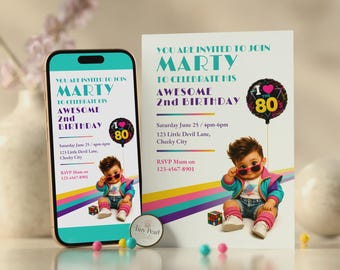
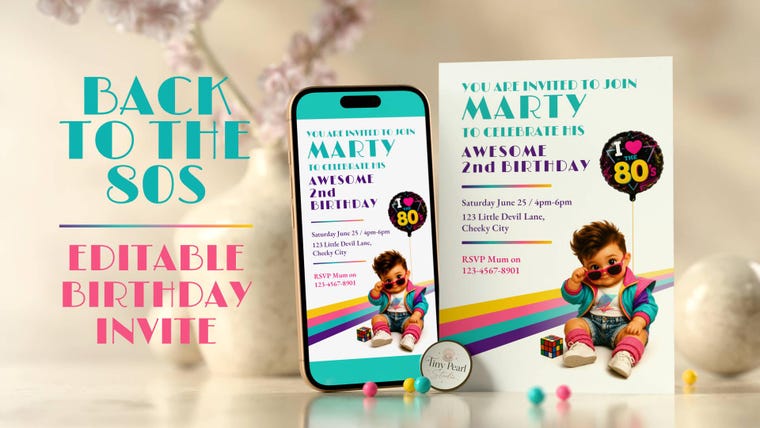 There's something about the 80s that appeals to me. I love the music especially. So, I made my very own tribute 😊
 -
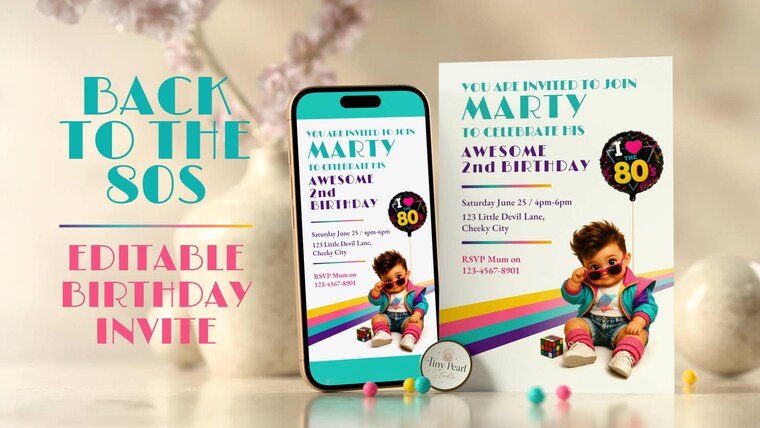 With a passion for the 80s, after lots of creative research and designing, I'm proud of my tribute Invite! ❤️
 -
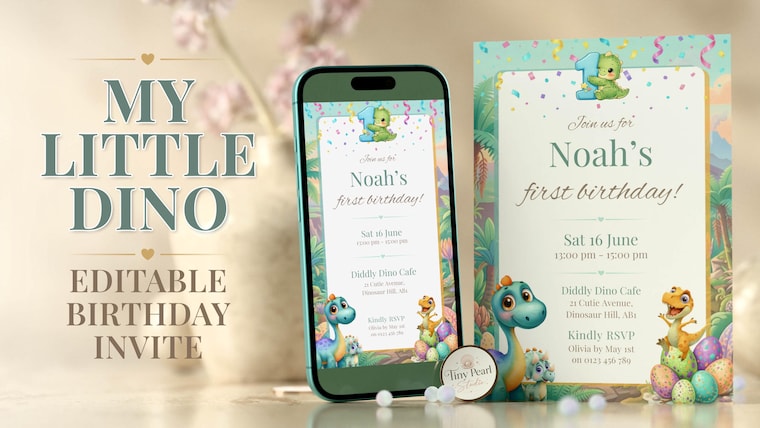 I'm very happy with my 1st birthday invitation template - I hope you enjoy it too
Shop about video description
Shop members
-

Tiny Pearl Studio
Owner, Designer, Maker
Shop policies
Last updated on Apr 28, 2026
Shipping
See item details for estimated arrival times.
Customs and import taxes
For US deliveries, Etsy policy requires that import duties and fees are included in the checkout price. Non-US buyers may need to pay these fees upon delivery. You can message me to confirm how these fees will be paid for your order. I'm not responsible for any customs-related delays.
Digital downloads
Instant downloads
Your files will be available to download once payment is confirmed. Here's how.
Payment options
Secure options
Accepts Etsy Gift Cards and Etsy Credits
Etsy keeps your payment information secure. Etsy shops never receive your credit card information.
Returns & exchanges
See item details for return and exchange eligibility.
Cancellations
Cancellations: not accepted
Please contact the seller if you have any problems with your order.
Privacy policy
More information
Last updated on
May 11, 2026
Frequently asked questions
Custom and personalised orders
If you have a unique concept for your event, and don't see it in my store, contact me for Custom and Personalised items. You can contact me here on Etsy, Facebook or Instagram. We can discuss your requirements and options - no pressure, no commitment, just chatting to see if I can match your expectations and needs. Thank you.
Printing and Colour Reproduction
In a perfect world, a colour print from one printer compared to another would look exactly the same and match exactly the source material. Sadly, that's not the reality, so it's good to be aware of a few things.
First, what you see on a screen can be quite different to the actual paper version. Without doing a deep dive into technology and printing processes, just know that:
1. Screens use a Colour Mode called sRGB to display colours.
2. Printers use a different Colour Mode called CMYK (ink cartridges) to print a physical item.
How a paper print compares to the digital version depends on the printer, the ink, how many colours the printer uses, and the paper on which it's printed.
Printing Tips and Suggestions
You can print items yourself using a home printer or seek other options, see below.
How you choose to print will determine the quality of the print, including the paper you print on.
1. Your local print shop (save/take with you a copy of your digital file on a USB stick). Some shops may allow you to email them your file.
2. If using a specialist printing service, point out that my digital products don't include any Bleed (trust me, the printer will understand). This way, the printer can take that into account when setting up the print parameters.
3. Use good quality paper to give your Invite (or other product) a quality finish. 80-100 lb silk cover paper (not glossy) is a good option. Discuss with your print provider if you're not sure.
Can you tell me more about your creative process?
Sure! I'll use my 80s themed Invite as an example. I quickly visualise a design, so I get to work by validating facts, because it's based on real life. For example, I might think "this" and "that" was popular in the 80s. To stay accurate, I do lots of research. I think about the visual messaging of the concept. What does it say creatively? How does it say it? How do I visualise nostalgia? Will customers "see it" as intended? I went with a child theme in 80s clothing, with suitable 80s colours and shapes. A Rubik's Cube cemented the theme! Next, I start creating assets I'll need for the layout and composition, and use Affinity to make the composition. After some design iterations and tweaks, I arrive at the final design.