







cleanslatepapers – digital downloads and printable files to help your small business grow.
Featured items
All items
Announcement
Last updated on Jan 6, 2026
Reviews
5.0
(39)
Average item review
We calculate this number using a recency-weighted average of all ratings, with a rating's value decreasing by half each year to best reflect the current experience.
About cleanslatepapers
Sales
208
On Etsy since 2023
Shop members
-

Steavi
Owner, Designer
Mom to two beautiful girls
Shop policies
Last updated on
Accepted payment methods
Accepts Etsy Gift Cards and Etsy Credits
Returns & exchanges
See item details for return and exchange eligibility.
More information
Last updated on
Dec 17, 2025
Frequently asked questions
TERMS OF USE
By purchasing from us, you agree to the following terms:
→ License Agreement: You are granted a non-exclusive, limited-use license for personal and professional purposes.
→ Customization: Feel free to edit or customize the mockups to showcase your work or align them with your brand’s aesthetic.
→ Usage: You may use the mockups to display your designs on your website, online shop, social media platforms, or other business-related channels.
→ Prohibited Actions: You may not sell, lease, loan, transfer, or share the mockups or images with third parties in any form.
→ Resale Restrictions: The mockups cannot be used to create new mockups for resale
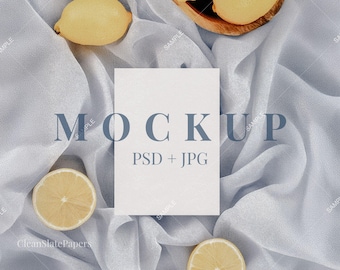
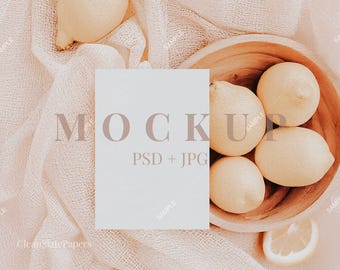
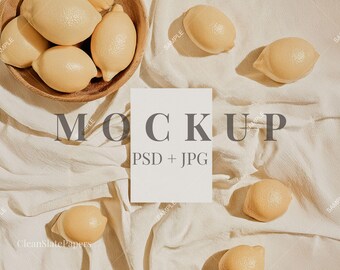
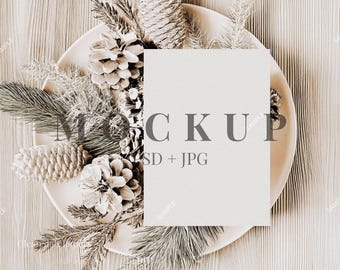
WHAT IS A MOCKUP?
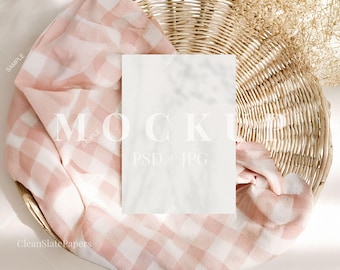
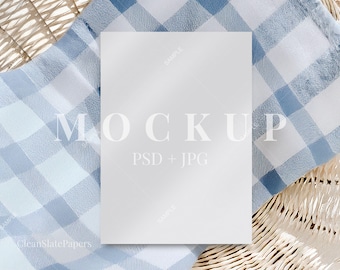
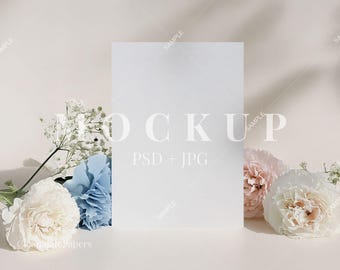
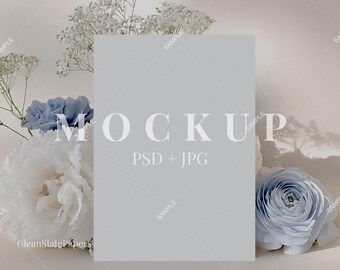
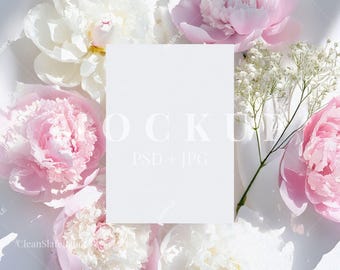
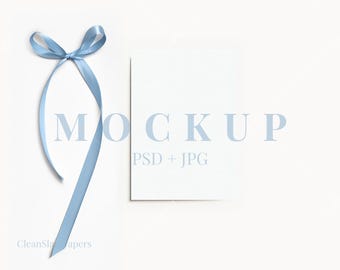
A PSD mockup is a digital tool that allows you to showcase your designs in a realistic, professional setting without the need for physical photography. These high-quality Adobe Photoshop files are perfect for displaying products like invitations, cards, and other stationery.
With Smart Objects, adding your design is quick and easy. Simply open the PSD file in Adobe Photoshop, double-click the Smart Object layer, insert your design, save, and watch it automatically appear in the mockup. This streamlined process saves time and ensures your products look polished and ready to share on websites like Etsy, Zazzle, Templett, or social media.
WHY IS MY PSD FILE WHITE WHEN I OPEN IT?
All our PSD files have a white layer added to reduce the file & download size. PSD files are large and often exceed 20mbs. Simply hide the white layer or trash it when editing!