
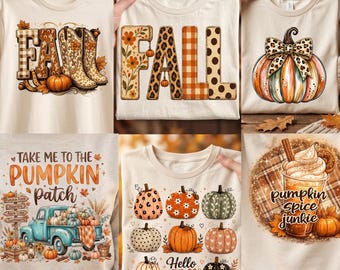
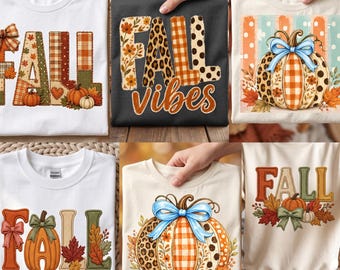




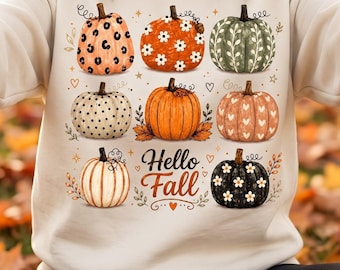













Creating premium SVG, PNG, and digital designs for crafters, creators, and small businesses. Instant downloads with clean, modern, high-quality files.
All items
About PeakTrending
Sales
0
On Etsy since 2026
Shop members
-

ibtasam afzal
Owner
Shop policies
Last updated on
Accepted payment methods
Accepts Etsy Gift Cards and Etsy Credits
Returns & exchanges
See item details for return and exchange eligibility.
More information
Last updated on
01 Jul, 2026
Frequently asked questions
I can’t find my download email. What should I do?
• Check your spam or junk folder
• Check Gmail Promotions/Social tabs
•Add transaction@etsy.com
to your safe list.
Where do I download my files?
Log into Etsy.com (web browser, not app).
Go to: Your Account → Purchases and Reviews → Download Files if payment is processing, the download button will appear once completed.
I purchased as a guest. How do I download?
If purchased as a guest, your download link is in the receipt email sent by Etsy.
If you cannot locate it, check spam folders or contact me via Etsy message.
Downloading from Dropbox
No Dropbox account is required.
Click “Download Only” if prompted.
Always use the direct download button.
Do NOT right-click and save the preview image (this saves low resolution only).
What will I receive when I purchase a listing from your shop?
When you purchase a listing from my shop, you will receive a high-quality digital file ready for instant download. No physical item will be shipped.
How do I access the files from my order?
All of the files are available through instant download via Etsy. Etsy will send you an automatic email with links to download the files for your purchase. This email is separate from your order confirmation from Etsy.
If you were logged into your account at the time of your order, you can also access your files by clicking on your profile photo in the top right corner of Etsy's home page, then selecting "Purchases and Reviews." There will be a button that says "Download Files" next to this purchase, which will allow you to access your downloads.
You DO need to use a computer or your mobile browser to download these files. The option to download is not available through the Etsy app.