Vector

5,000+ items

Explore unique vector designs for crafters, faith-inspired creations, and feline enthusiasts. Find decorative elements and pro audio graphics.

Summarized based on similar shopper trends using AI

Review spotlight

Common Questions

Answers based on page-topic info using AI

Yes, a number of vector items are delivered as instant digital downloads, so you can access the files right after purchase. Some vector items are sent by the seller instead, especially custom artwork like vector portraits, logos, or brand elements that need approval first. Delivery details typically note whether you’ll receive SVG, EPS, AI, PDF, or PNG files.
Yes, many vector items work with cutting-machine software when they include an SVG file, which is the format Design Space typically reads best. You’ll often see layered SVGs for multi-color designs, plus PNG previews or DXF as an extra option. Check the item details for included file types and whether text is outlined for clean cuts.
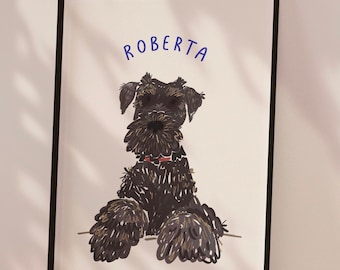
To get a custom vector portrait that matches your style, you’ll typically need to send clear reference photos with good lighting and sharp facial details, plus notes on how many people or pets to include. Many custom vector portrait items also ask for your preferred background, color palette, outfit changes, and whether you want names, dates, or text added.
You can open and edit many vector items using Adobe Illustrator, CorelDRAW, or Inkscape. Depending on the file type, Affinity Designer can also work well. Many downloadable vector items come as SVG, AI, EPS, or PDF, and can be edited in these programs for colors, layers, and sizing without losing sharpness.
Many vector design items come as SVG or EPS files, often paired with AI or PDF for easy editing and printing. You’ll also find PNG or JPG previews included with a number of vector packs, and sometimes DXF for cutting machine workflows. Check the item details to confirm which formats and color versions are included.