

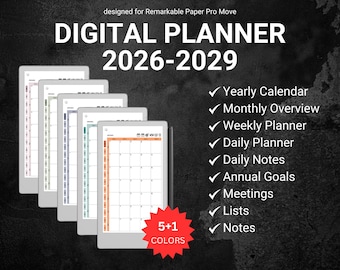
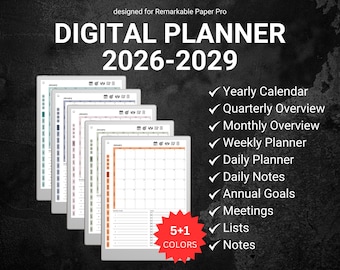
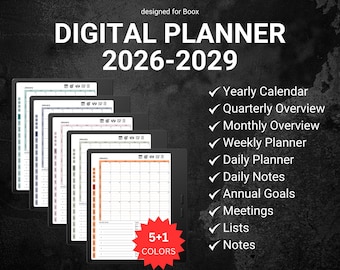
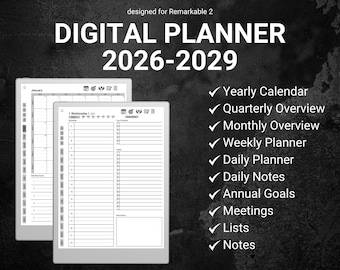
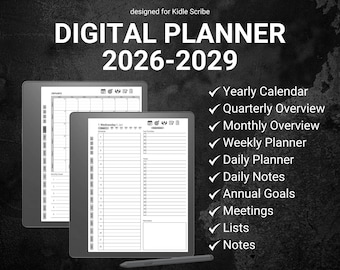
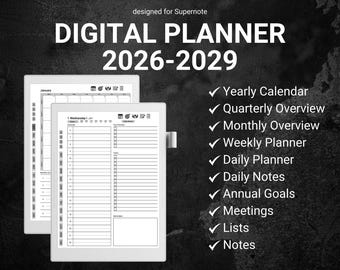
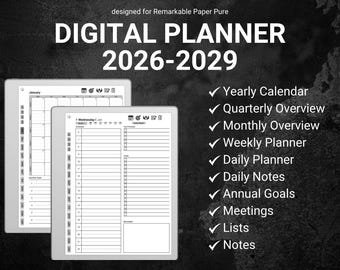
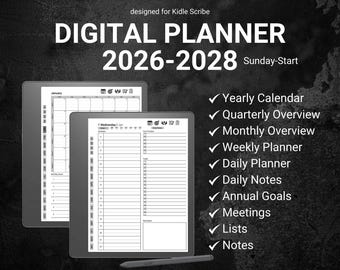
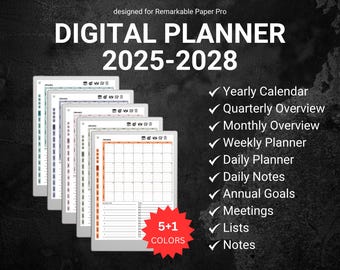
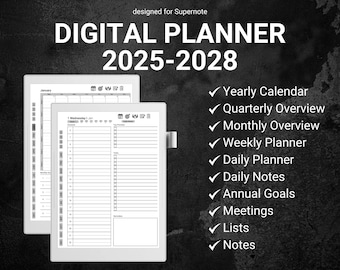


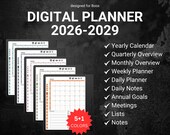


Digital Planners Designed to Simplify Your Life
Featured items
All items
Reviews
4.8
(39)
Average item review
We calculate this number using a recency-weighted average of all ratings, with a rating's value decreasing by half each year to best reflect the current experience.
Loading
-

William on May 29, 2026
5 out of 5 starsOutstanding. Excellent. Easy to use was sent a trial page to make sure it worked on my Kindle Scribe. Downloaded the individual diaries and planners. Emailed the different diaries and planners to my kindle. Confirmed with Amazon and they all downloaded successfully. Thank you very much. Just what I was loooking for great value item. Willliam Rafferty

Matt responded on May 29, 2026
Thank you for the feedback! I am glad that you liked it!
-
Matthew on May 26, 2026
5 out of 5 starsThis is absolutely the best and most versatile planner I have used. You did a great job keeping everything that is needed and removing fluff that so many other planners have.
Matt responded on May 26, 2026
Thank you for the feedback! It is very nice to hear that you liked it!
-
Etsy buyer on Feb 16, 2026
5 out of 5 starsReceived Quick and Great Quality!
Matt responded on Feb 16, 2026
Thank you for the feedback. Glad that you liked it!
About OrganizeDailyStudio
Sales
567
On Etsy since 2025
Shop members
-

Matt
Owner, Designer
Hi, I'm Matt, creator of OrganizeDailyStudio! I design digital planners optimized for reMarkable & other E-Ink tablets, helping you stay organized, focused, and productive. Thanks for supporting my shop—I’m excited to join your planning journey!
Shop policies
Last updated on
Accepted payment methods
Accepts Etsy Gift Cards and Etsy Credits
Returns & exchanges
See item details for return and exchange eligibility.
More information
Last updated on
Dec 17, 2025
Frequently asked questions
Are instructions to install the templates provided with my purchase?
Yes, every purchase includes an instructional file with step-by-step guidance on installing and using your templates. If you need additional assistance, feel free to reach out—I’m happy to help! Please allow some time for a response due to time zone differences.
How to download your order from Etsy?
🚨 You can't download a digital purchase through the Etsy Mobile App at this time.
The easiest way to download your files is directly from Etsy, by using your computer or your mobile browser (just be sure to not get redirected to the Etsy Mobile App).
You can do this by following these steps:
1. Sign in to your Etsy account and go to your Purchases - www.etsy.com/your/purchases
2. Next to the order, select Download Files. This goes to the Downloads page for all the files attached to your order.
How to send your files to the reMarkable?
There are many ways to import your files to the reMarkable.
Here is a tutorial which lists all the different ways, from which you can choose your preferred one:
https://support.remarkable.com/s/article/importing-and-exporting-files
How do the hyperlinks work?
Hyperlinks work by tapping them with your finger, not the pen.
I’m having trouble downloading my files.
If you have trouble downloading the planner, please do reach out. I'm always happy to help! :)
Do you take custom orders?
Custom orders are now available, depending on the complexity of your request. Feel free to reach out for more details!