
Featured items
All items
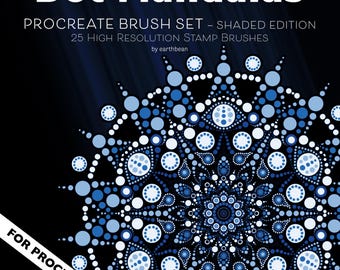
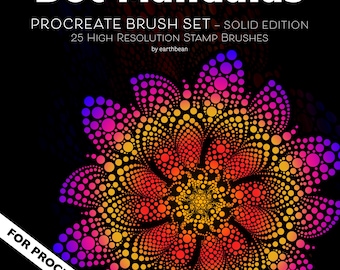
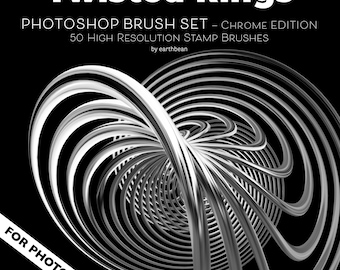
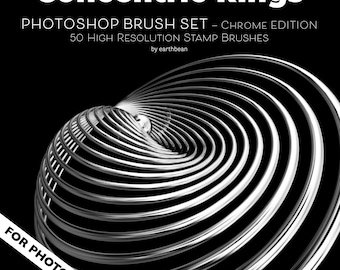
Announcement
Last updated on Dec 13, 2025

Reviews
5.0
(1)
Average item review
We calculate this number using a recency-weighted average of all ratings, with a rating's value decreasing by half each year to best reflect the current experience.

About EarthbeanVisual
Sales
2
On Etsy since 2025
Shop policies
Last updated on
Accepted payment methods
Accepts Etsy Gift Cards and Etsy Credits
Returns & exchanges
See item details for return and exchange eligibility.
More information
Last updated on
Dec 17, 2025
Frequently asked questions
How do I install the Photoshop brushes?
Download the .ABR file, open Photoshop, and double-click the file to load the brushes. They will appear in your Brushes panel.
Can I use these in Procreate?
Yes! The PNG versions work perfectly in Procreate as stamps. The ABR file is for Photoshop.
What license is included?
You can use these brushes in both personal and commercial artwork. You may not resell, redistribute, or share the original files.
Do you accept refunds for digital downloads?
Due to the nature of digital products, I cannot offer refunds once a file is downloaded. But if you have any issues, please message me — I’m happy to help.
Are these brushes AI-generated?
No. All designs are handcrafted by me using digital drawing tools — never AI.