
BrightkeptStudio

United States

1
Sale
No reviews yet
New
on Etsy
No reviews yet
1
sale
New
on Etsy
1
Sale
No reviews yet
New
on Etsy
No reviews yet
1
sale
New
on Etsy

Etsy automatically translates most text on the site to your preferred language.

See in original language


All items

Etsy automatically translates most text on the site to your preferred language.

See in original language

Announcement

Last updated on Oct 21, 2026
Brightkept Studio

Contact shop owner

Brightkept Studio

About BrightkeptStudio

Canva Event Websites, Fillable Planners & Party Games

Sales 1
On Etsy since 2026

Canva Event Websites, Fillable Planners & Party Games

Ready-to-use templates for home, family, celebrations and work

Shop policies

Last updated on

Accepted payment methods

Paypal Visa Mastercard Discover Apple Pay Klarna Giftcard
Accepts Etsy Gift Cards and Etsy Credits

Returns & exchanges

See item details for return and exchange eligibility.

More information

Last updated on Oct 21, 2026

Frequently asked questions

How do I get my files after I buy?

Your files are ready as soon as your payment goes through. Go to etsy.com → You → Purchases → Download files. Etsy also emails you a download link. Downloading is easiest in a web browser on a computer. Some phones and the Etsy app don't save PDF files well. For Canva templates, spreadsheets and web tools, the download is a short PDF guide with your private links.

Will anything be shipped to me?

No. Everything in this shop is an instant digital download. Depending on the product, you print it, fill it in on your computer, edit it in Canva, open it in Google Docs, Sheets, Word or Excel, or use it in your web browser. Nothing physical is mailed.

How do I edit a Canva template? Do I need Canva Pro?

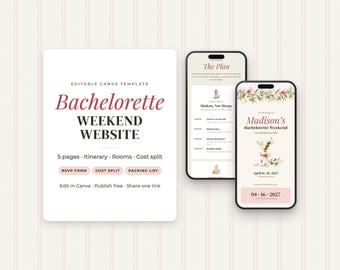
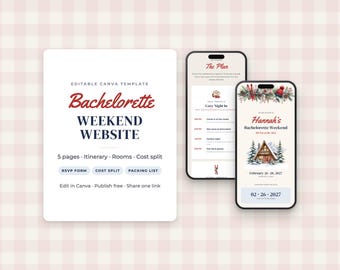
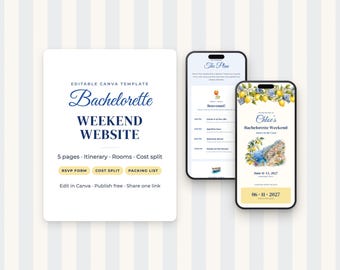
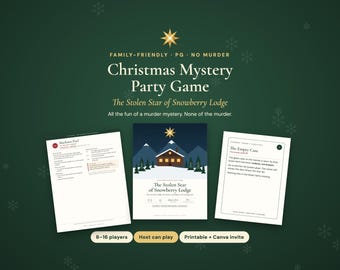
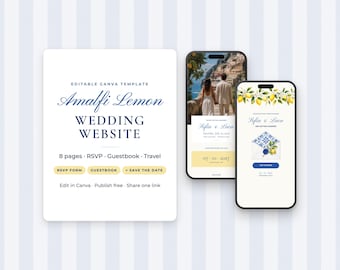
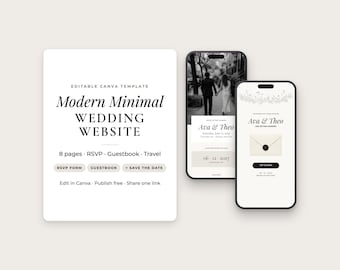
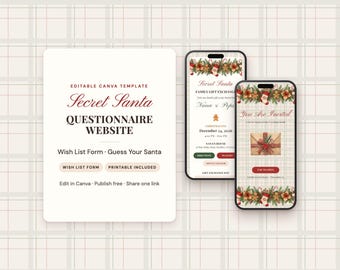
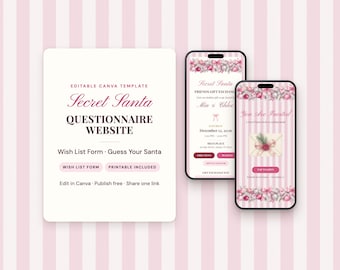
No Pro needed. A free Canva account works. Open the link PDF in your download and click the button. Then click "Use template", and Canva saves your own copy to edit. You can change any text, photo and colour. Canva websites can be published free on a my.canva.site address.

What formats and sizes are included?

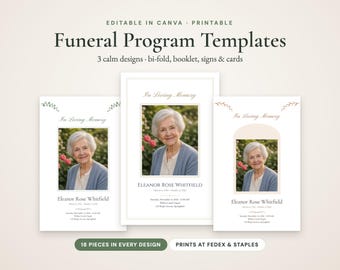
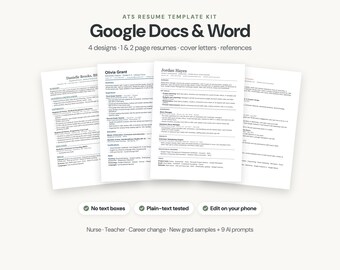
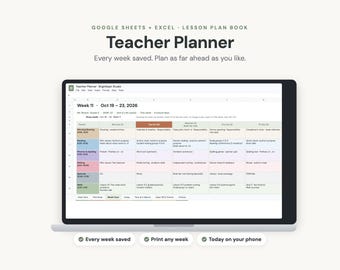
Each listing says exactly what's in the download. Printable and fillable PDFs come in US Letter (8.5 × 11 in) and A4 unless the listing says otherwise. Websites, social media kits and programs are Canva templates. Spreadsheet planners work in Google Sheets and Excel, and resumes come as Google Docs and Word files. Stock video comes as MP4 clips. The budget app, seating chart maker and Survey Showdown open in your web browser.

How do the web tools work?

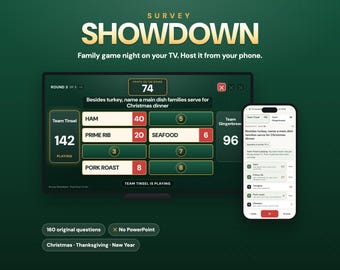
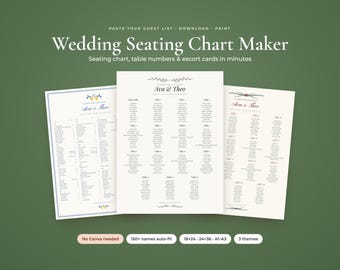
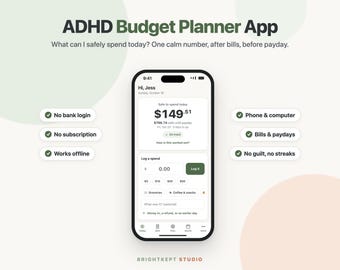
The ADHD Budget Planner App, the Wedding Seating Chart Maker and Survey Showdown are web tools. They aren't printables or App Store apps. Your download is a PDF with your private link and a QR code. Open the link in Safari or Chrome, not inside the Etsy app. Each listing links a free demo, so you can try the tool before you buy.

Any printing tips?

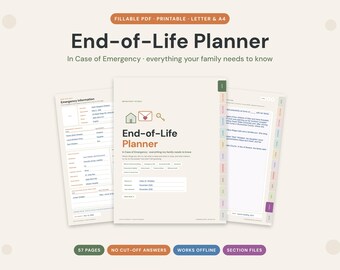
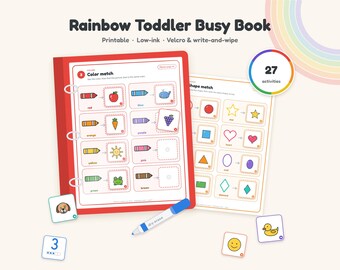
When you print, choose "Actual size" or "100%" (not "Fit to page") so the pages print at the right scale. Bright white paper (24 lb / 90 gsm) or light cardstock looks best. Some printables include an ink-saver version in black and grey that uses much less colour ink. Slip a page into a sheet protector and use a dry-erase marker to reuse it.

Can I share the files or use them for my business?

Each listing says how you can use it. Templates for beauty pros are licensed for one business. The stock b-roll clips can be used in your own business content, and social media managers may use them for clients' accounts. Everything else is for personal use: your own home, event, job search or classroom. Please don't share, resell, or redistribute the files, the links, or edited versions. If you'd like to use something with a group or with clients, send a message first.

Do you accept returns or refunds?

Because digital files can't be returned, all sales are final. If a file won't open, prints incorrectly, or has a mistake, message us. We'll fix it or send a replacement quickly.

Can you make a custom version for me?

We don't take custom orders yet. Most products are made for you to change yourself: edit the text and colours in Canva, type into the fillable PDFs, or adjust the spreadsheets. If there's a change you can't make, send a message and we'll try to help.

How can I contact you?

Send us a message through Etsy (the "Message" button on the shop page or your order). We usually reply within one business day.

Seller details