




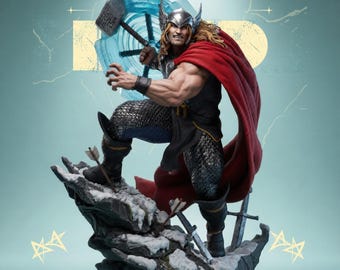
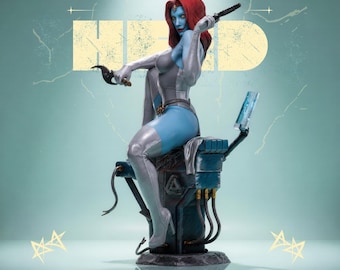
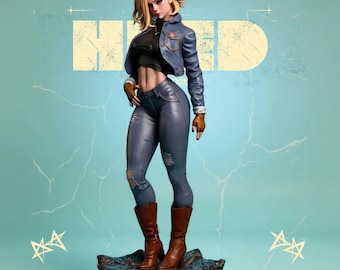
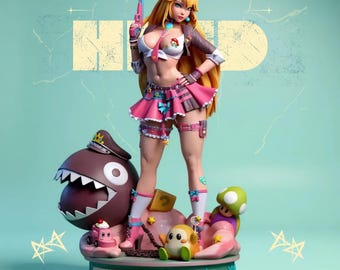
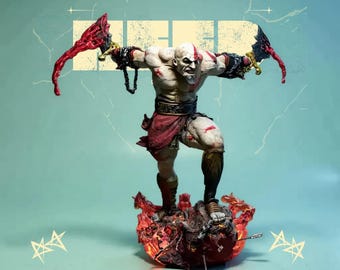
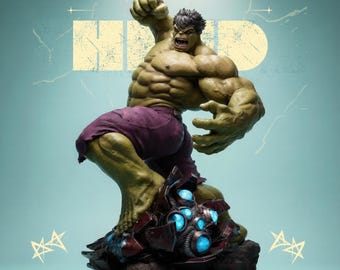
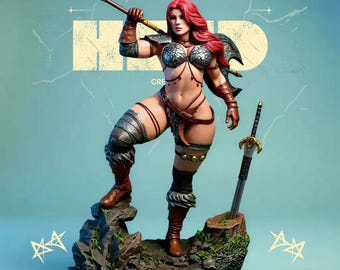
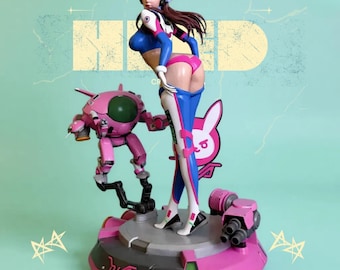

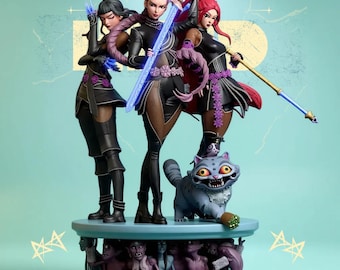
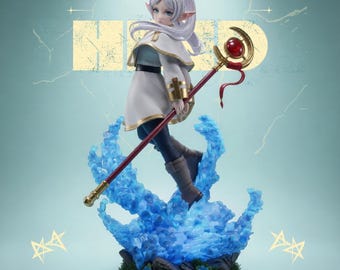

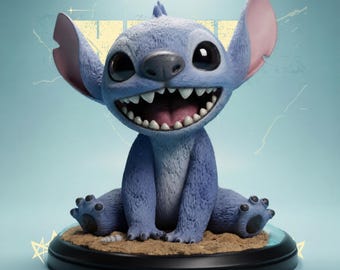
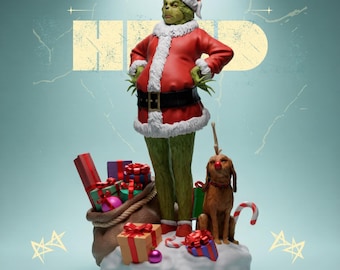






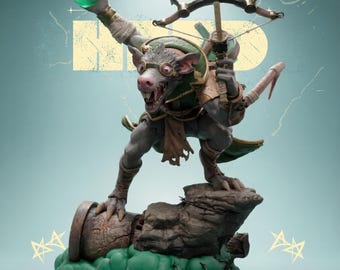







From Digital Sculpt to Real Masterpiece
All items
Announcement
Last updated on Jan 9, 2026
Reviews
5.0
(121)
Average item review
We calculate this number using a recency-weighted average of all ratings, with a rating's value decreasing by half each year to best reflect the current experience.
Loading
-

-
Douglas on May 7, 2026
5 out of 5 starsBEST MODELS IN TERMS OF FILE QUALITY Absolutely amazing, incredible!
-

CEC on Apr 28, 2026
5 out of 5 starsGreat quality STL file with clean details and a well-made design. I haven’t printed it yet, but the file opens smoothly and looks ready for a great print.
-
CEC on Apr 28, 2026
5 out of 5 starsGreat quality STL file with clean details and a well-made design. I haven’t printed it yet, but the file opens smoothly and looks ready for a great print.
-
CEC on Apr 28, 2026
5 out of 5 starsGreat quality STL file with clean details and a well-made design. I haven’t printed it yet, but the file opens smoothly and looks ready for a great print.
-
Toby on Apr 26, 2026
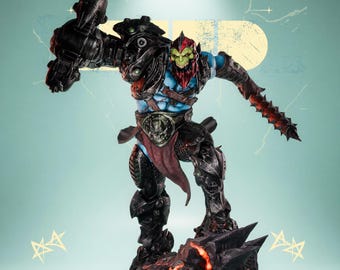
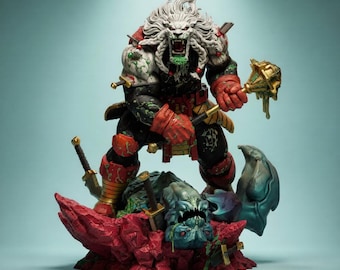
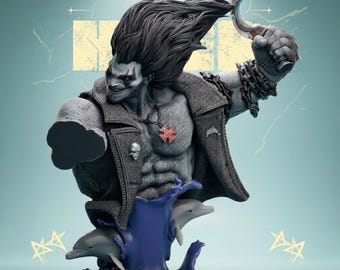
5 out of 5 starsAwesome battle beast in all his glory, loving it and ready to print.
-
Jared on Apr 14, 2026
5 out of 5 starsHad some issues trying to figure out how to download the files, but when I contacted the seller they were quick to reply and very helpful. Very satisfied with the product.
-
-
Julian on Jan 29, 2026
5 out of 5 starsThe high-quality file comes in parts that help with painting and subsequent assembly.
-
CEC on May 15, 2026
5 out of 5 starsThis is a very high-quality STL file with sharp details and a clean design. I haven’t had the chance to print it yet, but everything looks well-made and properly prepared for printing. Excited to try it out soon.
About HeedCreation
Sales
928
On Etsy since 2026
Shop policies
Last updated on
Accepted payment methods
Accepts Etsy Gift Cards and Etsy Credits
Returns & exchanges
See item details for return and exchange eligibility.
More information
Last updated on
Jan 10, 2026
Frequently asked questions
Is this a physical product?
No. All items in this shop are DIGITAL STL FILES ONLY.
You will not receive any physical product.
Which 3D printers are supported?
These files work with:
- Resin printers (Anycubic, Elegoo, Phrozen, etc.)
- FDM printers (Ender, Bambu, Prusa, etc.)
Just adjust your slicer settings based on your machine.
How do I download my files?
After purchase:
1 Go to Etsy → Purchases
2 Click Download Files
3 Extract the ZIP / RAR file
4 Open the STL file in your slicer and start printing
I have a printing problem. What should I do?
No worries — just send me a message.
I will help you check the file and suggest the best settings.