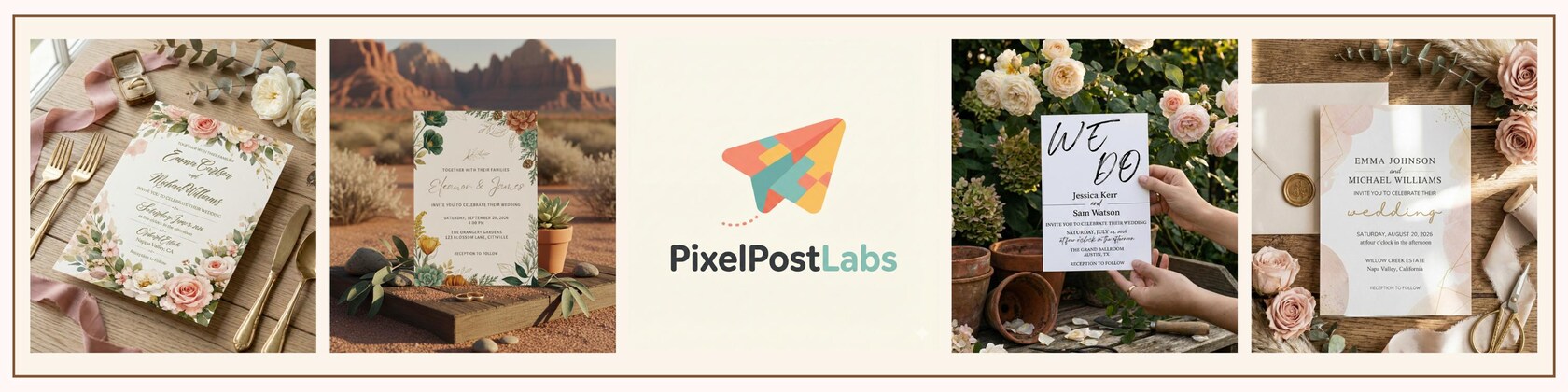


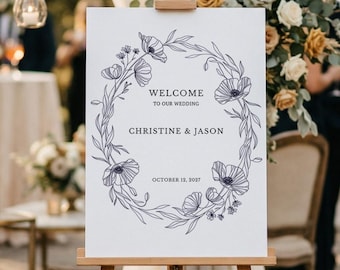
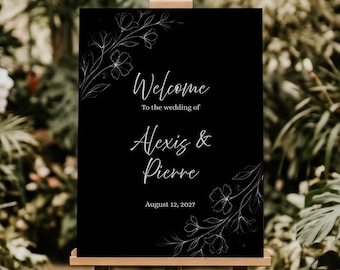
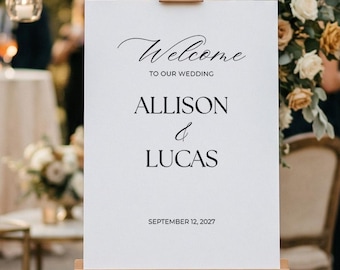
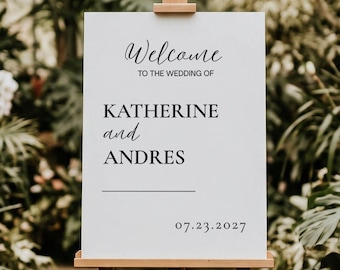
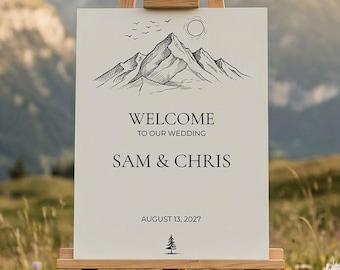

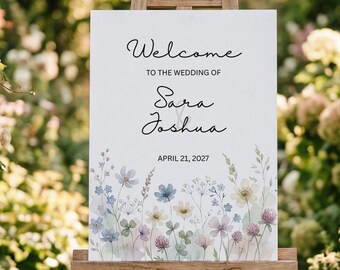
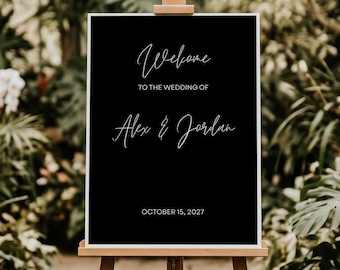
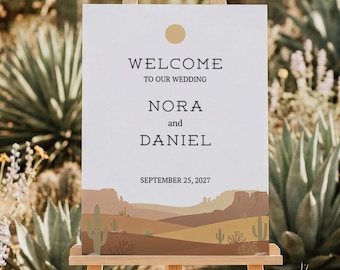
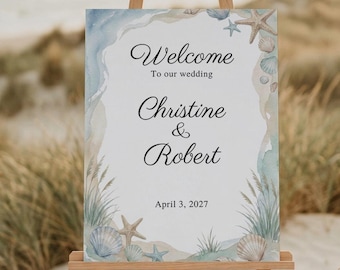
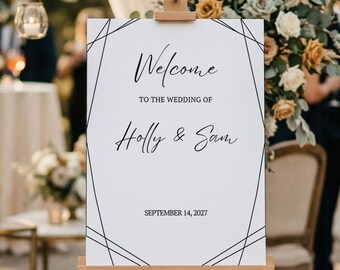
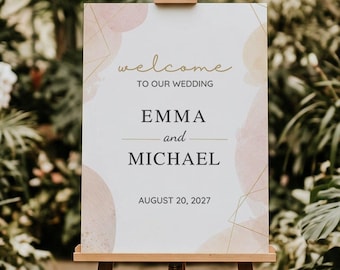
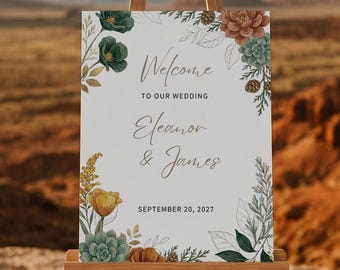
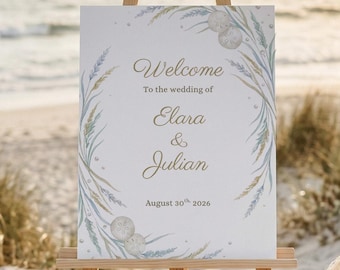

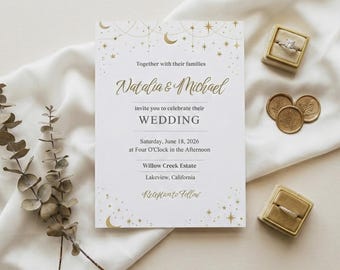

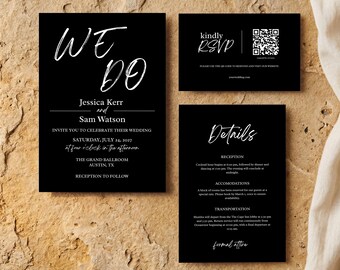
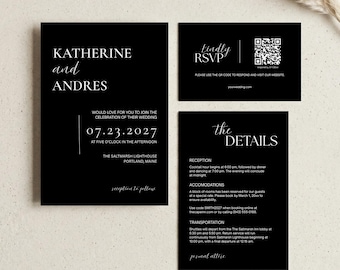
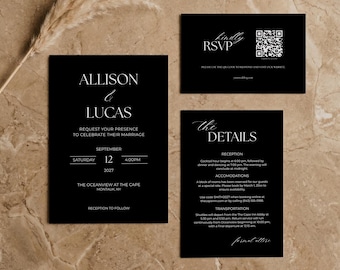


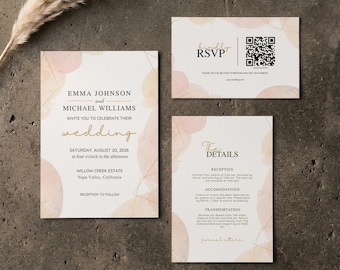
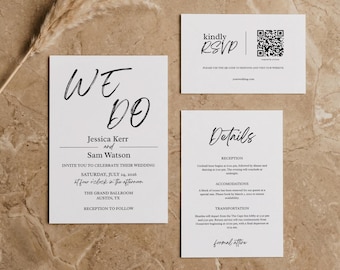

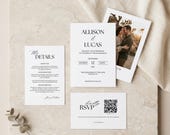

Your Vision, My Design—The Perfect Match for Your Milestone
Polecane produkty
Wszystkie produkty
Opinie
5.0
(2)
Średnia opinia o produkcie
Przy obliczaniu tej wartości wykorzystujemy średnią ocenę z wszystkich ocen, biorąc pod uwagę to, kiedy zamieszczono opinię – co roku wartość oceny zmniejsza się o połowę, tak aby jak najlepiej oddać aktualne doświadczenia zakupowe.
Ładowanie
-

James w dniu 24 mar 2026
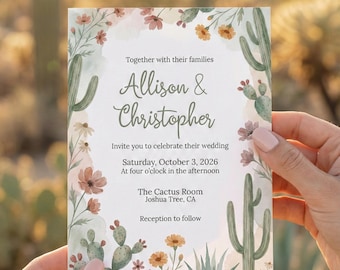
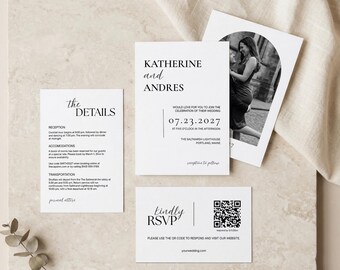
5 na 5 gwiazdekLove the design and it will work perfectly for my wedding. Instructions are clear and editing was very easy.
Ładowanie -
Michael w dniu 22 mar 2026
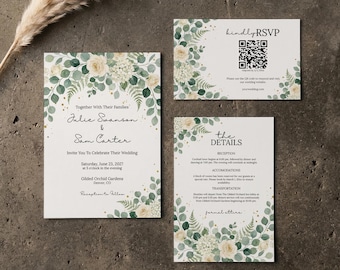
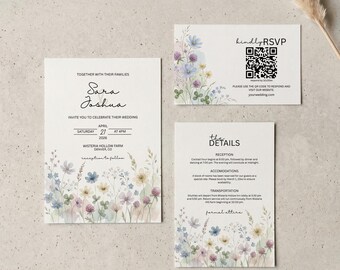
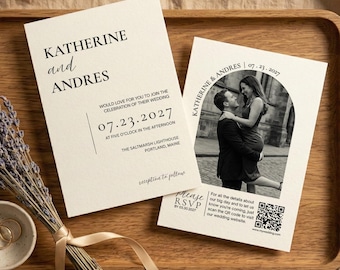
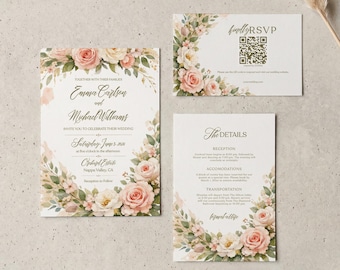
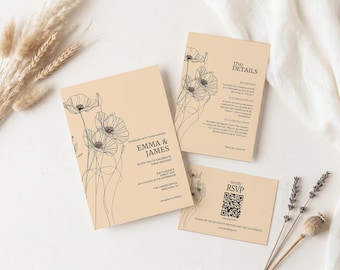
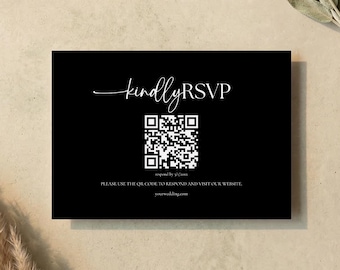
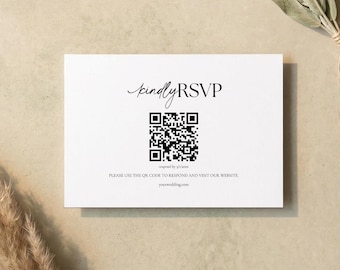
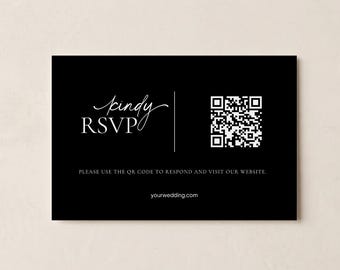
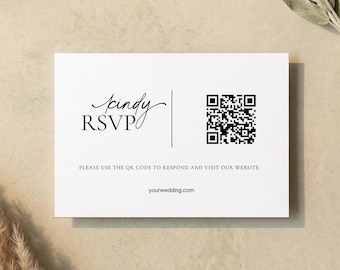
5 na 5 gwiazdekBeautiful invitations! I liked how easy it was to edit the Canva templates, change the QR code, and I used the print service too. Everything went off with out a hitch! A friend has already asked me how I did them since he's about to get engaged. Hopefully I won't need a second-wedding invitations, but if it does happen I'll definitely look here first.
Ładowanie
Informacje o sklepie PixelPostLabs
Transakcje
7
Na Etsy od 2025
Pracownicy sklepu
-

Jackson
Właściciel, Projektant
Regulamin sklepu
Data ostatniej aktualizacji 3 lut 2026
Produkty cyfrowe do pobrania
Pliki do natychmiastowego pobrania
Pliki będą dostępne do pobrania po potwierdzeniu płatności. Procedura.
Opcje płatności
Bezpieczne opcje
Akceptuje karty podarunkowe Etsy i bony Etsy
Etsy zapewnia bezpieczeństwo Twoich informacji o płatnościach. Sklepy Etsy nigdy nie otrzymują danych Twojej karty kredytowej.
Zwroty i wymiany produktów
Sprawdź szczegóły produktu, aby dowiedzieć się, czy kwalifikuje się on do zwrotu lub wymiany.
Anulowania
Anulowania: niezaakceptowane
Skontaktuj się ze sprzedawcą w razie problemów z zamówieniem.
Więcej informacji
Data ostatniej aktualizacji
3 lut 2026
Często zadawane pytania
I haven't received my download link. Where is it?
Check your Etsy-registered email address (and the spam folder!). You can also find your files by going to Etsy.com on a web browser, clicking on "Your Account" (top right), and selecting "Purchases and Reviews." Note: Sometimes, the Etsy mobile app does not support downloading digital files.
Do I need to pay for Canva Pro?
No. You only need a standard, free Canva account to edit, save, and download your files.
What is the best way to print these?
For the Best Quality: We recommend a professional print shop (like Prints of Love, Staples, or a local local printer).
For Home Printing: Use heavy cardstock (100lb or 110lb / 300gsm). Always download your file as "PDF Print" with "Crop Marks and Bleed" selected in Canva for the most accurate cut.
Can I edit the template on my phone?
Yes! Canva has a great mobile app. However, for more intricate text placement and better control over the layout, we highly recommend using a desktop or laptop computer.
Can I get a refund if I change my mind or decide not to use it?
No, all of our products are digital so we are unable to fulfill any refunds or exchanges. Please contact us before purchasing if you have any questions.
Can I edit the design outside of Canva?
To ensure the best user experience, our designs are exclusively available for editing within the Canva platform. Because of this, we don't provide external vector or Illustrator files. Once you’ve finished your design in Canva, you can easily download your final project as a high-quality PDF, JPEG, or PNG.
Anything else I should know?
Please Note: Final print colors and textures may vary depending on your screen settings and chosen paper stock. To ensure you are completely happy with the result, we strongly suggest running a test print before committing to a full order.
Quality Control: Customers are responsible for all personalizations, including text entry, image uploads, and final proofreading. Please double-check for spelling and grammar, as we cannot be held liable for errors or associated printing costs.
Printing: All printing arrangements and costs are the responsibility of the customer.