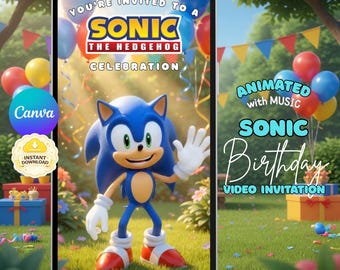
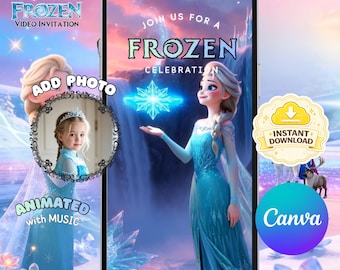
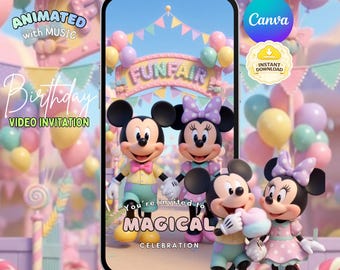
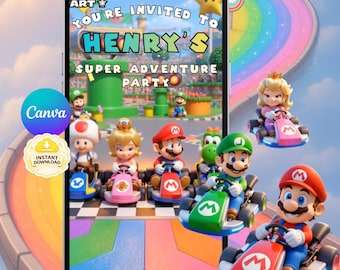
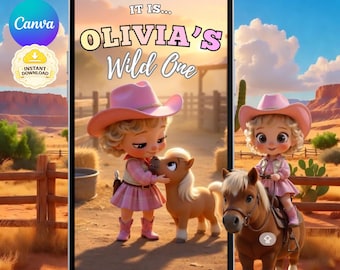
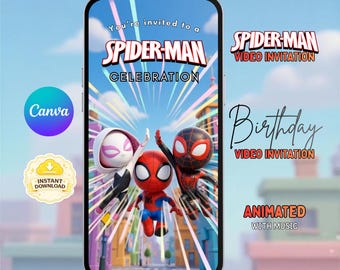
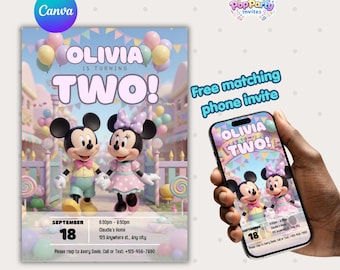
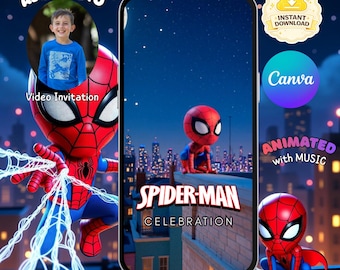

Hi, I’m Sophie Bennett, the designer behind Pop Party Invites and a busy mum who knows how overwhelming party planning can be.
The idea for Pop Party Invites started when I was planning my son’s birthday party. Between organising decorations, cake, food, and everything else, I found myself spending so much time trying to design invitations, print them, and hand them out. I remember thinking there had to be a simpler and more modern way to invite people to a party.
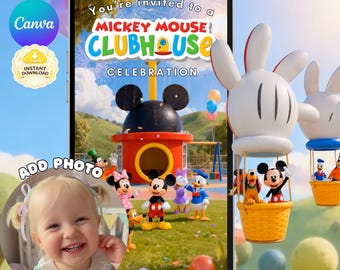
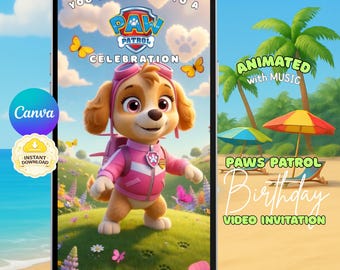
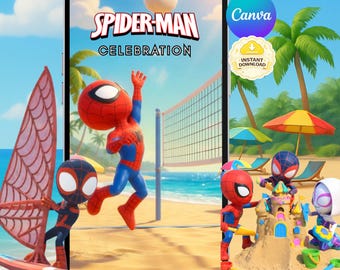
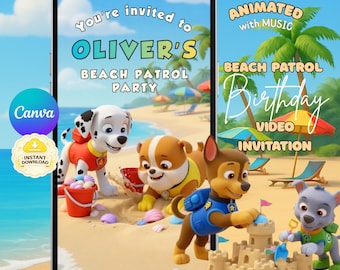
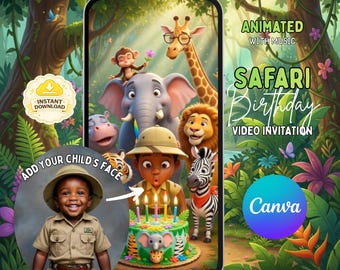
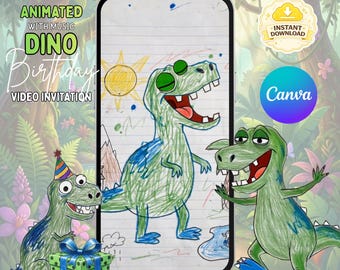
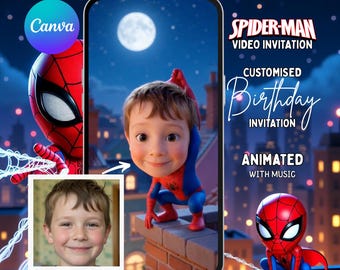
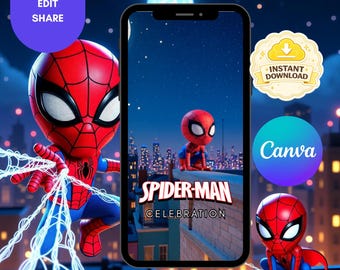
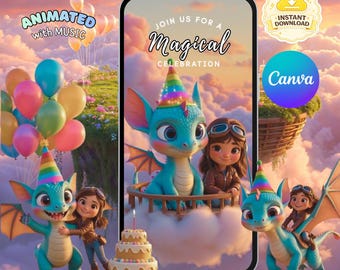
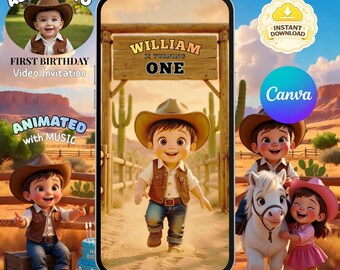
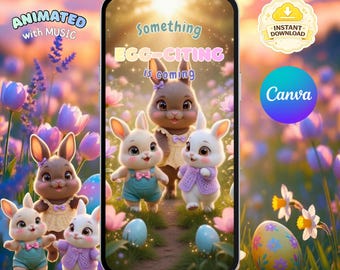
That’s when I began creating digital video invitations that could be edited quickly in Canva and sent straight to family and friends through WhatsApp, text, or social media — no printing, envelopes, or last-minute trips to the shop.
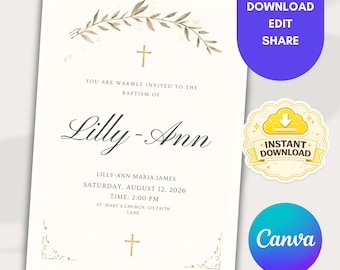
What started as a solution for my own party quickly grew into Pop Party Invites. I now design animated video invitations, printable invitations, and matching party decorations so parents can easily create a beautiful, coordinated party theme without the stress.
As a mum, I know how precious time is, so my goal is to make party planning fun, simple, and convenient, while still making every celebration feel really special for the little ones. 🎉
All items
Announcement
About PopPartyInvite
Shop policies
Accepted payment methods
Returns & exchanges
More information
Frequently asked questions
How do I edit my invitation?
After purchase, you’ll receive a link from Etsy that opens your template in Canva. Simply edit the party details directly in your browser using your phone, tablet, or computer.
Do I need Canva Pro?
No. All templates are designed to work with Canva’s free version, so no paid subscription is required.
Is this a physical product?
No. This is a digital download. Nothing will be shipped to you.
How do I send the invitation to guests?
Once you finish editing, download your invitation as an MP4 video and send it via WhatsApp, iMessage, text message, email, Messenger, or upload it to your Facebook event.
What if I’ve never used Canva before?
Canva is very beginner friendly. Simply click the text boxes to edit. You can also watch Canva’s quick tutorial here:
https://designschool.canva.com/tutorials/getting-started/
Can I use the template more than once?
YES! Once purchased you can use the files as many times as you want for personal usage.