

Stykke Studio® and how it began
Featured items
All items
Announcement
Last updated on Apr 1, 2021
Reviews
5.0
(13196)
Average item review
We calculate this number using a recency-weighted average of all ratings, with a rating's value decreasing by half each year to best reflect the current experience.
Loading
-

-

-

-

-

Magnus on Apr 20, 2026
4 out of 5 starsThink this is AI generated - something strange with the frame

Ana responded on Apr 20, 2026
Hi Magnus, while it's nice of you leaving us a review, it's pretty disappointing to read your accusation without ever receiving a message from you. Our mockups are absolutely NOT ai generated in fact our mockups are all proudly made and designed by myself (a traditional graphic designer) in 3D. It's even written on our shop banner. We actually do fight almost weekly against AI copies and rip offs of our work across Etsy and other marketplaces and we support movements against AI in the design community, therefor your accusation is 'bout as wrong as it could be. This particular mockup you've bought was made in August 2023 which you can see in the meta data. Back than the AI generated images looked no where near as the slop today. Not everything that looks odd is ai generated :) I wish you all the best! Ana
-

-

-

-

-
About StykkeStudio
Sales
63,093
On Etsy since 2021
-
-
-
 We love to see you around!
 -
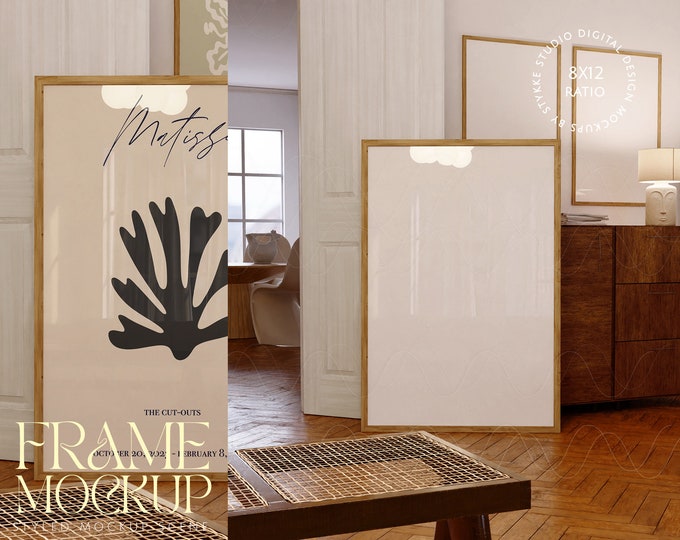
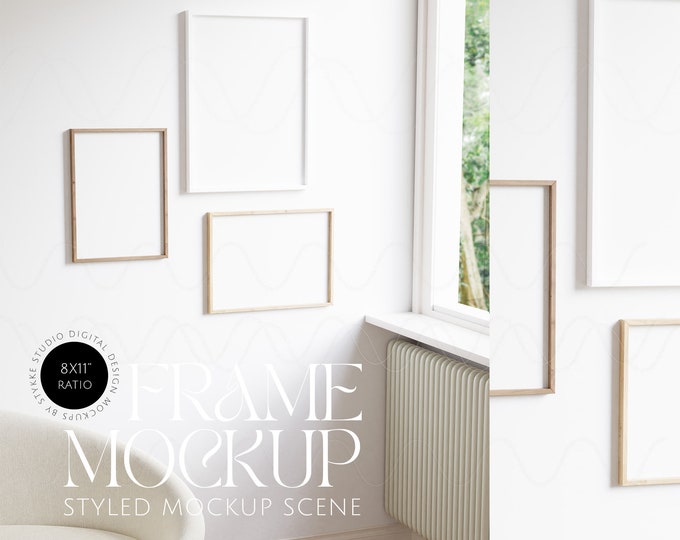
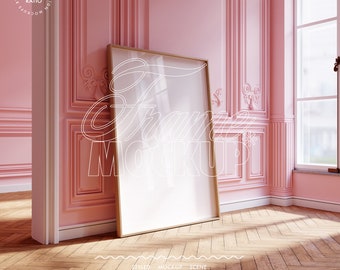
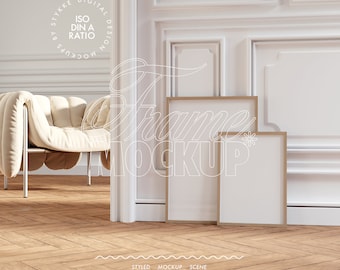
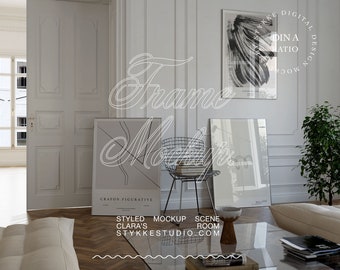
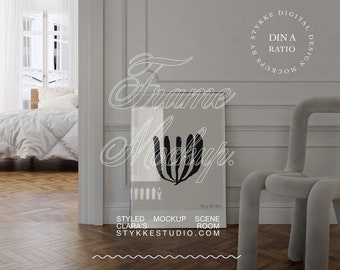
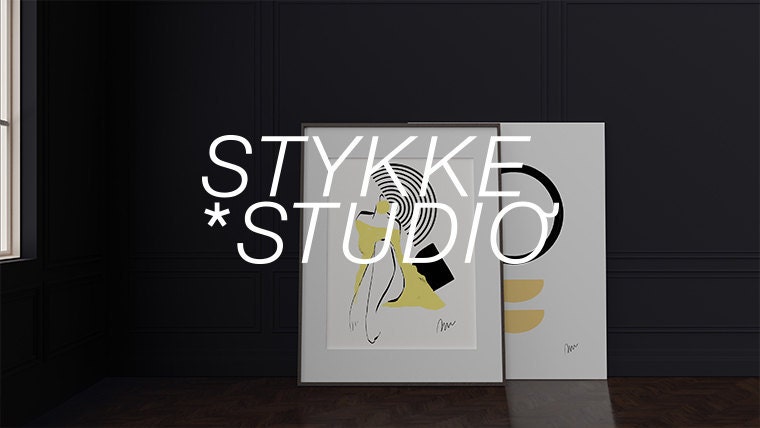 We create modern & contemporary mockups for your designs!
 -
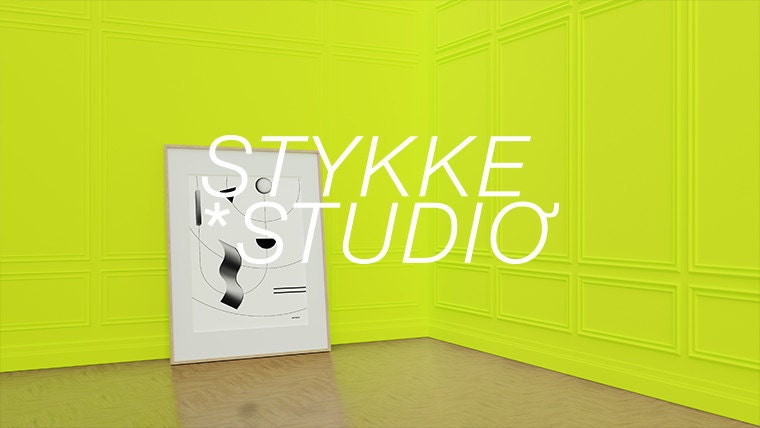 Sometimes a bit more artsy...
 -
 ....and sometimes very smooth & pastel.
Shop about video description
Shop members
-

Ana
Inhaber, Designer
Shop policies
Last updated on Mar 18, 2021
Digital downloads
Instant downloads
Your files will be available to download once payment is confirmed. Here's how.
Payment options
Secure options
Accepts Etsy Gift Cards and Etsy Credits
Etsy keeps your payment information secure. Etsy shops never receive your credit card information.
Returns & exchanges
See item details for return and exchange eligibility.
Cancellations
Cancellations: not accepted
Please contact the seller if you have any problems with your order.
Privacy policy
More information
Last updated on
Dec 17, 2025
Frequently asked questions
Where is my download?
After your purchase you can download the file instantly. You will find an automatic email from Etsy in your email account which contains your download link. Please click on that link for download
If you can't find it you should be able to see all your purchased digital files over here: http://www.etsy.com/your/purchases
More informations can be found here: https://help.etsy.com/hc/de/articles/115013328108?segment=shopping
I don't have Photoshop! How can I use the mockups?
Our mockups are made to be used inside of Photoshop. If you use another program we can't guarantee full functionality nor do we offer support for programs we don't recommend.
If you can't have Photoshop for some reason, you can use photopea.com as a browser based Photoshop alternative but we don't offer any support, help or guarantee for this program since we don't use it ourselves.
You'll find a TUTORIAL here: https://youtu.be/TKVTNV0Kqvk
Another option would be the free online version of Photoshop: https://creativecloud.adobe.com/cc/photoshop# but you might need to create an account
first.
Please do this on your own responsibility since we only offer support for the Adobe desktop version.
Can I use the product or parts of it in my own products and sell them?
No. You purchase an editorial license. You're not allowed to resell the set or parts of the set.
YOU CAN use the set to create & display images for your social media, your blog, your shop and product presentation on Etsy or other online shops or pages and general preview purpose.
I don't know how to use the product. Can I return it and get a refund?
You'll need Photoshop or an equivalent. If you don't have Photoshop please read the "I don't have Photoshop" part.
If you're not happy 100% - let's talk about that.
Every item is displayed as is and has all the details in the description so every information is completely transparent & open to you as a customer.
Please decide BEFORE buying if you have all needed tools and skills it needs to use the set. If you're absolutely unhappy or if you have any questions, please feel free to write us a message and let's find a solution. Please respect this is a digital product with instant download that physically can't be brought back so we usually don't offer refunds randomly.
Do i get design assistance or any kind of design service?
No, we're sorry. All the files and designs are for DIY only. Please make sure you're able to work with the files and needed programs before you decide to purchase a collection. You'll need to work with the files by yourself but we're happy to help if you have any questions.
Can I use your work, previews or part of your work for AI?
No. You're legally not allowed to incorporate, implement or feed our copyright work into AI tools, applications nor programs. We generally do not permit our work or parts of it to be used for machine learning or training of neural network models, including generative AI models.
The colors differ when I drag my image into the mockup!
If your images or photography color changes as soon as you drag & drop it into our file it might be because you're using another color profile.
We use the standard sRGB as color profile for web.
Especially if your files have not common color profiles like ProPhotoRGB this can cause issues in compatibility.
Please convert your files if needed to sRGB or Adobe RGB. This will also make sure your customer won't have color differences as well since these are the common digital color profiles.
Will I receive a physical prouduct?
No. The product descriptions as well as the category here on Etsy already makes clear: This is a digital product & no physical product will be shipped. The files are digital only by their nature. We don't ship any kind of products.
What kind of license do I buy?
The purchase includes an "no Ai editorial" license which covers the common usage of mockups. You are allowed to use the files for commercial presentation of your own work or your clients work without giving credit. As soon as your company size is above 3 employees or the usage overtakes the usual and common extend of small business editorial - please contact us for extended licenses.
DON'T: resell, give away, incorporate in digital products or templates or any other way to third parties. . Don't incorporate, implement or feed our copyright work into AI tools, applications nor programs.
With your purchase you receive the right to use it for the described purpose only. The copyright as well as the owner rights stay at Stykke Studio™.
Why is the PSD / Photoshop file empty/white?
The file isn't empty. Please remove the very first layer on the top from the file inside Photoshop. As soon as you remove it you'll see all the objects.