
All items
Reviews
4.9
(42)
Average item review
We calculate this number using a recency-weighted average of all ratings, with a rating's value decreasing by half each year to best reflect the current experience.
Loading
-

Julia on Mar 15, 2026
5 out of 5 starsSo beautiful and I was able to use on a calendar notepad design :)

Sweet Pea Patterns responded on Mar 15, 2026
thank you so much for the kind review! :)
-

-

-
shanea on Sep 13, 2024
5 out of 5 starsGreat calendar. Easy to download and use. Super cute for the summer.
-
-
-

Vanessa on Jan 27, 2024
5 out of 5 starsFile was easy to use
Sweet Pea Patterns responded on Feb 3, 2024
Hi Vanessa, thank you so so so much for the kind review it truly means a lot!! 😊
-

-
-








About SweetPeaPatternsShop
Sales
612
On Etsy since 2023
Shop members
-

Sweet Pea Patterns
Owner
Shop policies
Last updated on
Accepted payment methods
Accepts Etsy Gift Cards and Etsy Credits
Returns & exchanges
See item details for return and exchange eligibility.
More information
Last updated on
Feb 23, 2026
Frequently asked questions
Sizing details
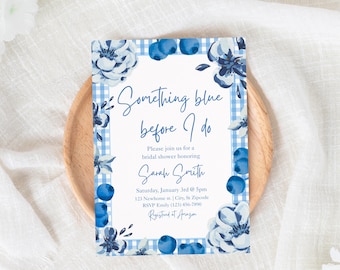
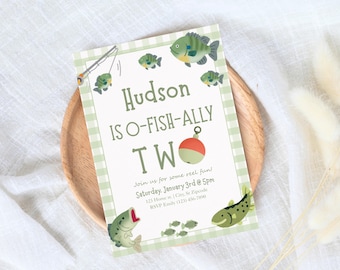
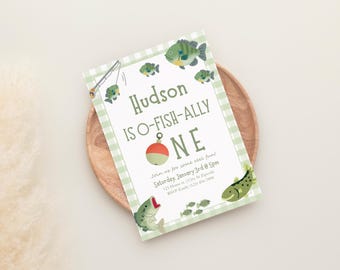
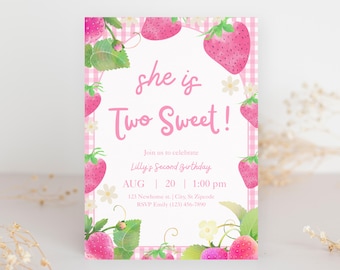
- Majority of my digital designs are jpgs, pngs, and pdfs files! Please read item description for file information.
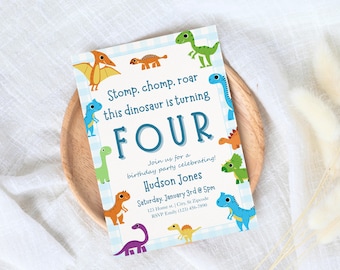
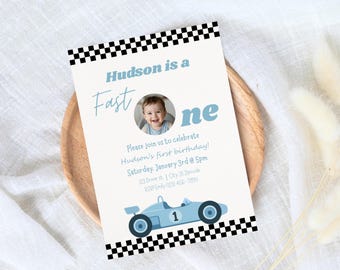
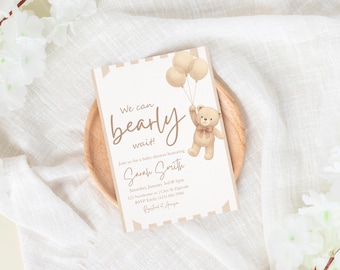
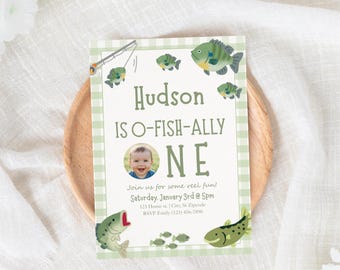
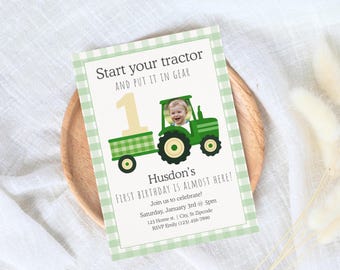
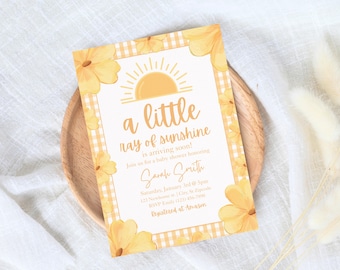
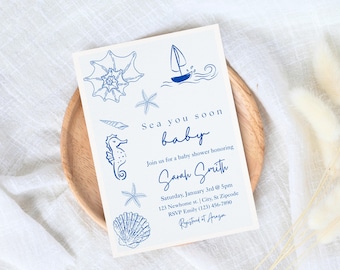
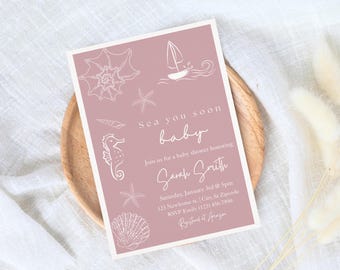
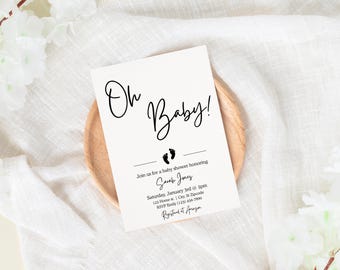
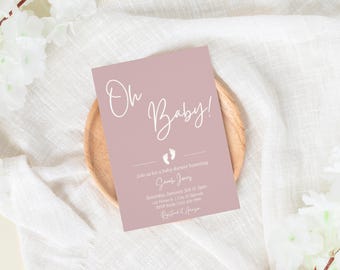
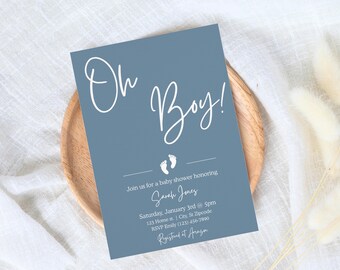
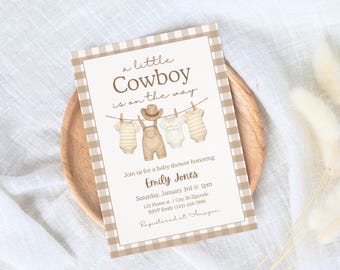
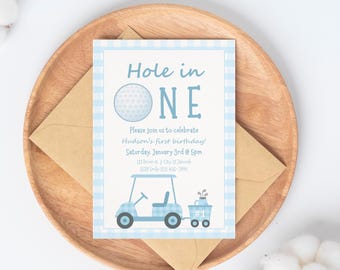
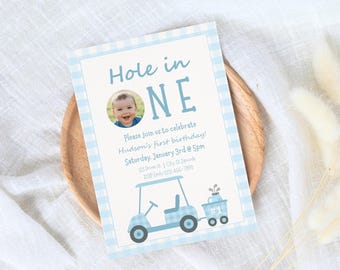
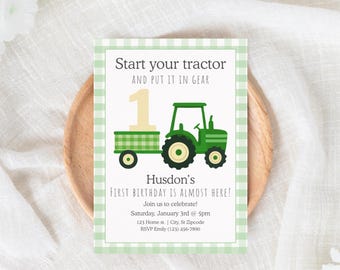
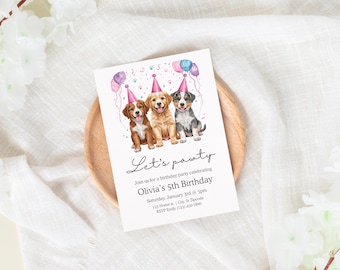
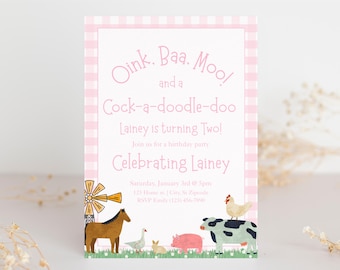
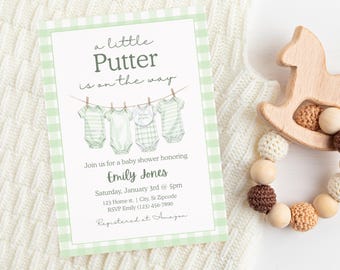
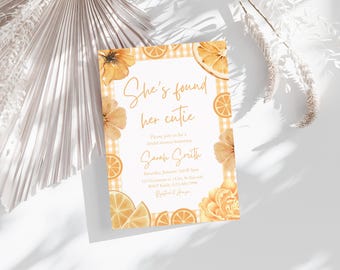
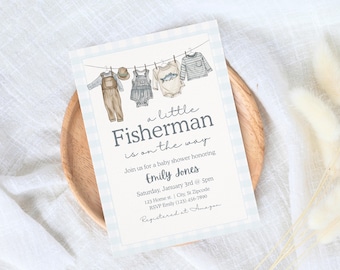
- Invitation templates are 5x7 inches
Custom and personalized orders
Unfortunately I am not offering custom orders at this time.
How can I access my digital download?
To access your digital files from your account:
1.) In a web browser such as google sign in to Etsy and go to your account
2.) Go to purchases
3.) Next to your order select download files
4.) Open PDF to access Canva template link
I purchased a digital item, but I don't have an Etsy account?
1.) If you purchased an instant digital download as a guest, you'll find a link to download your files in the receipt email that was sent to you after the purchase.
2.) Open PDF to access Canva template link
How can I access my template?
You will receive a PDF file with directions and a link that takes you to Canva to edit your purchase. You will access the template by creating a free account with Canva. You do not need a canva subscription to download my templates, I use free elements in my template designs. If you add designs to the template make sure elements are marked as free, pro elements require a subscription for use.
How to print template
After editing click share, click download, select PDF print, and check the box that says crop marks and bleeds (if your printer supports it) then download and the file will be ready to print!
If you are printing at home and want to print two per page:
-Duplicate the page in Canva (so there are two copies)
-Download and open in Adobe Acrobat
-Click print and choose 2 pages per sheet