



























Sublimation Designs, Watercolor And Digital Illustrations, Vector Illustrations, Coloring Books, Brushes, and More!
Featured items
All items
Announcement
Last updated on 22 Sept, 2026
Reviews
5.0
(101)
Average item review
We calculate this number using a recency-weighted average of all ratings, with a rating's value decreasing by half each year to best reflect the current experience.
Loading
About VectorMarketNet
Sales
1,099
On Etsy since 2017
-
-
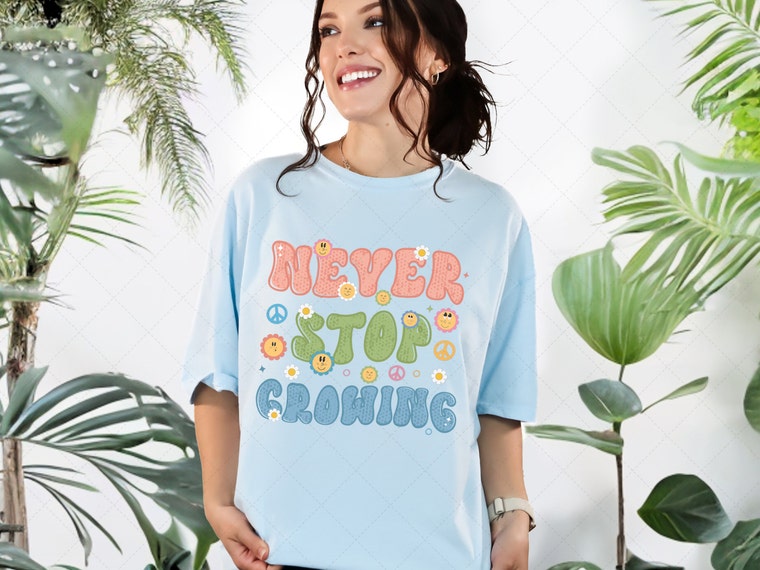 Never Stop Growing Png, Groovy Retro Sublimation, Hippie Flowers, Vintage Sublimation Png, Retro Flower PNG, Boho PNG
 -
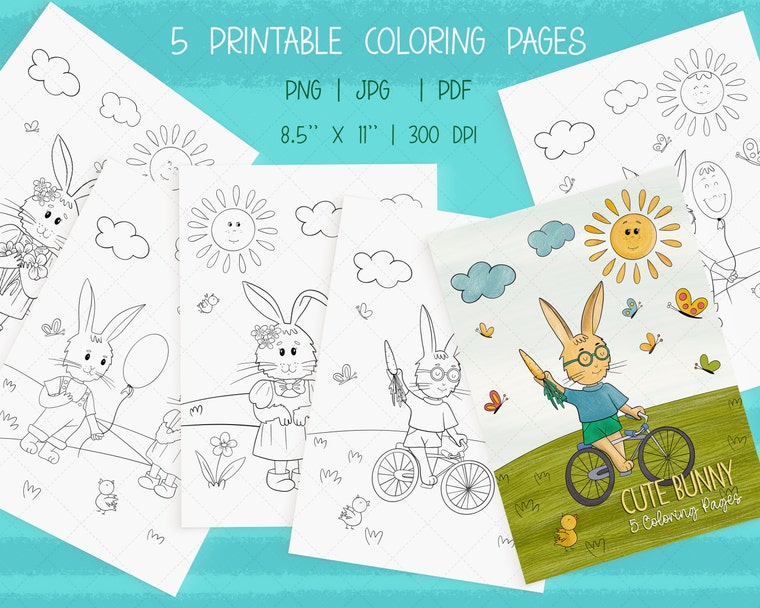 Cute Bunny Coloring Pages, Procreate Coloring Pages, Easter Coloring Pages, 5 Pages For Adults Or Children, Spring
 -
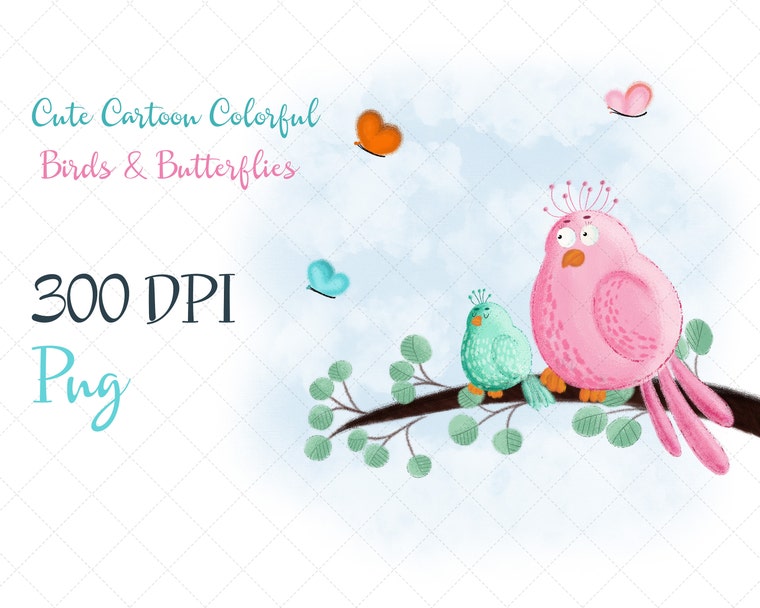 Cute birds png, Kids Sublimation, Sublimation Png, Design PNG, Baby Funny PNG, Couple of funny Birds, Birthday Gift, Bab
 -
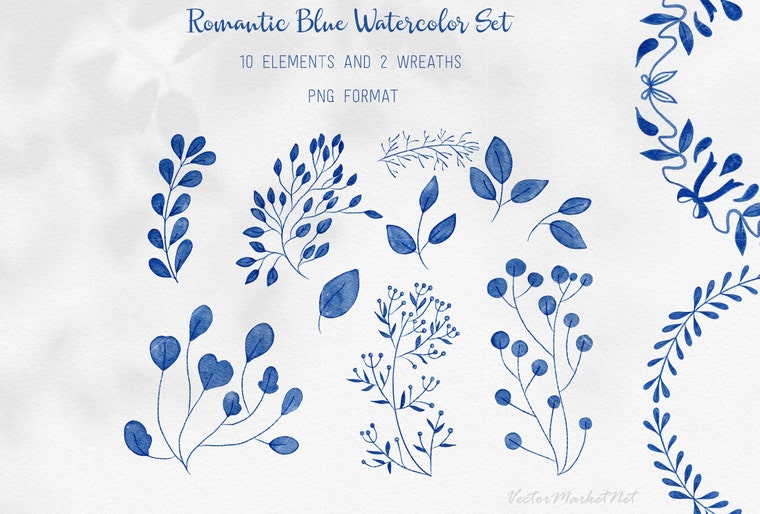 Watercolor Christmas Blue Leaves Clipart Set, Instant download, PNG, Wedding bouquet, Hand-Painted, Bridal shower, Comme
 -
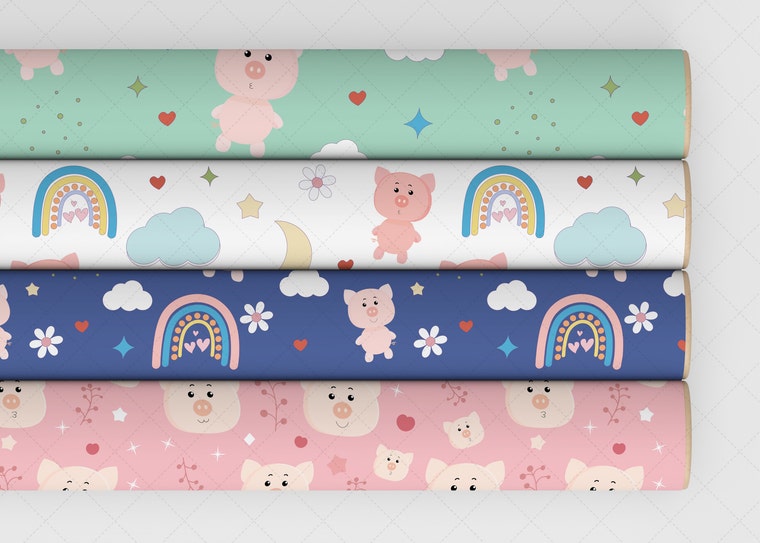 Cute Pig Digital Paper Bundle, Kawaii Pig Children Fabric, Valentine Wrapping, Children Background, Pig Birthday Paper,
Shop members
-

Victoria Riabov
Owner, Designer, Illustrator
Web Developer, Graphic Designer, and an Illustrator. I'm a wife and mother of two beautiful princesses. You can find me on Instagram @VectorMarketNet and tag me in your final project.
Shop policies
Last updated on 12 Jul, 2020
Digital downloads
Instant downloads
Your files will be available to download once payment is confirmed. Here's how.
Payment options
Secure options
Accepts Etsy Gift Cards and Etsy Credits
Etsy keeps your payment information secure. Etsy shops never receive your credit card information.
Returns & exchanges
See item details for return and exchange eligibility.
Cancellations
Cancellations: not accepted
Please contact the seller if you have any problems with your order.
More information
Last updated on
17 Dec, 2025
Frequently asked questions
Q: I have downloaded my order, but I can't open my files or print them?
A: Please make sure that you have unzipped or extracted the files from the .
ZIP folder the files come in before trying to use them in your program or software.
The files will not open in any program until they have been extracted from the compressed, ZIP file.
.....................................................................................................................
Q: How do I open a .zip file?
A: You will need an extraction program to unzip or open your files.
There are many different programs available, we recommend WinZip (for PC users) or StuffIt Expander (for Mac users).
If you are on an iPhone or iPad you will need a free third-party app to open .zip documents such as Winzip or zip.
.....................................................................................................................
Q: My download says it’s empty, damaged, corrupt or password protected?
A: Your product probably didn’t download properly.
Delete the .zip file from your computer (emptying your recycle bin as well), clear your temporary internet files, and try again. If you still have problems convo me.
............................................................................................................
Q: Why does my image have a white background behind it?
A: Each clipart and stamp folder comes with two versions of each clipart image, a JPG and a PNG format.
If you have placed your image in your program and it has a white background, then you are using the JPG file.
The PNG file has a transparent background behind the image.
.....................................................................................................................
Q: My images or previews are blank, white?
A: If the clipart color is white then it will look blank in the preview image, once it is opened you will see the white clipart on a transparent background.
If you have any more questions please send me e-mail.
.....................................................................................................................
Q: What programs do I need to use your items?
A: Please make sure to check software compatibility.
All file types are mentioned in the item descriptions.
Most digital papers and clip arts are JPEG or PNG files that are delivered by Etsy in a ZIP file. Make sure you know if you have programs supporting these file types before your purchase. All of these files can be opened with software freely available on the internet. Of course you also need the knowledge on how to do so, but if you think I can help you understand the missing piece I am more than willing to answer any questions if you send me a message.
There are also items with additional file types like vector files and Adobe Photoshop utilities. Professional (mostly paid) programs and knowledge are usually required to use these.
Q: Can I print your graphics and digital papers?
A: All items are high resolution and in theory could be printed.
In practice however it's really required to have some knowledge on printing digital files.
If you are printing at home, colors can vary greatly depending on printer settings.
Make sure your printer has up-to-date software, is calibrated, and you have done some color testing to make sure your end result is as good as can be. For professional looking prints you really do need a professional printer, or take your files to a professional printing company.
............................................................................................................
Q: How can I download my files after purchase? Custom and personalized orders
A: After the payment, you'll be immediately redirected to your Etsy download page.
At any time, you can also access your files and your digital download history by going to You> Purchases & Reviews.
The files won't be emailed to you, you have to download them on Etsy via your profile.
VectorMarketNet only offers digital products, so no physical / printed products will be mailed to your home address.
All my files are instantly available to download. No more waiting to get your purchase!
B:
Make sure that you are using your computer or your smartphone browser.
You cannot download a file via the app.
Then go to You > Purchases
............................................................................................................
Q: What if you din't have PayPal account?
A: If you don't have a PayPal account you can also pay to my PayPal with your credit card:
1. Choose PayPal as your payment method at checkout.
2. Click "Checkout with PayPal", you will be redirected to the PayPal site.
3. Find "Don't have a PayPal account" and make sure the option has been selected.
4. Enter your Credit Card data and then click "Pay Now".
............................................................................................................
Do you need help?
If you need help, have any question, or if you want to place a custom order, please convo me.
............................................................................................................