
All items


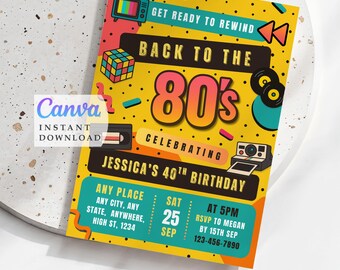
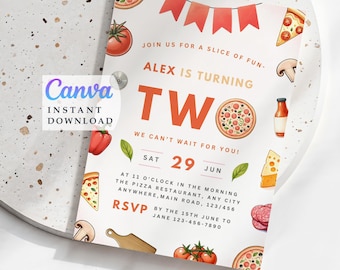
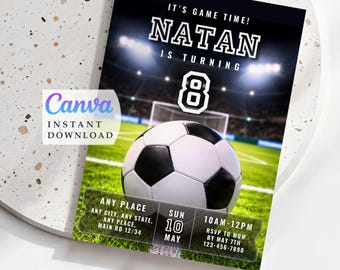
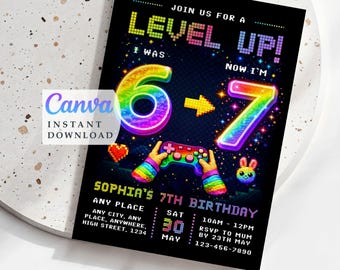
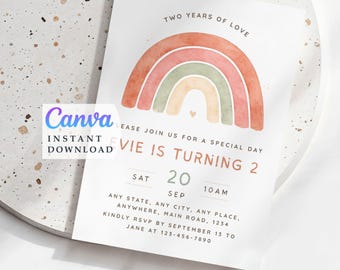
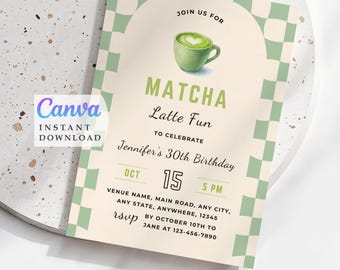
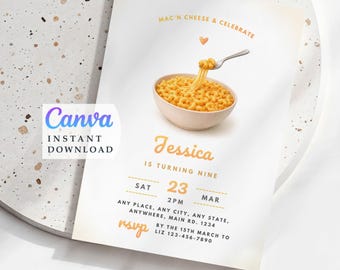
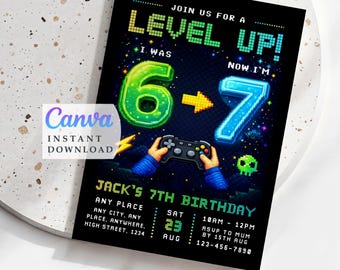

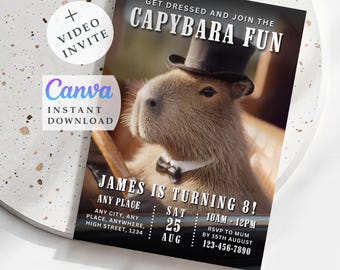
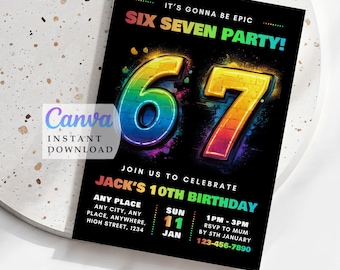
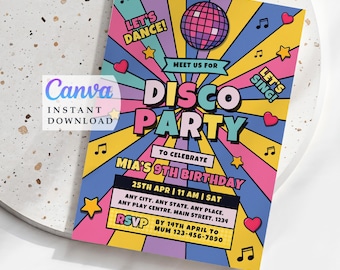
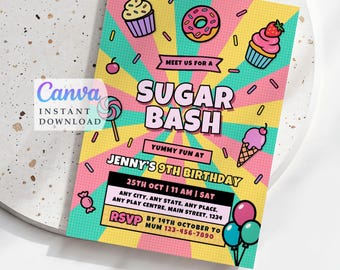

Announcement
Last updated on May 3, 2026
Reviews
5.0
(358)
Average item review
We calculate this number using a recency-weighted average of all ratings, with a rating's value decreasing by half each year to best reflect the current experience.
Loading
-

-

Belinda on Jun 1, 2026
5 out of 5 starsAmazing quality and great communication. The process was very easy and so helpful when it came to making changes. I would definitely return again.
-

christy on May 29, 2026
5 out of 5 starsSo easy to order and amend on Canva! Also got the invites printed and posted to me from Canva, so quick.
-
Anna on May 21, 2026
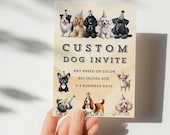
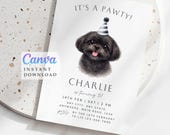
5 out of 5 starsShe worked with me on creating a custom one to match my Shih Tzu! She was so fast and responsive, and the invite is perfection! I will recommend this shop to everyone! Thank you again for creating this invite!!!

Julia responded on May 21, 2026
Thank you do much for your lovely review 😊
-





Shop policies
Last updated on Feb 17, 2025
Digital downloads
Instant downloads
Your files will be available to download once payment is confirmed. Here's how.
Made-to-order downloads
I’ll create your items after purchase and you’ll receive an email when the files are ready to download. The time I need to complete these items can vary. Contact me if you have questions.
Payment options
Secure options
Accepts Etsy Gift Cards and Etsy Credits
Etsy keeps your payment information secure. Etsy shops never receive your credit card information.
Returns & exchanges
See item details for return and exchange eligibility.
Cancellations
Cancellations: not accepted
Please contact the seller if you have any problems with your order.
Privacy policy
More information
Last updated on
Dec 17, 2025
Frequently asked questions
I didn't get my link, what should I do?
If you sign in through Apple or like a Guest, you most likely won’t receive emails from Etsy. Please contact me via DM and send me your current email address so I can share the link with you — or feel free to email me at cuteinvitesstore@gmail.com
In all other cases, you can find your Instant Download PDF file in your Etsy account under 'Purchases and Reviews.' You will also receive an email from Etsy after your purchase.
Open the PDF to find instructions on how to use it, including a clickable button\buttons that links to your templates (yes, it's right in your PDF file). Choose your preferred size, follow the link, and click 'Use template for new design'.
What do I need to edit the templates? What is the file format of the template?
All you need is a free Canva account, which is user-friendly and easy to use. No premium elements were used in my invitations designs.
If you're using a desktop computer, you can access Canva through the web version in a browser without needing to install any software. For mobile and tablet devices, it's recommended to install and use the Canva app.
Your Canva template that can be saved in digital format PNG for sharing online or PDF for print that recommended for printing.
Can I change size of the template?
Most of my invitation templates have a size 5x7 inches and it cannot be altered with a free Canva account. However you can save your file like PNG image and print in size 4x6 in, but please be aware that sides will be cropped.
Some invitations are available in 5x7 and 4x6 inch formats.
Phone invitations are in 1080x1920px format, which is the most convenient way to share online via phone and stories, Video phone invites are mostly with no music added.
Please check the description of each listing for specific size options.
How do I receive the templates after purchasing on Etsy? Or the provided link doesn't work or displays a different template. What can I do?
You can find your Instant Download PDF file on your Etsy account under "purchases and reviews."
Open the PDF file to find instructions on how to use it, along with a clickable button that provides the link to your template. Follow the link and press "View template", then "Open in Editor".
If you can't get access to your link please look this Etsy guide https://etsy.me/4hAPHxV
, check if Canva is available right now here - https://www.canvastatus.com/- or contact me via DM or email cuteinvitesstore@gmail.com, I'll respond as soon as possible to assist you.
Having trouble editing the template. Could you help?
If you're having a hard time editing, I recommend using a laptop computer instead of a mobile device for the best user experience.
I'm happy to answer your questions about editing and saving the template.
As an alternative, I can edit the template for you. Just drop me your details and let me know if you agree to an extra fee. Don't hesitate to reach me via DM or cuteinvitesstore@gmail.com
I liked the invitation design in your Shop, but I would like to change not editable elements or remake the invitation in particular style. Could you help?
Yes, absolutely! Simply find the "Custom Order" listing at the end of my shop categories, where you'll find all the details on how it works. Or, feel free to contact me directly and describe your desired design.