
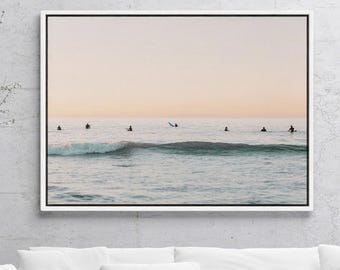
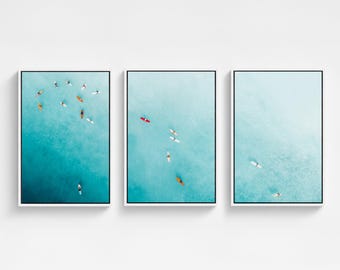
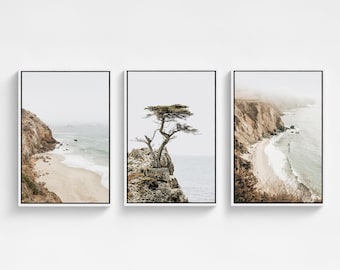
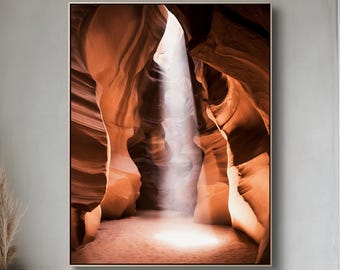
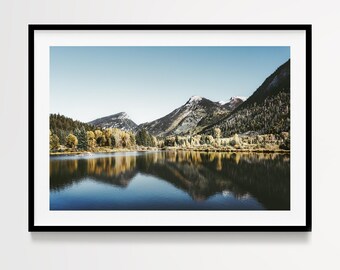
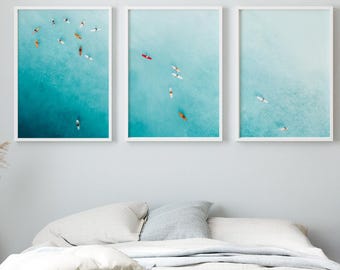
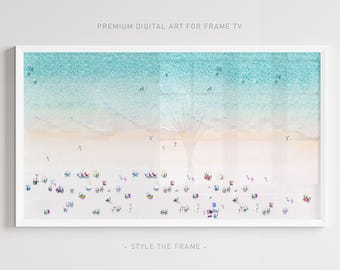
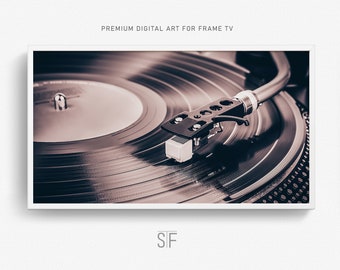
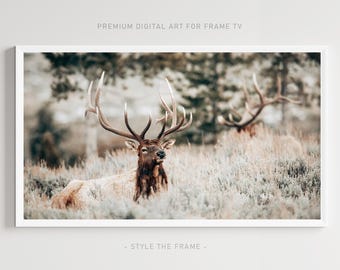
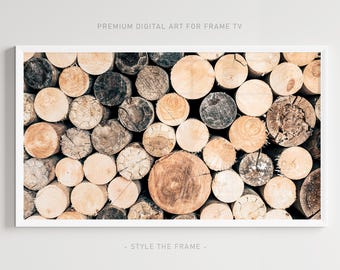
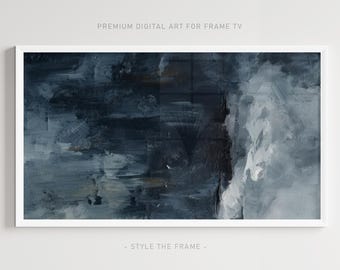
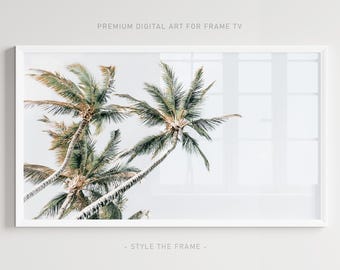
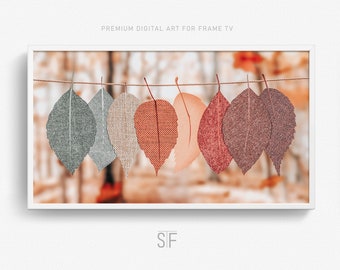
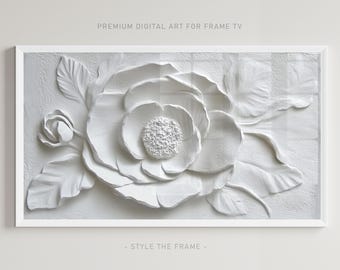
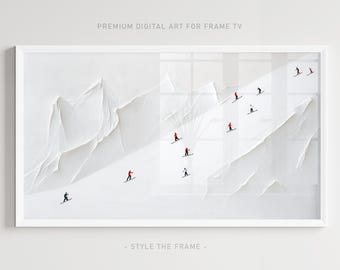
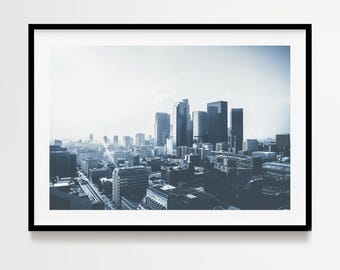
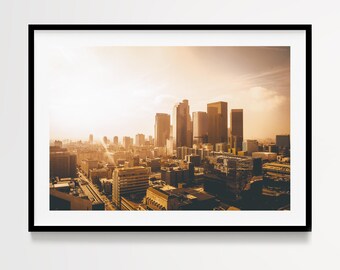
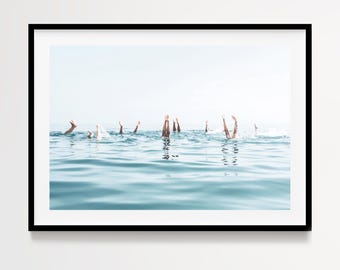
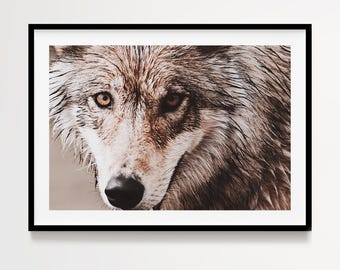
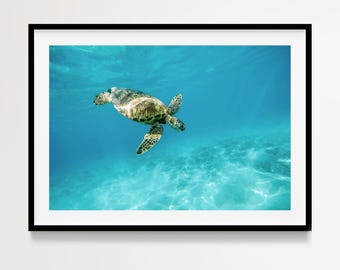
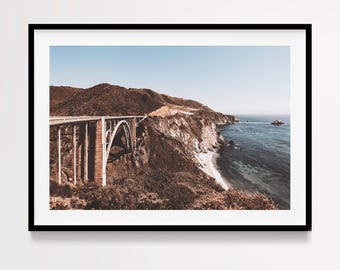
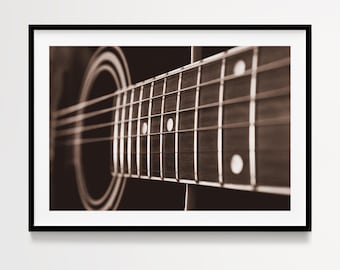
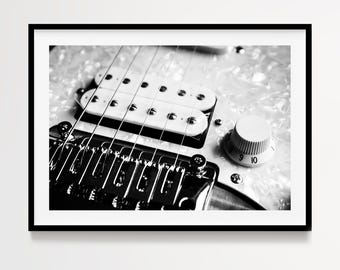
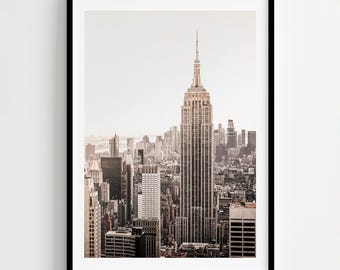
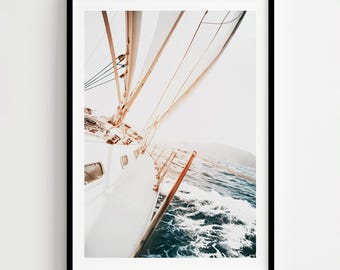
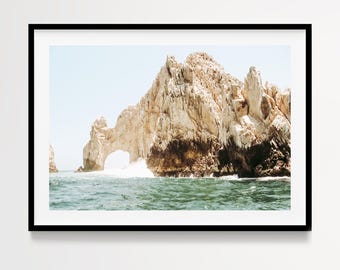
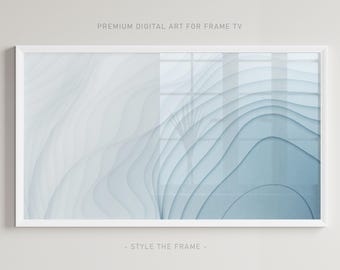
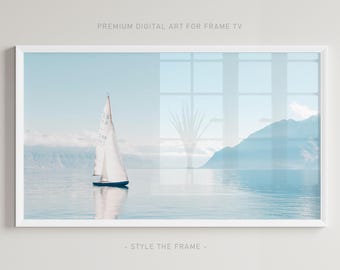
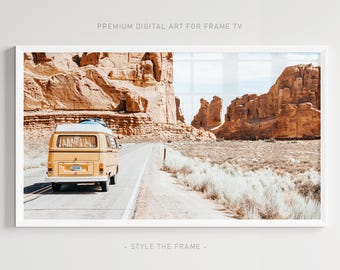
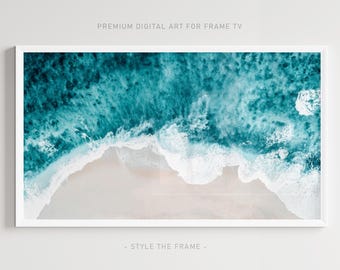
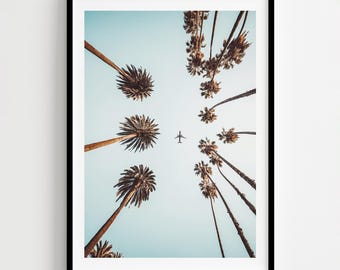
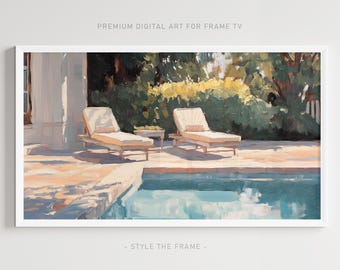
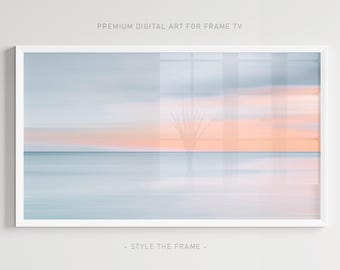
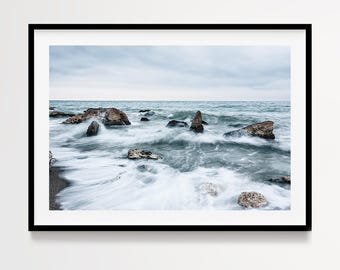
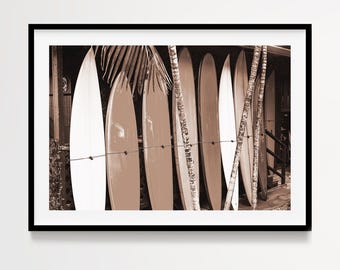
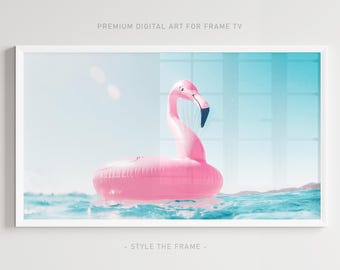


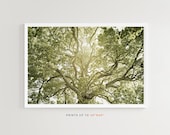
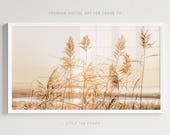
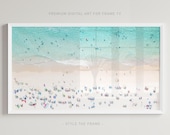
Premium Collection of Digital Photography & Art Designed for Frame TV
Featured items
All items
Reviews
5.0
(263)
Average item review
We calculate this number using a recency-weighted average of all ratings, with a rating's value decreasing by half each year to best reflect the current experience.
Loading
-

-

-
-

-

-
-

-
leigh on Mar 28, 2026
5 out of 5 starsBeautiful picture for my TV. VERY helpful owner. I will purchase more in the future. Thanks.
-
-

About StyleTheFrame
Sales
4,059
On Etsy since 2019
Shop members
-

Anna
Owner
Photographer, designer and a general cheerleader at Style the Frame.
Shop policies
Last updated on Jan 17, 2019
Shipping
See item details for estimated arrival times.
Customs and import taxes
Buyers are responsible for any customs and import taxes that may apply. I'm not responsible for delays due to customs.
Digital downloads
Instant downloads
Your files will be available to download once payment is confirmed. Here's how.
Payment options
Secure options
Accepts Etsy Gift Cards and Etsy Credits
Etsy keeps your payment information secure. Etsy shops never receive your credit card information.
Returns & exchanges
See item details for return and exchange eligibility.
Cancellations
Cancellations: not accepted
Please contact the seller if you have any problems with your order.
Privacy policy
More information
Last updated on
Dec 17, 2025
Frequently asked questions
How and when can I download my files?
Shortly after your payment is processed, you will automatically be allowed access to your digital files through a direct download. You will also receive an e-mail with a link to your downloads which will allow you to access your purchase at any time.
How do I add art to my TV?
To display your art on TV simply follow these 6 easy steps:
1. Download purchased image to your phone.
2. Connect the SmartTings App to your TV.
3. Make sure your mobile device and TV are connected to the same network.
4. Click Samsung Frame TV icon in SmartThings App and then Art Mode.
5. Click Add Your Photo.
6. Click the purchased image from your camera roll and enjoy your new art display!
My download link has stopped working, how can I access my art prints?
If there is any issue with your download, don't worry! Simply send me a message here on Etsy, and I will e-mail you your purchased file(s) directly within 1-2 business days.