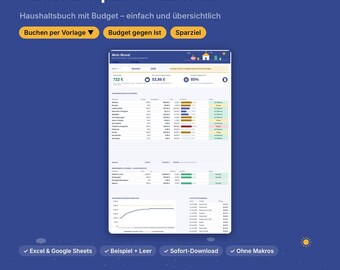
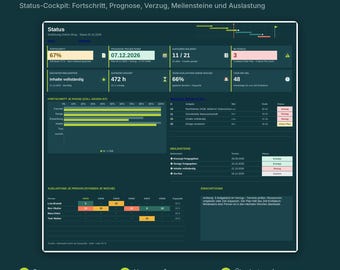
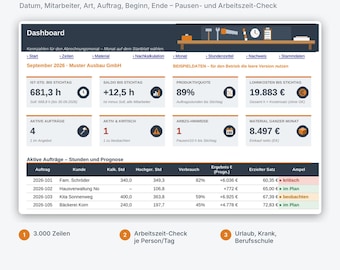
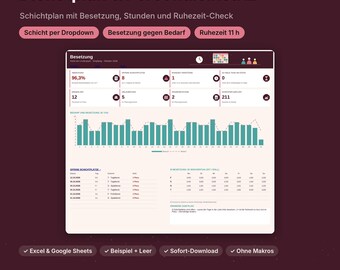

Planning is my profession – now also for your everyday life
Planung ist mein Beruf – jetzt auch für deinen Alltag
Hello, I'm Jakob.
Professionally, I manage IT projects. My daily work involves budgets, schedules, and reports, and over the years I've created countless planning spreadsheets. At some point, I realized that most templates available for personal use are either visually appealing but don't perform any calculations, or they originate from the US, using US holidays, dollars, and date formats that are completely unnecessary here.
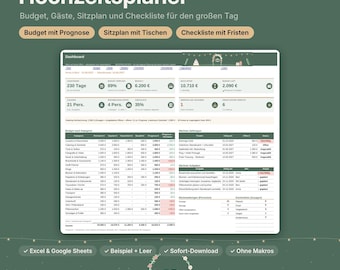
The inspiration for this shop was our own wedding in 2026. I planned it using a self-made spreadsheet: budget, guest list, vendors, timeline—everything in one place. This led to my first planner, and others followed: for household tasks, moving, building a house, and a digital yearly planner.
What makes my templates special:
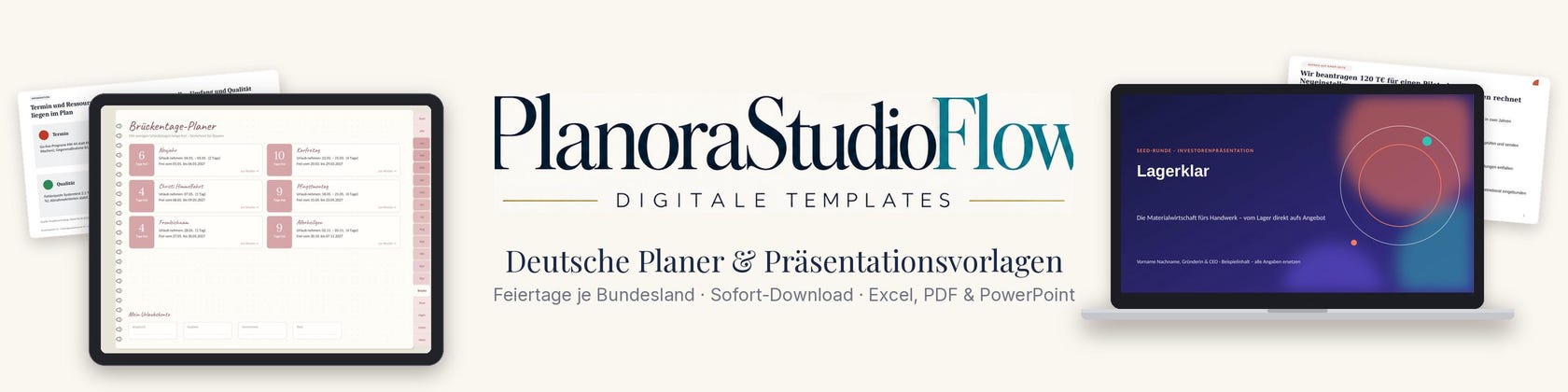
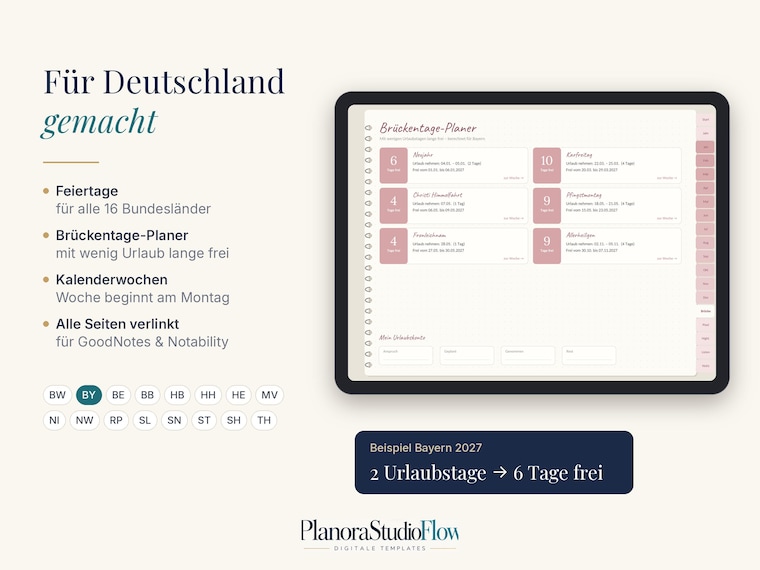
Made for Germany – Public holidays per federal state, bridge days, Euro, German terms
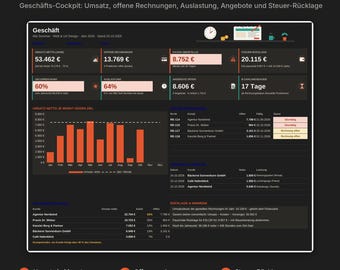
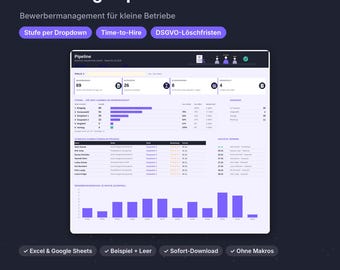
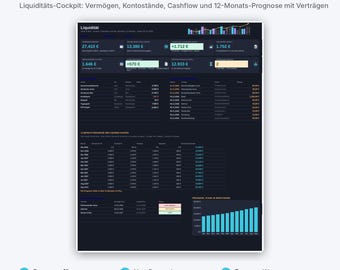
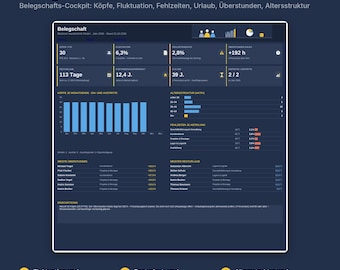
They take care of everything – budgets, traffic lights, forecasts and overviews are automatically populated.
Easy to use – you only enter what changes; formulas are protected, but without password restrictions.
Run wherever you work – Excel, Google Sheets, GoodNotes or Notability
I thoroughly test every template before it goes into the shop. If something doesn't work or you have an idea, write to me. I respond personally and continuously improve my templates. I also use modern software and AI tools for building and testing; concept, selection, and quality control are all my responsibility.
Have fun planning!
Jakob
Hallo, ich bin Jakob.
Beruflich leite ich Projekte in der IT. Mein Alltag besteht aus Budgets, Zeitplänen und Berichten, und ich habe über die Jahre unzählige Planungstabellen gebaut. Irgendwann habe ich gemerkt: Die meisten Vorlagen, die man privat findet, sind entweder hübsch, rechnen aber nichts, oder sie stammen aus den USA, mit US-Feiertagen, Dollar und Datumsformaten, die hier niemand braucht.
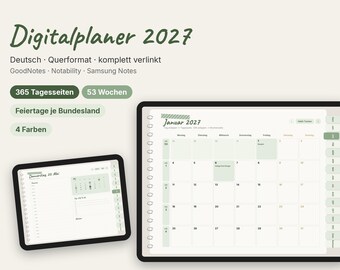
Der Auslöser für diesen Shop war unsere eigene Hochzeit 2026. Ich habe sie mit einer selbst gebauten Tabelle geplant: Budget, Gästeliste, Dienstleister, Zeitplan, alles an einem Ort. Daraus ist mein erster Planer entstanden, und danach kamen weitere: für Haushalt, Umzug, Hausbau und einen digitalen Jahresplaner.
Was meine Vorlagen ausmacht:
Für Deutschland gemacht – Feiertage je Bundesland, Brückentage, Euro, deutsche Begriffe
Sie rechnen mit – Budgets, Ampeln, Prognosen und Übersichten füllen sich automatisch
Einfach zu bedienen – du trägst nur ein, was sich ändert; Formeln sind geschützt, aber ohne Passwort-Gängelung
Laufen dort, wo du arbeitest – Excel, Google Sheets, GoodNotes oder Notability
Jede Vorlage teste ich gründlich, bevor sie in den Shop kommt. Wenn etwas nicht funktioniert oder du eine Idee hast, schreib mir. Ich antworte persönlich und verbessere meine Vorlagen laufend. Beim Bauen und Prüfen nutze ich auch moderne Software- und KI-Werkzeuge; Konzept, Auswahl und Qualitätskontrolle liegen bei mir.“
Viel Freude beim Planen!
Jakob
