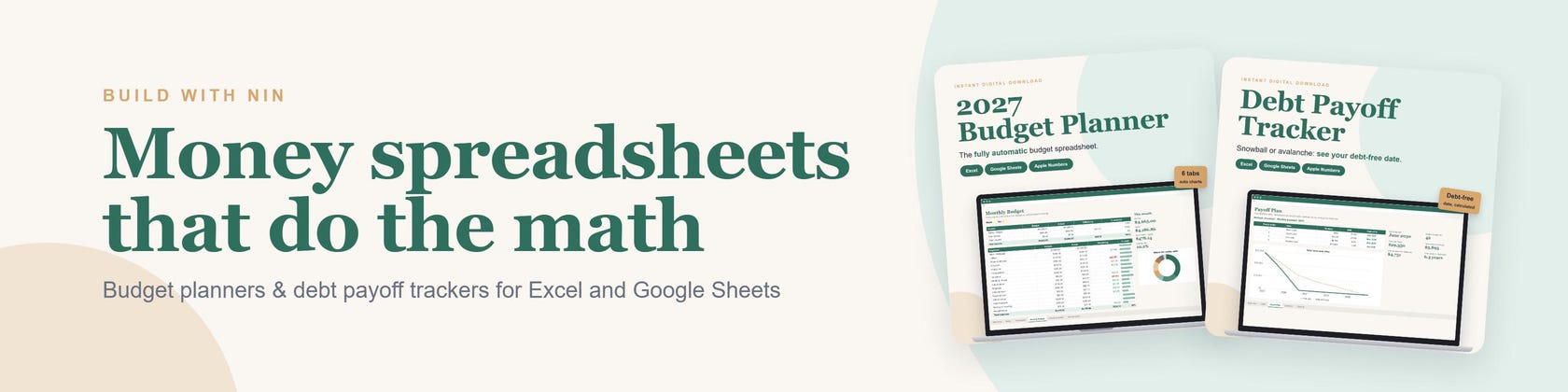


Money spreadsheets that do the math for you
All items
Announcement
Last updated on Oct 22, 2026
About BuildWithNin
Sales
0
On Etsy since 2024
Shop policies
Last updated on
Accepted payment methods
Accepts Etsy Gift Cards and Etsy Credits
Returns & exchanges
See item details for return and exchange eligibility.
More information
Last updated on
Oct 23, 2026
Frequently asked questions
How do I open the spreadsheet in Google Sheets?
Download the .xlsx file from your Etsy Purchases page, upload it to Google Drive, then right-click it and choose Open with > Google Sheets (or File > Save as Google Sheets). All formulas, dropdowns and charts keep working.
Does it work on Mac, iPad or my phone?
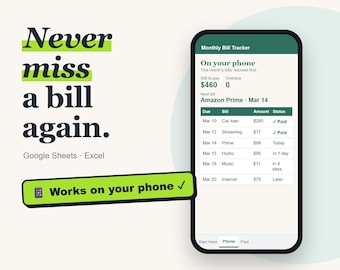
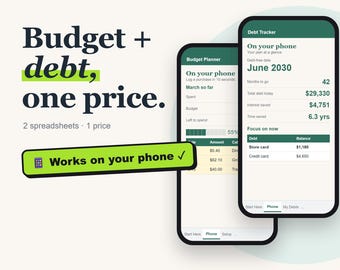
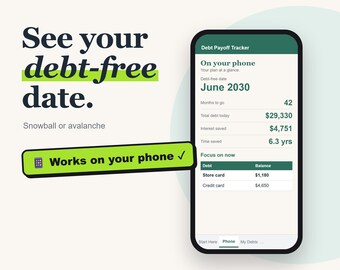
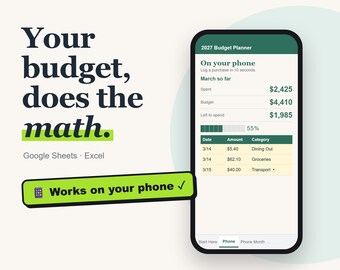
Yes. On Mac use Excel, Numbers or Google Sheets in your browser. On iPad or phone, the Google Sheets or Excel app works best for logging spending on the go. A computer is easiest for the first setup.
Can I use it again next year?
Yes. Keep a blank copy of the file you download. Next year, make a fresh copy, change the start year or start month on the Setup or Debts tab, and everything recalculates. Your download never expires.
Opening it in Google Sheets: any tips?
Yes! After uploading the file to Google Drive and opening it, choose File > Save as Google Sheets. That converts it fully, so everything works smoothly and you won't see any "Office compatibility" notices. Use the new Google Sheets copy from then on.