




Background
All items
Announcement
Last updated on 26 Jun, 2021
Reviews
4.9
(216)
Average item review
We calculate this number using a recency-weighted average of all ratings, with a rating's value decreasing by half each year to best reflect the current experience.
Loading
-

-

-

-
-
-
Nicole on 23 Apr, 2025
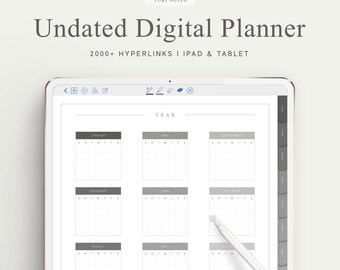
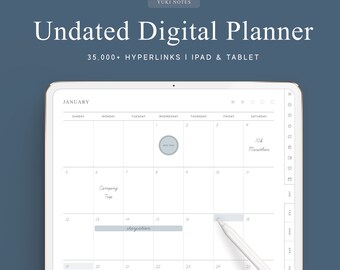
5 out of 5 starsThe hyperlinks in this planner are very intuitive and well thought out
-
-
LS on 24 Apr, 2024
5 out of 5 starsAbsolutely love it and just what I was looking for! Recommend it highly.
-
LS on 24 Apr, 2024
5 out of 5 starsLove it! I actually also use the tabs for other things as well besides the planner, such as a financial budget + medical records notebook in GoodNotes and works great too!
-
About YukiNotes
Sales
2,723
On Etsy since 2019
-
-
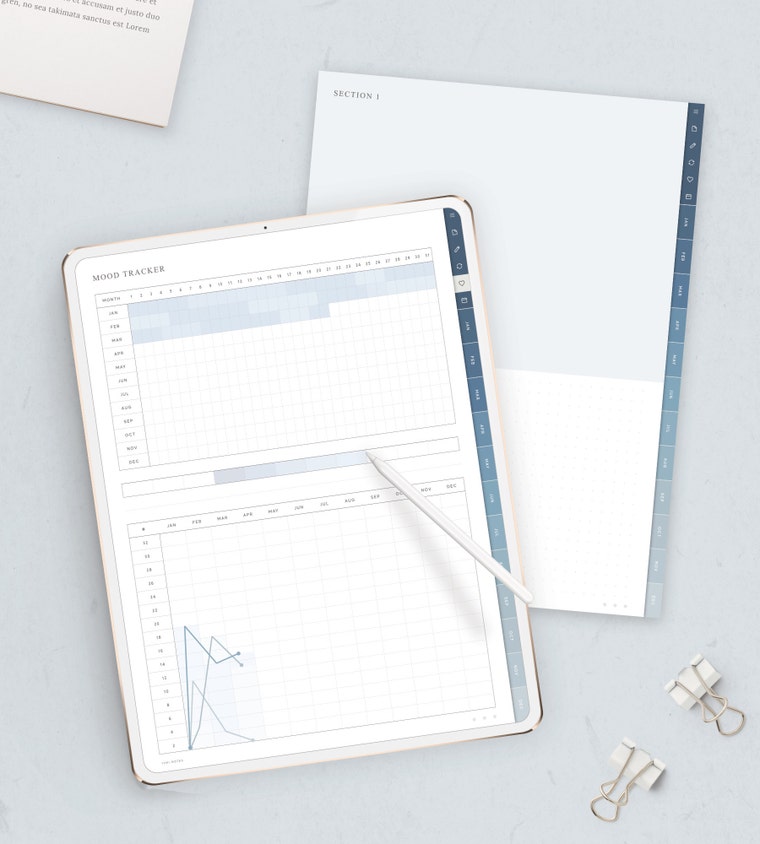 Track your mood with our digital diary to see emotional fluctuations!
Shop policies
Last updated on 29 Nov, 2019
Digital downloads
Instant downloads
Your files will be available to download once payment is confirmed. Here's how.
Payment options
Secure options
Accepts Etsy Gift Cards and Etsy Credits
Etsy keeps your payment information secure. Etsy shops never receive your credit card information.
Returns & exchanges
See item details for return and exchange eligibility.
Cancellations
Cancellations: not accepted
Please contact the seller if you have any problems with your order.
More information
Last updated on
17 Dec, 2025
Frequently asked questions
How to download your purchase
METHOD 1
- Log in to your Etsy account through your web browser
- Click your profile icon on the upper right
- Choose "Purchases and Reviews"
- Click Download
METHOD 2
- Check the inbox of the email you used on etsy to purchase the listing
(Check the spam or junk folder if you can't find it)
- Find the email with the download link sent by Etsy
- Download
Compatible devices and apps
DEVICES
- iPad
- Tablet
Any PDF editor/annotator will work as long as it can read hyperlinks
SAMPLE APPS
- Goodnotes
- Notability
- Noteshelf
- Xodo
*not compatible with OneNote (the hyperlinks don't work)
How to import the pdf files into the app (iPad)
- Download the files onto your iPad
- Locate the pdf files in the Files app (unzip them if needed)
- Press and hold the file
- Choose "Share"
- Choose the app you want to import it to
How to import stickers into Notability
METHOD 1
- Open Notability and the Files app in splitscreen
- Locate the png sticker files in the Files app (must be unzipped)
- Press and drag the file into Notability
I have trouble importing the planner/notebook into the app. Please advise
Please make sure to unzip files before importing. The planner/notebook should be in pdf format when you import it to the app
How to unzip files
Download a zip file extractor app and unzip the files from there
APP SAMPLES
- iPad (Documents by readdle, izip)
- Computer (7zip, Winzip)
Do you allow refunds?
No, due to the nature of digital products, I can't allow refunds. All purchases are final and can neither be exchanged nor refunded