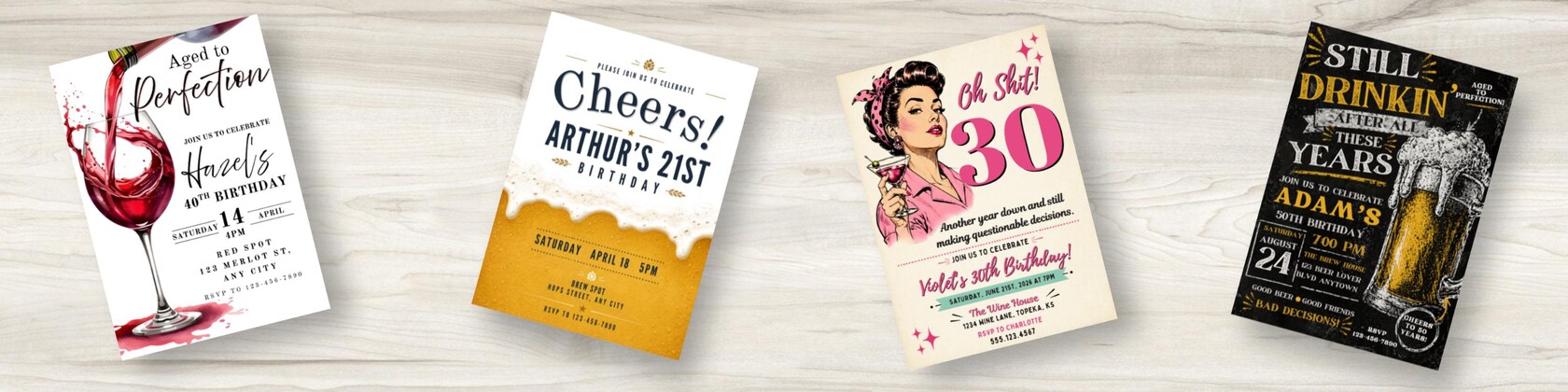

Polecane produkty
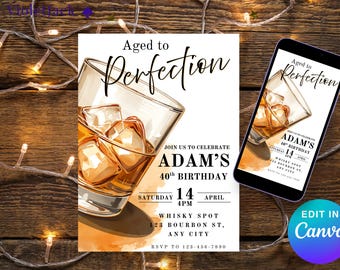
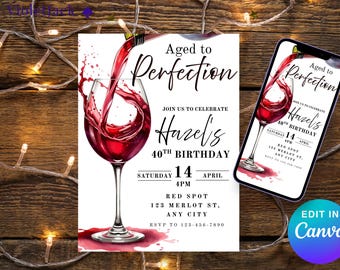
Wszystkie produkty
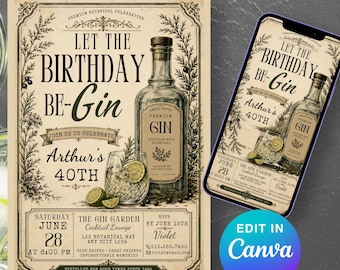
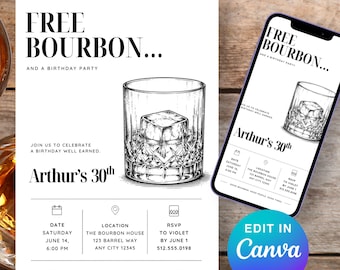


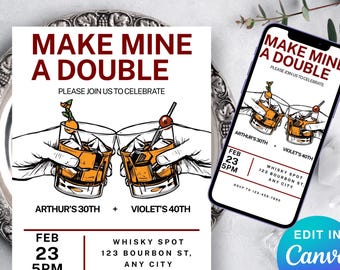
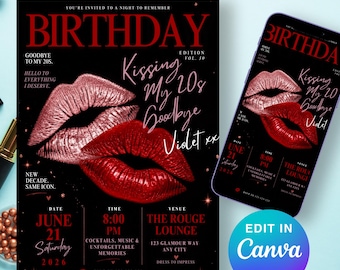
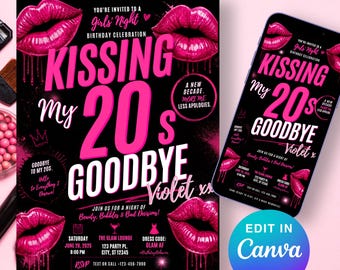











Regulamin sklepu
Data ostatniej aktualizacji
Akceptowane metody płatności
Akceptuje karty podarunkowe Etsy i bony Etsy
Zwroty i wymiany produktów
Sprawdź szczegóły produktu, aby dowiedzieć się, czy kwalifikuje się on do zwrotu lub wymiany.
Więcej informacji
Data ostatniej aktualizacji
4 kwi 2026
Często zadawane pytania
What is Canva?
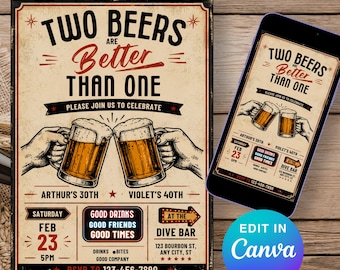
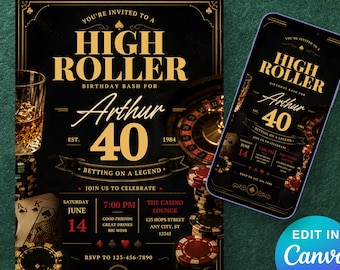
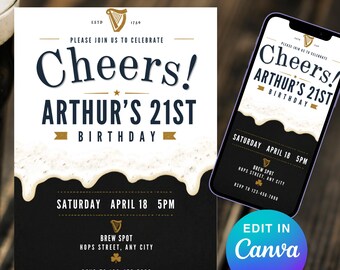
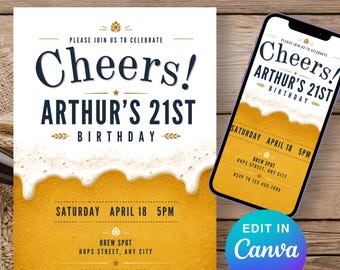
Canva is a free-to-use platform that allows you to easily edit designs online. Using Canva, you can make edits to your wedding invitation, such as changing text, colors, fonts, and more. You can easily edit your invitation in Canva using your browser without downloading any software or fonts.
What can be edited?
1. Template size and orientation.
2. Graphics.
3. The template must be edited in Canva only – it’s not compatible with software like Word or Photoshop
I have just purchased a template- How do I access it?
Our templates are available to use immediately after purchase. You will receive an email with a PDF containing a link to access your template in Canva.
You can always easily access your template by following these steps: Go to Profile -> Purchases -> Download Files.
Do the colours in the photo match the final printed version exactly?
I pay close attention to the colours that appear on the invitation to match them as closely as possible. The invitation colours are RGB and the printing colours are CMYK, so there may be slight variations in color.
Am I able to upload and use my own photos with the template?
Yes, absolutely! You can drag and drop the image you want to add to your invitation design in Canva. You can upload JPEG, PNG, and SVG files.
Terms of use.
Due to the nature of downloadable digital products, we do not offer refunds or exchanges, thank you for your understanding. If you have any questions, please feel free to contact us at any time.
© All stationery designs are the copyright of VioletJackDesign. Products are for personal use only.