






A little bit about me!
Featured items
All items
Announcement
Last updated on Apr 7, 2026
Reviews
4.9
(325)
Average item review
We calculate this number using a recency-weighted average of all ratings, with a rating's value decreasing by half each year to best reflect the current experience.
Loading
-

Daphne on Sep 14, 2026
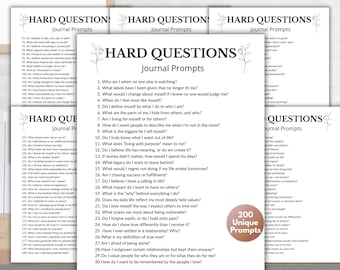
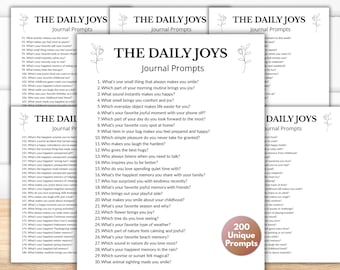
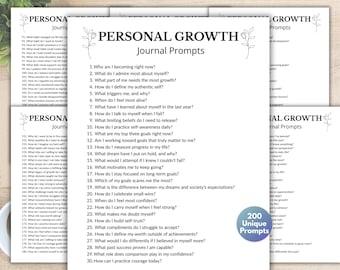
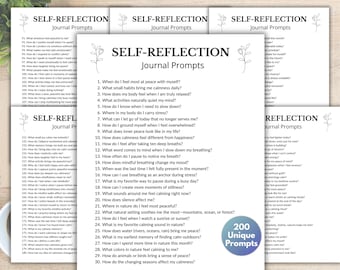
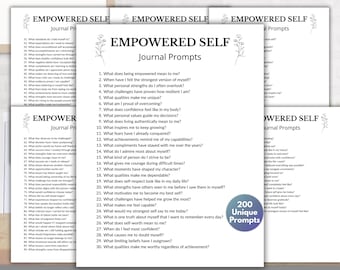
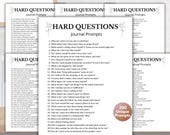
5 out of 5 starsPrompts are very helpful and thought provoking. Downloading them was easy to do.
-
-

Etsy buyer on Sep 14, 2026
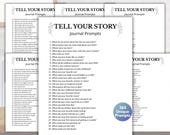
5 out of 5 starsI love these prompt so I can think about myself and write on my journal to find myself.
-
Etsy buyer on Sep 14, 2026
5 out of 5 starsI love these prompt so I can think about myself and write on my journal to find myself.
-

Terri on Sep 2, 2026
5 out of 5 starsJust as presented. Yes, I could have done these myself, but the cost was my motivation to let someone else do the work.
-
-

Rashida on Sep 17, 2026
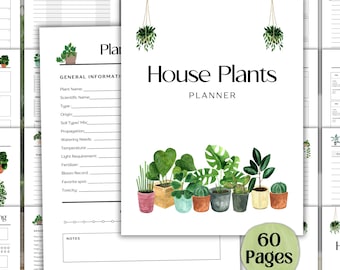
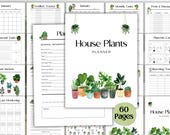
5 out of 5 starsI just started my plant journey and I wanted a way to log all my plants, this gave me the perfect template to put my little flip book together. Great design and so many page and sticker options
-
Etsy buyer on Sep 14, 2026
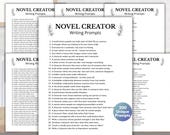
5 out of 5 starsI want to write a bit for myself and these will help me find some ideas on what to write.
-
Etsy buyer on Sep 14, 2026
5 out of 5 starsI love these prompt so I can think about myself and write on my journal to find myself.
-
Etsy buyer on Sep 14, 2026
5 out of 5 starsI love these prompt so I can think about myself and write on my journal to find myself.
Shop policies
Last updated on Mar 31, 2026
Digital downloads
Instant downloads
Your files will be available to download once payment is confirmed. Here's how.
Payment options
Secure options
Accepts Etsy Gift Cards and Etsy Credits
Etsy keeps your payment information secure. Etsy shops never receive your credit card information.
Returns & exchanges
See item details for return and exchange eligibility.
Cancellations
Cancellations: accepted
Request a cancellation: within 6 hours of purchase
Privacy policy
More information
Last updated on
Jul 9, 2026
Frequently asked questions
How can I get my downloads?
After you purchase your products, log in to your Etsy, go to "Your Account", -> "Purchases and Reviews" -> Click on "Download the files" next to your product.
Please be sure to use the web browser only. Files will not be available on the Etsy app.
Have any other issues? Feel free to contact us at any time! We are glad to help!
Can I print the products at home?
Yes! You can print them at home if you have a high-quality printer and suitable paper. You can use cardstock paper as well. Be sure that you select the appropriate setting in your printer preferences. For some of our products, select the "Scale to Fit" option in your printer settings. This allows the design to fit appropriately on the page and avoids any cropping or misalignment.
Preview your print setting before finalizing to get the best results.
How Do I unzip my download files?
If you are purchasing a zipped bundle, you are able to easily extract your files. Please be sure you are familiar with zip files before downloading.
PC: To extract a single file or folder, double-click the compressed folder to open it. Then, drag the file or folder from the compressed folder to a new location. To extract the entire contents of the compressed folder, right-click the folder, click Extract All, and then follow the instructions.
Mac: Double-click the .zip file, then search for the product folder or product file.
What do I need to open this file?
Depending on the file type, please refer to the listing description for the required software or apps.
Can I edit this file?
Yes, for only the product that states Editable. Please check the description for details on how you are able to access your product to edit.
What if I can't access my file?
No Worries! Send me a message, and I'll make sure you receive your files right away.
What is your refund policy?
Due to the nature of digital products, all sales are final.
Because digital files are available for immediate download, I am unable to offer refunds, exchanges, or cancellations once a purchase has been completed and the files have been downloaded.
If you experience any issues accessing your files or believe you received the wrong file, please don't hesitate to contact me. I'm committed to providing excellent customer service and will gladly help resolve any problems as quickly as possible.
Please review all product descriptions, listing details, and preview images carefully before purchasing to ensure the item meets your needs.
By purchasing a digital product from this shop, you acknowledge and agree to these terms.