
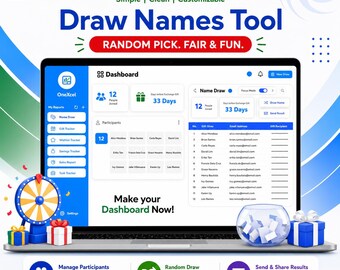

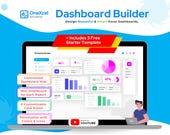
I started using Excel back when I was working as an accountant. At first, it was just part of my everyday job — numbers, reports, and endless spreadsheets. But as I got deeper into it, I discovered how powerful Excel could be with a bit of creativity and logic.
Since I’ve always loved programming, I started exploring VBA and complex formulas to make my work faster and more efficient. Over time, I found myself automating repetitive tasks and creating tools that made reports not only accurate but also easier to use.
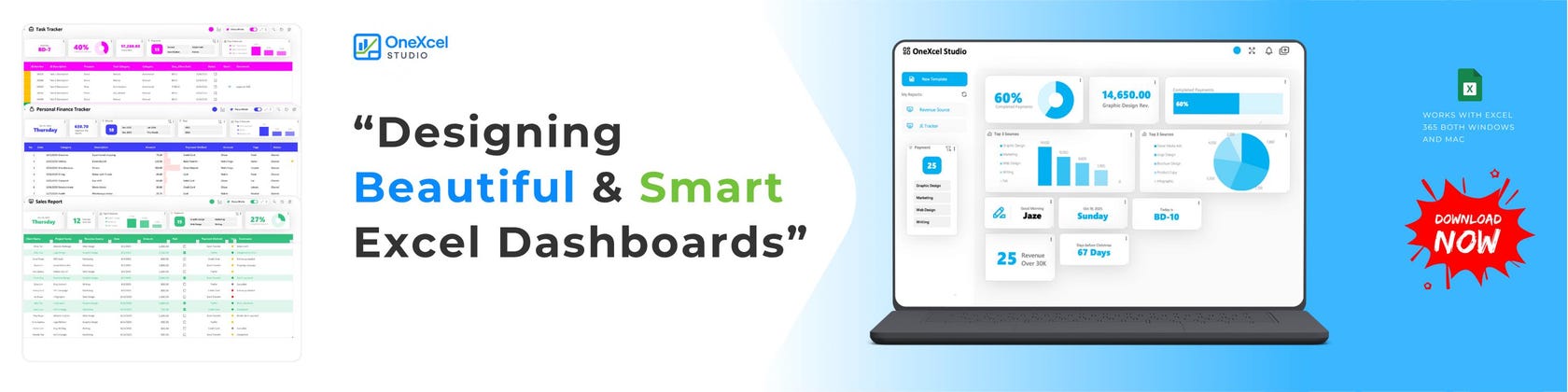
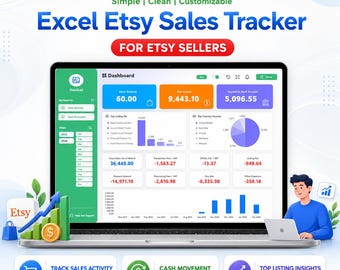
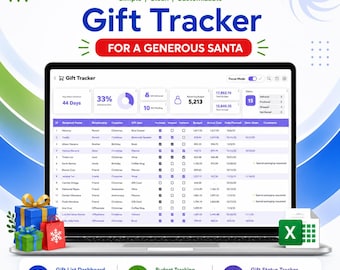
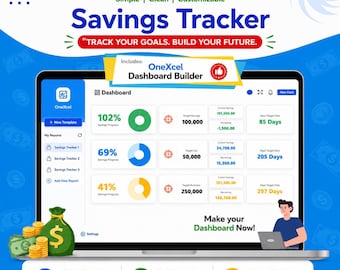
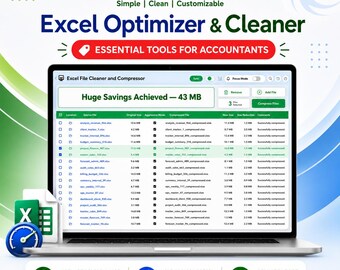
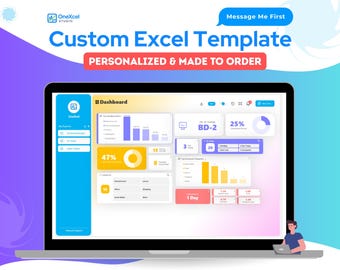
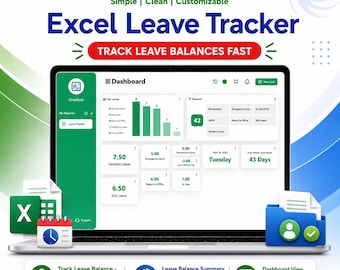
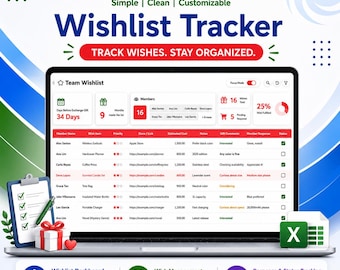
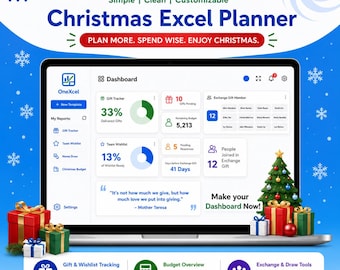
That’s when the idea hit me — what if Excel could look and feel better, not just function better? I began designing dashboards that were simple, visually engaging, and intuitive to navigate. What started as a personal project soon evolved into a passion for creating clean, interactive, and user-friendly Excel dashboards that anyone could use with just a few clicks.
Now, I’m sharing that passion here — helping others save time, simplify their work, and make Excel a tool they actually enjoy using.
Featured items
All items
Announcement
Reviews
-

SEVANS on 22 Nov, 2025
5 out of 5 starsThis is such a great tool! The formatting is beautiful, but the functionality is what makes this stand out. The item will be easy to customise to suit needs, as well as being intuitive to use and adjust.

Jaze responded on 22 Nov, 2025
Thank you for the 5-star review! It truly gives motivation to keep improving, adding more features, and rolling out new updates in the future.
About OneXcel
-
-
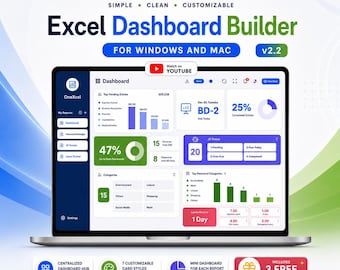
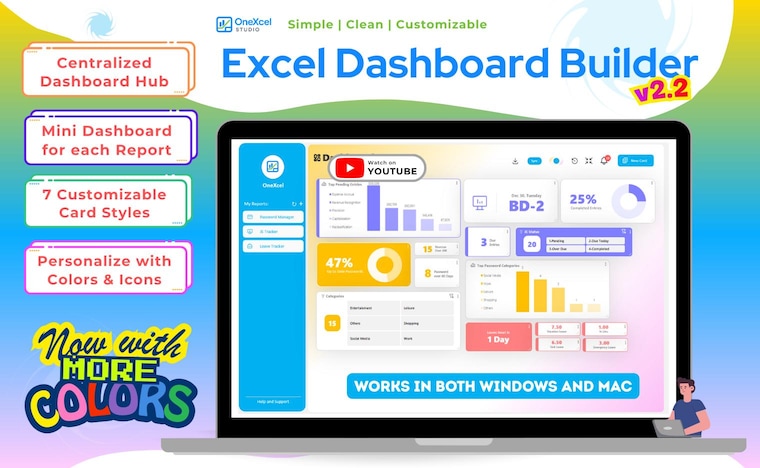 OneXcel Dashboard Builder got updated to v2.2
 -
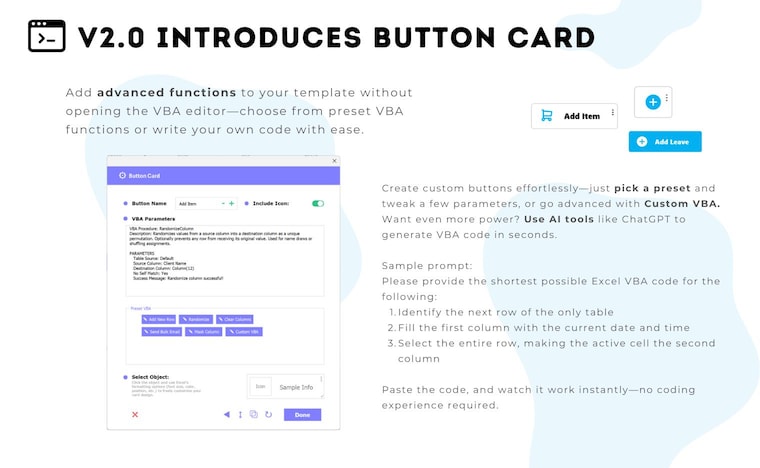 New Button Card Option in OneXcel Dashboard Builder v2.0
 -
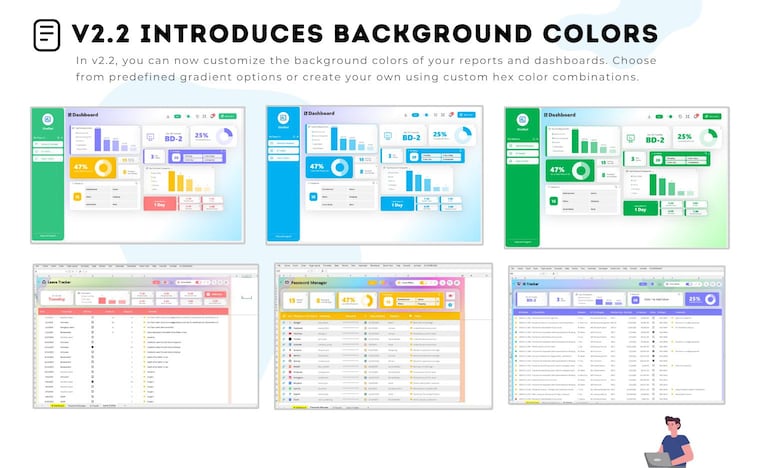 New Background Colors in OneXcel Dashboard Builder v2.2
 -
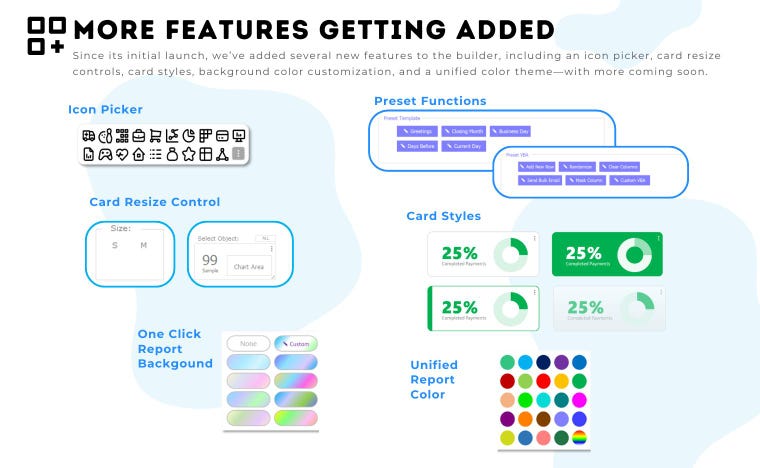 More Feature Added and More Coming in OneXcel Dashboard Builder
 -
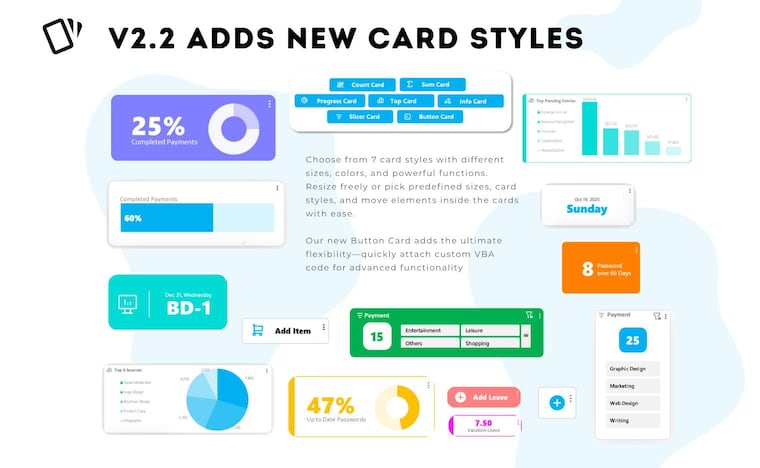 New Card Styles in OneXcel Dashboard Builder v2.2
Shop about video description
Shop policies
Digital downloads
Payment options
Returns & exchanges
Cancellations
Cancellations: not accepted
Please contact the seller if you have any problems with your order.
Privacy policy
More information
Frequently asked questions
What do I get after purchase?
You’ll receive an instant digital download (Excel file) — no physical product will be shipped. You can start using the template right away.
Do I need special software to use it?
You only need Microsoft Excel (2021 or later, or Office 365). The templates are not compatible with Google Sheets or Numbers due to VBA automation.
How do I open the file?
After downloading, unzip the folder and open the .xlsm file. When prompted, click “Enable Content” or “Enable Macros” to use all features.
Can I edit or customize the template?
Yes! All templates are fully customizable — you can change colors, fonts, labels, and layouts. The OneXcel Dashboard Builder lets you combine or add templates to your dashboard easily.
Will the file work on Mac?
Yes, it works on both Windows and Mac (Excel 2021 or later). Some minor design differences may appear, but functionality remains the same.
Can I share or resell this template?
No. The purchase is for personal or business use only. Reselling, sharing, or redistributing the files is not allowed.
Do you offer refunds?
Since this is a digital product, all sales are final. But if you have trouble accessing or using the file, just message me — I’ll help you right away.
What if the download link doesn’t work?
Go to Purchases and Reviews on your Etsy account and click Download Files again. If you still have issues, message me and I’ll resend your file.
I’m new to Excel — is this beginner-friendly?
Absolutely. Each template is designed to be easy to use with clear labels, built-in guidance, and ready-to-go formulas. No advanced Excel knowledge needed.