
Featured items
All items













Announcement
Last updated on Aug 17, 2025

Reviews
4.4
(114)
Average item review
We calculate this number using a recency-weighted average of all ratings, with a rating's value decreasing by half each year to best reflect the current experience.
Loading
-

-
-

-

-
-

-
-
Ian on Jan 8, 2026
5 out of 5 starsExcellent! Plenty of great assets, which easily accessed da vinci
-

-




About DesignSyncStudioTR
Sales
1,202
On Etsy since 2025
-
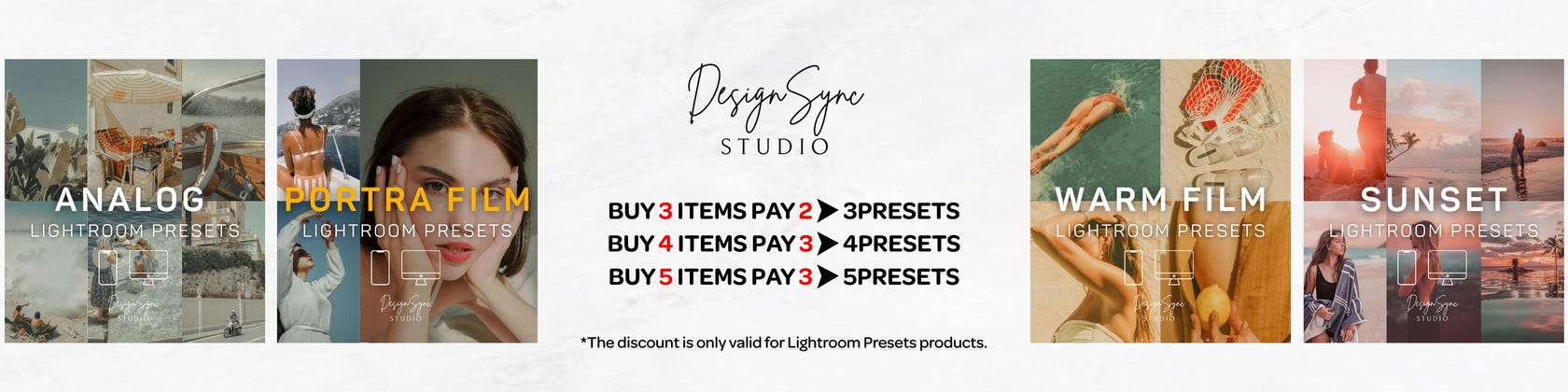
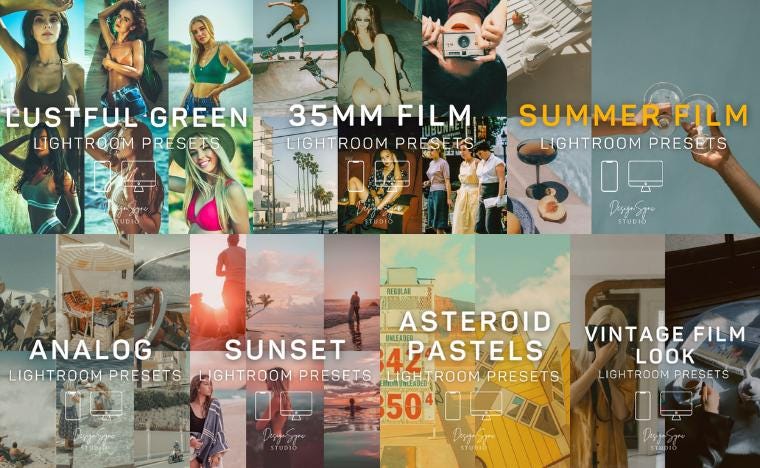 Buy 3, Pay for 2 – 3PRESETS Buy 4, Pay for 3 – 4PRESETS Buy 5, Pay for 3 – 5PRESETS
Shop members
-

Aziz
Owner
Shop policies
Last updated on May 18, 2025
Digital downloads
Instant downloads
Your files will be available to download once payment is confirmed. Here's how.
Payment options
Secure options
Accepts Etsy Gift Cards and Etsy Credits
Etsy keeps your payment information secure. Etsy shops never receive your credit card information.
Returns & exchanges
See item details for return and exchange eligibility.
Cancellations
Cancellations: accepted
Request a cancellation: within 2 days of purchase
Privacy policy
More information
Last updated on
Dec 17, 2025
Frequently asked questions
Why Choose Us? 🌟
At DesignSync Studio, we believe every photo deserves to look its best! 📸✨ Here’s why our Lightroom Presets stand out:
✅ High Quality & Professional — Created by expert editors to give you stunning results every time.
✅ Easy to Use — Perfect for beginners and pros alike, just one click to transform your photos!
✅ Versatile Styles — From bright and airy to moody and dramatic, find the perfect preset for your vibe.
✅ Instant Download — Get your presets immediately after purchase and start editing right away!
✅ Friendly Support — We’re here to help you with any questions or guidance you need. 🤝
Join thousands of happy customers who’ve upgraded their photo edits with us. Let’s create beautiful memories together! 💖
What is a Lightroom Preset?
A Lightroom preset is a configuration of settings,designed to achieve a certain look or style of your photo. You install the presets into your lightroom and then when you click on a particular preset while in the develop module, the pre-determined (pre-set) settings will apply to that photo.With just one click on a preset, your photo can be altered in hundreds of different pre-set alterations to colors, hues, shadows, contrast, grain and more.The beauty of using presets is the consistency of style,simplicity they bring to your editing sessions. If you find presets that work for your style,you can speed up your workflow dramatically. you can achieve the colors and look you want without needing to edit each photo to make sure they are perfect
How to add a Lightroom Presets
These are the seven steps to help you install your Lightroom Presets. It takes less than 30 seconds if you follow these steps!
Open Lightroom.
Go To: Lightroom (Dialogue) • Preferences • Presets.
Click On The Box Titled: Show Lightroom Presets Folder.
Double Click on Lightroom.
Double Click on Develop Presets.
Copy The Folder(s) Of The Fine Art Preset Zip Into Develop Presets.
Restart Lightroom.