DigitalCollectionX

Michigan, United States

6.9k
Sales
We calculate this number using an average of all ratings from the past twelve months. 4.9 (482)
3 years
on Etsy
We calculate this number using an average of all ratings from the past twelve months. 4.9 (482)
6.9k
sales
3 years
on Etsy
6.9k
Sales
We calculate this number using an average of all ratings from the past twelve months. 4.9 (482)
3 years
on Etsy
We calculate this number using an average of all ratings from the past twelve months. 4.9 (482)
6.9k
sales
3 years
on Etsy
6861 Sales

Etsy automatically translates most text on the site to your preferred language.

See in original language


Featured items

All items

Etsy automatically translates most text on the site to your preferred language.

See in original language

Announcement

Last updated on 02 Jun, 2025
Emily and Elizabeth

Contact shop owner

Emily and Elizabeth

Reviews

4.9 (482)
Average item review
We calculate this number using an average of all ratings from the past twelve months.
Loading

About DigitalCollectionX

Digital Notes & Stickers | For Samsung Note & Goodnotes

Sales 6,861
On Etsy since 2023

Digital Notes & Stickers | For Samsung Note & Goodnotes

Welcome to Our Shop! 🎉

Shop policies

Last updated on

Accepted payment methods

Paypal Visa Mastercard Apple Pay Gift card
Accepts Etsy Gift Cards and Etsy Credits

Returns & exchanges

See item details for return and exchange eligibility.

More information

Last updated on 17 Dec, 2025

Frequently asked questions

How do I download my digital product?

Once your payment is processed, you can download your files instantly from Etsy. Here’s how:

1. Go to Your Account (top right on Etsy).
2. Click Purchases & Reviews.
3. Find your order and click Download Files.
4. Save the files to your device and follow the import instructions below.
Note: Downloads are not available via the Etsy app. Please use a web browser on your computer or mobile device.

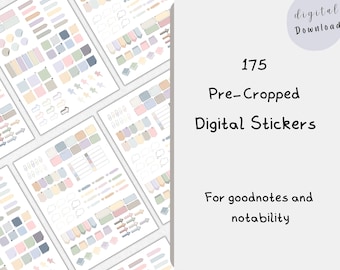
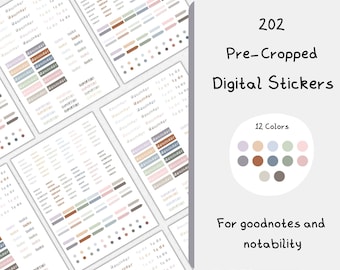
How do I import stickers into GoodNotes, Notability, or Samsung Notes?

- GoodNotes: Import the sticker file into GoodNotes, then use the lasso tool to copy and paste stickers into your notes. If the stickers are in a ZIP file, unzip them first.
- Notability: Import the sticker file, then use the crop tool to select and add stickers to your notes.
- Samsung Notes: Open the sticker file and add images directly to your notes using the insert image tool.

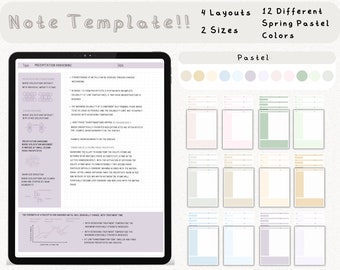
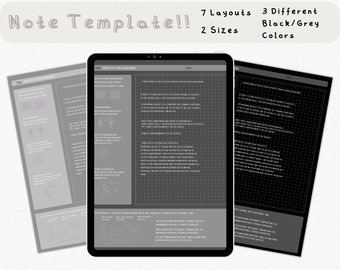
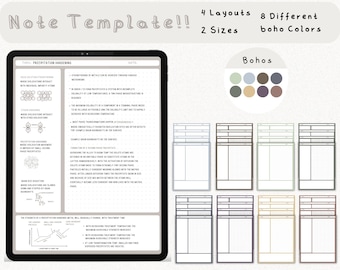
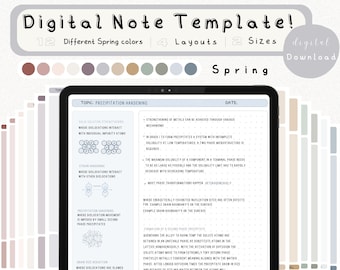
How do I import note templates into GoodNotes, Notability, or Samsung Notes?

- GoodNotes: Open the app, tap New > Import, and select your downloaded template file. You can also add it as a custom template in Notebook Templates.
- Notability: Tap Import, choose your file, and add it to an existing or new note.
- Samsung Notes: Open a new note, tap the Attach icon, and select your template file to use as a background.

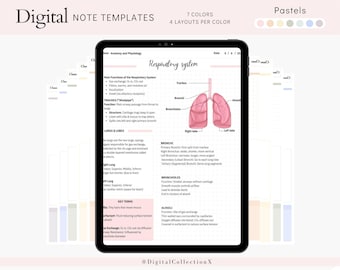
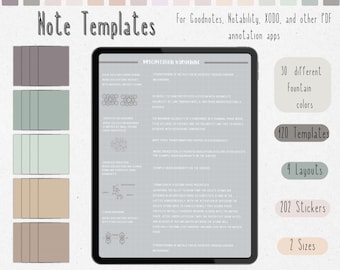
What different apps can I use the note templates with?

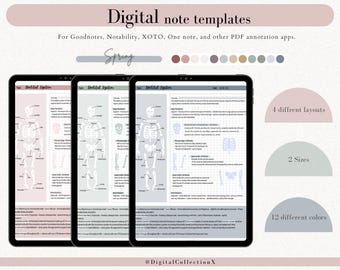
Our digital note templates are compatible with a variety of apps, including:

- GoodNotes (iOS) – Best for handwriting and organizing digital notebooks.
- Notability (iOS) – Great for note-taking and annotating PDFs.
- Samsung Notes (Android) – Ideal for digital handwriting and organizing notes.
- OneNote (iOS, Android, Windows) – Perfect for syncing notes across multiple devices.
- Xodo PDF Reader & Editor (iOS, Android, Windows) – Works well for annotating and filling in PDFs.

If you’re unsure whether your app is compatible, feel free to message us!

What if I have trouble downloading or using my files?

No worries! If you have any issues, feel free to message us on Etsy—we’re happy to help! 💛