
















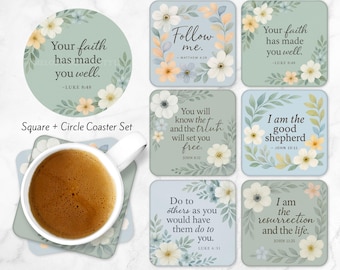
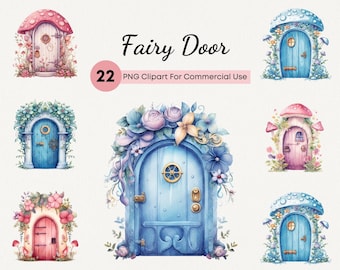
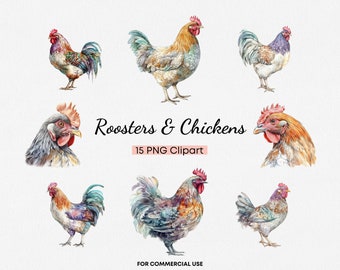
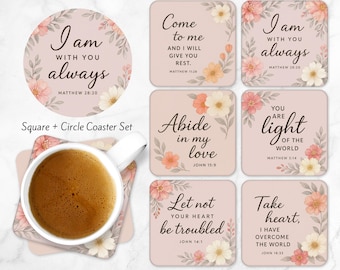
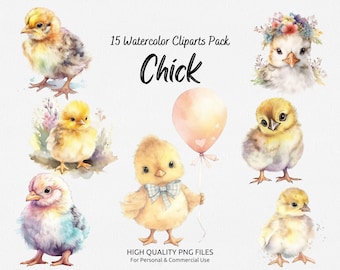
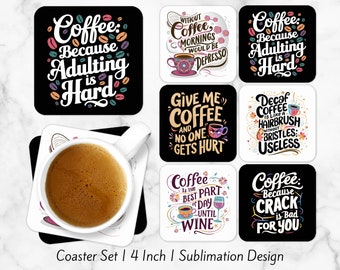
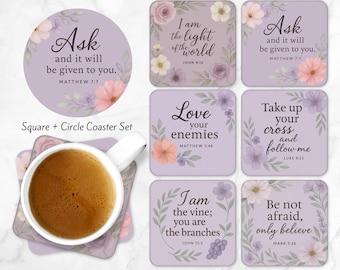

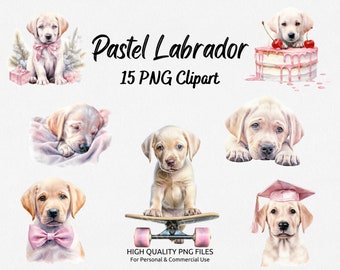







Hey there, and welcome to MelodyDesignStyle!✨
All items
Announcement
Last updated on Apr 20, 2025
Reviews
5.0
(105)
Average item review
We calculate this number using a recency-weighted average of all ratings, with a rating's value decreasing by half each year to best reflect the current experience.
Loading
About MelodyDesignStyle
Sales
1,016
On Etsy since 2023
Shop policies
Last updated on
Accepted payment methods
Accepts Etsy Gift Cards and Etsy Credits
Returns & exchanges
See item details for return and exchange eligibility.
More information
Last updated on
Dec 17, 2025
Frequently asked questions
How To Open Zip File?
To open a ZIP file:
1. Locate the ZIP file on your computer.
2. Right-click on the ZIP file and select "Extract All".
3. Choose the destination folder for the extracted files.
4. Wait for the extraction process to complete.
5. Access the extracted files in the destination folder.
Is it possible to get the products in a higher quality?
If you need a higher quality in order to print the art in a larger size than what is offered, please contact us before the purchase and write what size you need it to be and the name of the product you want. If it is possible, we will do it for you at no additional cost beyond the cost of the product itself.