

Website Designer, Seo HELP, WEBFLOW GUIDE, Digital Download Canva Editable Neutral Webflow Web Help, 19 Pages Pdf File
Item highlights
Seller's description
Hand Off Your Web Design Projects Like a Pro!
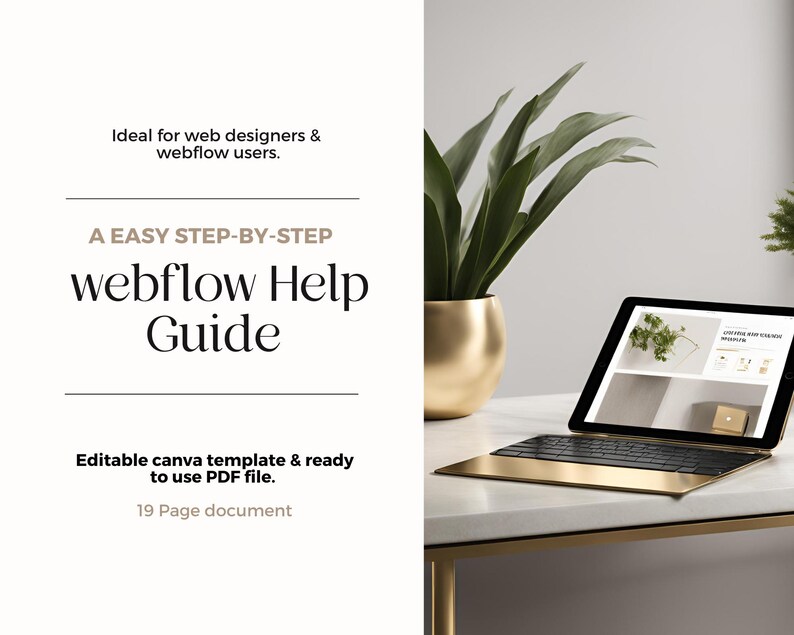
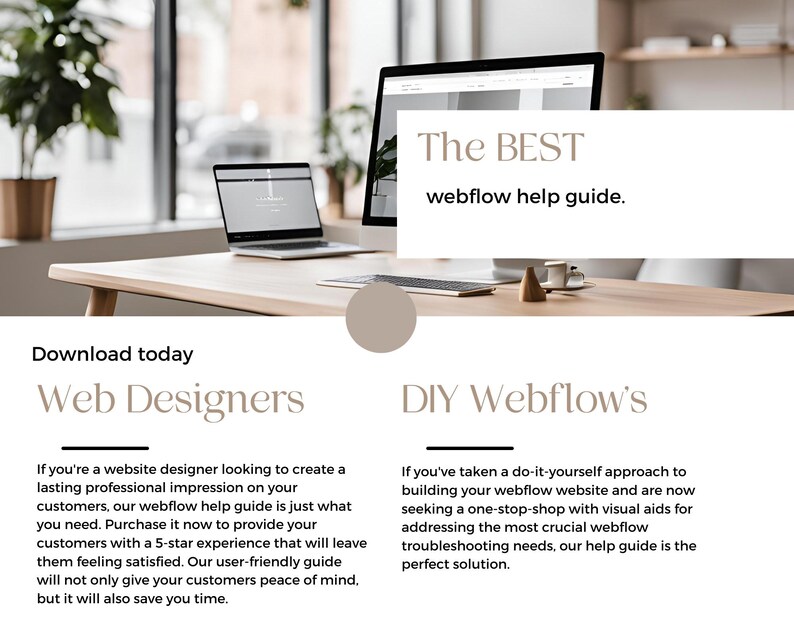
Leave your clients feeling supported, confident, and thrilled with your service by gifting them our unbranded, fully customisable Webflow Help Guide. Perfect for web designers who want to add a little extra sparkle to their off-boarding process, this guide is your secret weapon to saving time, boosting client satisfaction, and locking in those glowing reviews.
Available as an instantly downloadable PDF or editable Canva template, this guide is thoughtfully crafted for Webflow website designers of all skill levels—whether you’re just starting out or have a few projects under your belt.
Why Your Off-Boarding Process Matters
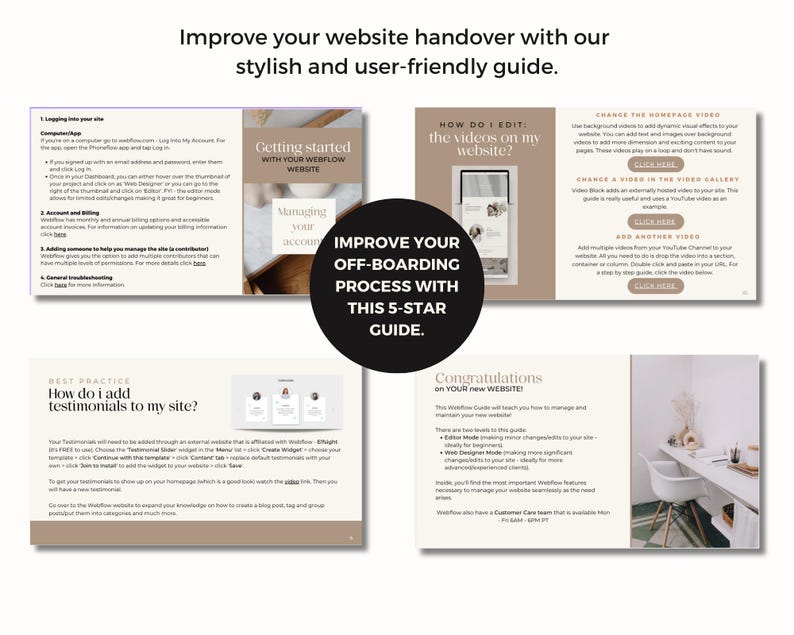
The way you wrap up a project is just as important as how you started it. This guide helps you provide an elevated, five-star experience by giving your clients everything they need to confidently manage their shiny new website. From simple tweaks to bigger updates, this guide is like their personal Webflow cheat sheet.
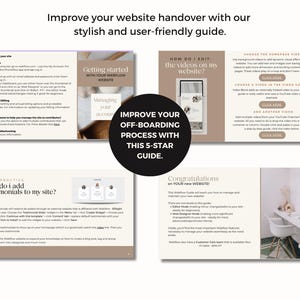
What’s Inside the Webflow Help Guide?
It’s a true one-stop shop for your clients, packed with step-by-step instructions and helpful resources, covering topics like:
How to navigate Webflow’s Editor and Designer Modes
Adding and updating content (text, images, social media links, testimonials, videos, and more)
Mastering SEO basics and tracking analytics
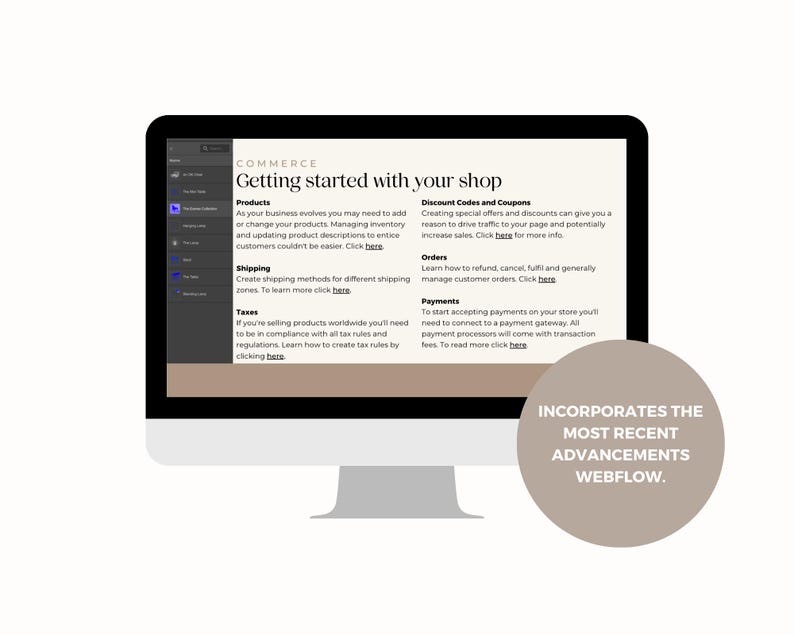
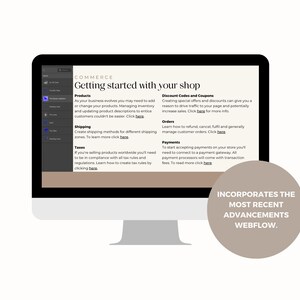
Managing eCommerce features
Troubleshooting common issues
Keeping their site updated with Webflow’s latest features
We’ve also included direct links to Webflow’s tutorials and resources, so your clients always have the tools they need at their fingertips.
Why Your Clients Will Love This
Most clients find the aftercare side of website design the trickiest—like figuring out the backend or remembering the steps from your training session. With this guide, they’ll feel empowered to take charge of their site, whether they’re making small edits or diving into bigger updates.
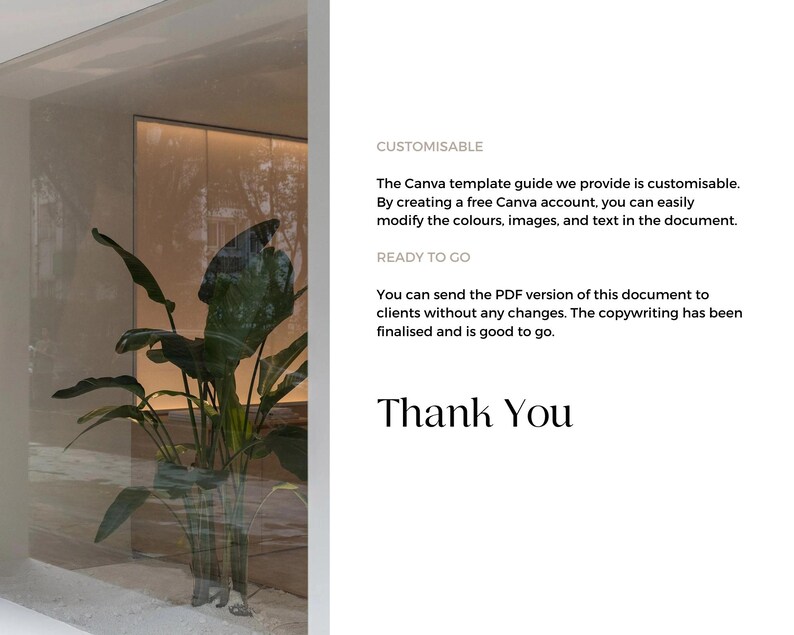
And the best part? You can use this document as-is (just update the "email us" links!) or personalise it on Canva to match your branding.
What You’ll Receive:
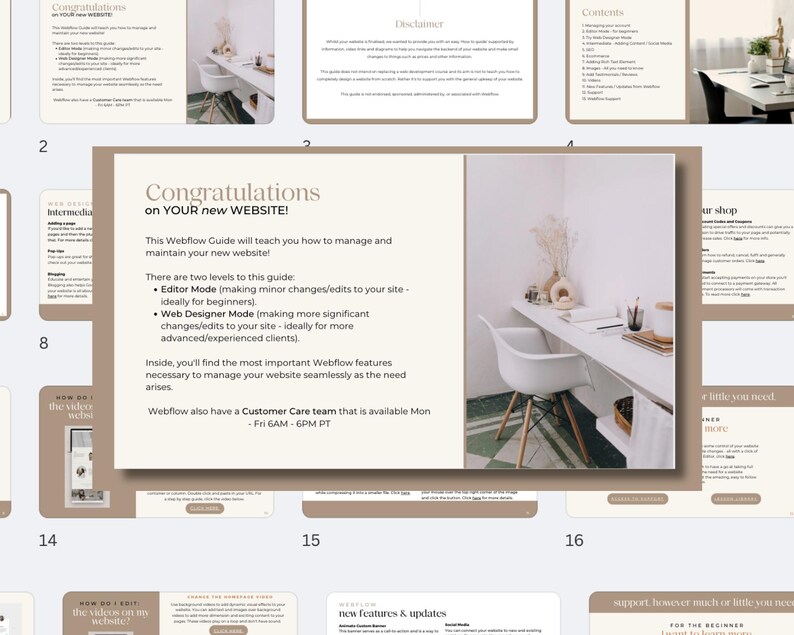
1 x PDF Template (19 beautifully designed pages)
1 x Standard License (Please don’t resell this elsewhere!)
Pages Include:
Cover
Contents
Editor Mode (for beginners)
Try Web Designer Mode
Adding Content / Social Media
SEO Basics
eCommerce
Adding Rich Text Elements
Image Management
Adding Testimonials & Reviews
Videos
Webflow’s Latest Features
Troubleshooting & Support
Direct Links to Webflow Resources
Thank You Page
FAQs:
What tools do I need?
You’ll need Adobe Acrobat, Preview, or Canva for editing.
What fonts are included?
This template uses only free fonts available in Canva.
How do I use it?
Simply open the template in Adobe (as a PDF) or Canva (for customisation). You can print it, save it as a PDF, or email it directly to your clients.
Can I customise it?
Of course! Edit to your heart’s content, but please don’t resell it as your own.
BONUS: All text is Canva-compatible, so you can tweak it to reflect your own tone and style.
Pro Tip: Pair this guide with a quick handover meeting for a seamless off-boarding experience. While the guide is packed with resources, your personal touch will ensure your clients feel fully supported!
Ready to delight your clients and elevate your process? Download your Webflow Help Guide now and take your service to the next level. 💻✨
Shop review
All reviews are from verified buyers. This review is shown automatically based on factors like recency, whether it includes comments, your chosen language, and whether the rating reflects the typical experience with the shop.
“Great product and amazing customer service!”
Charla
Nov 8, 2024
Price:$28.10
You can only make an offer when buying a single item
Delivery
Instant download
Your files will be available to download once payment is confirmed. Here's how.
Instant download items don't accept returns, exchanges or cancellations. Please contact the seller about any problems with your order.
Seller's description
Specifications
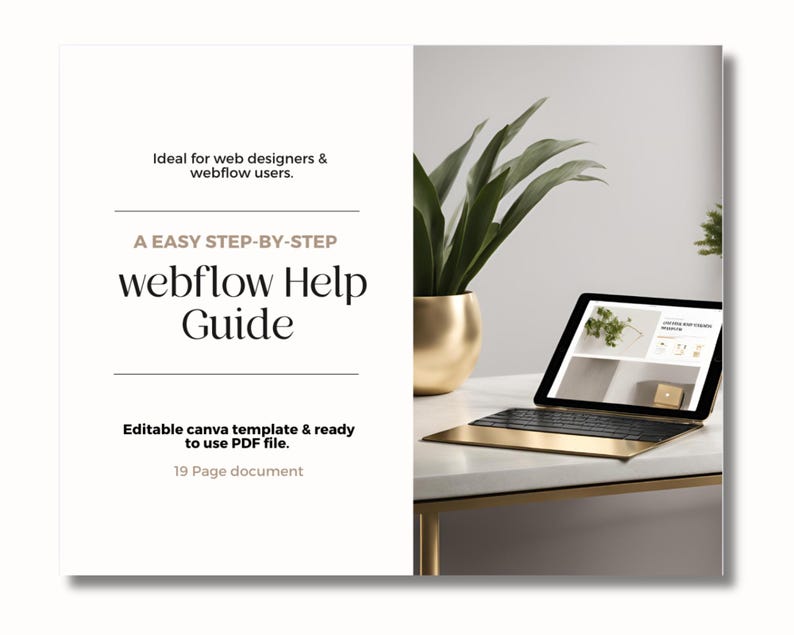
Hand Off Your Web Design Projects Like a Pro!
Leave your clients feeling supported, confident, and thrilled with your service by gifting them our unbranded, fully customisable Webflow Help Guide. Perfect for web designers who want to add a little extra sparkle to their off-boarding process, this guide is your secret weapon to saving time, boosting client satisfaction, and locking in those glowing reviews.
Available as an instantly downloadable PDF or editable Canva template, this guide is thoughtfully crafted for Webflow website designers of all skill levels—whether you’re just starting out or have a few projects under your belt.
Why Your Off-Boarding Process Matters
The way you wrap up a project is just as important as how you started it. This guide helps you provide an elevated, five-star experience by giving your clients everything they need to confidently manage their shiny new website. From simple tweaks to bigger updates, this guide is like their personal Webflow cheat sheet.
What’s Inside the Webflow Help Guide?
It’s a true one-stop shop for your clients, packed with step-by-step instructions and helpful resources, covering topics like:
How to navigate Webflow’s Editor and Designer Modes
Adding and updating content (text, images, social media links, testimonials, videos, and more)
Mastering SEO basics and tracking analytics
Managing eCommerce features
Troubleshooting common issues
Keeping their site updated with Webflow’s latest features
We’ve also included direct links to Webflow’s tutorials and resources, so your clients always have the tools they need at their fingertips.
Why Your Clients Will Love This
Most clients find the aftercare side of website design the trickiest—like figuring out the backend or remembering the steps from your training session. With this guide, they’ll feel empowered to take charge of their site, whether they’re making small edits or diving into bigger updates.
And the best part? You can use this document as-is (just update the "email us" links!) or personalise it on Canva to match your branding.
What You’ll Receive:
1 x PDF Template (19 beautifully designed pages)
1 x Standard License (Please don’t resell this elsewhere!)
Pages Include:
Cover
Contents
Editor Mode (for beginners)
Try Web Designer Mode
Adding Content / Social Media
SEO Basics
eCommerce
Adding Rich Text Elements
Image Management
Adding Testimonials & Reviews
Videos
Webflow’s Latest Features
Troubleshooting & Support
Direct Links to Webflow Resources
Thank You Page
FAQs:
What tools do I need?
You’ll need Adobe Acrobat, Preview, or Canva for editing.
What fonts are included?
This template uses only free fonts available in Canva.
How do I use it?
Simply open the template in Adobe (as a PDF) or Canva (for customisation). You can print it, save it as a PDF, or email it directly to your clients.
Can I customise it?
Of course! Edit to your heart’s content, but please don’t resell it as your own.
BONUS: All text is Canva-compatible, so you can tweak it to reflect your own tone and style.
Pro Tip: Pair this guide with a quick handover meeting for a seamless off-boarding experience. While the guide is packed with resources, your personal touch will ensure your clients feel fully supported!
Ready to delight your clients and elevate your process? Download your Webflow Help Guide now and take your service to the next level. 💻✨
-
Designed by
-
Item typeDigital download
-
Digital file type(s)2 PDF
If something goes wrong with an order, we've got your back on all eligible purchases. View program terms
Meet your seller

Usually responds in a few hours
More from this shop
-

Digital download
Squarespace Help Guide for Clients | Canva Template | Web Designer Offboarding Kit | Unbranded| Squarespace Support PDF | Updated 2025
$19.68
-

Digital download
Step By Step Shopify Website Help Guide | Shopify website handover PDF | Shopify templates | Unbranded | For web designers + DIY designs
$18.27
-
Digital download
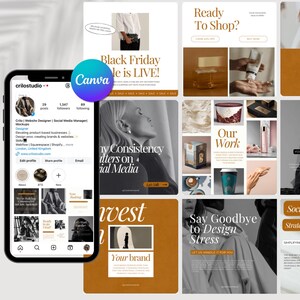
50 Canva Instagram Post Templates with Sales-Driven Copywriting | Marketing Instagram Templates | Creative Agency | SMM Templates
$14.06
-
Digital download
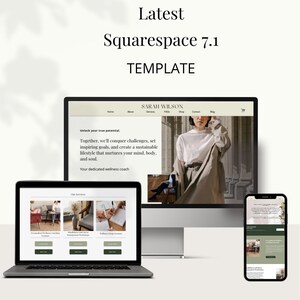
Professional Wellness Coach Website Template for Squarespace | Complete 7-Page Design for Health & Wellness Coaches | Easy-to-Use
$562.29
-

Digital download
2025 SEO Guide for Authors & Etsy Shops: Website Visibility, Checklists (Digital Download PDF)
$30.00
-
Digital download
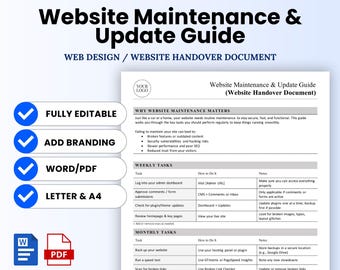
Website Maintenance and Update Guide Template for Web Designers – Word & PDF, A4 + US Letter
Sale Price $5.77
Original Price $10.49
-

Digital download
The Website Project Planner – for Web Design Clients | PDF Guide
$20.00
-

Digital download
Website & SEO Workbook For Photographers | Digital PDF
$60.00
-

Custom Website Design: Branding & SEO Marketing
$25.00
-

Digital download
Website Planner | New Website Launch Workbook | eCommerce Website Design Planner | Web Development Guide | Marketing Content Strategy
$12.00
-
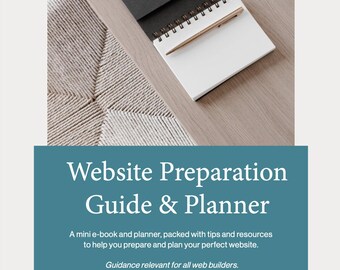
Digital download
Website Preparation Guide and Planner
$39.36
-

Digital download
The Ultimate SEO Workbook | Website Optimization Guide | Dominate Your Website's Search Rankings | Editable Canva Template
$23.22
-

Digital download
SEO Guide for Small Business | Website Checklist PDF | SEO for Beginners | Interactive eGuide | Improve Google Ranking
$7.21
-
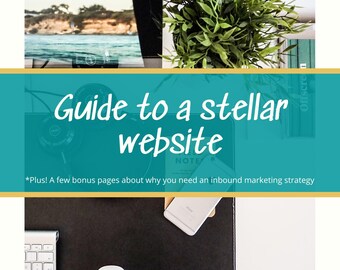
Digital download
Guide to Building a Stellar Website Copywriting SEO Guide
$9.99
-

Digital download
Website Design Services Welcome Guide Questionnaire | INSTANT DOWNLOAD | Freelance Web Design Contract Template | Web Designer Templates
$10.53
-

Digital download
SEO For Websites: How to Rank 1st on Google Search, Website SEO Help, SEO Tips, Shopify Seller Seo Help Selling Guide, How to sell Products
$15.26
Shoppers with similar taste loved these
-
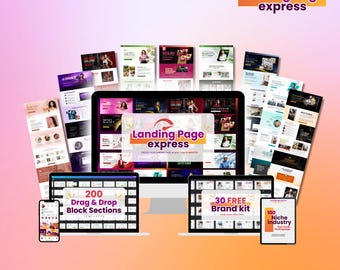
Digital download
Canva Landing Page Templates: 200+ Drag & Drop Sections (Digital Download)
$37.00
-
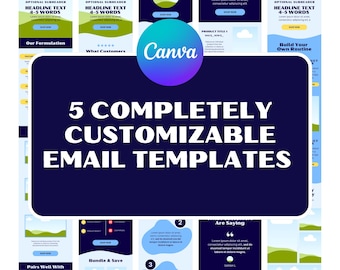
Digital download
Email Marketing Design Templates - 5-Pack - Customizable Designs for E-Commerce Businesses
$19.00
-

Digital download
Email Newsletter Template Bundle: 50+ Business Concepts
Sale Price $4.90
Original Price $7.00
-

Digital download
1600+ Canva Ad Templates: High-Converting Marketing (Digital Download) | Free USD750+ In Bonus
Sale Price $41.01
Original Price $58.59
-

Digital download
Charm - WordPress Blog Theme
$30.93
-

Digital download
Customizable Canva Welcome Email Sequence Templates for Klaviyo Mailchimp and Flodesk| High Converting Canva Email Series Templates | Pet
Sale Price $10.50
Original Price $15.00
-
Digital download
2000+ WordPress Landing Page Templates | Elementor & Divi Ready | High-Converting Sales, Business Portfolio Pages
$9.00
-

Digital download
1500+ LANDING PAGES BUNDLE, Premium Landing Pages, Landing Page Templates, Professional & Customizable Designs
$11.13
-

Digital download
AI SaaS Elementor Template Kit: Responsive Web Studio Design
Sale Price $4.20
Original Price $6.00
-

Digital download
Essence - WordPress Blog Theme
$30.93
-

Digital download
WP Funnel Builder
$17.00
-

Digital download
Elementor UI Kit, Templates, Blocks
$39.00


