






Goth Sleep Tracker Planner: Witchy Dark Journal (Digital & Printable)
Item highlights
Seller's description
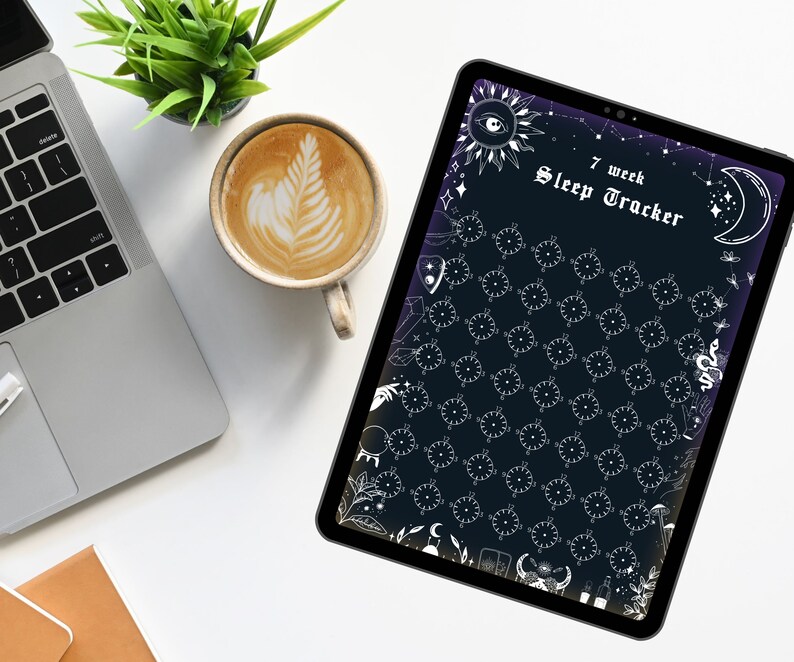
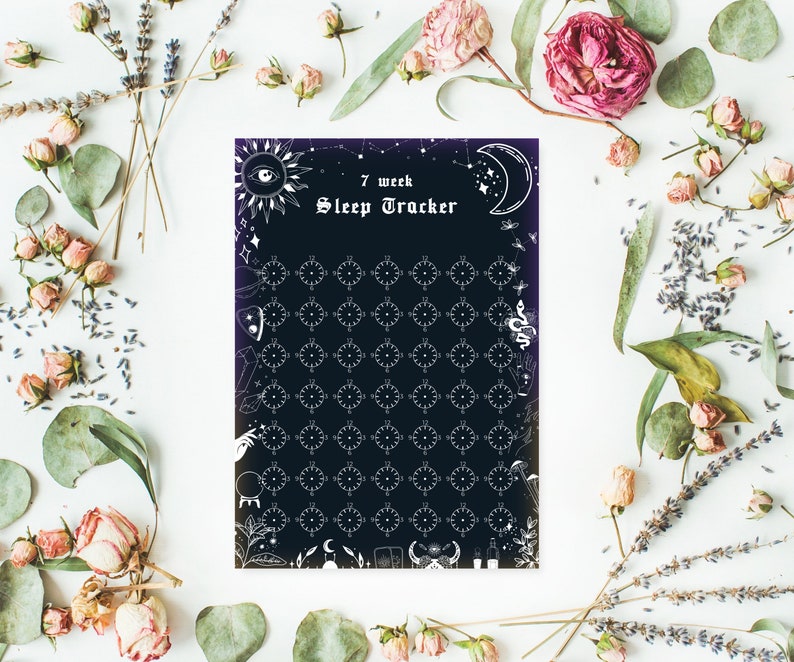
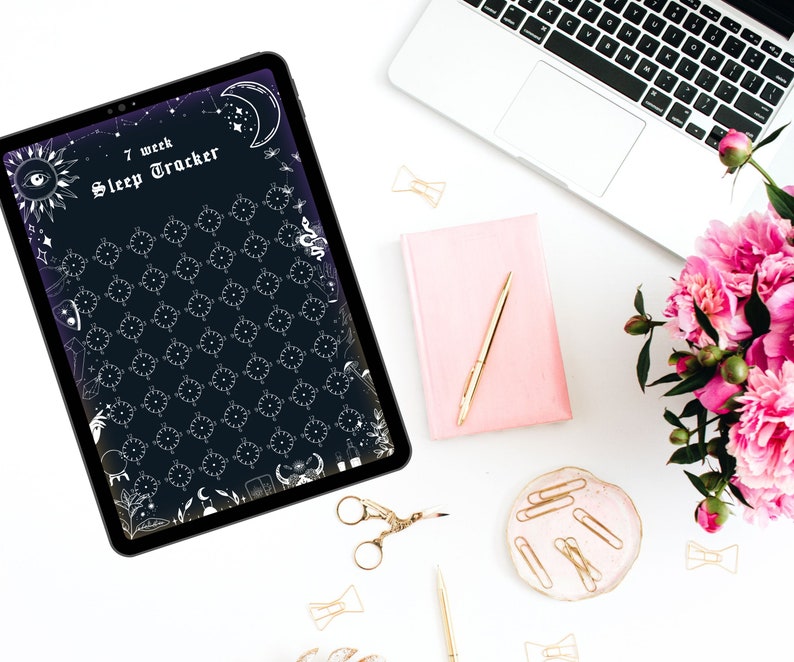
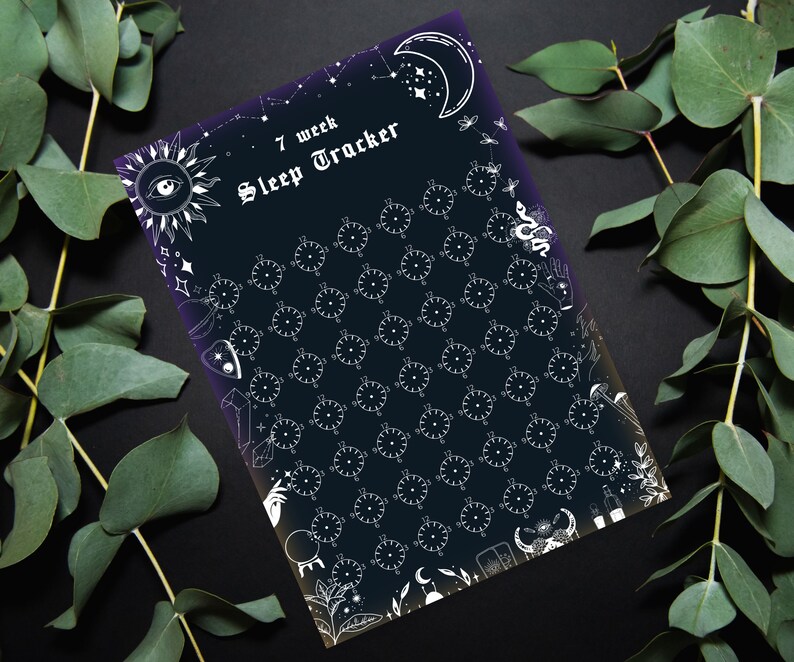
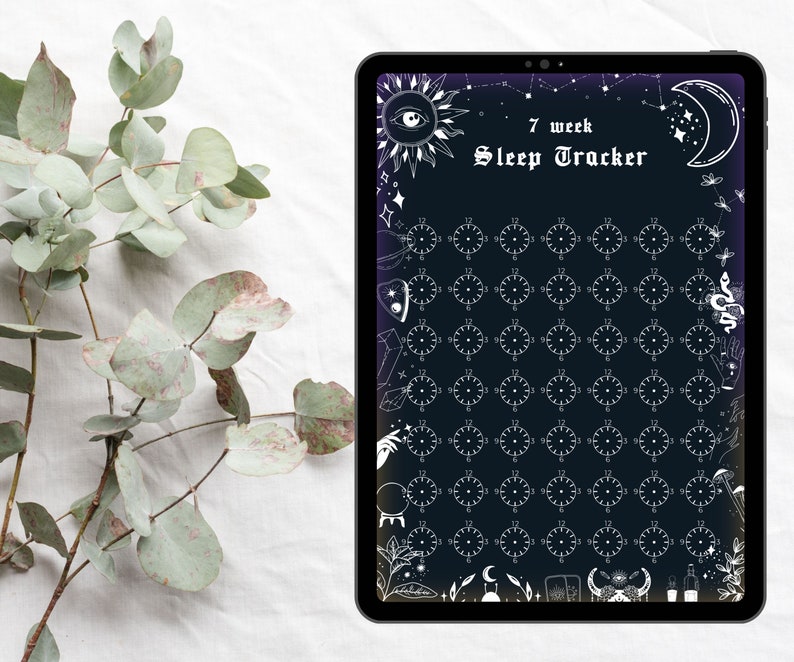
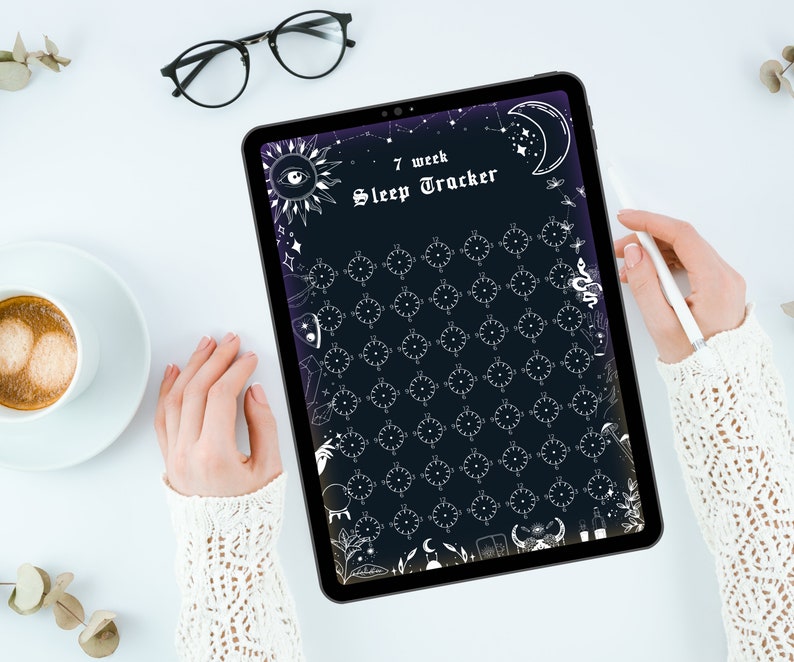
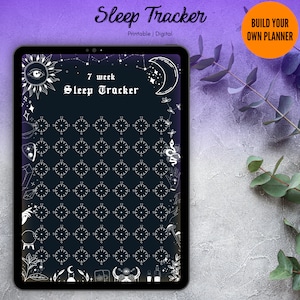
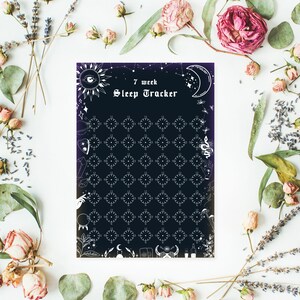
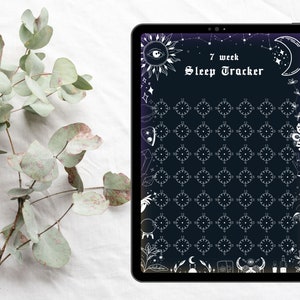
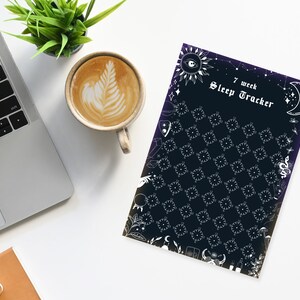
Digital & printable sleep tracker all in one so you can plan in style on your ipad or print it and make it a part of your gothic and witchy decor!
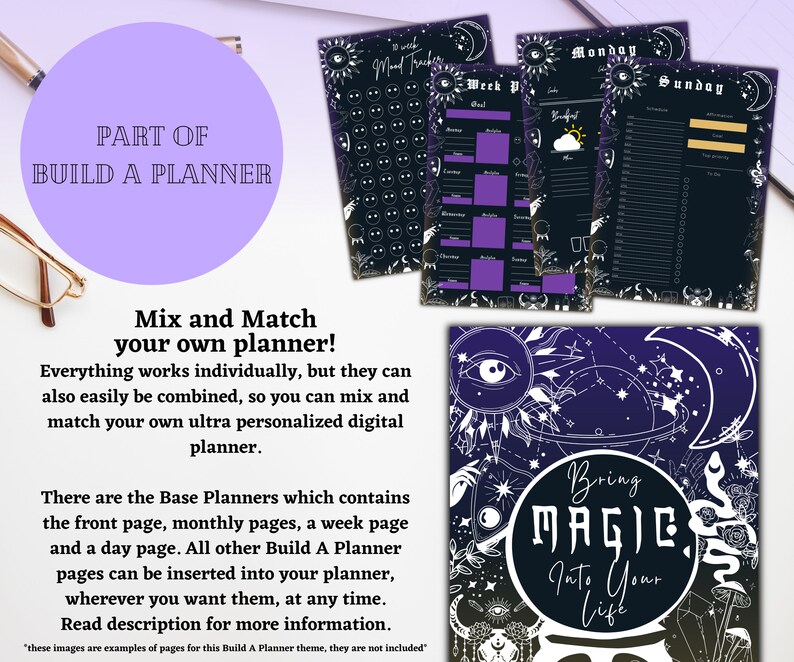
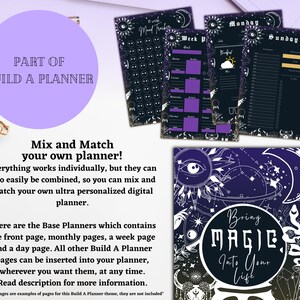
Use by itself or use as an insert in my Build A Planner with the same theme which you will find here:
https://www.etsy.com/listing/1382773136/witchy-goth-digital-planner-monthly
••• Shop the collection with this theme: https://www.etsy.com/people/i10edwp3xhd6f0j9/favorites/magical-witchy-planner
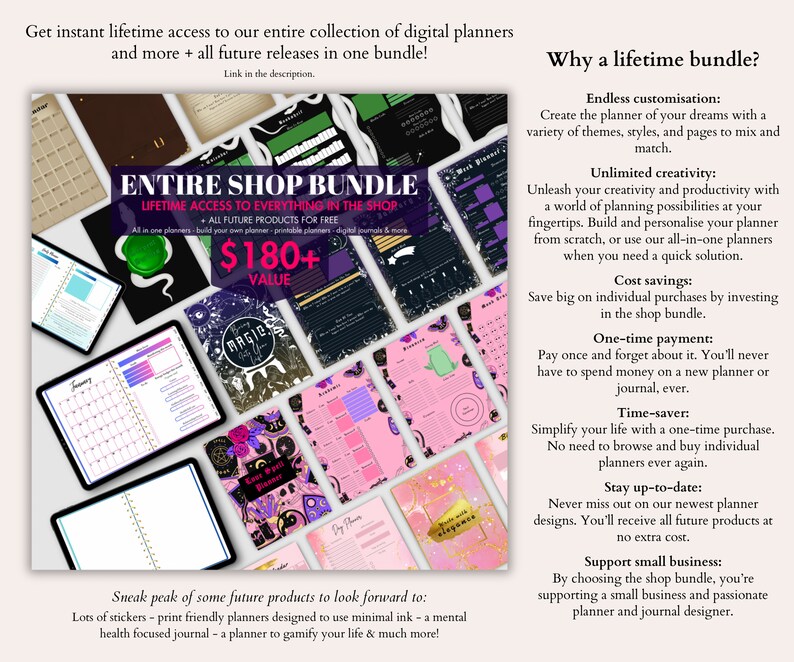
••• Get the Entire Shop Bundle here:
https://www.etsy.com/listing/1566047797/goth-witch-digital-planner-bundle
••• If you're looking for a complete all-in-one hyperlinked planner:
https://www.etsy.com/listing/1592280791/undated-digital-planner-goodnotes
••• How to build your planner:
All of my planners and pages with "Build a planner" in the title are made to work together in one planner, so you can mix and match the exact pages you want in your planner. Everything can of course be used individually as well, you do not need the planner base to use any of the other pages, but I would recommend getting it if you want the full digital planner experience with a front cover and everything. The Base Planners will contain a Starter, a Week page and a Day page. The "Starter" is the front page, year page, and all monthly pages. You want to start building your planner by importing the Starter into GoodNotes or your app of choice. Then when adding a new page, you can import the Week and Day pages, as well as any other pages you have purchased for your planner, one by one. You can also create templates of each page. Once you have a template of all your individual pages in the app, you can easily and quickly insert the pages you need, whenever you need them. If you have a file with multiple pages, you can upload it to GoodNotes, and export individual pages directly from GoodNotes, if you need them. You can move things around however you want, and duplicate the pages you need more of. You can duplicate something like the Day page all in one go if you want to build a full planner on the spot, or you can duplicate as you go along and fill out your planner. All future pages I release in my shop for the Build A Planner will be able to be inserted into your planner at any time, and when I create completely new pages, I will make sure to make one for all themes. So make sure to come back and see what's new!
••• GoodNotes guide:
Import your starter by clicking "New" at the home page. Select "Import", and choose your downloaded starter pdf. Now you can import the other pages into this planner, when adding a new page. You can also import individual pages into the app as a template by clicking the settings icon from the home page, then click "Notebook Templates". Now you can click the + button to create a new group dedicated to your planner. Your new group will appear with an import button, where you will now be able to import your pages one by one. Once you have each page as a template, you can add them easily while you have your planner open, by adding a page and choosing the template you want to use. You're welcome to message me for any further guidance or questions!
••• If you don't use GoodNotes:
All apps work a little differently. You can use the planners in most pdf annotation apps, but the experience will be a little different, especially with the way you add the individual pages and construct your planner. If you know your app of choice well then you will probably know how to do the same things, but if you don't or you're not sure it's possible, I will be happy to help you figure it out. Message me anytime!
About our planners:
All planners come as pdf files unless stated otherwise. Pdf files can of course be printed, and we especially recommend using our ink friendly printable planners in that case. Our all in one planners and hyperlinked planners are not suitable for print, as well as anything that states not suitable for print at the top of the description. If you want to plan digitally, you will need a pdf annotation app. Some of the most popular apps are GoodNotes, Notability and Penly, but there are many apps out there. Please make sure to familiarise yourself with your app of choice to make sure the planner can be used with that app the way you’d expect it to. For example if you want a planner that contains hyperlinks, make sure your app supports hyperlinks. Not all apps have the same features.
Please feel free to reach out for guidance!
⚠️ Please make sure to reach out BEFORE purchase if you have any concerns or questions, as due to the nature of digital products, no refunds are possible.
* All planners are of A4 resolution unless stated otherwise. If printed or used larger than that, quality may decrease.
* Due to the size and amount limits Etsy has for digital files, bundles or larger files may come in multiple parts, or files may come in zip folders. Files with different versions may include both versions in one pdf for you to delete the pages you don’t want to use, but only when files are a few pages. We try our best to make it as straightforward to download and use as possible!
* For personal use only. No re-distributing or re-selling of any kind is allowed. If you're purchasing for yourself and would like to share with a friend, you can purchase multiple of the same listing.
NowPrice:$0.70
Original Price: $2.34
70% off
Sale ends in 4 days
You can only make an offer when buying a single item
Delivery
Instant download
Your files will be available to download once payment is confirmed. Here's how.
Instant download items don't accept returns, exchanges or cancellations. Please contact the seller about any problems with your order.
Seller's description
Specifications
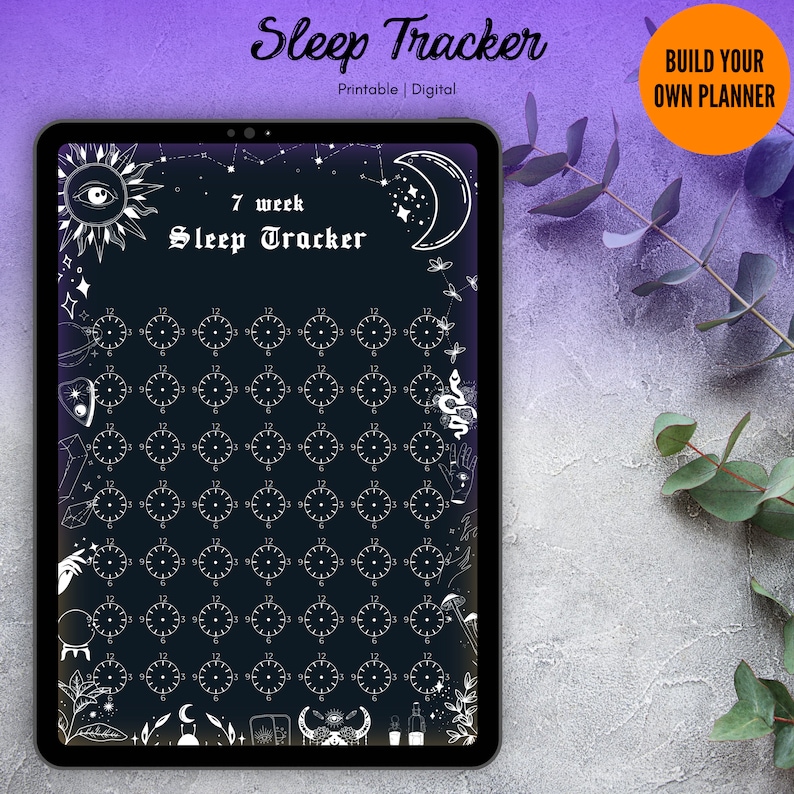
Digital & printable sleep tracker all in one so you can plan in style on your ipad or print it and make it a part of your gothic and witchy decor!
Use by itself or use as an insert in my Build A Planner with the same theme which you will find here:
https://www.etsy.com/listing/1382773136/witchy-goth-digital-planner-monthly
••• Shop the collection with this theme: https://www.etsy.com/people/i10edwp3xhd6f0j9/favorites/magical-witchy-planner
••• Get the Entire Shop Bundle here:
https://www.etsy.com/listing/1566047797/goth-witch-digital-planner-bundle
••• If you're looking for a complete all-in-one hyperlinked planner:
https://www.etsy.com/listing/1592280791/undated-digital-planner-goodnotes
••• How to build your planner:
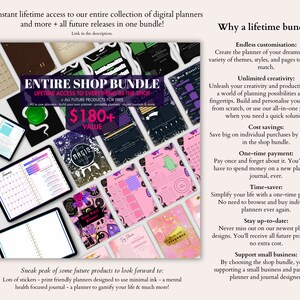
All of my planners and pages with "Build a planner" in the title are made to work together in one planner, so you can mix and match the exact pages you want in your planner. Everything can of course be used individually as well, you do not need the planner base to use any of the other pages, but I would recommend getting it if you want the full digital planner experience with a front cover and everything. The Base Planners will contain a Starter, a Week page and a Day page. The "Starter" is the front page, year page, and all monthly pages. You want to start building your planner by importing the Starter into GoodNotes or your app of choice. Then when adding a new page, you can import the Week and Day pages, as well as any other pages you have purchased for your planner, one by one. You can also create templates of each page. Once you have a template of all your individual pages in the app, you can easily and quickly insert the pages you need, whenever you need them. If you have a file with multiple pages, you can upload it to GoodNotes, and export individual pages directly from GoodNotes, if you need them. You can move things around however you want, and duplicate the pages you need more of. You can duplicate something like the Day page all in one go if you want to build a full planner on the spot, or you can duplicate as you go along and fill out your planner. All future pages I release in my shop for the Build A Planner will be able to be inserted into your planner at any time, and when I create completely new pages, I will make sure to make one for all themes. So make sure to come back and see what's new!
••• GoodNotes guide:
Import your starter by clicking "New" at the home page. Select "Import", and choose your downloaded starter pdf. Now you can import the other pages into this planner, when adding a new page. You can also import individual pages into the app as a template by clicking the settings icon from the home page, then click "Notebook Templates". Now you can click the + button to create a new group dedicated to your planner. Your new group will appear with an import button, where you will now be able to import your pages one by one. Once you have each page as a template, you can add them easily while you have your planner open, by adding a page and choosing the template you want to use. You're welcome to message me for any further guidance or questions!
••• If you don't use GoodNotes:
All apps work a little differently. You can use the planners in most pdf annotation apps, but the experience will be a little different, especially with the way you add the individual pages and construct your planner. If you know your app of choice well then you will probably know how to do the same things, but if you don't or you're not sure it's possible, I will be happy to help you figure it out. Message me anytime!
About our planners:
All planners come as pdf files unless stated otherwise. Pdf files can of course be printed, and we especially recommend using our ink friendly printable planners in that case. Our all in one planners and hyperlinked planners are not suitable for print, as well as anything that states not suitable for print at the top of the description. If you want to plan digitally, you will need a pdf annotation app. Some of the most popular apps are GoodNotes, Notability and Penly, but there are many apps out there. Please make sure to familiarise yourself with your app of choice to make sure the planner can be used with that app the way you’d expect it to. For example if you want a planner that contains hyperlinks, make sure your app supports hyperlinks. Not all apps have the same features.
Please feel free to reach out for guidance!
⚠️ Please make sure to reach out BEFORE purchase if you have any concerns or questions, as due to the nature of digital products, no refunds are possible.
* All planners are of A4 resolution unless stated otherwise. If printed or used larger than that, quality may decrease.
* Due to the size and amount limits Etsy has for digital files, bundles or larger files may come in multiple parts, or files may come in zip folders. Files with different versions may include both versions in one pdf for you to delete the pages you don’t want to use, but only when files are a few pages. We try our best to make it as straightforward to download and use as possible!
* For personal use only. No re-distributing or re-selling of any kind is allowed. If you're purchasing for yourself and would like to share with a friend, you can purchase multiple of the same listing.
-
Designed by
-
Item typeDigital download
-
Digital file type(s)1 PDF
If something goes wrong with an order, we've got your back on all eligible purchases. View program terms
Meet your seller

Usually responds in a few hours
More from this shop
-
Digital download
Goth To Do List Planner: Witchy Dark Stationary (Digital & Printable)
Sale Price $0.70
Original Price $2.34
-

Digital download
Pastel Goth To Do List: Witchy Printable Planner (Digital Download)
Sale Price $0.70
Original Price $2.34
-
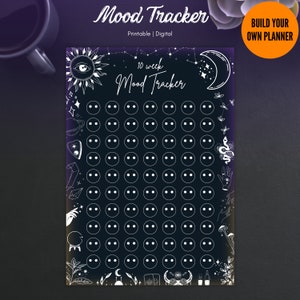
Digital download
Goth Mood Tracker Planner: Witchy Printable Journal (Digital)
Sale Price $0.70
Original Price $2.34
-
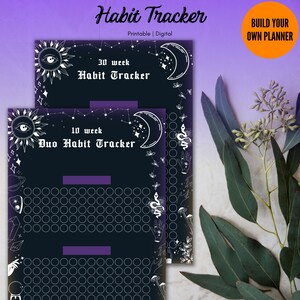
Digital download
Goth Habit Tracker Planner: Witchy Dark Academia (Digital & Printable)
Sale Price $0.70
Original Price $2.34
-
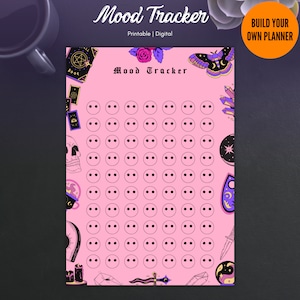
Digital download
Pastel Goth Mood Tracker: Witchy Digital Planner (Printable)
Sale Price $0.70
Original Price $2.34
-
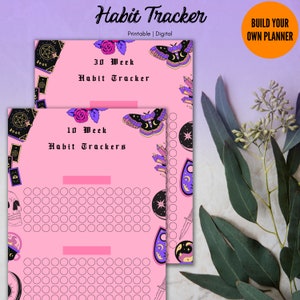
Digital download
Pastel Goth Habit Tracker: Witchy Printable Planner (Digital Download)
Sale Price $0.70
Original Price $2.34
-
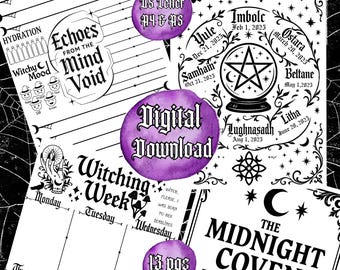
Digital download
Witchy Printable Planner, 13 pgs,Gothic US Letter,A5 & A4 Inserts, Daily Weekly Monthly Pages,Moon Phases, Ritual Logs, Digital Grimoire PDF
$3.99
-
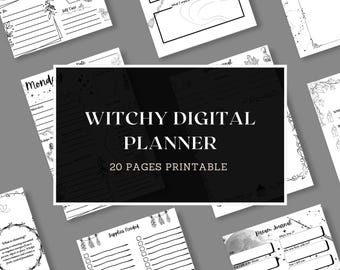
Digital download
Witchy Digital Planner: Grimoire Journal with Tarot, Moon Phases (Printable)
$2.50
-
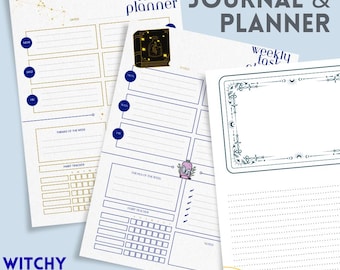
Digital download
Witchy Celestial Weekly Planner & Journal: Printable PDF with Habit Tracker
$3.99
-
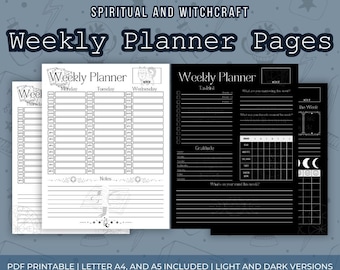
Digital download
Witchy Weekly Planner | Printable Witch Planner | Manifestation, Shadow Work, Gratitude & Reflection
$3.33
-
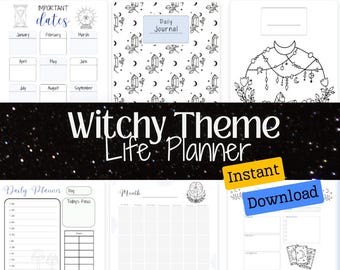
Digital download
Witchy Theme Life Planner Bullet Journal Printable PDF
$4.95
-
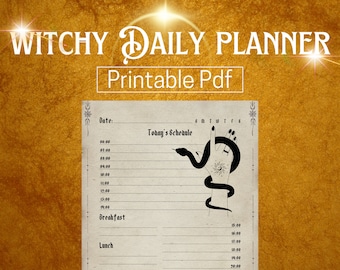
Digital download
Gothic Witch Planner, Daily Journal Printable (PDF)
$2.85
-
Digital download
Witchy Manifestation Planner, Moon Phases, Spells (PDF PNG JPG Download)
Sale Price $1.93
Original Price $4.29
-
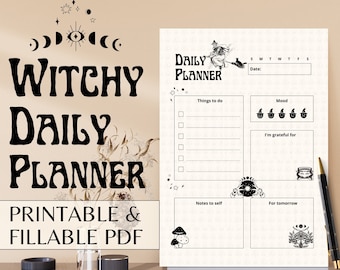
Digital download
Witchy Daily Planner, Printable Gothic Planner (PDF)
$2.85
-
Digital download
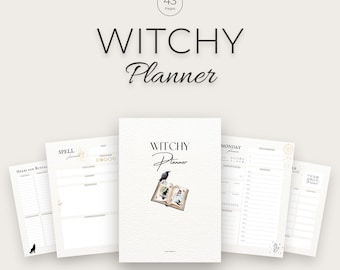
Witchy Planner Printable, Moon Ritual Journal, Tarot Tracker, Spell and Crystal Log, 43 Pages
Sale Price $3.46
Original Price $4.95
-
Digital download
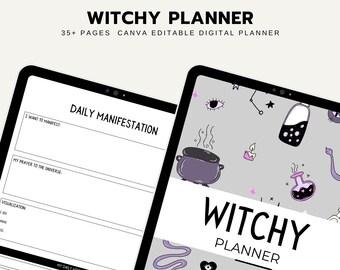
Witchy Planner 2025: 35-Page Printable PDF for Spells & Rituals
$4.00
-

Digital download
Witchy Digital Planner
$3.00
-
Digital download
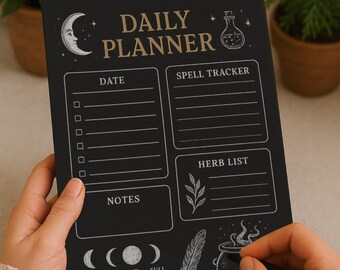
Witchy Daily Planner Moon Phase Digital Planner Page Spell Tracker Herb List Witchcraft Printable Magical Planner Aesthetic Dark Fantasy PNG
$2.50
Shoppers with similar taste loved these
-

Dark Cottagecore Tanktop - Witchy Enchanted Forest Inspired Gothic Floral Bird Skull Racerback Tank in Black - Colorful Esoteric Fashion Tee
$28.00
-

Rayne Black Lace Gothic Wedding Dress: Purple Trumpet Style, Illusion Back
$2,300.00
-
Jessica Black Lace Wedding Dress: Purple Trumpet Gown with Illusion Sleeves
$2,300.00
-

Sphynx Cat Tank Top | Witchy Whimsigoth Boho Hippie Sphynx Cat Women's Racerback Tank
$28.00
-

Eternal Seductress | Goddess of Ouroboros | Women's Spaghetti Strap Dress
$29.99
-

Unisex Skull Clock Comfort Colors Tank Top, Dark Cottagecore Witchy Graphic Shirt, Floral Fairy Grunge Top, Emo Goth Clothing Gift For Her
$32.50
-

Holographic Witchy Washi Tape: Skulls, Crystals, and Stars
$3.21
-
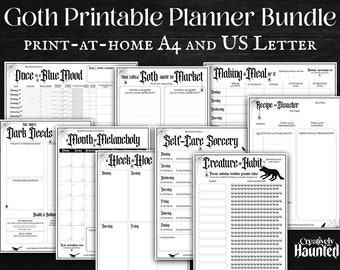
Digital download
Gothic Planner Printable Bundle: Daily, Weekly, Monthly (A4/US Letter)
$8.36
-
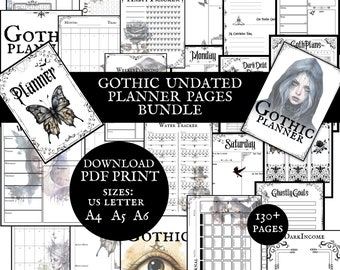
Digital download
Gothic Planner Pages Undated PDF Printable Download Bundle US Letter, A4, A5, A6, Minimalistic Goth Journal Pagan Calendar Diary Pages Daily
$11.66
-
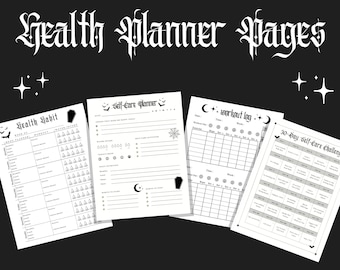
Digital download
Goth Health Planner Pages | Healthy Habits, Workout Tracker, Self-Care Challenge, Printable Planner Pages, PDF
$1.99
-
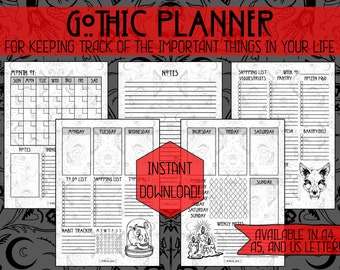
Digital download
Gothic Weekly Planner: Habit & Goal Tracker (PDF Download)
Sale Price $3.75
Original Price $5.00
-
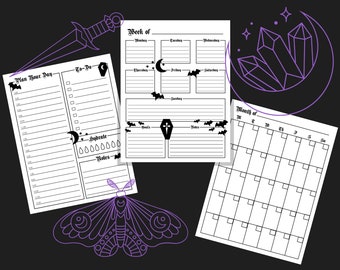
Digital download
Goth Planner Pages with Day, Week, and Month | Printable Planner | Daily Planner
$1.99


