

Bubble Mailer Mockup Canva Template 10x13 inch Shipping Envelope Mock-up Canva Postage Envelope Packaging Printable Mock Up for Subscription

Designed by Jo
Owner of MockupSceneOfficialWhat to know
Digital download
Digital file type(s)
1 PDF
NOTE: THIS IS A DIGITAL PRODUCT. NO PHYSICAL PRODUCT WILL BE SHIPPED.
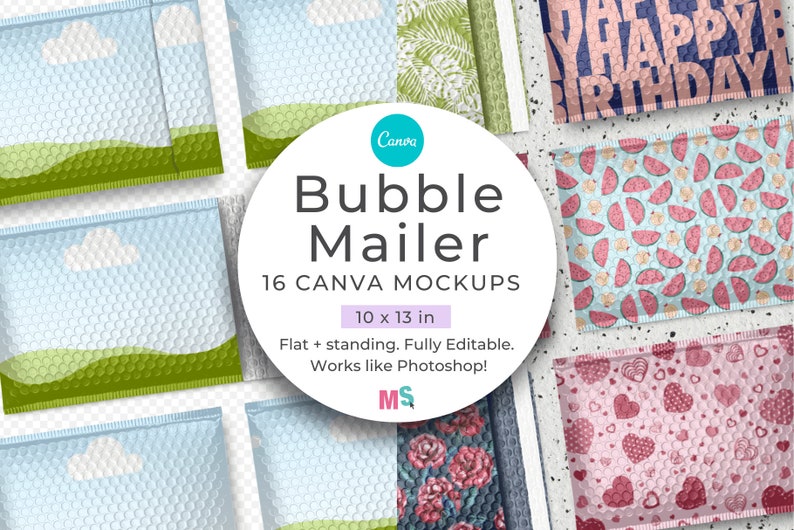
I hope you like my Bubble Mailer 10×13 Mockup for Canva. It comes with 16 different layouts that you can use to present your mailer envelope designs, display your surface patterns, or packaging paper designs. It’s really easy to use, allowing you to have shop-ready mockups made in just a few clicks. It’s a standard 10×13 inch mailer envelope.
All the mockups in this set are custom-created by me so they are high resolution and unique to Mockup Scene. The set includes top-view and front-view mockups of the bubble mailer as well as front, back open, and back closed versions. Using a mockup like this is a quick and easy way to present your work or product for sale in your shop or for display in your portfolio.
As with all my other mockups, this Bubble Mailer Mockup for Canva is super easy to use. You can have a high-quality ready-to-share mockup created in less than a minute. How fancy you want to make your mockups is up to you. Choose from displaying your envelope designs on a simple white background, add a colour or gradient background, or a texture, or add some countertop scenes like I’ve done in some of my display pics.
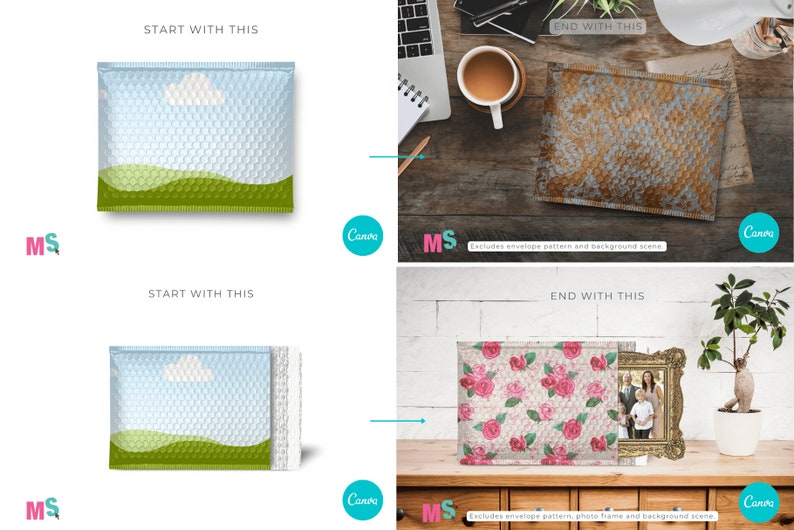
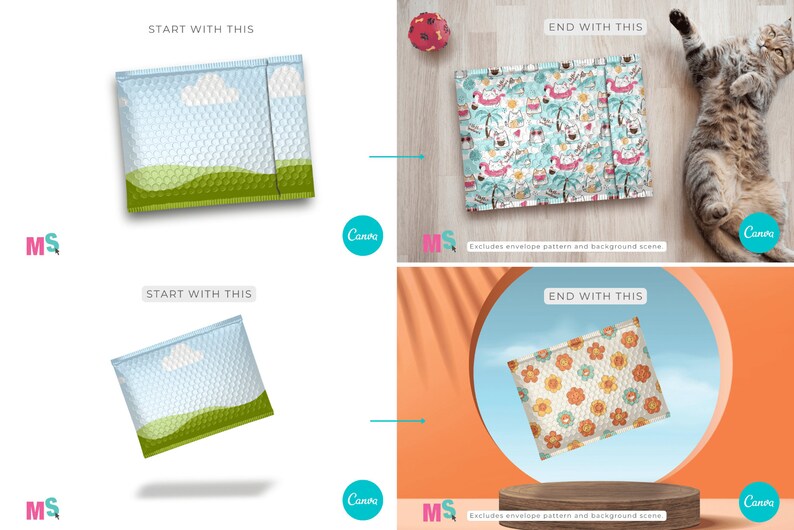
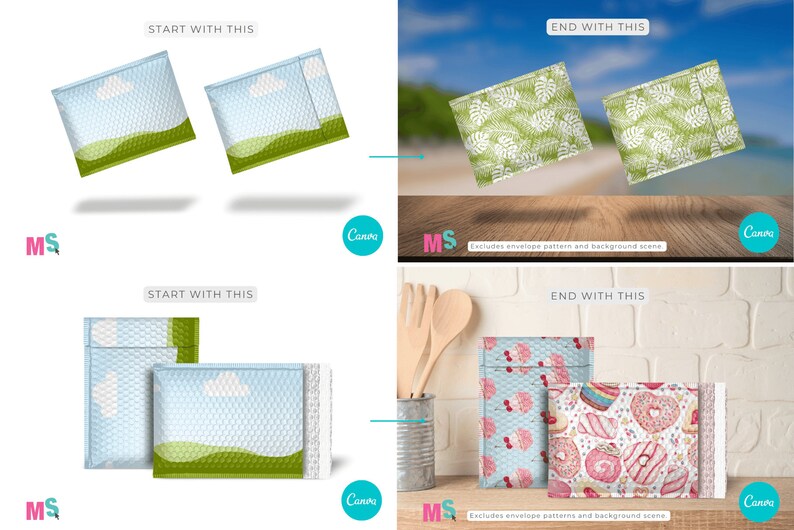
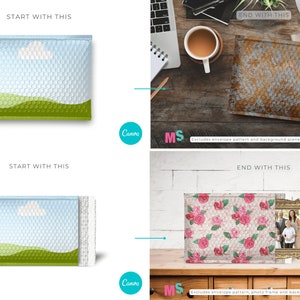
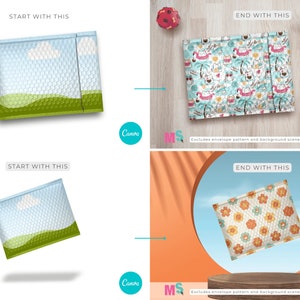
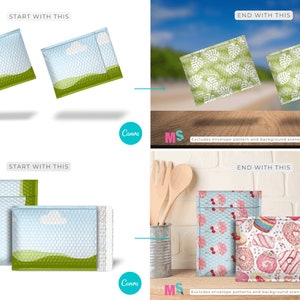
NOTE: Bundle excludes sample display patterns, designs and backgrounds shown in the ‘after’ images. Adding your own background and props will ensure your mockups are 100% unique and not the same as what everyone else is using. All the sample scenes I’ve created use backgrounds and images from Canva’s Pro stock library. But you don’t need a Pro account to use this Bubble Mailer mockup bundle.
Usage terms
IMPORTANT: This mockup bundle is for displaying your patterns and designs for sale. You are NOT permitted to resell the mockups themselves in any format. You are not permitted to copy them into new Canva templates for resale either.
If you’re looking for a mailer box mockup to add to this envelope, you can find one here.
WHAT CAN YOU USE THIS PRODUCT FOR?
Use these 10×13 inch bubble envelope mockups to display your packaging designs or art to show your buyers how amazing your work will look printed on an end product, ie. bubble mailer envelopes like these. You can also use them to display gift-wrapper designs or printed packaging paper. Add the mockups you create to your portfolio or shop display images so the world can see the professional level of your design work.
If you don’t have digital files of textures or papers that you’d like to display in these mockups but have printed items then just photograph the printed item pattern or texture and drop it into the mockups.
HOW TO USE THIS BUBBLE MAILER MOCKUP FOR CANVA
Once you download the User PDF, navigate to the last page where you’ll find the license details and also the link to access your bubble mailer mockups. The link will take you to a Canva template containing all 16 mockups.
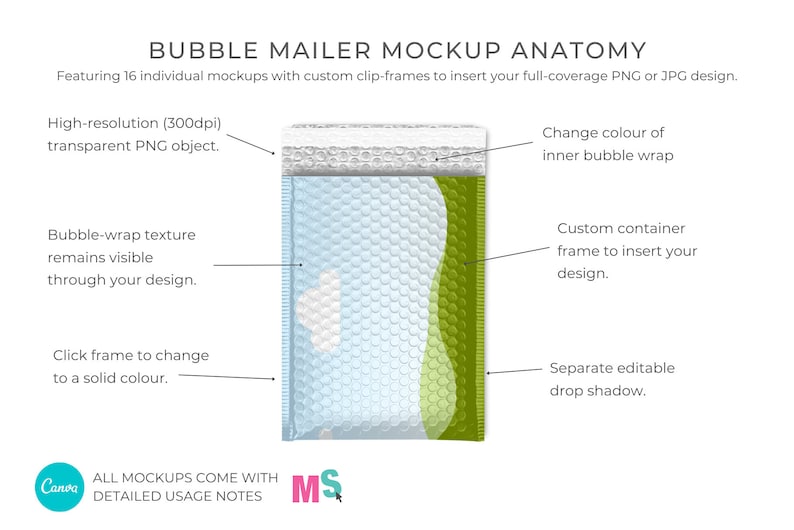
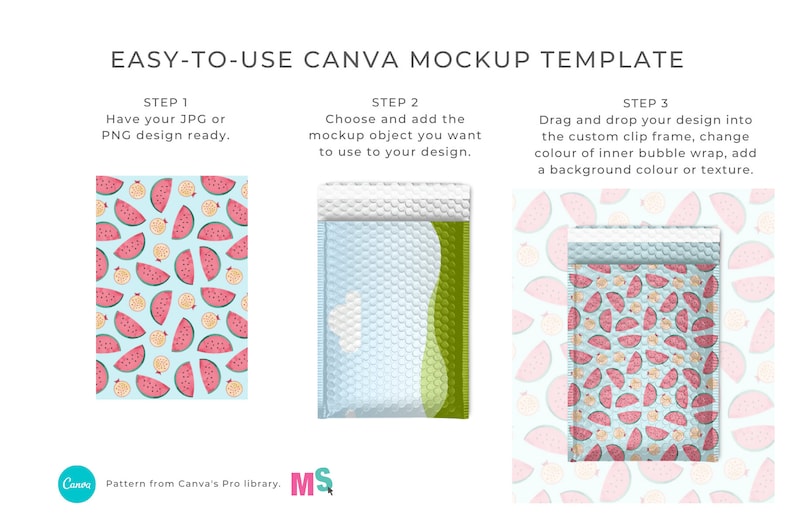
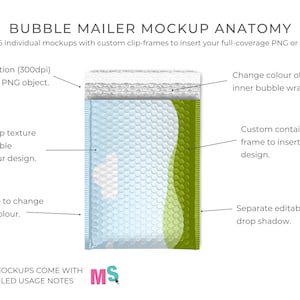
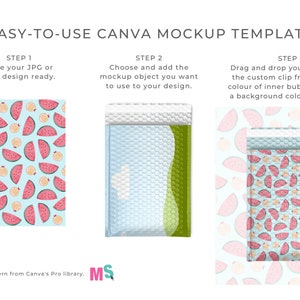
As with all my mockups, the first step is to make sure you have your designs uploaded to Canva in JPG or PNG format. Then open the mockup you want to use, or copy it into your new blank Canva design, and drag your JPG/PNG design straight into the custom-created container frame. Your design will look like it’s been printed onto the envelope. Just like it would in a Photoshop mockup. The underlying bubble wrap texture will remain visible. You can edit the frames to be darker or lighter, depending on how dark or light your design is, to show more or less of the texture.
To adjust the size of your design inside the frame, just double-click on the frame and grab a corner of your design to make it bigger. Canva will automatically size it to fit into the frame so if you want the pattern to appear larger, then you’ll need to enlarge it after you’ve added it to the mockup.
Drop shadows can be edited by clicking on the shadow section of the object and adjusting the tint, blur or opacity.
Detailed user instructions are included in the Notes section of each page of the Canva template for additional info.
Once you’ve opened the template you can customize all surface colors with one click. Drag and drop or clip your design onto the mockup surface of your choice, add your own background color, texture, or scene, or add objects from any of my Scene Creator bundles to further customize and add interest to your designs.
MOCKUPS INCLUDED
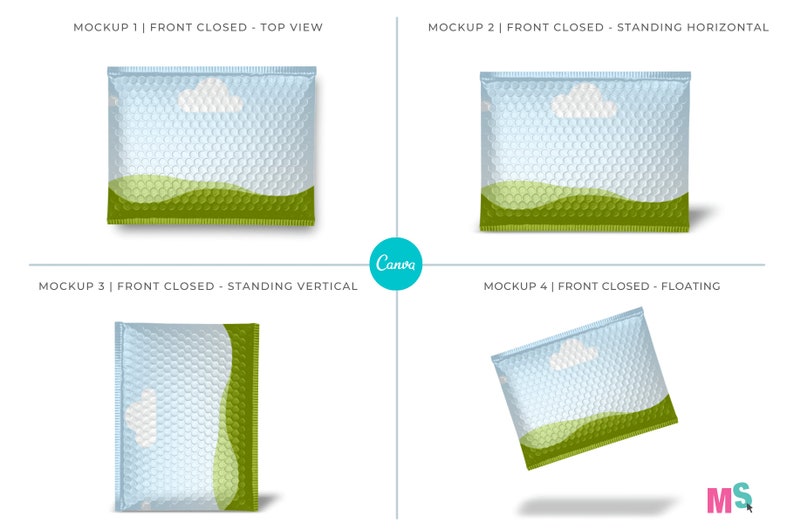
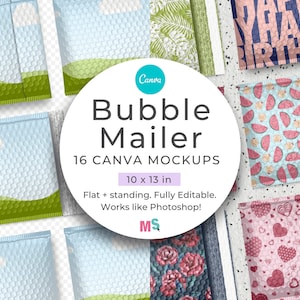
This Bubble Mailer Mockup for Canva Canva contains the 16 individual mockups outlined below.
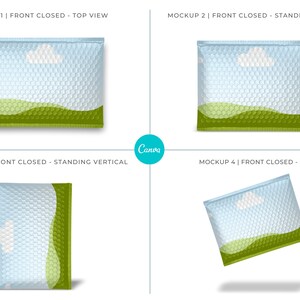
Mockup 1: front closed – top view.
Mockup 2: front closed – standing, horizontal.
Mockup 3: front closed – standing, vertical.
Mockup 4: front closed – floating.
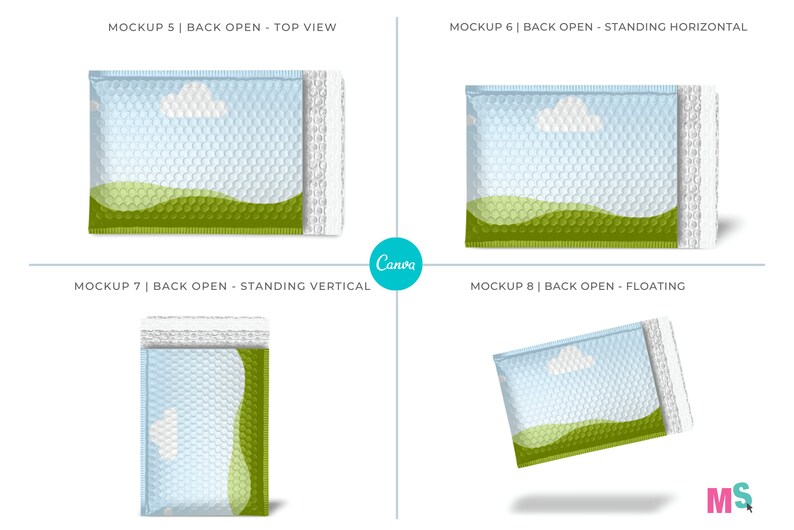
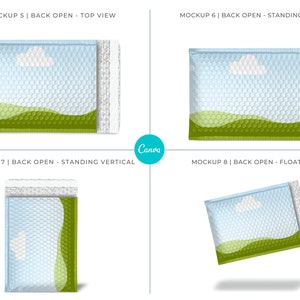
Mockup 5: back open – top view.
Mockup 6: back open – standing, horizontal.
Mockup 7: back open – standing, vertical.
Mockup 8: back open – floating.
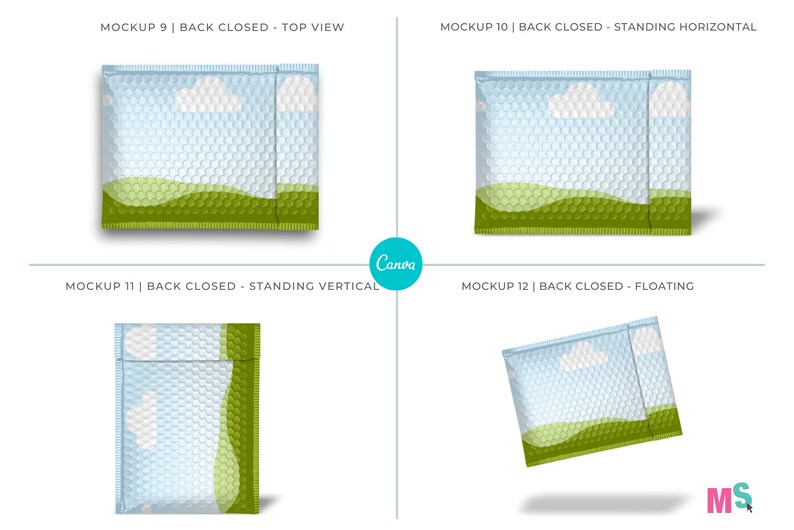
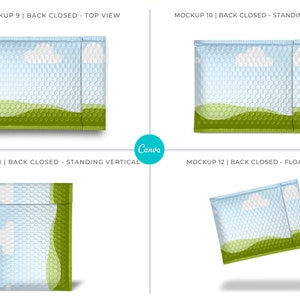
Mockup 9: back closed – top view.
Mockup 10: back closed – standing, horizontal.
Mockup 11: back closed – standing, vertical.
Mockup 12: back closed – floating.
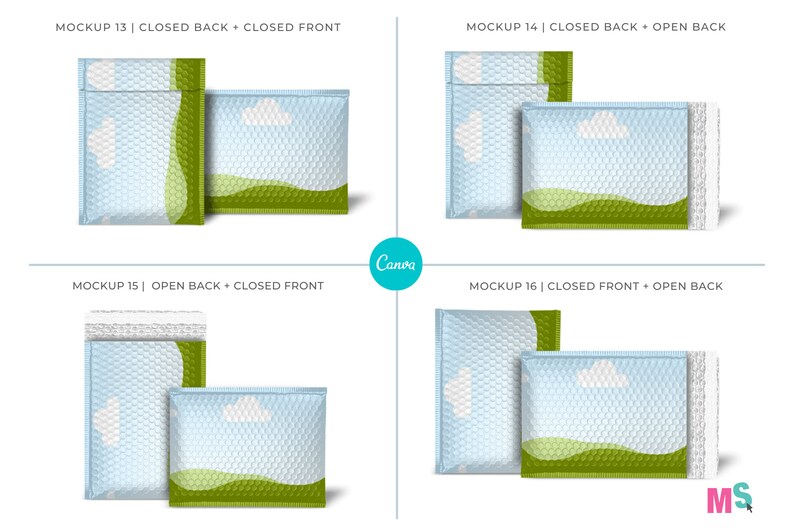
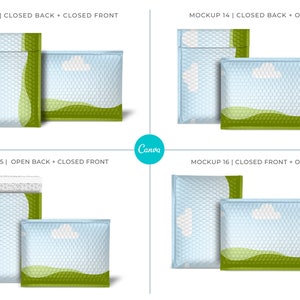
Mockup 13: closed back + closed front.
Mockup 14: closed back + open back
Mockup 15: open back + closed front
Mockup 16: closed front + open back
Mockup 17: Secret bonus mockup.
BUBBLE MAILER MOCKUP FOR CANVA - PRODUCT SUMMARY
- PDF document containing Canva access link.
- Objects are transparent PNGs with separate, editable shadows.
- 300dpi, actual size, great quality for print.
- clip your designs into the frames.
- click on frames to change the surface colour.
- double-click frames to change design size.
- resize, rotate, layer as needed.
- display your patterns or designs professionally.
- Includes usage and license terms.
Pre-made mockup examples shown in the display graphics are not included.
No Photoshop mockups are included.
PRODUCT SPECS
Format: PDF containing Canva template link.
Dimensions: 6000 x 4000 px
DPI: 300
Colours: edit colors of all visible surfaces.
Overlay design: yes
Clip frame for design: yes
File type: Canva template
Moveable objects: yes
Layered: yes
Requirements: Canva free or Pro
Artwork area: varies.
Follow me on Instagram @mockup.scene to keep up to date on new products and creative ways to use my mockups.
Price:$25.00
Instant download
Your files will be available to download once payment is confirmed. Here's how.
Instant download items don't accept returns, exchanges or cancellations. Please contact the seller about any problems with your order.
This seller consistently earned 5-star reviews, shipped on time, and replied quickly to any messages they received.
If something goes wrong with an order, we've got your back for all eligible purchases. View program terms
Be the first to review this item
Meet your seller
Usually responds in a few hours
Speedy replies Has a history of replying to messages quickly.
Rave reviews Average review rating is 4.8 or higher.
More from this shop
-
Digital download
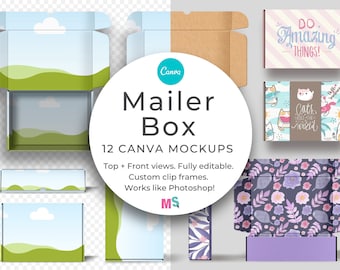
Mailer Box Canva Smart Mockup Template for Shipping Postage Packaging Design Customizable Mock up
$25.00
-
Digital download
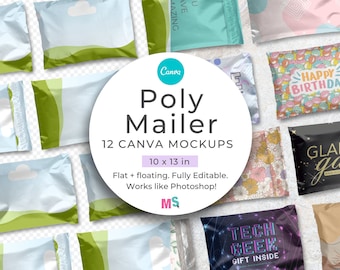
Poly Mailer Mockup Canva Template 10x13 inch Mailer Bag Mockup for Canva Shipping Envelope Mockup Works Like Photoshop
$25.00
-
Digital download
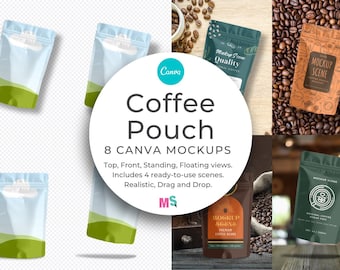
Coffee Pouch Smart Mockup for Canva for Packaging Label designs Patterns Sublimation Customisable Quality Doy Bag Top Front Premade Scenes
$10.00
-
Digital download
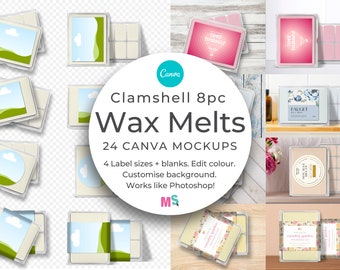
Wax Melts Mockup for Canva Label Soy Wax Tarts 8pc Clam Shell Snap Bars Square Round Belly Wrap Candle Packaging Front Back Top Etsy Listing
$25.00
-
Digital download
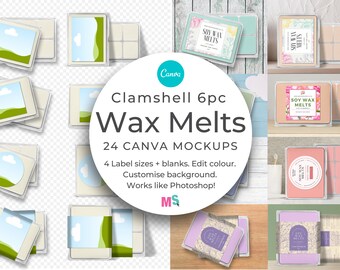
Wax Melts Mockup for Canva Label Soy Wax Tarts 6pc Clam Shell Snap Bars Square Round Belly Wrap Candle Packaging Front Back Top Etsy Listing
$25.00
-
Digital download
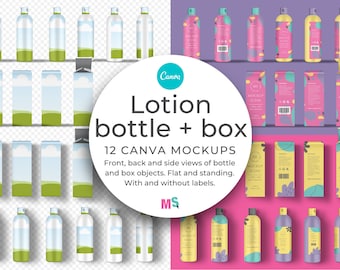
Lotion Bottle and Box Mockup for Canva with shrink wrapped wrap around labels box dieline front back side views, standing flat lay
$20.00
-
Digital download
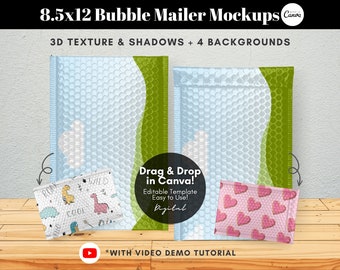
Drag and Drop Bubble Mailer Mockup Template, Bubble Mailer Padded Envelope Mockup, Shipping Packaging Mockup Product, Editable Canva Mockup
Sale Price $13.48
Original Price $17.97
-
Digital download
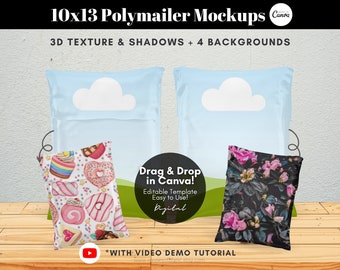
Drag and Drop Polymailer Mockup Template, 10x13 Poly Mailer Bubble Mailer Mockup, Shipping Packaging Mockup Product, Editable Canva Mockup
Sale Price $13.48
Original Price $17.97
-
Digital download
Poly Mailer Bag Mockup Canva Template, Poly Mailer Bubble Mailer Mockup, Mailer Bag Mockup, Poly Mailer Packaging Mockup, Poly Mailer Mockup
Sale Price $6.00
Original Price $9.23
-
Digital download
Poly Mailer Bag Mockup Canva Template, Poly Mailer Bubble Mailer Mockup, Mailer Bag Mockup, Poly Mailer Packaging Mockup, Poly Mailer Mockup
Sale Price $6.00
Original Price $9.23
-
Digital download
Bubble Mailer Mockup, Rose Gold Poly Mailer Back Mock Up , Pink Poly Mailer Stock Photo, Jpeg Instant Digital Download Template
$4.00
-
Digital download
Kraft Bubble Mailer Mockup Set
$22.67
-
Digital download
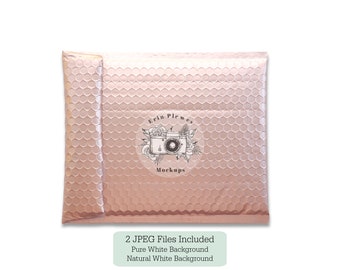
Bubble Mailer Mockup Back View, Pink Mailer Mock Up, Rose Gold Package Stock Photo, Jpeg Instant Digital Download Template
$4.00
-
Digital download
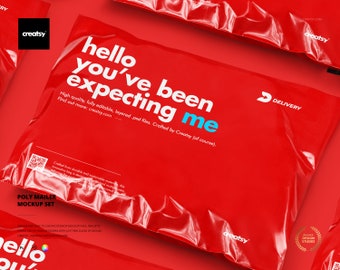
Poly Mailer Mockup Set
$22.67
-
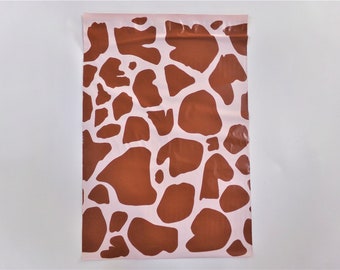
1-1000 Giraffe 10x13 Poly Mailer Envelope Animal Print Bag Fast Shipping
$1.50
-
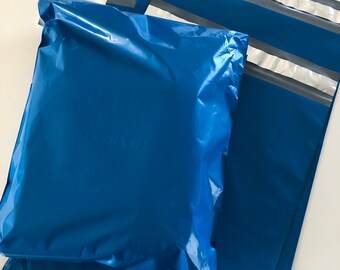
10 10x13 royal blue poly mailer, water resistant envelope, strong durable, stylish fun shipping envelope
$9.79
-
Digital download
Pink Bubble Mailer Mockup, Shipping Mock Up Flat Lay, Pink Poly Mailer Stock Photo, Jpeg Instant Digital Download Template
$4.00
-
1-1000 BUTTERFLY 10x13 Poly Mailer Purple Blue Wings Envelope Bag Fast Shipping Flat Lightweight
$1.50


Looking for more? Find it on Etsy