




Firefighter Retirement Party Tic Tac Stickers, Fireman, Engine, One Custom PRINTABLE Retire MINT Avery 8162 Label <Edit Yourself with Corjl>
Star Seller
Star Sellers have an outstanding track record for providing a great customer experience—they consistently earned 5-star reviews, shipped orders on time, and replied quickly to any messages they received.
Item highlights
Shop review
All reviews are from verified buyers. This review is shown automatically based on factors like recency, whether it includes comments, your chosen language, and whether the rating reflects the typical experience with the shop.
“Turned out perfect. Would order from here again. No issues at all.”
Mary
1 day ago
Price:$5.00
You can only make an offer when buying a single item
Delivery
Instant download
Your files will be available to download once payment is confirmed. Here's how.
Instant download items don't accept returns, exchanges or cancellations. Please contact the seller about any problems with your order.
Seller's description
Specifications
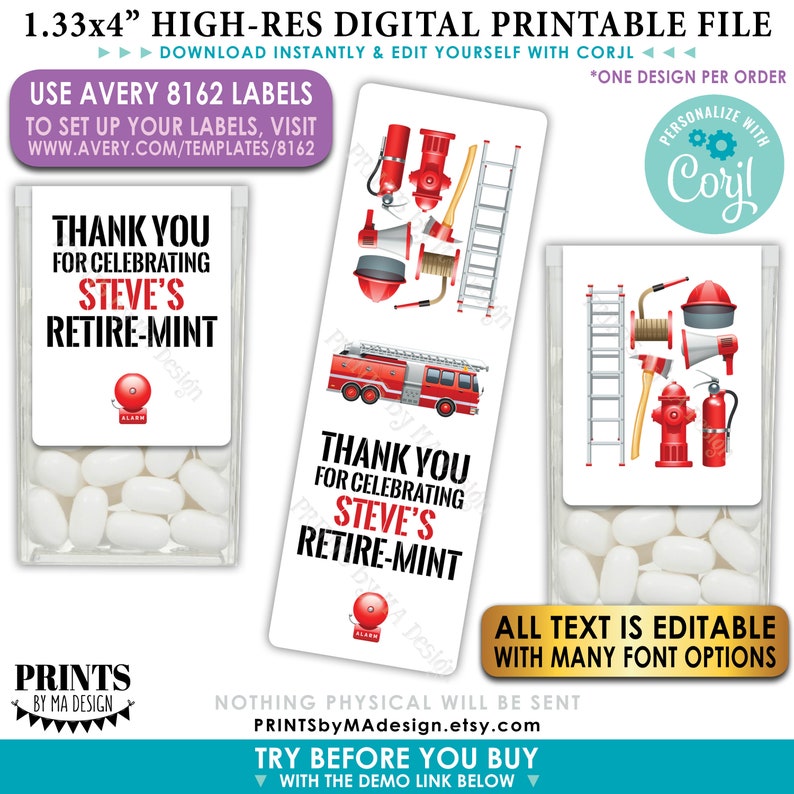
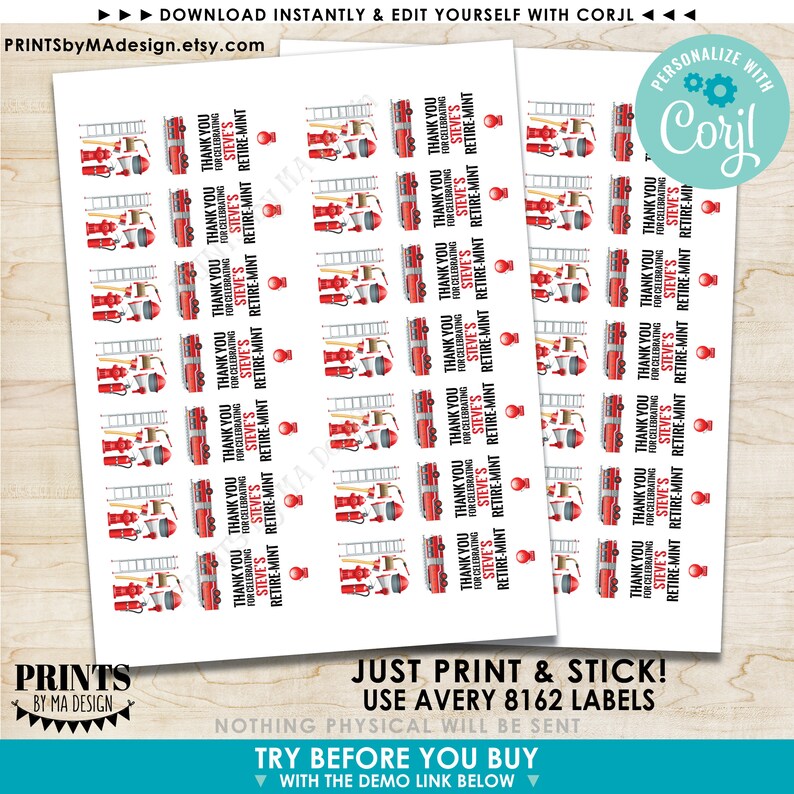
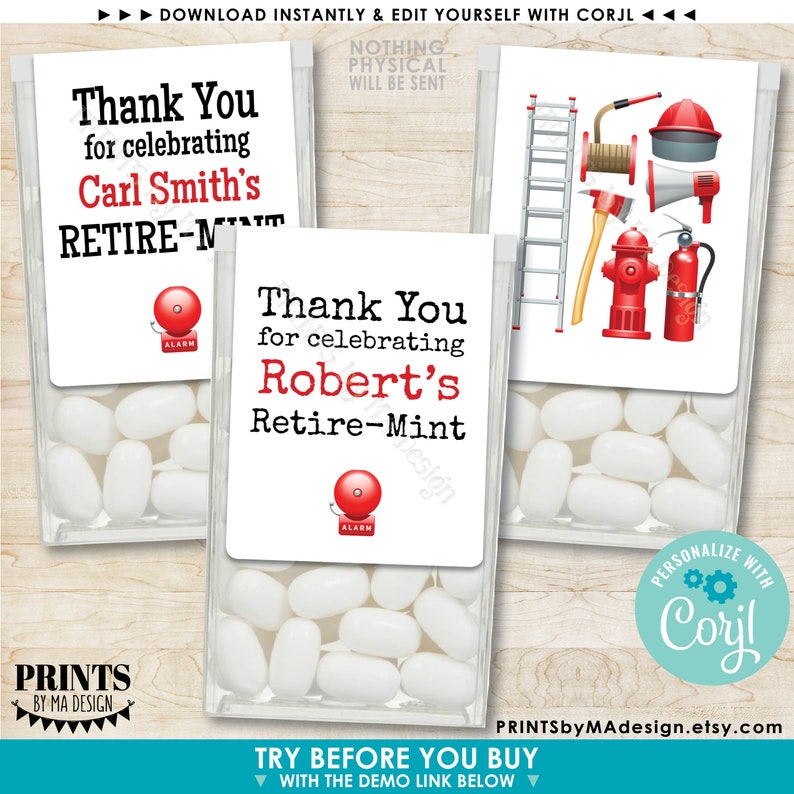
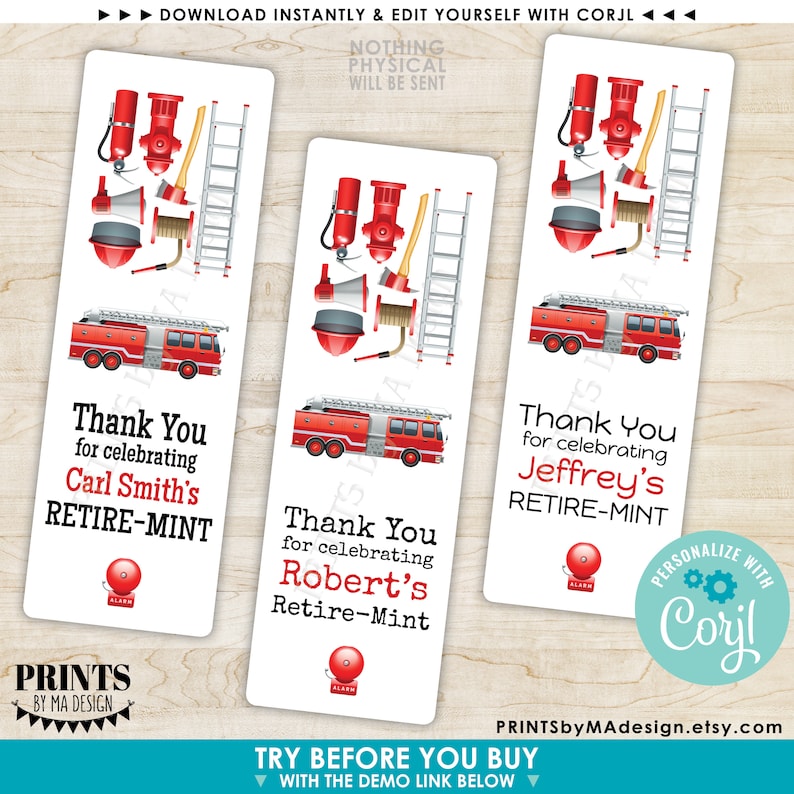
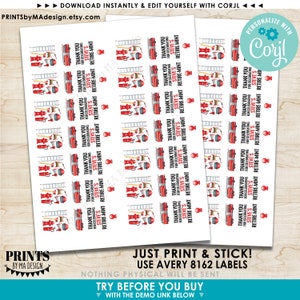
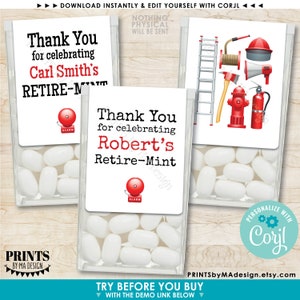
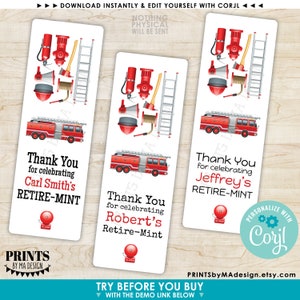
Custom Fire Retirement Party Tic Tac® labels. Digital printable file that you edit yourself with Corjl. Includes one design that is to be populated on a sheet to print multiple of the same design.
----- DEMO THIS ITEM NOW! -----
Copy and paste this URL into your web browser to “Try before you buy”:
https://www.corjl.com/d/9PDAB
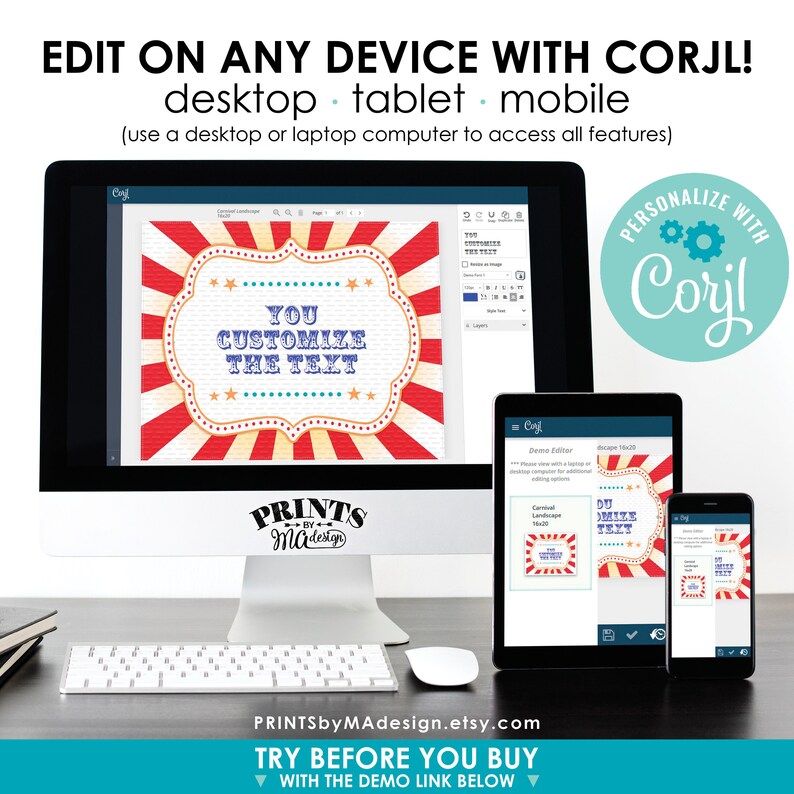
►Edit with a computer using Google Chrome for best results. If using a mobile device, edit the design by using a browser in “desktop mode”
----- DIY DIGITAL PRINTABLE FILE -----
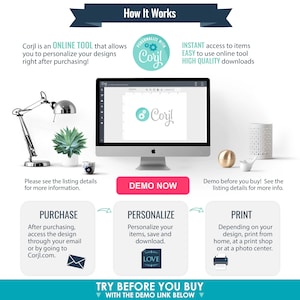
• This is an editable file that you will edit yourself using Corjl. See below for info.
• High quality 1.33x4” digital printable file (JPG & PDF options available) that you will use to print at Avery.com with Avery 8162 Labels (8.5x11" sheet)
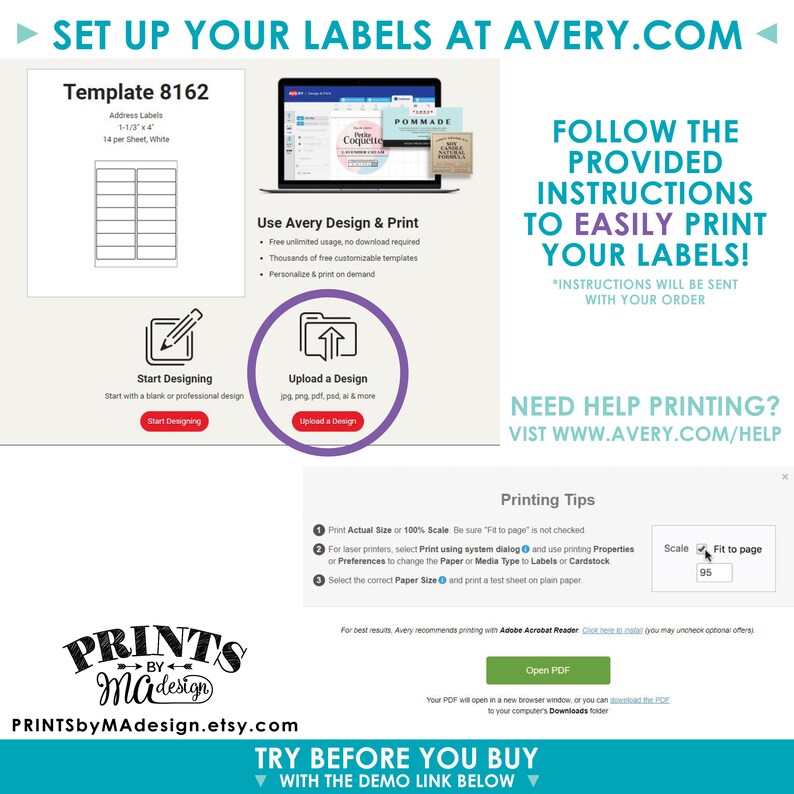
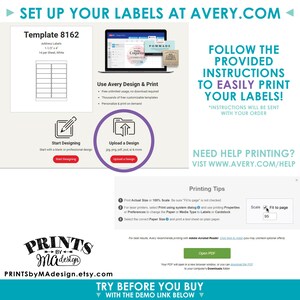
--- Visit https://www.avery.com/templates/8162 to set up your labels for printing once they're designed
• DIGITAL PRINTABLE FILES ONLY! No physical prints will be sent.
• Create ONE custom digital file per order.
----- WHAT CAN BE EDITED? -----
• Not all aspects of the design can be edited. On this design all text is editable, with several different fonts to choose from. The rest of the design will remain as seen in the previews and cannot be changed. Please try it out with the demo link (see above) to see just how easy it is to edit, as well as what exactly is editable. Create ONE file per order.
• If you’d like to have the shop do the editing for you, please see this listing: https://www.etsy.com/listing/693215392
• If you’d like to add your own images or graphics to this design, please see this listing: https://www.etsy.com/listing/726296908/add-on-to-add-your-own-images-to-an-edit
----- EDIT RIGHT AFTER YOU PURCHASE -----
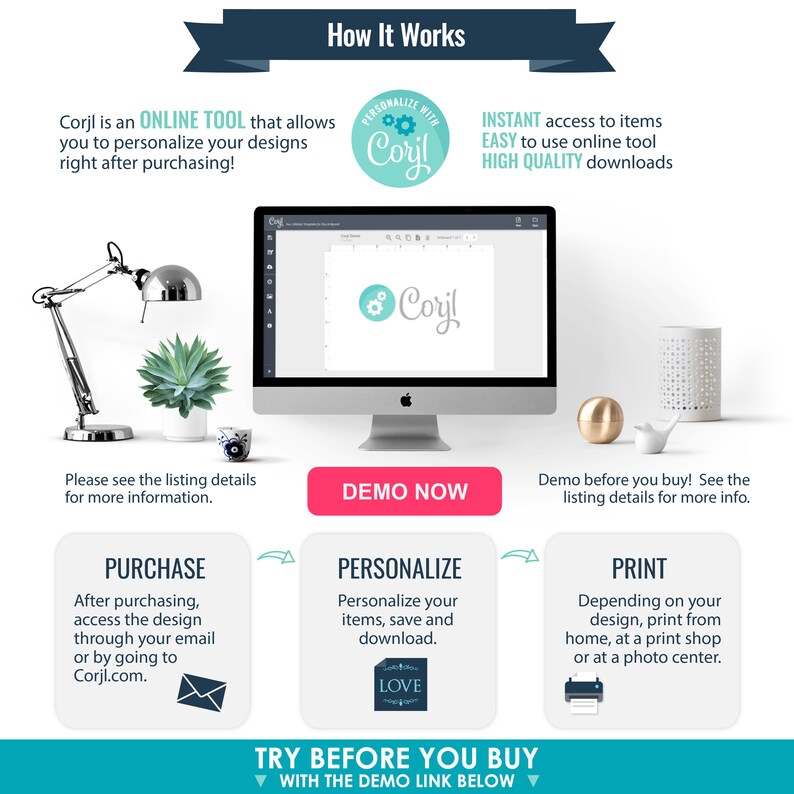
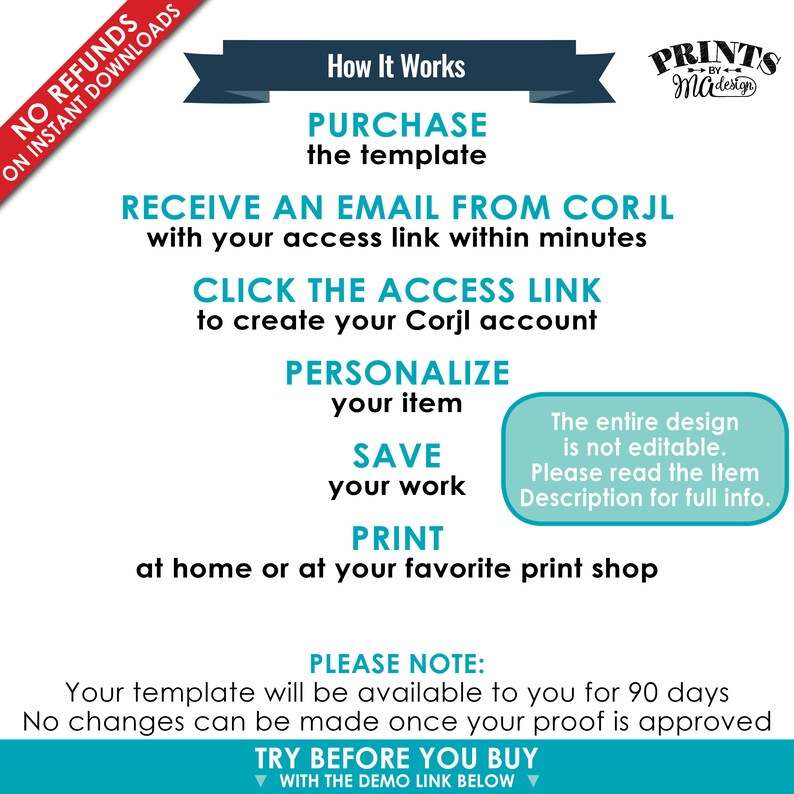
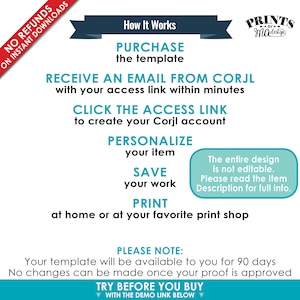
• Edit your items at Corjl.com right after purchasing.
- You’ll have access to your item almost immediately after your order processes.
- No need to download any software! You can do any available customization right in your browser.
- Personalize using your computer, or make basic edits using your phone or mobile device (Not all features are available on mobile devices - use a browser for best results)
- Approve your proof immediately after personalizing, then download the file and print.
----- VIDEOS ON HOW TO EDIT -----
Click here for useful videos on editing your file: https://www.youtube.com/playlist?list=PLOjxwHNYIvoOYbGtyVtZnIEUsZsFda8Lt
----- PRINTING YOUR LABELS -----
Printing your labels is very easy! Follow these simple, step-by-step instructions:
1. Edit your file with Corjl, save, & download the file (make sure you know where you saved it)
2. Go to https://www.avery.com/templates/8162
3. Create or sign into your Avery.com account
4. Click on “Upload a Design”
5. Click “Select & Customize” on the orientation that matches your label
6. Click “Select File” then locate your file
7. Click “Apply this Design”, “Preview & Print”, and then “Print”
8. Save your design
9. Follow the on-screen instructions to print your labels
----- PLEASE NOTE WHEN PRINTING YOUR LABELS -----
• PRINT ACTUAL SIZE (100%): Never “Fit to Page." - make sure the “Fit to Page” box is not checked. Otherwise, your labels will not be printed at the actual size and won’t align properly to the labels/stickers.
• TEST A PRINT: Print first on a sheet of plain paper to determine which direction to feed in your printer and to check your design and alignment.
• AVERY ONLY - Be sure you are using a genuine Avery product – non-Avery products are not optimized for Avery templates, and are not manufactured to their specifications. The shop is not responsible for labels that do not align correctly if the suggested Avery label is not being used
----- MORE FUN DIGITAL PRINTS -----
• DIY EDITABLE TIC TACS digital printable files: https://www.etsy.com/shop/PRINTSbyMAdesign/items?search_query=tic+tac+Corjl
• RETIREMENT TIC TACS digital printable files: https://www.etsy.com/shop/PRINTSbyMAdesign/items?search_query=retirement+tic+tac
• RETIREMENT digital printable files: https://www.etsy.com/shop/PRINTSbyMAdesign/items?search_query=retirement
• RETIREMENT IS SWEET digital printable files: https://www.etsy.com/shop/PRINTSbyMAdesign/items?search_query=retirement+is+sweet
• DIY EDITABLE digital printable files: https://www.etsy.com/shop/PRINTSbyMAdesign/items?search_query=Corjl
----- IMPORTANT -----
► Do not log in with an Apple ID or use Apple Pay. If you do, you may not be able to access your editable link.
► You will be able to edit and save your design until you mark “Approve Proof”. Once marked approved, you will be able to download (and print) as many times as needed but will not be able to make any further changes to the design. If you’d like an additional design or to make changes, you will need to make an additional purchase.
► ALL templates are for PERSONAL USE ONLY and may not be used for commercial use, resold in any format, distributed, or shared.
► All fonts seen throughout this shop are not necessarily available with Corjl.
► Due to the nature of instant download digital images, all sales are final. No refunds and/or exchanges will be provided.
-------------------------
Digital printable files – no physical prints.
Thank you so much for viewing my listing! Please message me if you have any questions – I am happy to help! By purchasing this listing, you are agreeing to this shop's policies & terms of use.
www.etsy.com/shop/PRINTSbyMAdesign#policies
www.etsy.com/shop/PRINTSbyMAdesign/about
www.etsy.com/legal/buyers/?ref=list#purchasing
Thank you for visiting {PRINTS} by MA Design!
PRINTSbyMAdesign.etsy.com
© {PRINTS} by MA Design - All Rights Reserved.
-
Designed by
-
Item typeDigital download
-
Digital file type(s)2 JPG
This seller consistently earned 5-star reviews, shipped orders on time, and replied quickly to messages.
If something goes wrong with an order, we've got your back on all eligible purchases. View program terms
Meet your seller


Usually responds in a few hours
Speedy replies Has a history of replying to messages quickly.
Rave reviews Average review rating is 4.8 or higher.
More from this shop
-

Digital download
Retirement Sign, Retirement is Sweet Please Take a Treat Sign, Retirement Party Sign, Retire Sweet Treat Sign, PRINTABLE 8x10” Sign <ID>
$3.00
-

Digital download
Retirement Party Decor, Cheers to Retirement Advice Wish Memory Well Wishes, Digital PRINTABLE 8x10" Sign & 8.5x11" Sheet of 3" Cards <ID>
$5.00
-

Digital download
Retirement Wishes Cards, Cheers to Retirement Party Activity, Memory Advice Well Wishes, PRINTABLE 4x6" Retirement Card <ID>
$3.00
-
Digital download
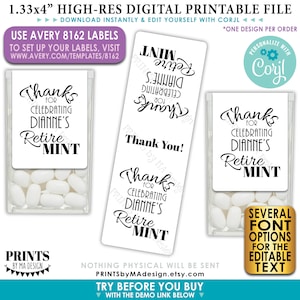
Retirement Tic Tac Stickers, Custom Retirement Party Favors, One PRINTABLE Retire MINT Avery 8162 Label <Edit Yourself with Corjl>
$5.00
-
Digital download
Retirement Sign, Retirement is Sweet Please Take a Treat Retirement Party Sign, PRINTABLE 8x10/16x20” Chalkboard Style Cupcake Sign <ID>
$3.00
-

Digital download
Cheers to Retirement Party Sign, Leave Your Wishes, Advice, Memory, etc for the Retiree Celebration, Black Text, PRINTABLE 8x10" Sign <ID>
$3.00
-
Digital download
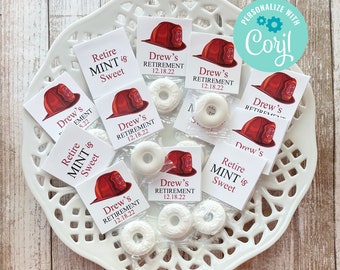
Editable Retirement Mint Favors, Retire Mint, Custom Mints, Firefighter Theme, Printable Mint Toppers, Instant Download, Sweet Favor
Sale Price $3.60
Original Price $7.20
-

Digital download
Editable Legend Retired FIREMAN Candy Bar Wrappers, Retirement wrapper, Retirement candy wrapper, Instant download
Sale Price $6.61
Original Price $8.26
-

Digital download
Firefighter Retirement Party Sign: Dessert Table Decor (Digital Download)
$5.00
-
Digital download
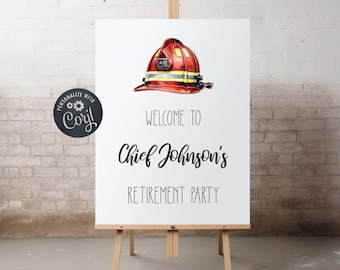
Editable Firefighter Retirement Party Welcome Sign
$7.25
-

Digital download
Editable Legend Retired Military Candy Bar Wrappers, Retirement wrapper, Retirement candy wrapper, Instant download
Sale Price $6.61
Original Price $8.26
-
Digital download
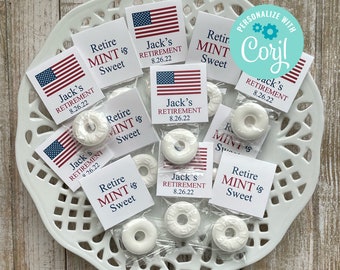
Editable Retirement Mint Favors, Retire Mint, Custom Mints, American Flag Theme, Printable Mint Toppers, Instant Download, Sweet Favor
Sale Price $3.60
Original Price $7.20
-
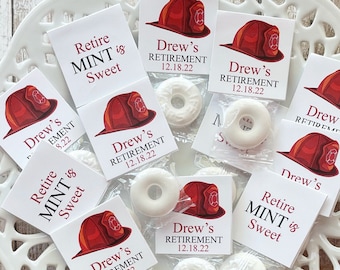
Retirement Mint Favors, Retire Mint, Custom Mints, Firefighter Theme, Printed Mint Toppers, Personalized Retirement Favors, Sweet Favors
Sale Price $13.74
Original Price $27.48
-
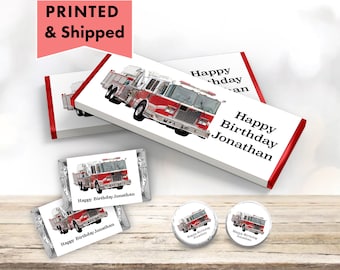
Fire Truck Firefighter Fire Engine, All fired up Fireman Vehicle PRINTED CANDY BAR Wrappers Chocolate Bar Kiss Stickers Labels FI06
$9.95
-

Retire-Mint Labels - Retirement Stickers - for Personalized Favors, Peppermint Patties, Candy Boxes, Breath Mints, Thin Mint Bags, Mint Tins
$5.99
-
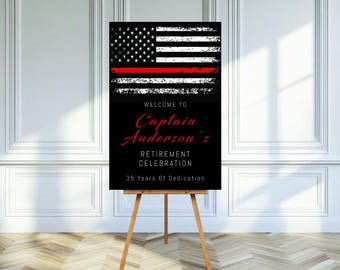
Thin Red Line, Firefighter, Fireman Retirement, Firefighter Retirement, Fireman Retirement Sign, Fire Retirement, Retirement Party,
$8.98
-
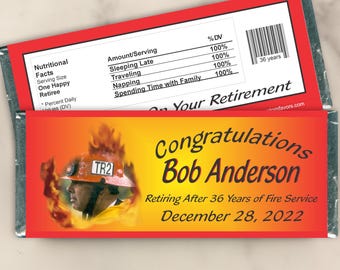
Personalized Firefighter Retirement Chocolate Candy Bar Wrappers - Custom Party Favors for Table Decor and Gift Bags (Set of 12) (W325)
$16.95
-
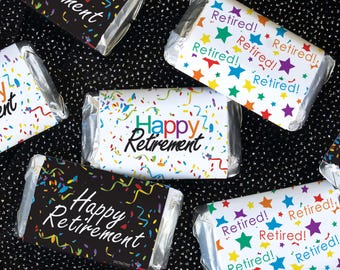
Retirement Party Candy Wrappers, Confetti Stickers (42ct)
$8.97
Shoppers with similar taste loved these
-
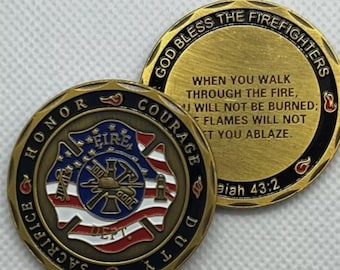
Thank You For Your Service God Bless the Firefighters Fire Commemorative Coin
$11.85
-

Firefighter Retirement Gift Personalized Journal - Retired Firefighter, Retiring Firefighter Gift, Firefighter Retirement Party
Sale Price $29.39
Original Price $41.99
-

Firefighter Retirement Gift Personalized Leather Journal Notebook Retiring Fireman Fire Chief Recognition Farewell Appreciation Gift for Men
Sale Price $9.44
Original Price $11.80
-
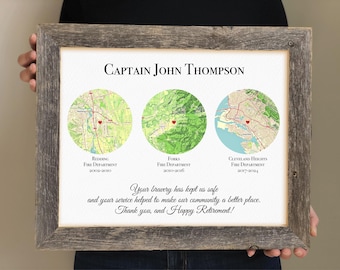
Fireman Retirement Gift from Fire Department- Thank you Gift for retiring Lieutenant, Leaving Gift for Fire Chief from Town, Battalion Chief
Sale Price $51.20
Original Price $64.00
-

Digital download
firefighter retirement party gift decorations, firefighter promotion plaque, firefighter photo collage, fireman retirement welcome sign
Sale Price $5.39
Original Price $5.99
-

Fireman Firefighter Gift, Firefighter Husband, Firefighter boyfriend, Firefighter retirement, firefighter birthday, new fireman gift
Sale Price $11.96
Original Price $13.29
-
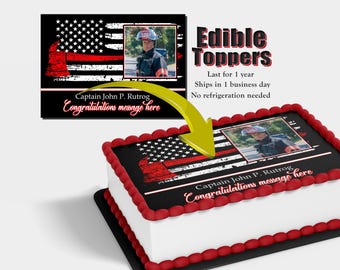
Custom Fire Fighter flag cake topper with photo. Fireman promotion, graduation and retirement edible picture. Made with sugar frosting paper
$12.50
-
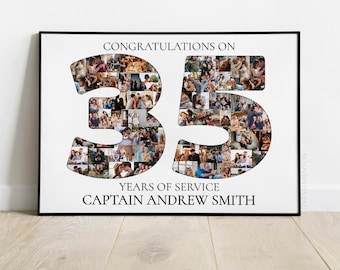
Custom Firefighter Retirement Party Decoration, Fireman Anniversary Gift, Firefighter Photo Collage Poster, Retirement Invitation Card
Sale Price $9.26
Original Price $10.29
-

Retirement gift, Pairs well with Retirement, retirement gifts for woman, retirement for men, personalized gift for retirement, wine label
Sale Price $0.70
Original Price $1.01
-

Custom Bobblehead Chief Firefighter, Fight Fighter Custom Bobblehead, Fire Department Custom Bobblehead, Firefighter Personalized Bobblehead
Sale Price $29.99
Original Price $39.99
-

Funny Golf Retirement Card: Chariot Awaits, Golf Lover Gift
$6.95
-

Retirement Wine Label - Goodbye tension hello pension, custom message
$7.00


Looking for more? Find it on Etsy