

Fence Banner Mockup for Canva Sampler Template Wide Format Signage Branding Design for Print Event Display Works Like Photoshop
Price:$5.00
Star Seller
Star Sellers have an outstanding track record for providing a great customer experience—they consistently earned 5-star reviews, shipped orders on time, and replied quickly to any messages they received.
Save 40% when you buy 3 items at this shop
You can only make an offer when buying a single item
Star Seller. This seller consistently earned 5-star reviews, shipped on time, and replied quickly to any messages they received.
Highlights
NOTE: THIS IS A DIGITAL PRODUCT. NO PHYSICAL PRODUCT WILL BE SHIPPED.
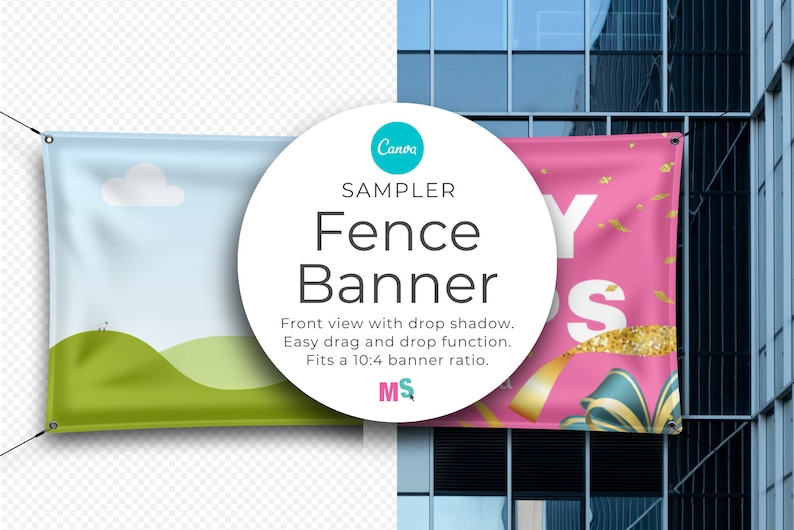
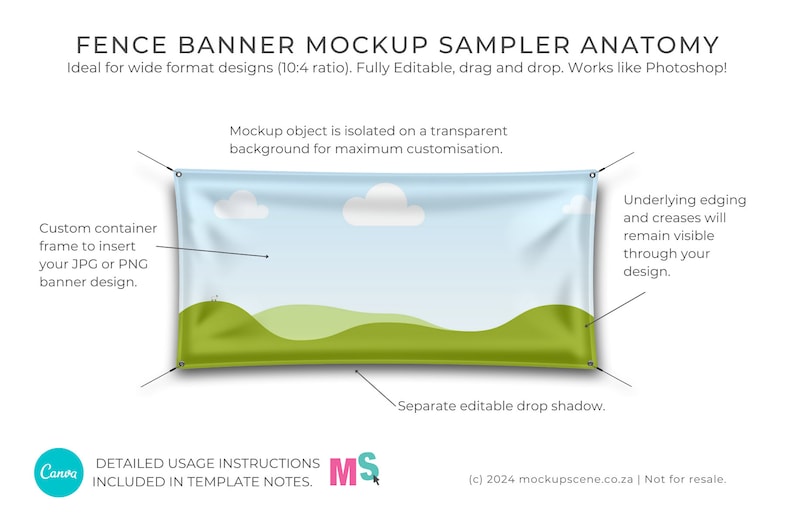
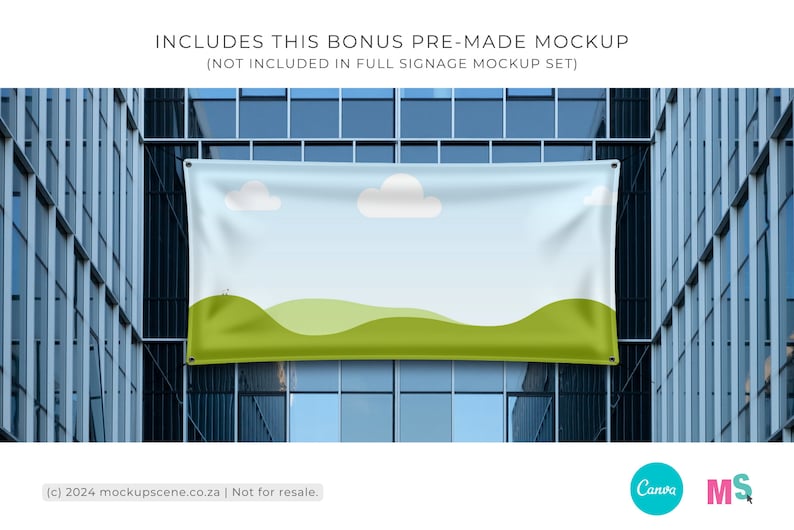
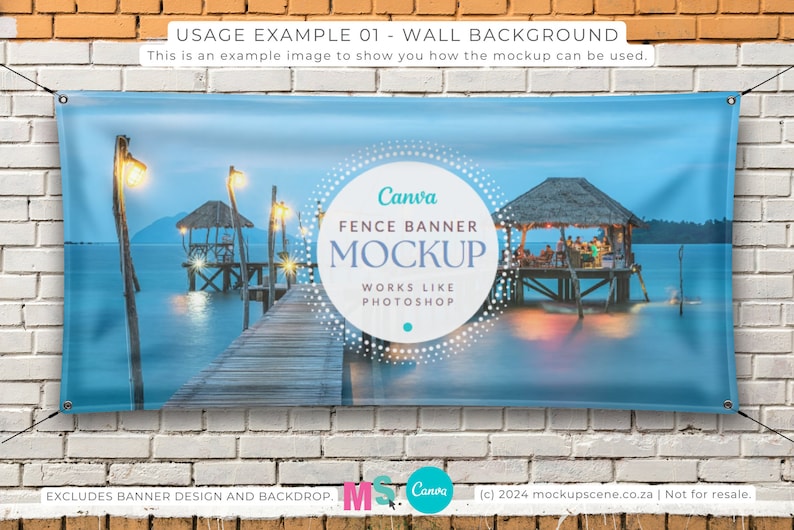
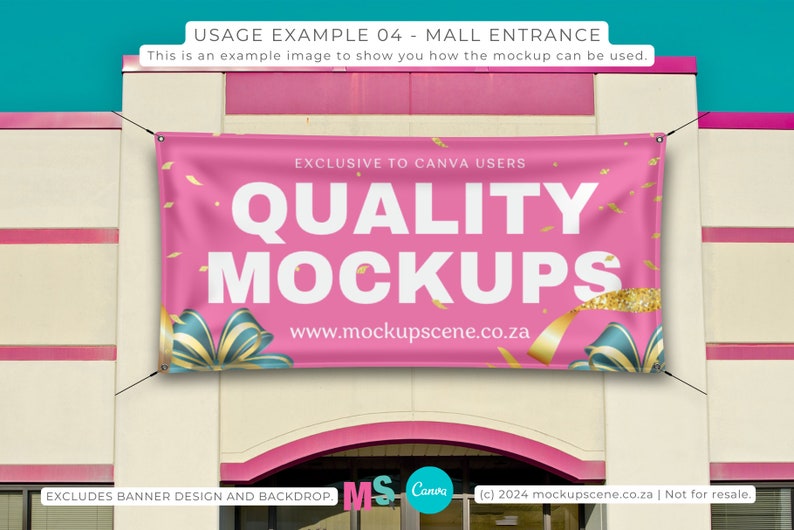
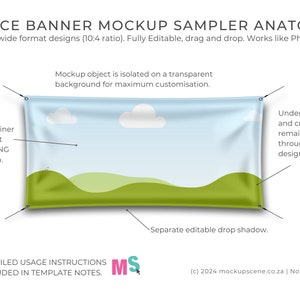
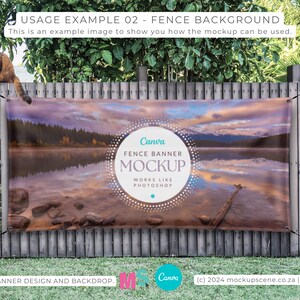
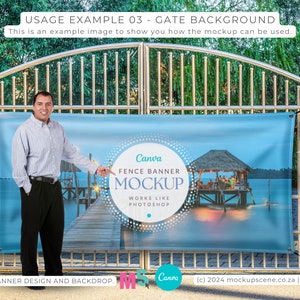
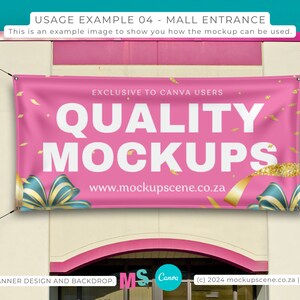
This Fence Banner Mockup for Canva is super easy to customize by inserting your 10:4 ratio design into the custom container frame and adding your own background. The banner texture and creases in the mockup will remain visible through your design. A pre-made mockup scene is included.
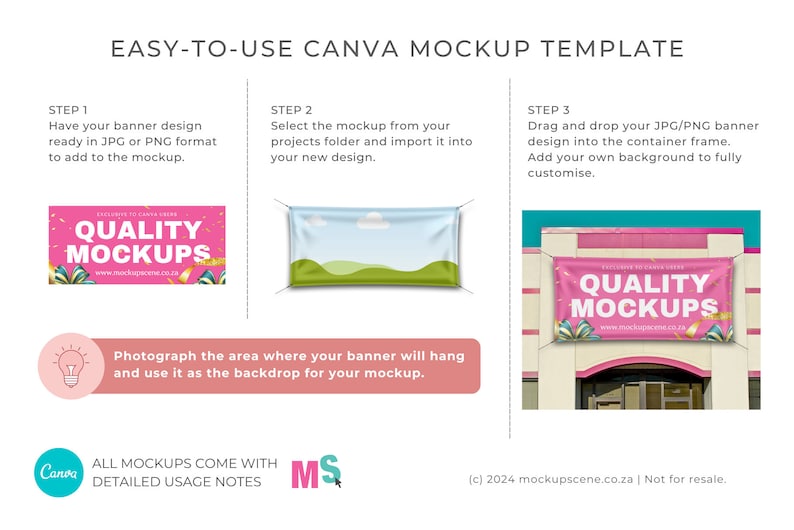
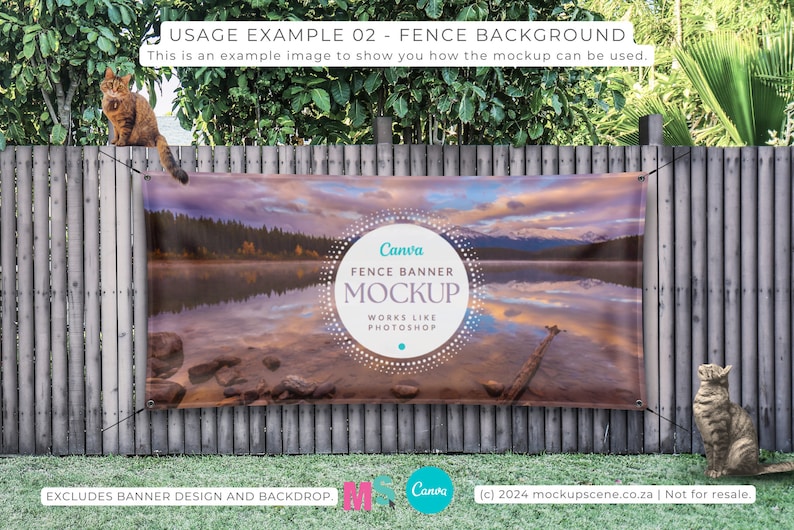
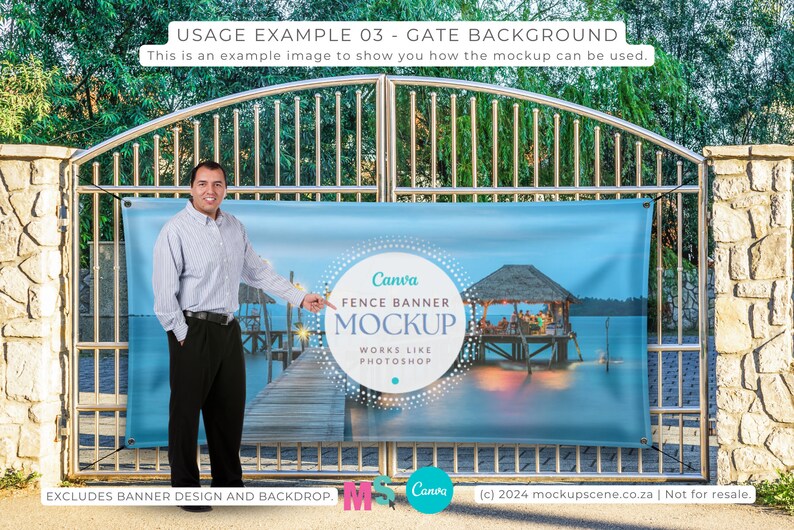
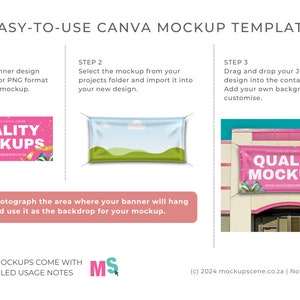
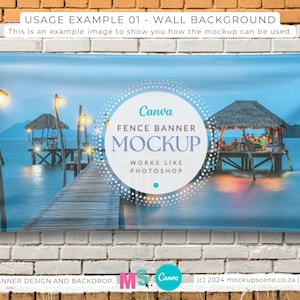
To show your clients how their signage will look in real life, take a photograph of the actual location their sign will be placed, and upload it behind the mockup. Ta-da! Genius. Better than Photoshop!
This Fence Banner Mockup has been digitally hand-drawn (by me) in vector format for best quality and style consistency. It works like Photoshop. Effortless drag and drop of your design into the custom-created container frame will give you a realistic and professional end-product.
Each mockup in the template includes extensive page notes to give you information on how the mockup is built, and guide you through how to use it. With this in mind, make sure you read those, especially if you are new to Canva.
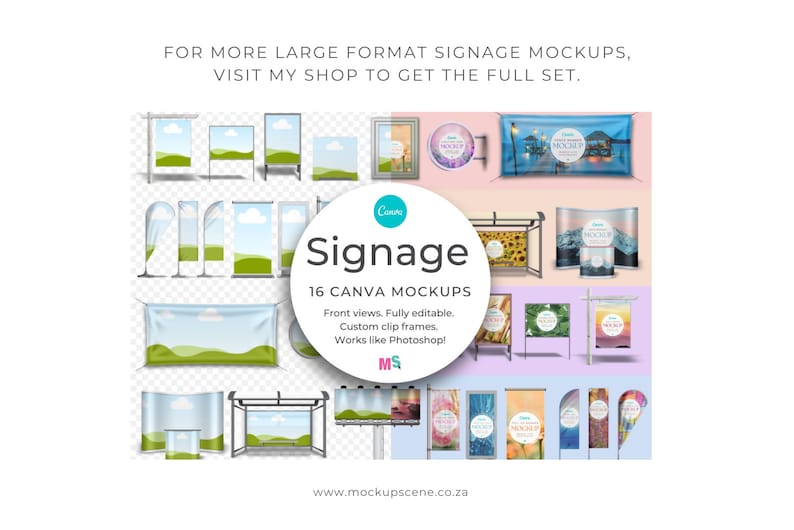
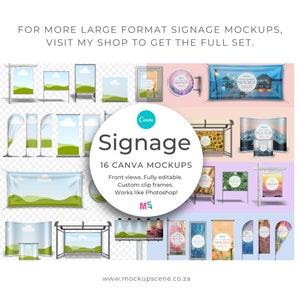
If you love using this mockup and want the whole set of signage mockups for Canva, grab them here. https://www.etsy.com/listing/1256311524/signage-mockup-canva-template-billboard
WHAT CAN YOU USE THIS PRODUCT FOR?
Use this Fence Banner Mockup for Canva to display your signage designs to show your clients how their end-products will look. Add the finished mockups to your portfolio so the world can see the professional level of your work. Add use your finished mockups in your social channels and printed product catalogue.
NOTE: Bundle excludes the designs and background scenes shown in the sample images. Adding your own background color or scene, will ensure your mockups are 100% unique and not the same as what everyone else is using.
USAGE TERMS
IMPORTANT: This mockup bundle is for displaying your personal designs or patterns for sale. Reselling the mockups in any format is NOT permitted, even if you change them. Copying any part of the mockups into new Canva templates for sale or sharing is not permitted either.
HOW TO USE THIS FENCE BANNER MOCKUP FOR CANVA
This Fence Banner Canva Mockup set works best in the desktop version of Canva. Some Canva functions needed to use these mockups don't work smoothly in the mobile app. Mockup Scene is not liable for problems or losses you have using this mockup in the Canva mobile app.
It’s better to NOT work in the template copy that will open into your account so that you can go back to it if you break anything. Instead, copy the mockups you want to use into your new designs from the projects folder in the left sidebar of your design document.
BASIC INSTRUCTIONS
1. To start, Download the User PDF, open it, then navigate to page 4 where you’ll find the license details and the link to access your mockups. The link will take you to a Canva template containing all the mockups in this set. Do not try to import the PDF into Canva as it doesn't contain the mockups.
2. In order to add your design or pattern to the mockup objects, make sure they are first uploaded to Canva in JPG or PNG format – in the correct size ratio.
3. Thirdly, copy or import the mockup you want to use into a new Canva design. You can import multiple mockups onto new pages.
4. After that, drag your JPG/PNG pattern or design straight into the custom-created container frames. It will look like it’s been printed onto the mockup object, just like it would in a Photoshop mockup. Any underlying textures will remain visible.
5. Edit your design inside the frames as needed. To adjust the size of your design inside the frame, double-click the frame and grab a corner of your design to make it bigger – or use the rotation toggle to turn it. Canva will automatically size it to fit into the frame. In addition, you can edit frames with underlying textures to be lighter or darker, using the transparency tool, and depending on the intensity of your design, to show more or less of the texture.
6. Thereafter you can customize the mockup by adding your own background color, texture, scene, or digital props.
7. Lastly, edit drop shadows by clicking on the shadow section of the object and adjusting the transparency, tint, blur or opacity. You may have to zoom in to do this if the shadow is very close to the mockup object. This is best done after you've added your designs to the frames and set your background colour/texture/scene.
8. Read the Notes section included with each page of the Canva template as it contains detailed instructions specific to the mockup you've purchased to help you navigate usage.
If you have any questions or don't find a solution to a problem in the notes, please reach out and email me via hello [!at] mockupscene.co.za so that I can advise accordingly or help you troubleshoot.
MOCKUPS INCLUDED
This Fence Banner Canva Mockup Sampler contains the 2 individual mockups outlined below.
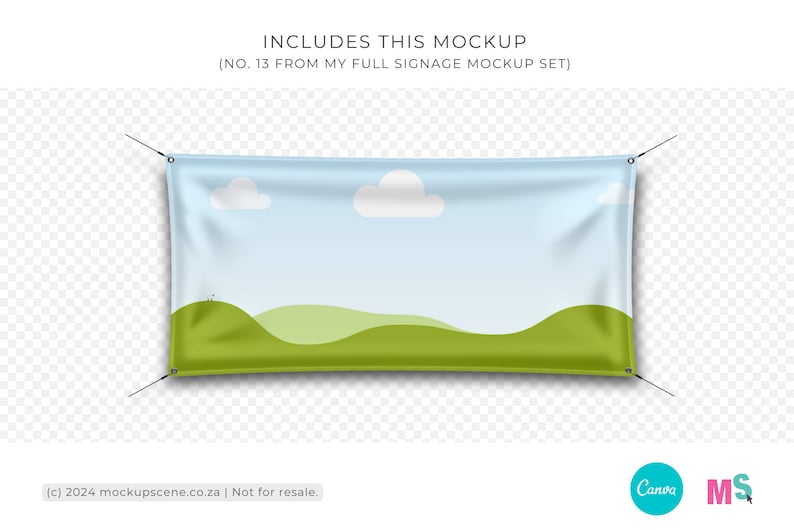
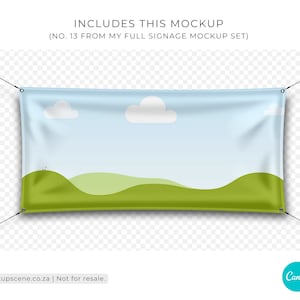
Mockup 1: Fence Banner, isolated on a transparent background.
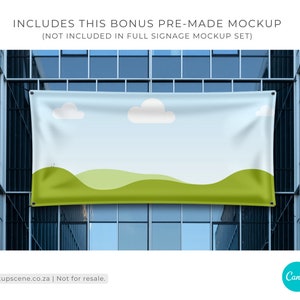
Mockup 2: Fence Banner, premade scene of building windows.
FENCE BANNER MOCKUP TEMPLATE FOR CANVA - SUMMARY
- PDF document containing Canva access link.
- Objects are transparent PNGs with separate, editable shadows.
- 300dpi, actual size, great quality for print.
- clip your brand designs into the frame, or
- click on frame to change the surface colour.
- objects are moveable and can be duplicated or rearranged.
- display your signage designs professionally.
- Includes usage and license terms.
Pre-made mockup examples shown in the display graphics are not included.
No Photoshop mockup files are included.
PRODUCT SPECS
Format: PDF containing direct link to the Canva template.
Dimensions: 3000 x 2000 px
DPI: 300
Clip frame for design: yes
File type: Canva template
Moveable objects: yes
Layered: yes
Requirements: Canva free or Pro
Follow me on Instagram (at)mockup.scene to keep up to date on new products and creative ways to use my mockups.
Instant Download
Your files will be available to download once payment is confirmed. Here's how.
Instant download items don’t accept returns, exchanges or cancellations. Please contact the seller about any problems with your order.
Etsy Purchase Protection
Shop confidently on Etsy knowing if something goes wrong with an order, we've got your back for all eligible purchases —
see program terms

Reviews for this item

Just as described. Thanks so much!
Response from Jo Petzer
Pleasure! Thanks for the support. So glad you like it. xx

cute and very easy to use
Response from Jo Petzer
Great to hear! Thanks. xx

Easy to use and the seller was great.

I was able to use it, I recommend.
Photos from reviews

Speedy replies Has a history of replying to messages quickly.
Rave reviews Average review rating is 4.8 or higher.
More from this shop
Visit shop-

Digital download
Fabric Rolls Smart Mockup for Canva to display surface pattern and textile designs items are moveable and customizable
$5.00
-
Digital download
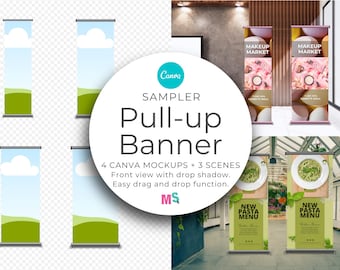
Pull Up Banner Mockup for Canva Sampler Template Wide Format Signage Branding Design for Print Event Display Works Like Photoshop
$5.00
-

Digital download
Easter Egg Carrier Canva Mockup with Dieline Front and Back Packaging, Customizable, Drag and Drop Easy to use for Pattern Designers
$5.00
-
Digital download
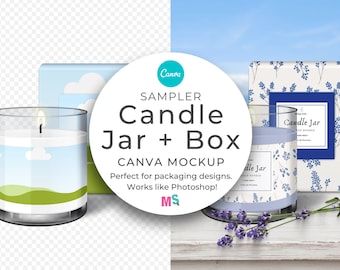
Glass Candle Jar Canva Smart Mockup with Box and Moveable Bamboo Lid Digital Download for Label and Packaging Design
$5.00
-
Digital download
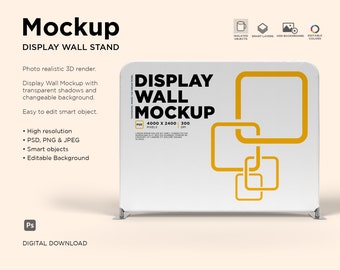
Exhibition Banner Wall Mockup, Cloth Banner Mockup, Wall Banner Mockup, Exhibition Banner Mockup - Smart Object
$5.00
-
Digital download
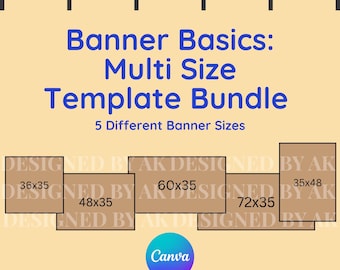
Banner Basics: Multi Size Digital Template Bundle
$5.99
-
Digital download
Custom Banner Mock Ups
$5.00
-
Digital download
Etsy Shop Banner Mockup with Black Frames, Editable Banner Psd Template
$6.18
-
Digital download
Etsy Shop Banner Mockup with Wooden Frames, Editable Banner Psd Template
$5.30
-
Digital download
Etsy Shop Banner Mockup: with Multiple Paper Posters (PSD Template)
$5.22
-
Digital download
Etsy Shop Banner Mockup: Store Banner Image, Photo Frames (PSD Template)
$6.18
-
Digital download
Etsy Shop Banner Mockup: Wood Frame on Floor (PSD & JPG Digital Files)
$5.30
-
Digital download
Etsy Shop Banner Mockup with Black 4:5 Frames, Editable Banner Psd Template
$4.54
-
Digital download
Etsy Shop Banner Mockup with Wooden Frames, Editable Banner Psd Template
$5.30
-
Digital download
Etsy Shop Banner Mockup with Black Frames, Editable Banner Psd Template
$4.54
-

Digital download
Tapestry Mockup Template: Canva Drag-and-Drop Banner Design (PDF Download)
Sale Price $1.75
Original Price $7.00
Shoppers with similar taste loved these
-

Digital download
Creative Direction Template, Brand Guidelines, Adobe InDesign (A4)
$68.78
-
Digital download
03 NINETIES | 90’s Editorial Style Service Guide for Adobe InDesign
$28.12
-

Digital download
Instagram Template Kit | 70+ Canva Posts for Personal Branding
$25.26
-
Digital download
Brand Strategy Template: Designer Business Workbook (Canva)
$68.78
-

Digital download
Brand Guidelines Template: Canva Editable Brand Book Presentation
$54.74
-
Digital download
Designer Project Pricing Proposal Template: Canva Editable Presentation (A4)
$40.70
-

Digital download
Canva Brand Guidelines Template: 50-Page Editable Brand Kit for Entrepreneurs (Digital Download)
$36.09
-
Digital download
Web Direction Template: Website Creative Brief (Canva Editable)
$68.78
-

Digital download
Interior Design Investment Guide | Interior Designer Fee Proposal | Project Proposal | Client Presentation | Canva | Indesign | Powerpoint
$26.56
-

Digital download
ADE Brand Strategy Template for Canva | Pitch Deck Template | Brand Presentation | Brand Identity | Brand Designer. Canva Template
Sale Price $18.20
Original Price $28.00
-
Digital download
Designer Investment Guide Template: Pricing Presentation (Adobe InDesign)
$54.74
-

Digital download
Interior Design Presentation Template | Interior Designer Project Proposal | Canva | Indesign | Powerpoint | Client Presentation Template
$28.33


Looking for more? Find it on Etsy