



Price:$4.79
Original Price: $7.99
40% off
Limited time sale
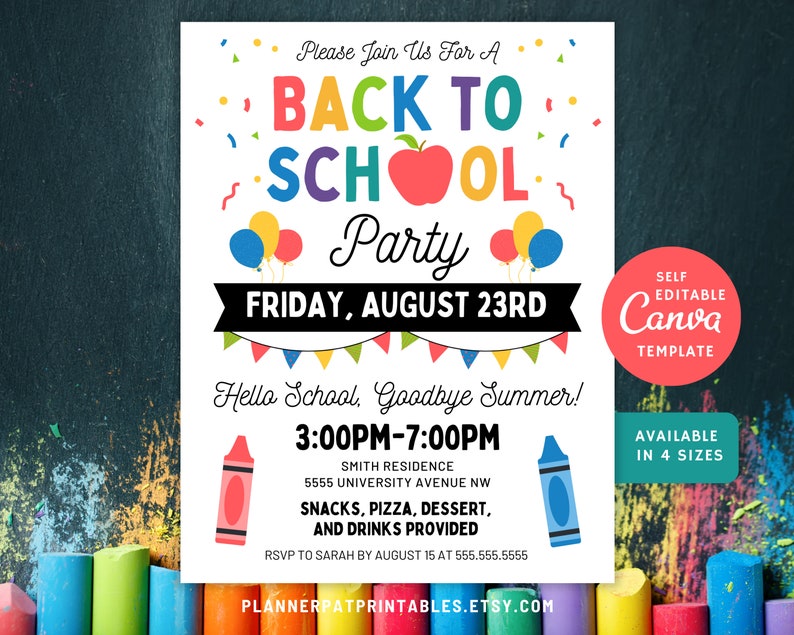
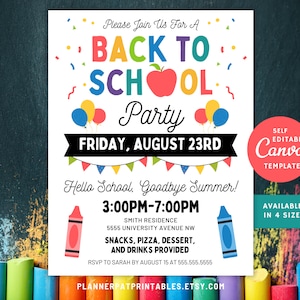
DIY Back to School Party Invitation Template Printable, Editable in Canva
Star Seller
Star Sellers have an outstanding track record for providing a great customer experience—they consistently earned 5-star reviews, shipped orders on time, and replied quickly to any messages they received.
You can only make an offer when buying a single item
Star Seller. This seller consistently earned 5-star reviews, shipped on time, and replied quickly to any messages they received.
Highlights
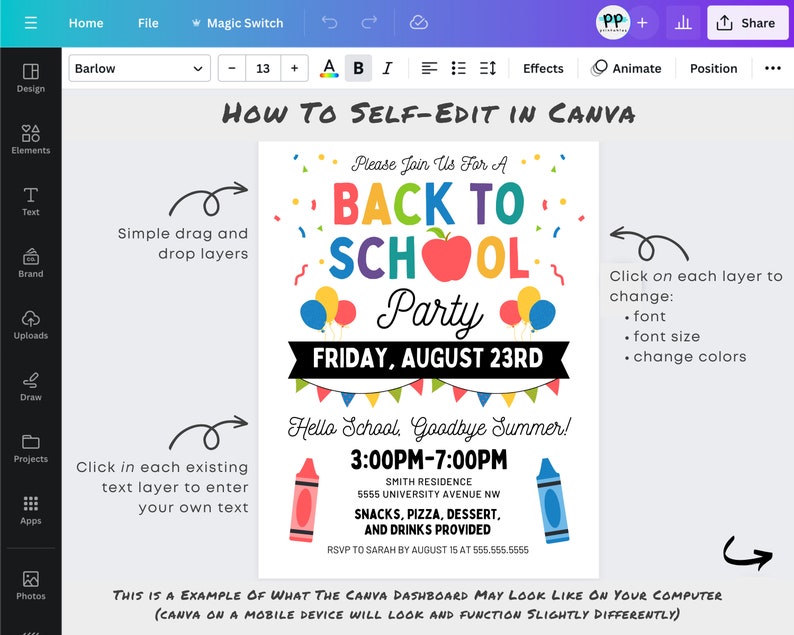
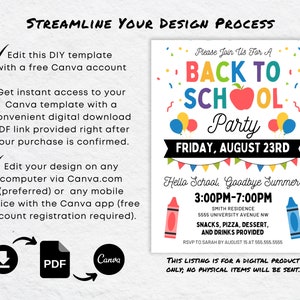
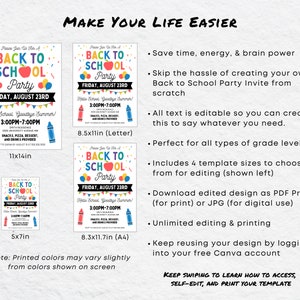
This Back to School Party Invite makes it super easy to organize your End of Summer Bash! This Canva template is easy to personalize using a free Canva account. Edit on a computer or any mobile device that supports the Canva app. Eliminate the hassle of creating your own invitation from scratch, making your life a little bit easier!
PRODUCT DETAILS:
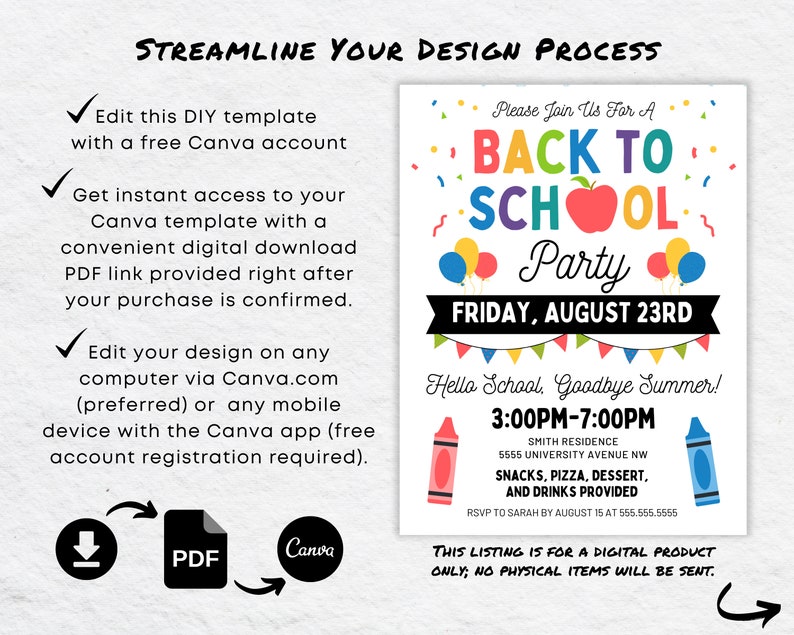
- This purchase includes a digital download file only (no physical items will be shipped).
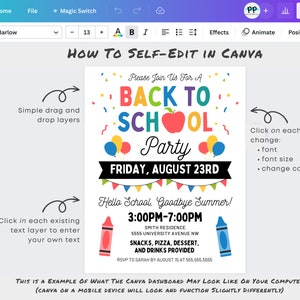
- Editable on a computer via Canva.com or on mobile devices with the Canva app.
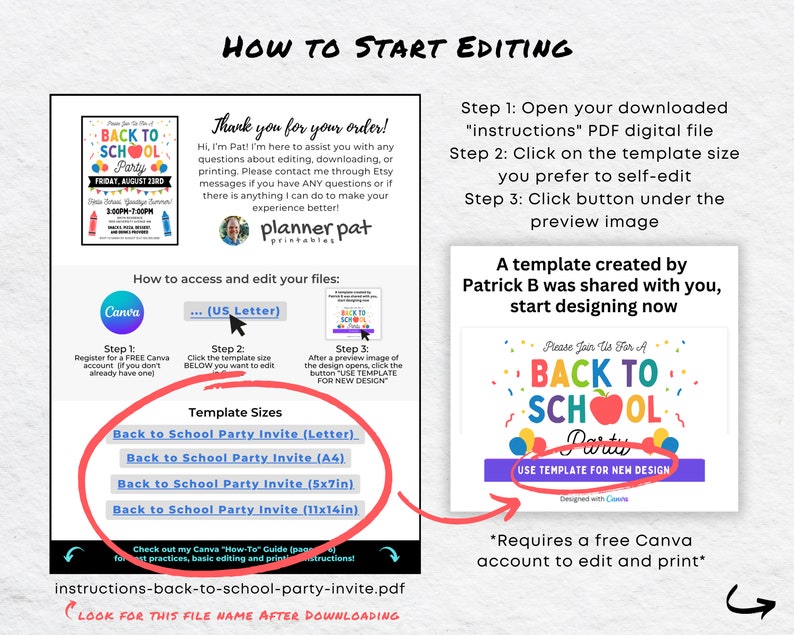
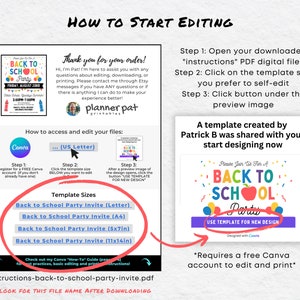
- Included Files: Instructions PDF with guidelines and links to edit your Canva Template
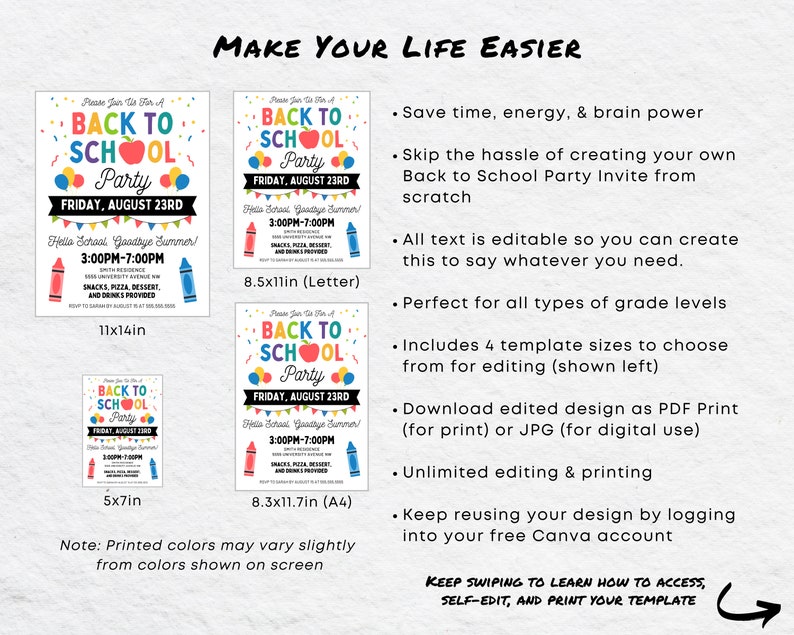
- Available Template Sizes: US letter (8.5 x 11 in ), A4 (8.27 x 11.3 in), 5x7, and 11x14 in
- Design Style: Sleek and Minimalistic
- Print Quality: High-Resolution 300 dpi (when printed as 'PDF Print')
- Orientation: Portrait
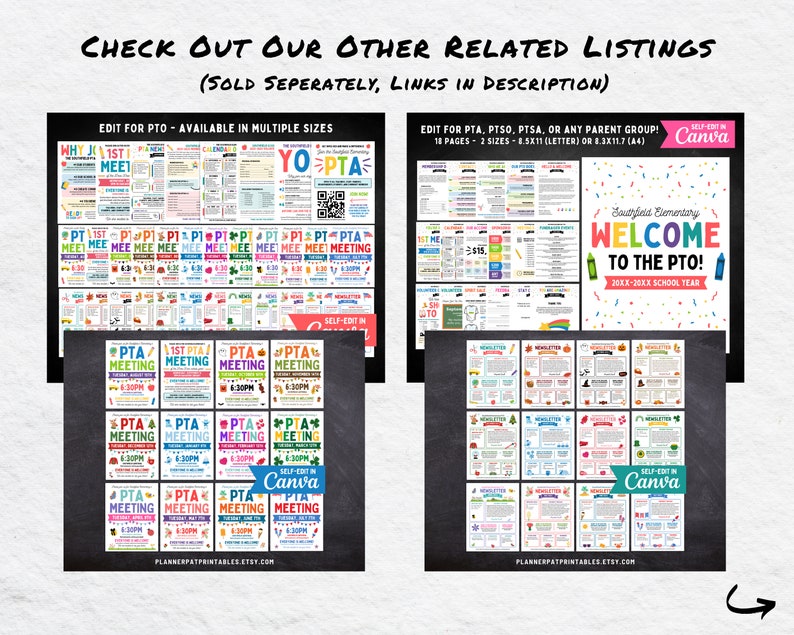
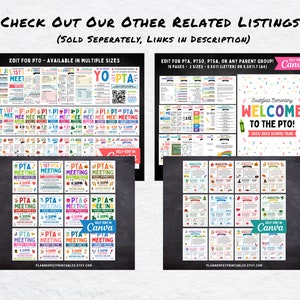
Looking for a Ultimate PTO PTA Bundle?
http://www.etsy.com/listing/1745478417
Looking for a PTA PTO Welcome Packet?
http://www.etsy.com/listing/1759469179
Looking for a 12 Month PTA PTO Newsletter Bundle?
http://www.etsy.com/listing/1730404730
Looking for a Monthly PTA Meeting Flyer Bundle?
http://www.etsy.com/listing/1730827206
WHAT'S REQUIRED:
- A free Canva account for self-editing and downloading your finished templates (no additional software required).
- Basic proficiency with computers and smart devices.
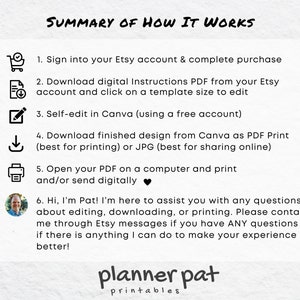
HOW IT WORKS:
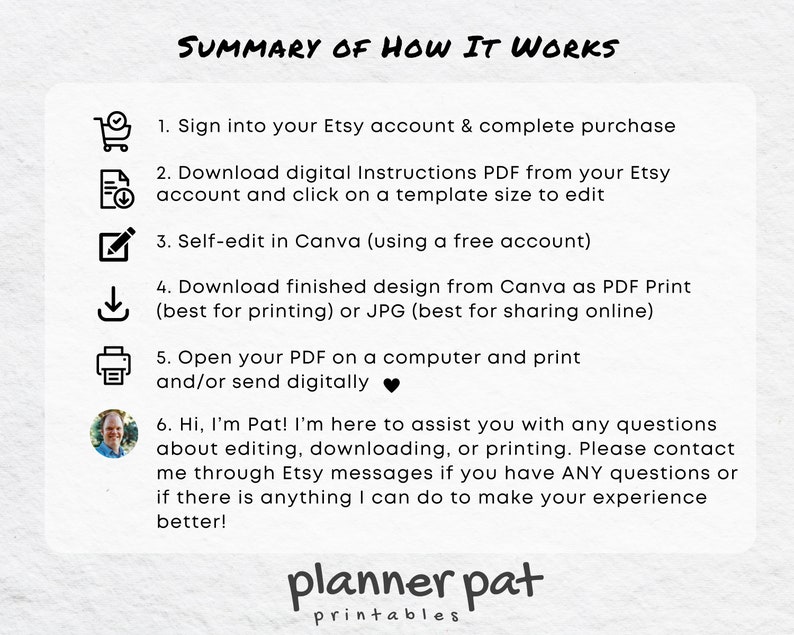
STEP 1: DOWNLOADING
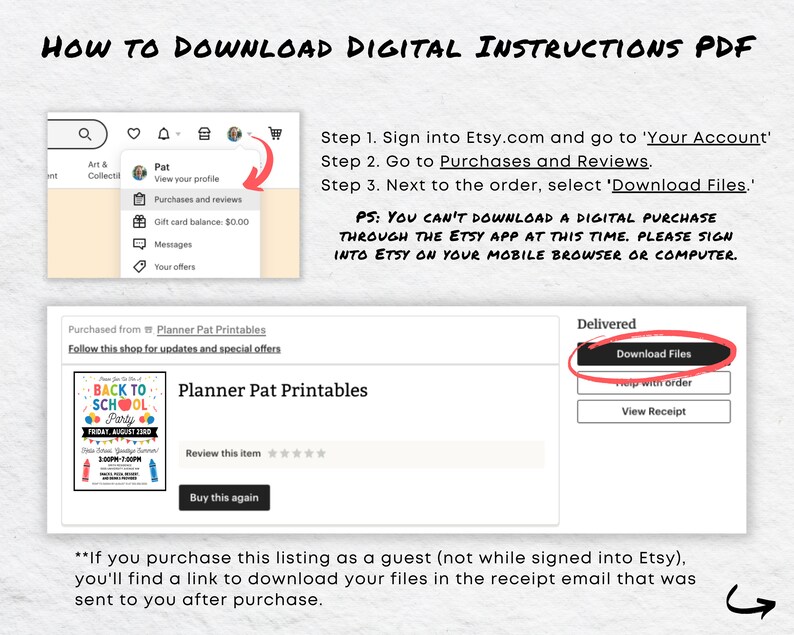
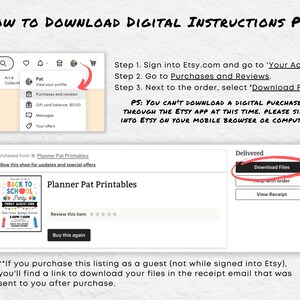
- After purchasing, Etsy will send you an INSTRUCTIONS PDF to your account within 5 minutes.
- Sign in to Etsy.com (not the app) and navigate to YOUR ACCOUNT > PURCHASES AND REVIEWS to download your files.- Open the INSTRUCTIONS PDF, select your template size, and use the link to access the template in Canva.
*Please note: Customers who purchase as a guest (without signing into their Etsy account) will receive a download link in their purchase receipt email from Etsy.
Step 2: EDITING
- Open the Instructions PDF on your device using a program such as Adobe Acrobat Reader (available for free at www.adobe.com).
- Follow the guidelines provided in the PDF to access and edit your template in Canva.
- Refer to my how-to guide for getting started in Canva, editing and printing your template.
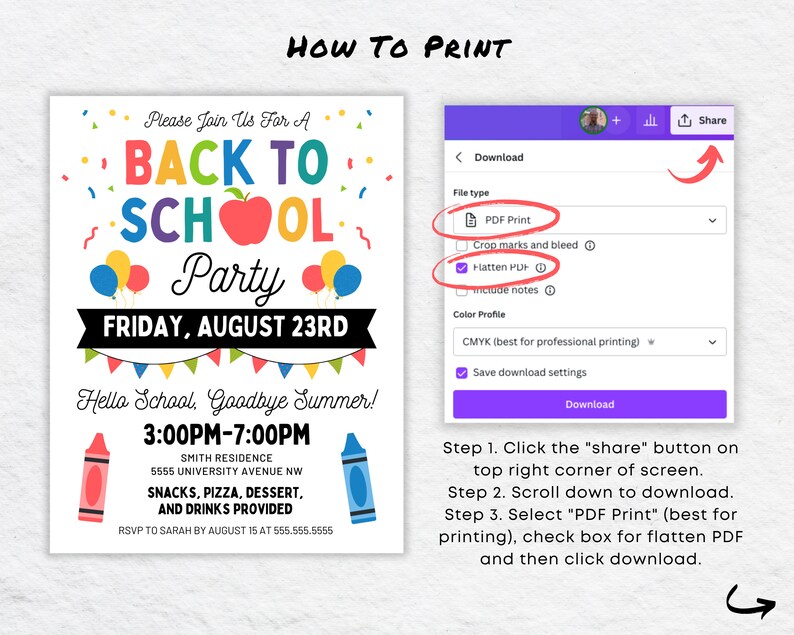
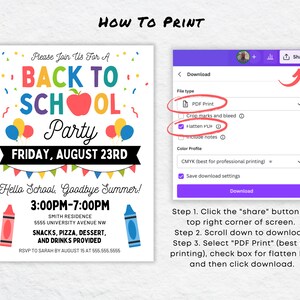
Step 3: PRINTING- Download your completed design as 'PDF Print' for the best print quality.
- Click on 'Share', then 'Download', and select 'PDF Print' from the dropdown menu.
- For 5x7 inch prints, ensure you check the box for "crop marks and bleeds" before downloading.
- Open the downloaded PDF file and print it from your computer or send it to a professional printer.
FREQUENTLY ASKED QUESTIONS:
Q: Canva: What is it?
A: Canva is a free, intuitive online graphic design tool. You can edit, download, and print designs using a free Canva account.
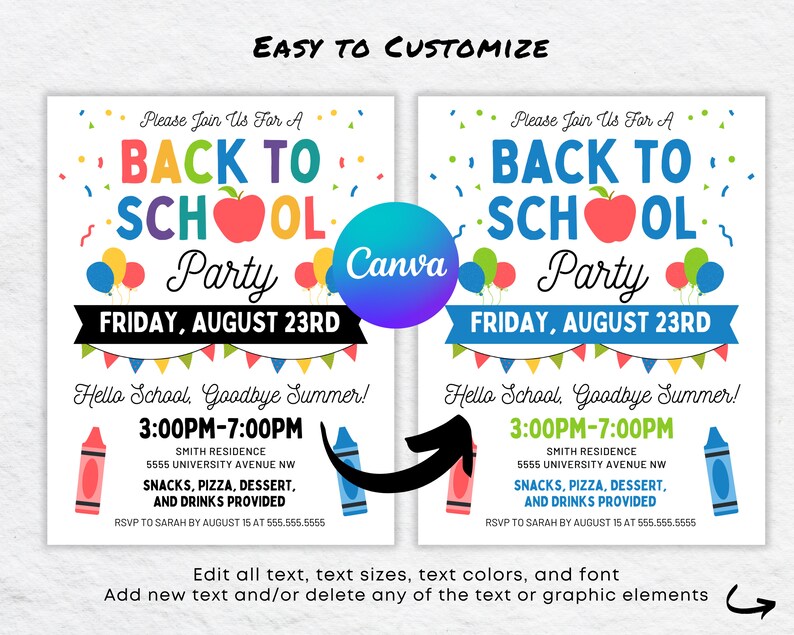
Q: Is the text editable?
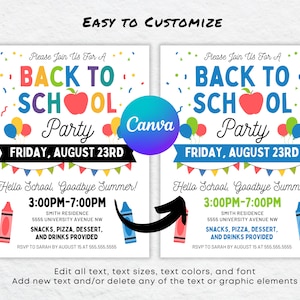
A: Yes, you can fully edit the text, change fonts, colors, and sizes.
Q: Can I add new text?
A: Absolutely! Add new text by creating a new text box in your template.
Q: What are the limitations?
A: The orientation and size of the template are fixed. Although some graphics can be deleted, their colors may not be changeable
Paper and Printer Recommendations
- Use bright white 20# paper, or 80# cardstock if your printer can handle it.
- A laser or inkjet printer is recommended, or use a local print service like Office Max, Fed Ex, or the UPS store.
Q: Can I send this design digitally?
A: Yes, download as 'JPG' for digital sharing or social media use.
Q: How do I save my design?A: Canva automatically saves designs every few seconds after edits. Make sure the save icon is displayed on the menu bar before you close your design. If you notice that your changes are not auto-saving: Go to 'file' then select 'save'.
Q: How many times can I edit and print?
A: As many as you like! Canva saves your progress, so you can return to your design anytime by logging into Canva.
Q: How can I reaccess my file to continue editing and printing?
A: Log in to your free Canva account. Your design should appear on your Canva home screen under "Recent Designs."
IMPORTANT:
- Due to the nature of digital downloads, refunds, exchanges, or cancellations are not possible once files are downloaded.
- All files are copyrighted by Planner Pat Printables LLC and are for personal use only.
MISSION STATEMENT:
We are dedicated to crafting beautifully designed printables that blend high-quality aesthetics with user-friendly customization while delivering an excellent customer experience.
NEED ASSISTANCE?
For any questions or support with editing, downloading, or printing please don't hesitate to reach out to me directly via Etsy messaging. Ensuring your satisfaction is my top priority!
Instant Download
Your files will be available to download once payment is confirmed. Here's how.
Instant download items don’t accept returns, exchanges or cancellations. Please contact the seller about any problems with your order.
Etsy Purchase Protection
Shop confidently on Etsy knowing if something goes wrong with an order, we've got your back for all eligible purchases —
see program terms

Captcha failed to load. Try using a different browser or disabling ad blockers.
Be the first to review this item

This seller usually responds within a few hours.
Speedy replies Has a history of replying to messages quickly.
Rave reviews Average review rating is 4.8 or higher.
More from this shop
Visit shop-
Digital download
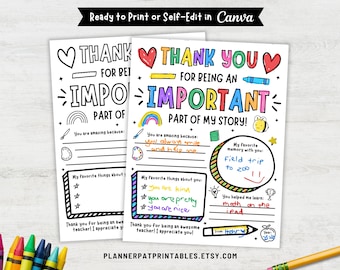
Teacher Thank You Coloring Page: DIY Appreciation Gift (Editable Canva Template and Printable PDF)
Sale Price $1.97
Original Price $3.29
-
Digital download
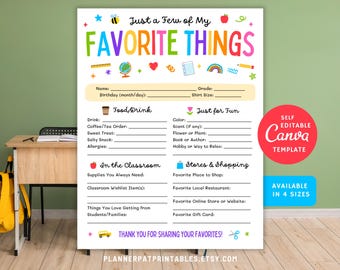
Teacher Favorite Things List: Appreciation Gift Questionnaire (Printable PDF Canva Template)
Sale Price $1.97
Original Price $3.29
-
Digital download
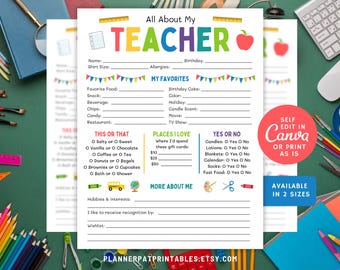
All About My Teacher Printable, Favorite Things Questionnaire, Ready to Print PDF
Sale Price $1.97
Original Price $3.29
-
Digital download
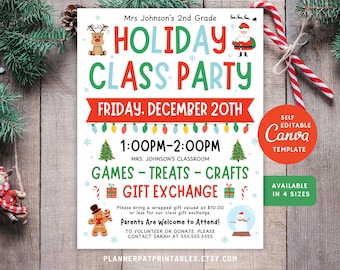
Editable Christmas Class Party Invite, Elementary School Flyer Template, Canva
Sale Price $5.99
Original Price $9.99
-
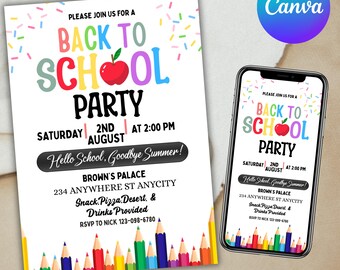
Digital download
Back to School Party Invitation, Front and Back, Text, Teen Kid Boy Girl School Party, We Out End of Year Invitation, Canva Editable
Sale Price $1.99
Original Price $3.99
-
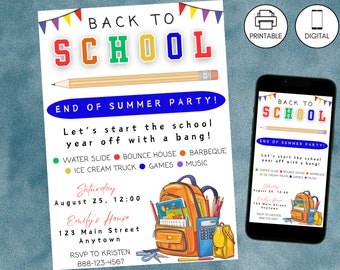
Digital download
Back to School Bash Party Invitation, Goodbye Summer Hello School, End of Summer Celebration Invite, Instant Download, Kids Digital Invite
$11.00
-
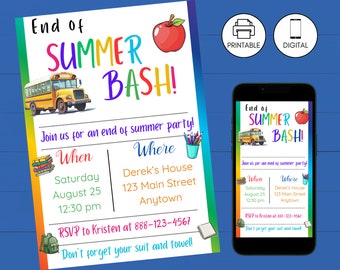
Digital download
End of Summer Bash Party Invitation, Goodbye Summer Hello School, Back to School Kids Celebration Invite, Instant Download, Digital Invite
$11.00
-
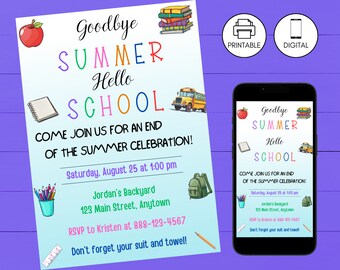
Digital download
Back to School Bash Party Invitation, Goodbye Summer Hello School, Kid End of Summer Celebration Invite, Instant Download, Digital Invite
$11.00
-
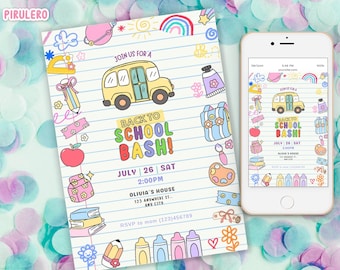
Digital download
Back to School Party Invitation Template, Back to School Bash Invite, End of Summer Celebration Invite, End of Summer Party Goodbye Summer
Sale Price $2.99
Original Price $4.60
-
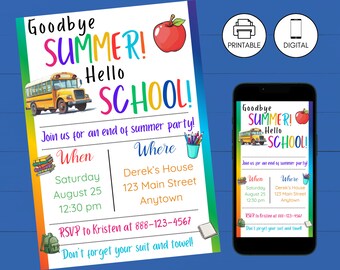
Digital download
Back to School Bash Party Invitation, Goodbye Summer Hello School, End of Summer Kids Celebration Invite, Instant Download, Digital Invite
$11.00


Looking for more? Find it on Etsy