

Price:$33.11
Lifestyle Content Creator Notion Workspace: 2026 Planner
You can only make an offer when buying a single item
Highlights
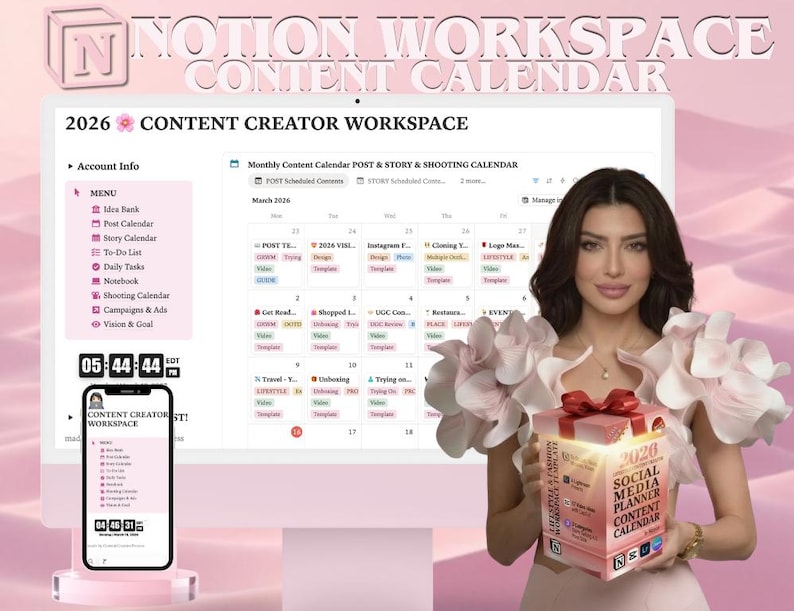
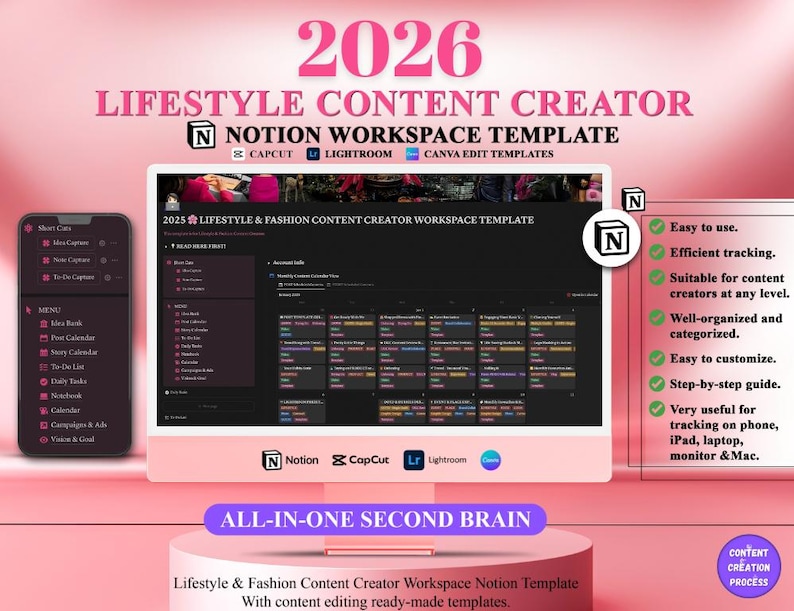
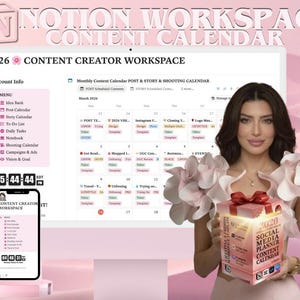
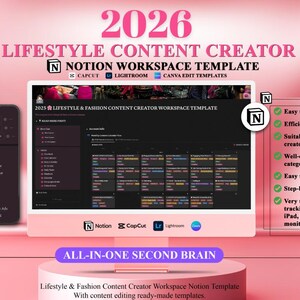
🌟 Lifestyle & Fashion Content Creator Notion Workspace Template 🌟
✨ Ultimate Synchronization - All-in-One Second Brain ✨
🌸 2026 Lifestyle & Fashion Content Creator Workspace Template 🌸
💡 What’s Included?
A fully customizable Notion workspace with a step-by-step guide to help you navigate!
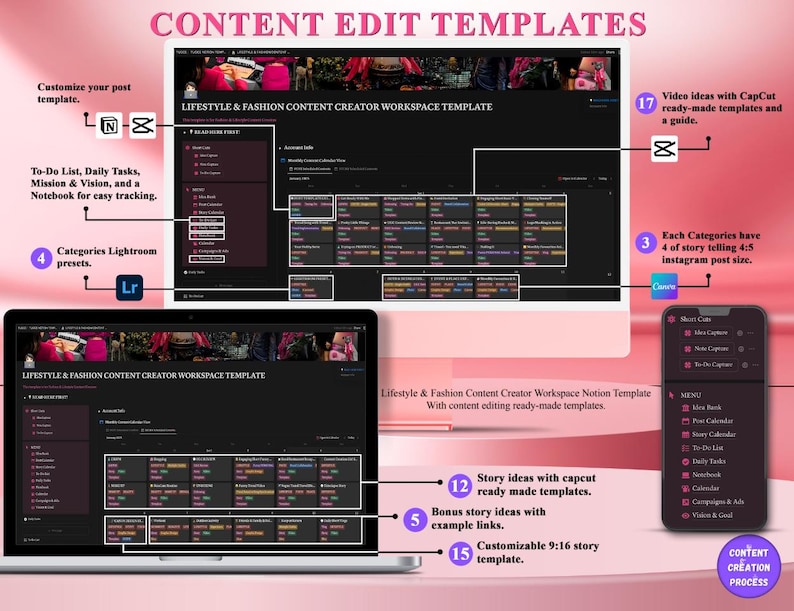
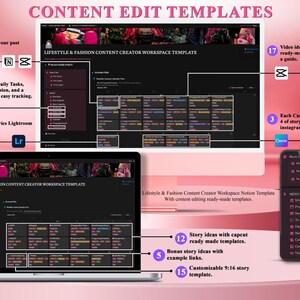
🎥 Content Edit Templates:
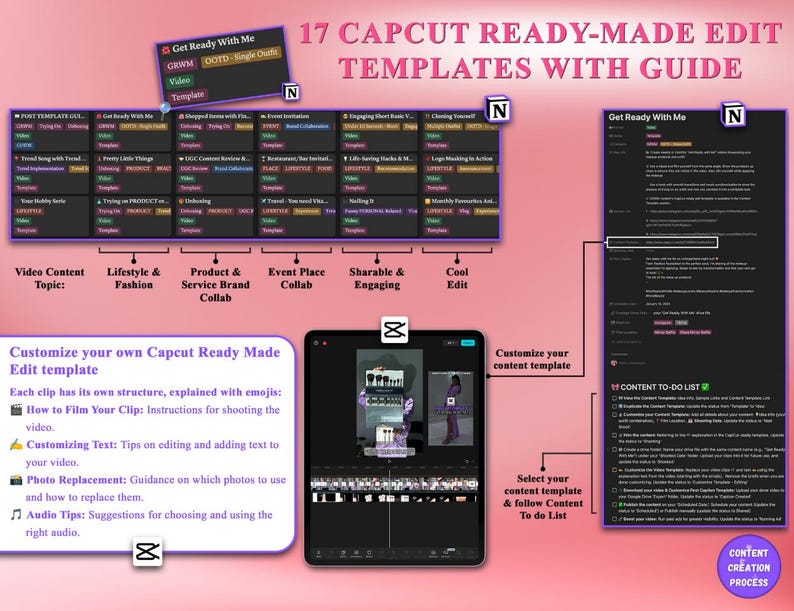
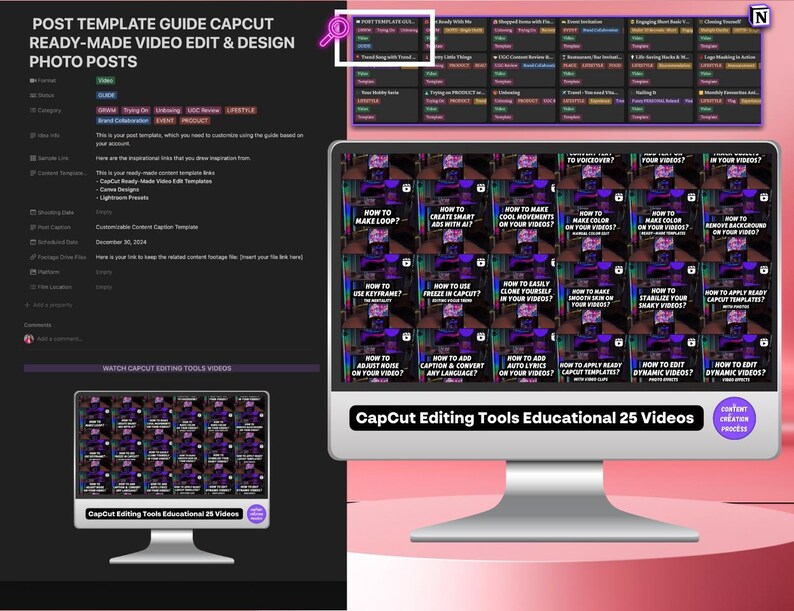
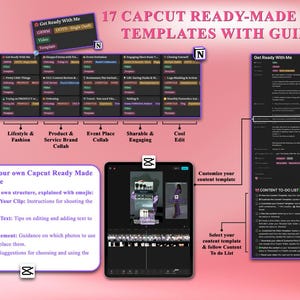
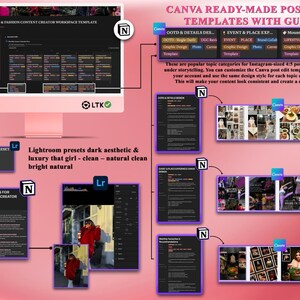
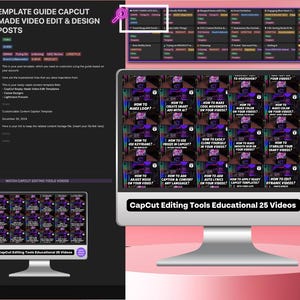
17 Popular Topics: CapCut ready-made video edit templates with a guide.
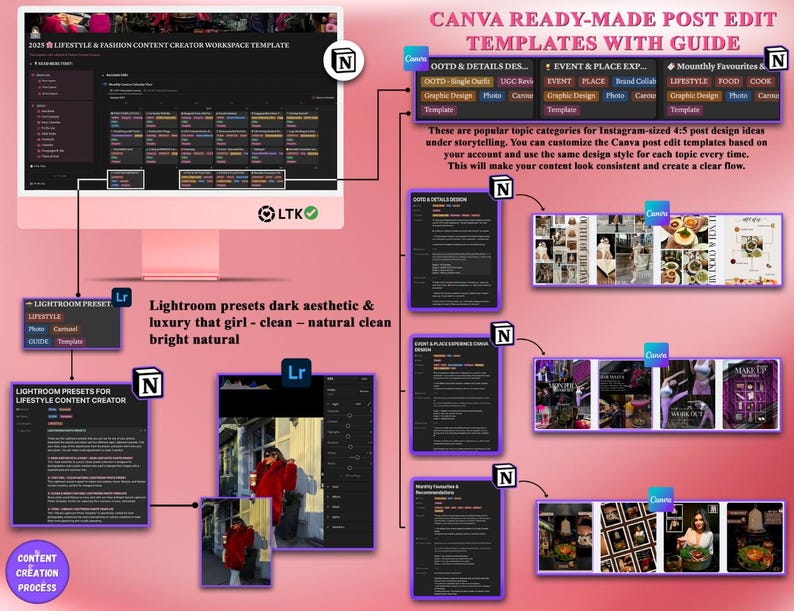
🖌️ 3 Popular Categories: Four storytelling Canva designs.
🎨 4 Popular Categories: Lightroom presets.
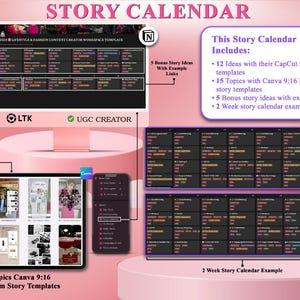
🎬 12 Popular Story Ideas: Video edit templates included.
📖 15 Story Ideas: Canva templates perfect for UGC and LTK creators.
🚀 Step-by-Step Journey
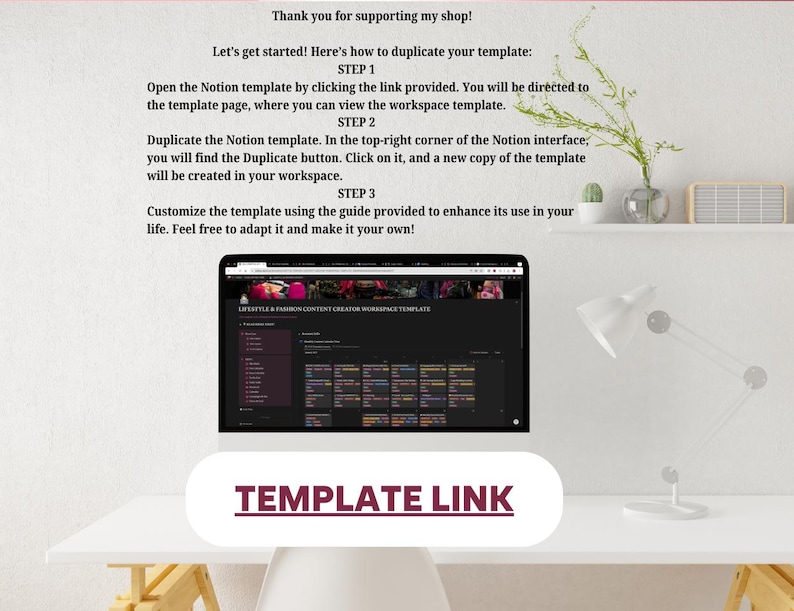
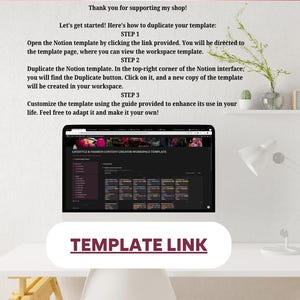
✔️ Step 1: Duplicate the Notion template. After purchase, you’ll receive a PDF document with the template link.
✔️ Step 2: Replace the cover picture and customize the Account Info.
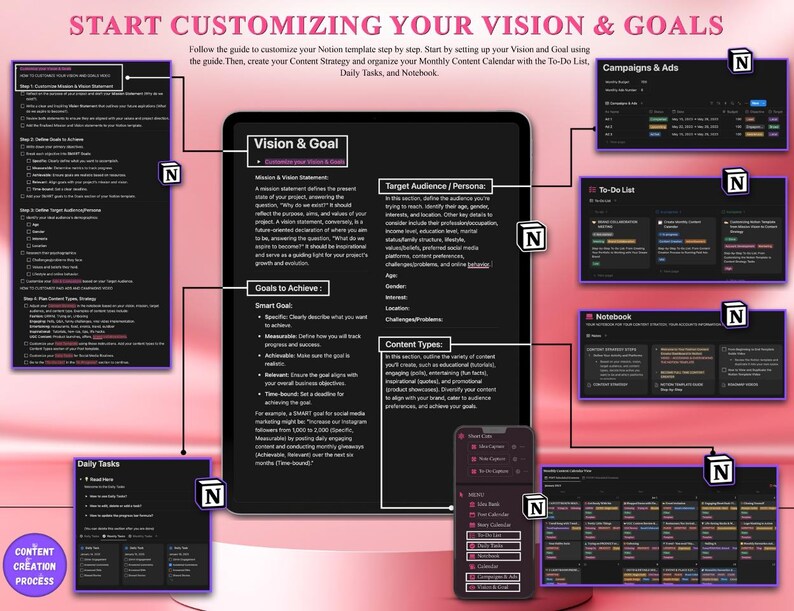
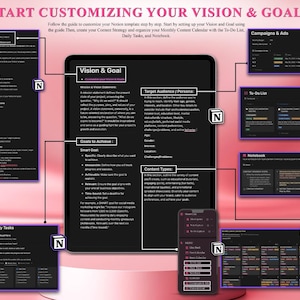
✔️ Step 3: Go to the menu and personalize your Vision and Goals based on your account.
You will start your Notion template from the main section: Vision and Goal.
We provide step-by-step instructions for customizing your vision and goal, helping you build and define your account's identity.
🎥 WATCH HOW TO CUSTOMIZE YOUR VISION AND GOAL
https://www.youtube.com/watch?v=QOaVkCi3-SA&t=1s
✔️ Step 4: Once you've completed the steps, you can customize your ads and campaigns based on your target audience. Customize your Ads & Campaigns to align with your Target Audience.
✔️ Step 5: Customize your Daily Tasks to align with your social media routines. The guide videos for daily tasks are available here. Organize your Daily Tasks for Social Media Routines.
🎥 Watch How to Use the Daily Tasks Video
https://www.youtube.com/watch?v=GgL7vifB3ho
✔️ Step 6: Next, you will decide your content types by customizing your Content Strategy. Build your Content Strategy notebook.
✔️ Step 7: Customize your post template based on your Content Strategy.
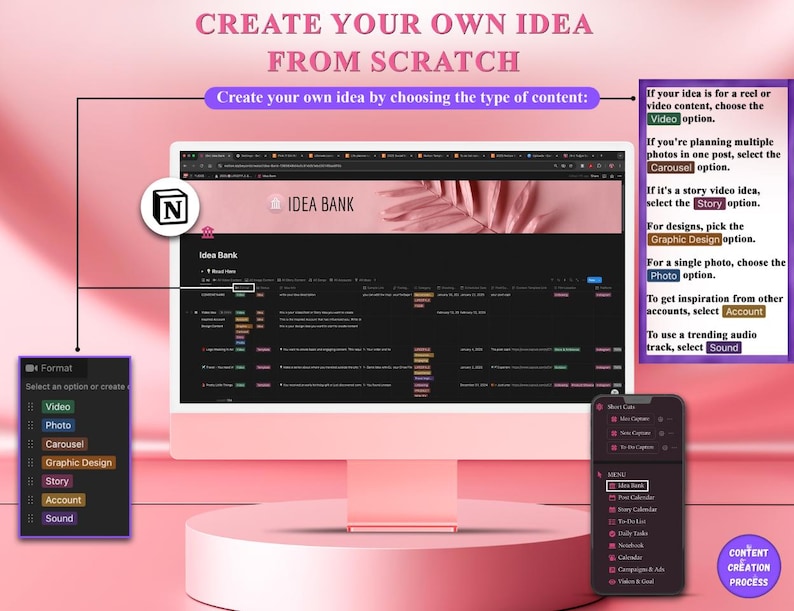
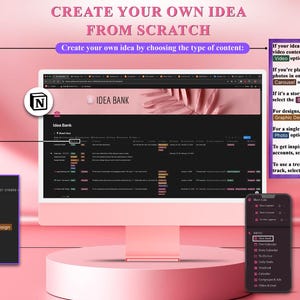
✔️ Step 8: Go to the Idea Bank and generate your own ideas by filling in the content details.
Click on the Idea Bank to create an idea from scratch.
Carefully read the instructions on how to use the Idea Bank.
Let’s create a content idea. While customizing the post template, decide your content type and select the options that align with your idea:
If your idea is for a reel or video content, choose the "Video" option.
If it's a story video idea, select the "Story" option.
For a single photo, choose the "Photo" option.
If you're planning multiple photos in one post, select the "Carousel" option.
For designs, pick the "Graphic Design" option.
You can also get inspiration from other accounts or select a trending audio track to enhance your content.
Fill in all the content information.
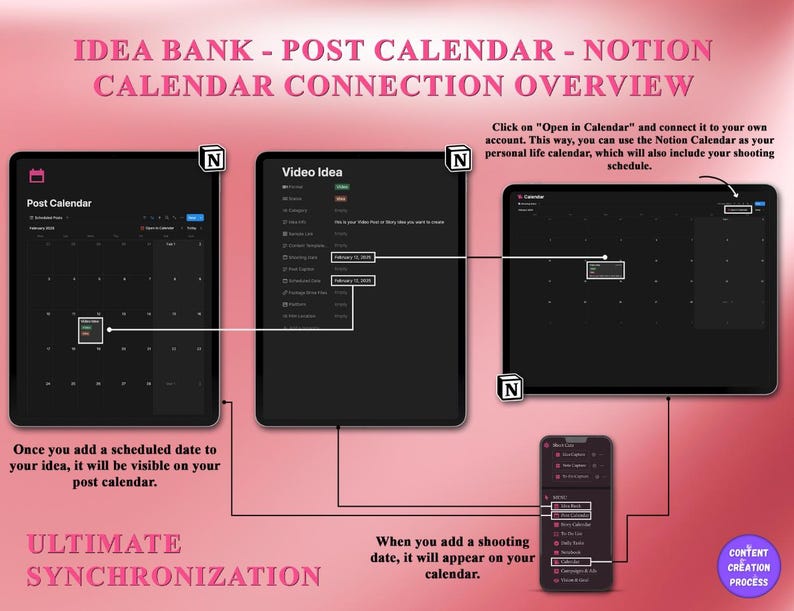
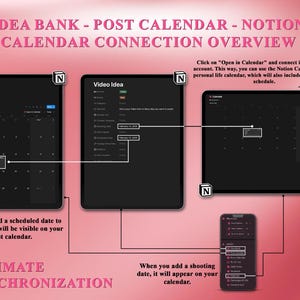
When you add a shooting date, it will appear on your POST CALENDAR.
Click on "Open in Calendar" to connect it to your account.
This way, you can use the Notion Calendar as your personal calendar, which will also include your shooting schedule.
Once you add a scheduled date to your idea, it will be visible on your CALENDAR!
🎥 Watch How to Use the Idea Bank Video
https://www.youtube.com/watch?v=h5lF-B5auWE
✔️ Step 9: Create your monthly post & story calendar using the templates you have selected and your own ideas.
🎥 Watch How to Use the Post Calendar Video
https://www.youtube.com/watch?v=WF40OPKD7U0
Here is your post calendar where you can plan and track all your posts.
Based on your content strategy, decide how active you want to be each week and determine the types of content to create. Update this information under "Account Info" on the Main Page. For example, you can plan three videos, one carousel photo, and one multi-design post from Monday to Friday.
Take a look at the ready-made templates available on different topics and styles.
View detailed content ideas for various types and formats.
Check the content templates provided for each post.
You can click the content link to access the ready-made content edits.
Assign a scheduled date to add this content to your post calendar.
Follow the content to-do list in the post template to ensure your content is completed.
🎥 Watch How to Use the Story Calendar Video
https://www.youtube.com/watch?v=a_9ED0dkZr4
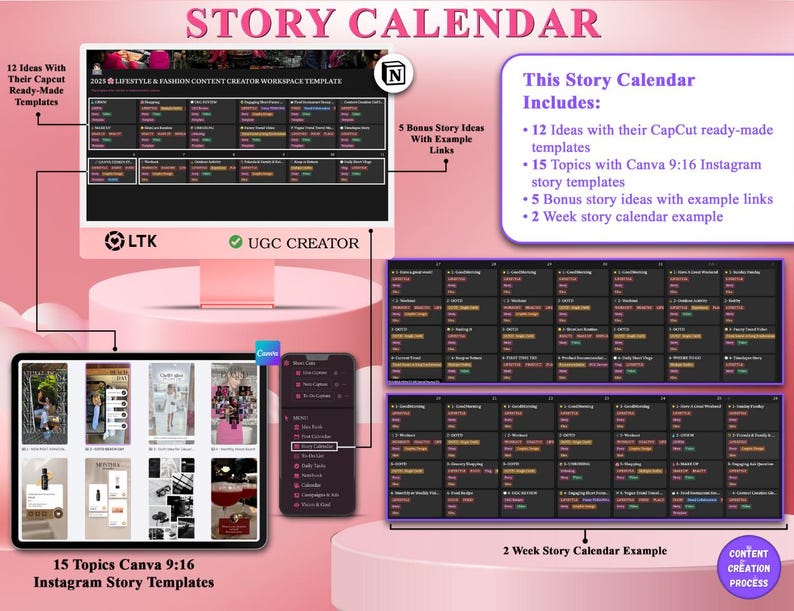
Take a look at the 12 popular story ideas with video edit templates, 15 story ideas with Canva templates. Additionally, there are 5 bonus story ideas with inspirational links.
For monthly scheduling of your story content calendar, we suggest using the story calendar to create consistent and concept-based story journeys.
Select a few styles of content types and use them regularly.
Here are some examples:
Good Morning Theme Story: Add your daily tasks provided by templates to your "Good Morning" story. Share your tasks every morning as part of your routine.
Workout Story: Share your workout lists whenever you go to the gym. Make this a regular feature of your story content.
GRWM (Get Ready With Me): Before going out, create a "GRWM" themed story. Use the same concept consistently to create a recognizable style.
OOTD (Outfit of the Day): If you're a fashion creator, choose an "Outfit of the Day" template. Each time, create stories in the same style, showcasing the items you’ve combined in your look.
After selecting your specific story styles, add them to your story calendar based on your daily life.
As shown in the 2-week story plan example, decide on your specific stories and plan them in your calendar. Create your stories under these concepts.
Feel free to create spontaneous stories in your daily life as a lifestyle content creator. Just focus on consistently producing certain content while keeping the rest of your stories natural, fun, and authentically YOU!
✔️ Step 10: Create your monthly calendar using the templates you have selected and your own ideas.
✔️ Step 11: Finally, continue by setting up your workspace and working through your to-do list.
🎥 Watch How to Use the To-Do List Video
https://www.youtube.com/watch?v=8RD1ETyheIE
✨ Perfect for Lifestyle & Fashion Creators!
Whether you're an aspiring content creator or a seasoned professional, this template will help you stay organized, aligned, and consistent in your journey.
📂 Get ready to create, strategize, and grow effortlessly!
DISCLAIMER
These products are intended for personal use only. While you may add your own branding for your customers, reselling, redistributing, or sharing any modified version of this template is strictly prohibited.
Due to the digital nature of these products, refunds are not available. If you have any questions or concerns prior to purchase, please feel free to contact me—I’m happy to assist!
Contact Us If you want us to customize the template for you!
INSTAGRAM LINK: https://www.instagram.com/contentcreationprocess?igsh=MWpta25yOHpka3J4bw==
Instant Download
Your files will be available to download once payment is confirmed. Here's how.
Instant download items don’t accept returns, exchanges or cancellations. Please contact the seller about any problems with your order.
Etsy Purchase Protection
Shop confidently on Etsy knowing if something goes wrong with an order, we've got your back for all eligible purchases —
see program terms

Reviews for this item
This content creator planner and edit template set has been a game changer! It's incredibly easy to use and customize for my social media accounts. I use it to create and follow a monthly content plan, and everything stays organized in one clean workspace. The editing templates are super helpful — they provide a clear structure and all I need to do is drop in my own clips. It saves me so much time and keeps my content looking consistent and professional. Highly recommend for any creator looking to stay on track and level up their content!
Very useful! I am using this as my life planner and content planner. I customized my financial expenses and personal life plan on the Notion calendar. I set my daily tasks and to-do list bery efficiently! The content plan is very useful as it integrates your ideas with your shooting calendar and helps you stay organized. Every section is well-structured and easy to specify. Everything is smoothly filtered and works well together. Very useful on Iphone, Ipad and computer! It allows you to customize everything to create a personalized and aesthetically pleasing design. I absolutely recommend it! It makes planning effortless and super efficient.
I am a Toronto-based influencer and TikToker - @yagmuronerr. The Content Planner is very useful. I plan my content on my calendar, breaking down the process into daily tasks and a topic-based to-do list. I check off my to-do list from my phone and plan everything in my Notion workspace on my computer. Everything is seamlessly synchronized filter-based! Highly recommended for any level of content creator!
I am using this workspace template for my hair business, GlowGetterHair. I track my posts and story calendar easily here. It's useful on mobile for making to-do lists and managing my daily tasks. Being able to see the distribution of all posts helps me maintain balance and ensure the right content flow throughout the process. this system allows me to create consistent content without feeling overwhelmed. The harmony within it frees you from manual tasks and enables you to manage everything digitally with ease.
Photos from reviews

More from this shop
Visit shop-
Digital download
2026 Social Media Content Planner: Notion, Canva, CapCut Templates FOR CREATORS
$5.89
-
Digital download
Notion Content Planner: Social Media Workspace (Digital Download)
$18.39
-
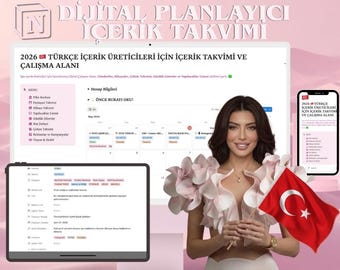
Digital download
Türkçe Turkish Content Creator Notion Workspace: Digital Planner (Digital Download)
$11.04
-
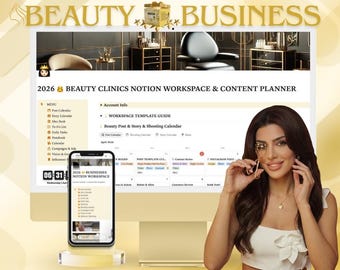
Digital download
BEAUTY Industry Notion Workspace Template & Social Media Content Calendar with 1 Month Content Plan with Capcut and 500+ Canva Templates
$13.98
-
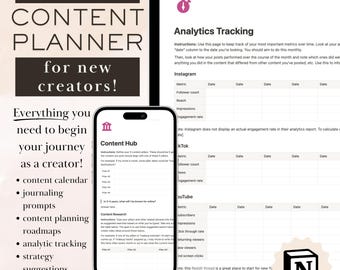
Digital download
The ULTIMATE Content Calendar and Planner for New Creators | Notion Content Calendar and Planner | Content Strategy and Growth Planner
$10.00
-
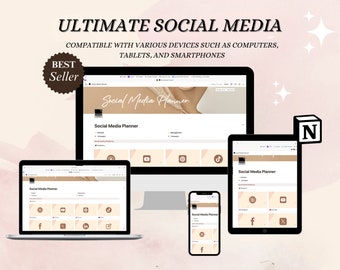
Digital download
Notion Template Social Media Planner | Digital Content Creator Template | Ultimate Creator Planner | Social Media Content Calendar
$15.00
-
Digital download
Social Media Planner | Notion Template | Ultimate Creator Planner | Social Media Content Calendar | Digital Content Creator Template
$2.50
-
Digital download
Notion Social Media Content Planner Template: All-in-One Marketing Dashboard for Content Creators (Digital Download)
$17.85
-
Digital download
Content Planner Notion Template| Creator Content Hub| Social Media Content Calendar
Sale Price $11.36
Original Price $22.73
-
Digital download
Notion Content Planner Template: Content Creation & Tracker (Digital Download)
$2.17
-
Digital download
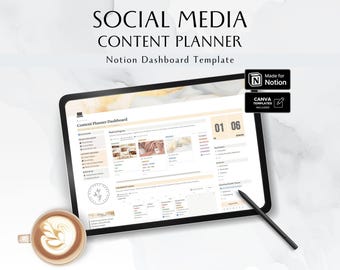
Social Media Content Planner Notion Template, UGC Content Creator Dashboard, Brand Strategy, Instagram Account Audit, Calendar, BBN04
$18.08
-
Digital download
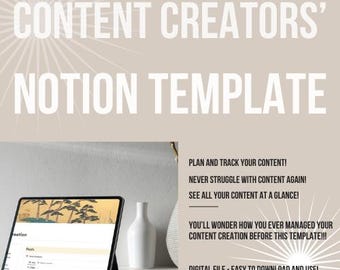
Notion Content Planner Template: Content Creation & Tracker (Digital Download)
$2.17
-
Digital download
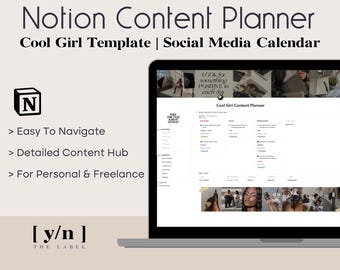
Cool Girl Content Planner | Notion Template | Social Media Calendar | Instagram, TikTok, YouTube, Facebook, UGC Batch Creation
$5.89
-
Digital download
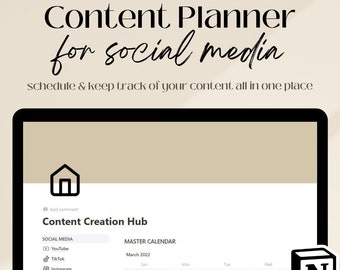
Notion Social Media Content Planner Template (Digital Download)
$11.54
-
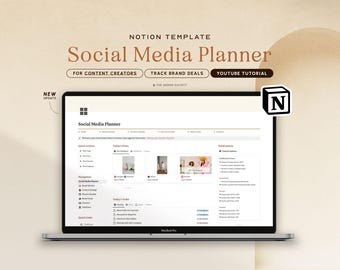
Digital download
Notion Template Social Media Planner, Content Planner for Influencers Content Creators, Content Calendar Notion, Instagram Youtube Planner
Sale Price $9.95
Original Price $14.21
-
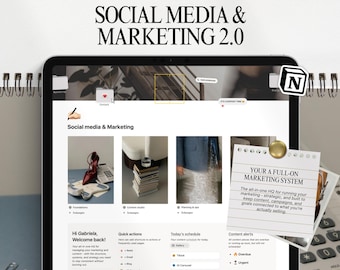
Digital download
Notion Social Media Planner Template, Content Marketing Dashboard
Sale Price $26.77
Original Price $35.70


