







Price:$32.09
Original Price: $42.79
25% off
Limited time sale
MONPORT 20W Fiber Laser Lightburn Library 37 Material Settings +BONUS +Hotkey Cheat Sheete
Star Seller
Star Sellers have an outstanding track record for providing a great customer experience—they consistently earned 5-star reviews, shipped orders on time, and replied quickly to any messages they received.
You can only make an offer when buying a single item
Star Seller. This seller consistently earned 5-star reviews, shipped on time, and replied quickly to any messages they received.
Highlights
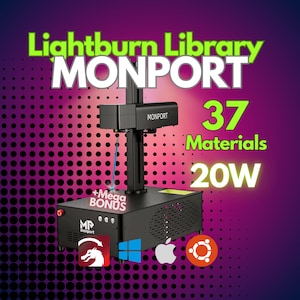
Maximize Your Laser Engraving Precision with a Pre-Tuned Lightburn Library
Take your MONPORT 20W fiber laser to the next level with this expertly designed Lightburn Library, optimized for a 110x110mm lens. Whether you're engraving metal, plastic, or coated surfaces, this pre-configured material settings file ensures you get the best results with minimal trial and error.
🔥 Key Features & Benefits:
✅ Designed for MONPORT 20W Fiber Lasers – Specifically optimized for 20W machines to deliver high-contrast, detailed engravings.
✅ 110x110mm Lens Compatibility – Perfectly calibrated for optimal focus and precision on a 110x110mm field size.
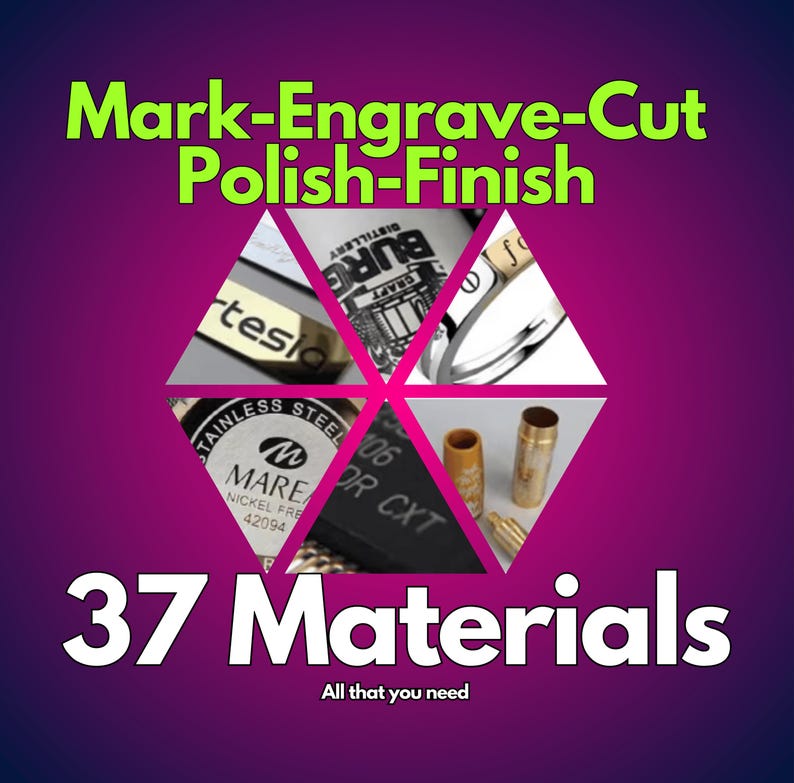
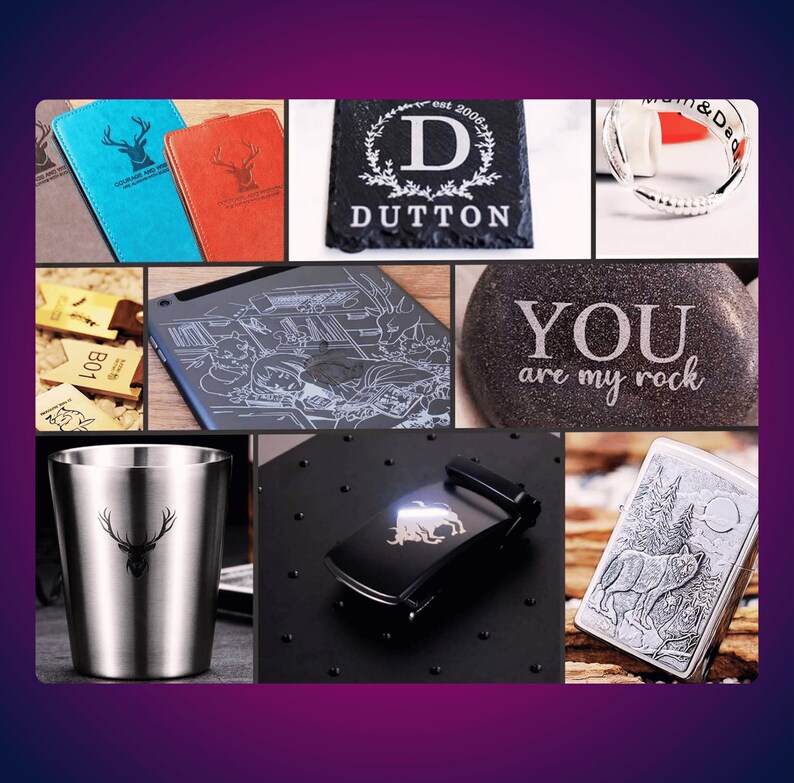
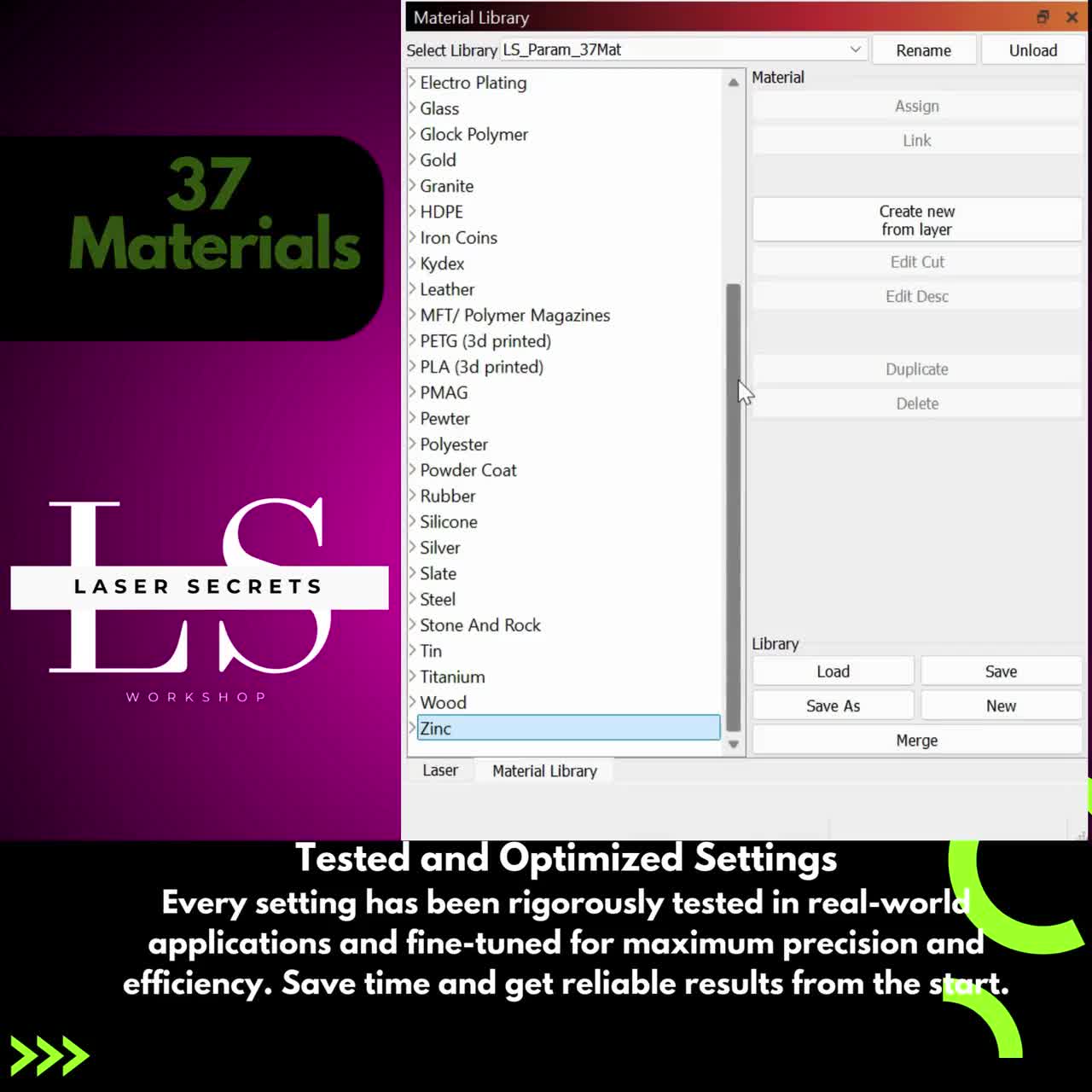
✅ 37 Pre-Tuned Material Settings – Engrave and mark a wide variety of materials, including stainless steel, aluminum, brass, anodized metals, plastics, and more.
✅ Lightburn-Ready File – Easily import and apply these settings in Lightburn for a smooth and efficient engraving workflow.
✅ Bonus Included! – Get an exclusive Lightburn Hotkey Cheat Sheet for faster navigation and increased productivity.
✅ Compatible with Windows, Mac & Linux – Works seamlessly across different operating systems for maximum convenience.
🛠️ Supported Materials (37 Settings Included):
This Lightburn Library includes tested and optimized parameters for:
✔ Metals: Stainless Steel, Aluminum, Brass, Titanium, Copper, Anodized Aluminum, Coated Metals
✔ Plastics: Acrylic, ABS, Polycarbonate, Delrin, PVC, PETG
✔ Other Materials: Painted Surfaces, Powder-Coated Metals, Leather, Wood (surface marking), Stone
Each material setting has been carefully calibrated to ensure optimal speed, power, and frequency settings, so you can achieve high-quality, repeatable results without guesswork.
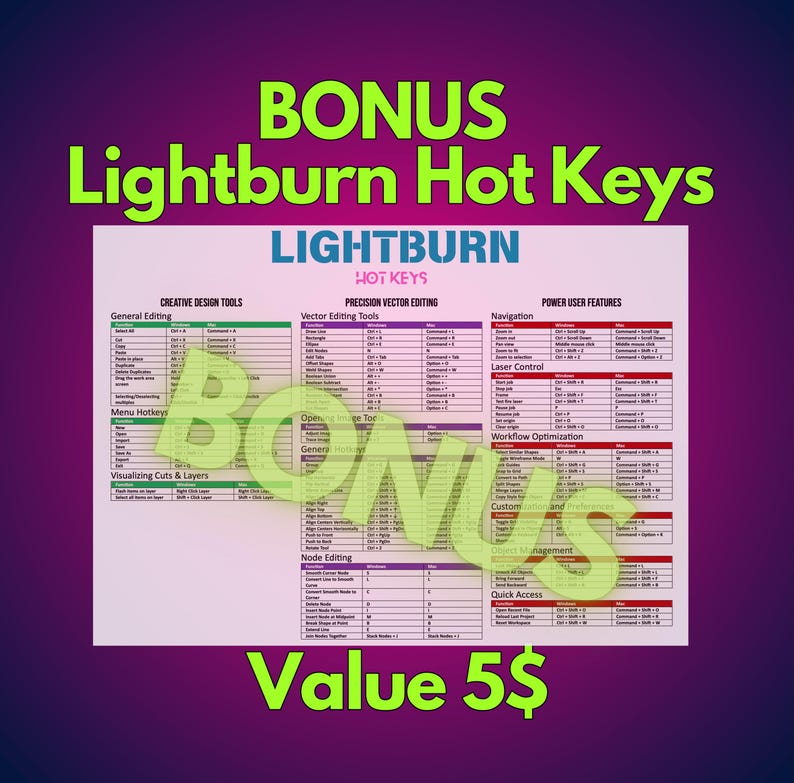
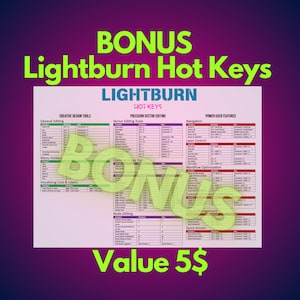
🎁 BONUS: Lightburn Hotkey Cheat Sheet
To help you work faster and more efficiently, we’ve included a handy list of Lightburn hotkeys so you can quickly access essential features without searching through menus!
🔥 Essential Lightburn Hotkeys for Faster Workflow
This cheat sheet is perfect for beginners and advanced users, helping you speed up your design and engraving process!
💡 Why Use This Lightburn Library?
🔹 Saves Time & Materials – No need to manually adjust settings for each material; just import, select, and engrave.
🔹 Improves Engraving Quality – Get darker marks, sharper details, and consistent results with pre-tuned parameters.
🔹 Perfect for Beginners & Experts – Whether you're new to fiber lasers or a seasoned professional, this library makes engraving faster and easier.
🔹 BONUS Productivity Boost – With the included Lightburn Hotkey Cheat Sheet, you’ll be able to design and engrave even faster!
📥 Instant Download & Easy Installation
Once purchased, you'll receive an instant download link with:
✅ The Lightburn Library file (pre-tuned settings for 37 materials)
✅ A detailed installation guide
✅ BONUS: Lightburn Hotkey Cheat Sheet (PDF)
🛒 Upgrade your laser engraving efficiency today with this must-have Lightburn Library for MONPORT 20W fiber lasers!
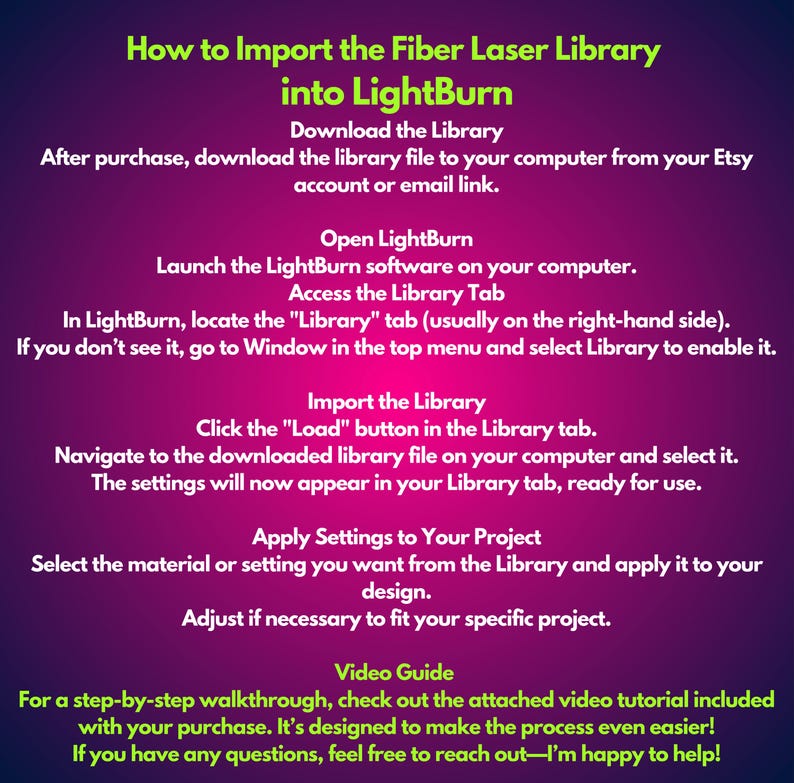
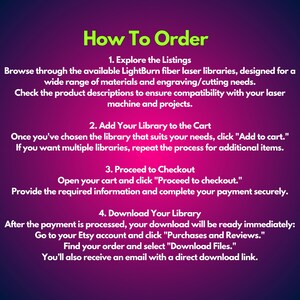
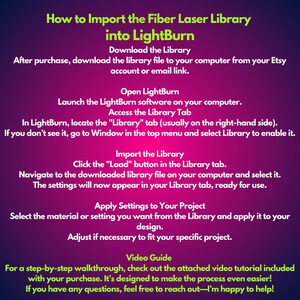
How to Install
1. Unzip the File
- This is a .zipped (compressed) file. You will need to unzip (decompress) it before proceeding.
2. Open LightBurn
- Launch the LightBurn software on your computer.
3. Locate the 'Library' Tab
- In LightBurn, go to the Library tab located in the bottom right, near the Laser tab.
4. Load the Library
- Click on the Load button in the Library tab.
- Navigate to the unzipped .clb library file on your computer and select it.
5. Done!
- Your library is now installed and ready to use.
Note: This library WILL NOT INSTALL IN TRIAL VERSIONS of LightBurn. Make sure you are using a licensed version of the software.
If you encounter any issues, feel free to reach out for assistance!
❗ License Notice: This LightBurn library is provided for personal use only. Commercial use, including resale, redistribution, or use in client projects, is strictly prohibited.
By purchasing or downloading this product, you agree not to share, sell, or distribute it in any form.
Instant Download
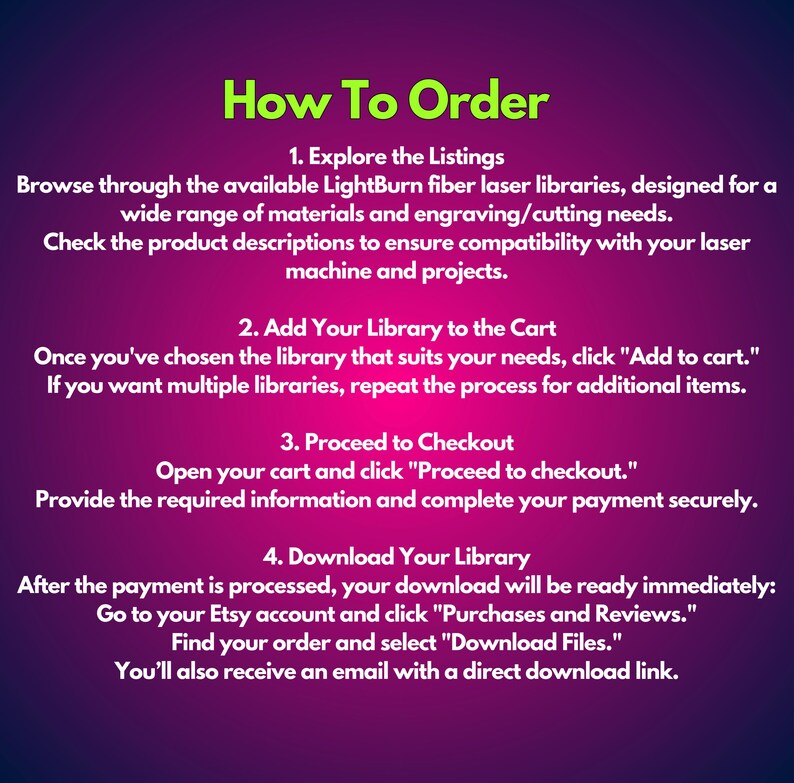
Your files will be available to download once payment is confirmed. Here's how.
Instant download items don’t accept returns, exchanges or cancellations. Please contact the seller about any problems with your order.
Etsy Purchase Protection
Shop confidently on Etsy knowing if something goes wrong with an order, we've got your back for all eligible purchases —
see program terms

Reviews for this item

as advertised, great follow up!
This was great. Above expectations!
I'm new to LightBurn and a fiber laser but I was really pleased with this library. I've used only a few of the materials so far and they worked great.

Speedy replies Has a history of replying to messages quickly.
Rave reviews Average review rating is 4.8 or higher.
More from this shop
Visit shop-
Digital download
ComMarker Omni1 UV5W Laser Engraver Lightburn Library 53 Materials Settings–5 Lens Vol1+Vol.2 + BONUS! Best For Quality Engraving
Sale Price $80.70
Original Price $107.59
-
Digital download
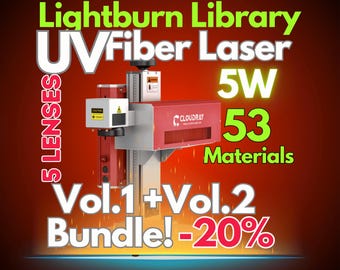
5W UV Fiber Laser Lightburn Library: 53 Material Settings (Digital Download)
Sale Price $80.70
Original Price $107.59
-
Digital download
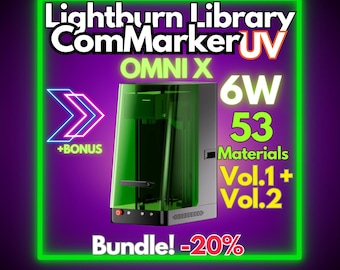
ComMarker Omni X UV 6W LightBurn Material Library: 53 Tested Presets (Digital Download)
Sale Price $89.86
Original Price $119.82
-
Digital download
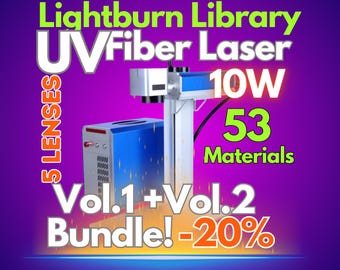
10W UV Fiber Laser LightBurn Library: 53 Material Settings (Digital Download)
Sale Price $80.70
Original Price $107.59
-
Digital download
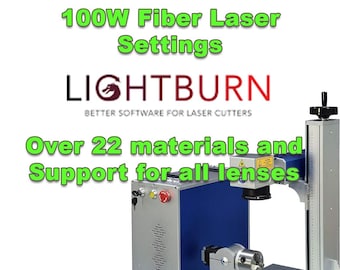
100W Fiber Laser LightBurn Library: Engraving Settings for Diverse Materials (Digital Download)
$29.99
-

Digital download
30W Fiber Laser LightBurn Library: Engraving Settings for Metals & More (Digital Download)
$29.99
-
Digital download
60W Fiber Laser LightBurn Library: Engraving Settings for Metals, Polymers (Download)
$29.99
-
Digital download
OMTech 30W Fiber Laser Lightburn Material Library (Digital Download)
$4.99
-
Digital download
Monport 40W CO2 Laser Lightburn Cut Library
$4.99
-
Digital download
Monport 100W CO2 Laser Lightburn Cut Library
$4.99
-
Digital download
50W Fiber Laser LightBurn Library: Engraving Settings for Metals, Polymers (Digital Download)
$34.99
-
Digital download
Monport 100W CO2 Laser | LightBurn Materials Library Optimized – 50+ Materials | Engrave & Cut Settings | Digital Download
$12.23
-
Digital download
Monport 130W CO2 Laser | LightBurn Materials Library Optimized – 50+ Materials | Engrave & Cut Settings | Digital Download
$12.23
-
Digital download
MONPORT Mega 70W CO2 Laser | Optimized LightBurn Materials Library–50+ Materials | Engrave & Cut Settings | Digital Download
$17.12
-
Digital download
Monport 130W CO2 Laser Lightburn Cut Library
$4.99
-
Digital download
Lightburn Material Library for a 20W Fiber Laser with a 110 Lens
$2.95


Looking for more? Find it on Etsy